Answer
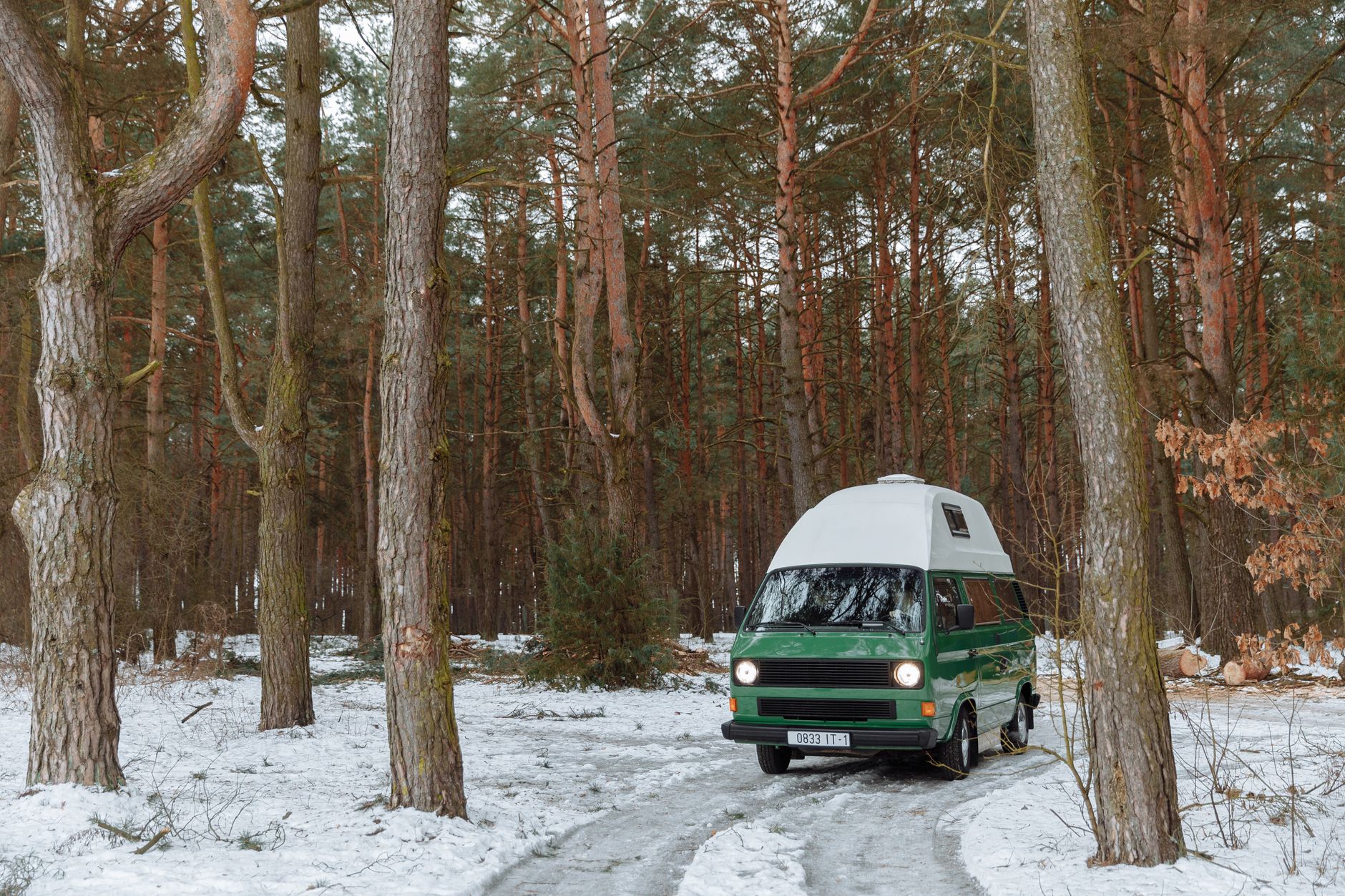
What can I do if trees block Starlink at my campsite?
First check whether the app identifies obstructions at the chosen position. A wooded pitch may be attractive but unsuitable for a dependable satellite connection.
Try a practical decision sequence:
- Check another safe location within the permitted pitch.
- Consider the final dish height and cable reach.
- Ask the campsite about a more open pitch or authorised equipment area.
- Test your essential activity after repositioning.
- If there is still no suitable view, switch to a backup or work offline.
Do not put the dish on an unstable stack, climb trees or run cables across someone else's space to chase a connection. An extra indoor Wi-Fi node cannot fix an obstruction between the dish and the sky.
For future bookings, ask about open pitches rather than assuming a campsite's advertised internet coverage describes Starlink suitability. Keep notes on locations that worked for your own setup, while recognising that seasonal leaves and parked vehicles can change the result.
Read our related guide: What to Do When Trees Block Starlink at Your Campsite.
Related official guidance: Starlink Standard setup guide.
Reviewed: 23 September 2026. Plan and hardware details should be checked for your country and equipment.
Get One Month of Starlink Free
Order through my referral link and activate your service. Your second month of Starlink service will be free.