What to Do When Trees Block Starlink at Your Campsite
Campervans, Motorhomes & RVs
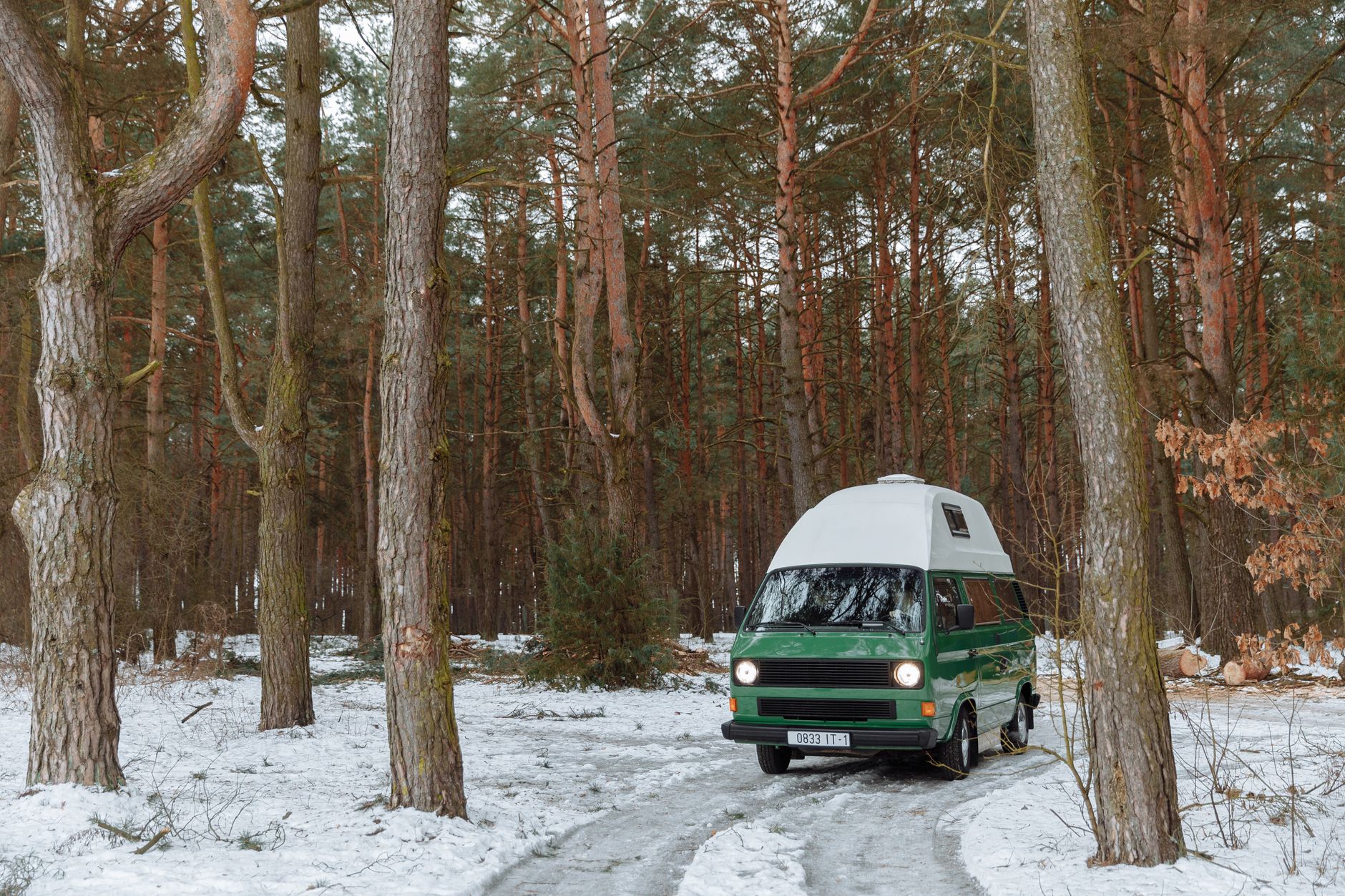
Trees are often the limiting factor when travelling with Starlink. Trying to force a setup through a heavily obstructed view usually produces frustration rather than a dependable connection.
Confirm the obstruction first
Use the app’s obstruction check and look at the direction of the tree cover. A small move across a pitch can sometimes improve the view, but do not assume it will solve a dense canopy.
Reposition only where it is safe and permitted
Choose a stable, clear spot within your allowed area. Avoid ladders, roofs, vehicle routes and ad-hoc poles. Do not compromise safety or campsite rules for a marginal gain.
Change your work plan if needed
If the view remains poor, switch to a mobile backup for essential tasks, work offline or move to a more suitable location. That is often faster than constant reboots and speed tests.
Learn for future stops
Record which type of pitches worked best so you can choose more effectively next time.
Try Starlink with a referral benefit
Order through my referral link and activate service to receive your second month free. Check current availability and terms at checkout.
Get One Month of Starlink Free
Related Starlink guides
- How to Choose a Starlink-Friendly Campsite: Setup and Safety Checklist
- Starlink for Boating: A Guide to Marine Connectivity & Setup
- Starlink for RVs: Setup, Power and Travel Tips
Compare pitch options before unpacking everything
Ask the campsite which areas you may use and whether changing pitch is possible. Assess candidate locations from safe ground-level access. Include the cable route, drainage, pedestrians, vehicles and the risk of equipment being disturbed.
A patch of visible sky is not the same as a suitable view across the terminal's required field. Use the app assessment and then a stable test position. Moving the dish repeatedly every few minutes makes it difficult to learn how one position performs.
Keep satellite reception and indoor Wi-Fi separate
A position farther from the vehicle may improve the dish's sky view while weakening the local Wi-Fi path into the van. Test beside the equipment and then at the seat where you work. That comparison helps distinguish obstruction from local coverage.
Do not solve weak indoor Wi-Fi by placing the dish beneath a tree or vehicle roof. Use the supported networking options for your kit, within its cable and weather-protection requirements.
Decide when to stop adjusting
Before an important call, set a practical cutoff time for troubleshooting. If suitable placement is not available, use a tested mobile connection, the campsite's internet or an offline plan. Having an alternative is more useful than hoping one successful speed test guarantees a long meeting.
Do not cut vegetation, cross another pitch with cables or copy a high tree mount without permission and competent assessment. A travel video illustrates someone else's circumstances, not permission or an installation specification for your campsite.
Record the result for the next trip
Save the pitch position, date, relevant obstruction information and the activities that worked. Note seasonal foliage and where the equipment could be placed safely. Use that record when booking similar sites, but assess the new location afresh.
Reference: Starlink obstruction-map guidance. Campsite decision checklist added 26 September 2026.