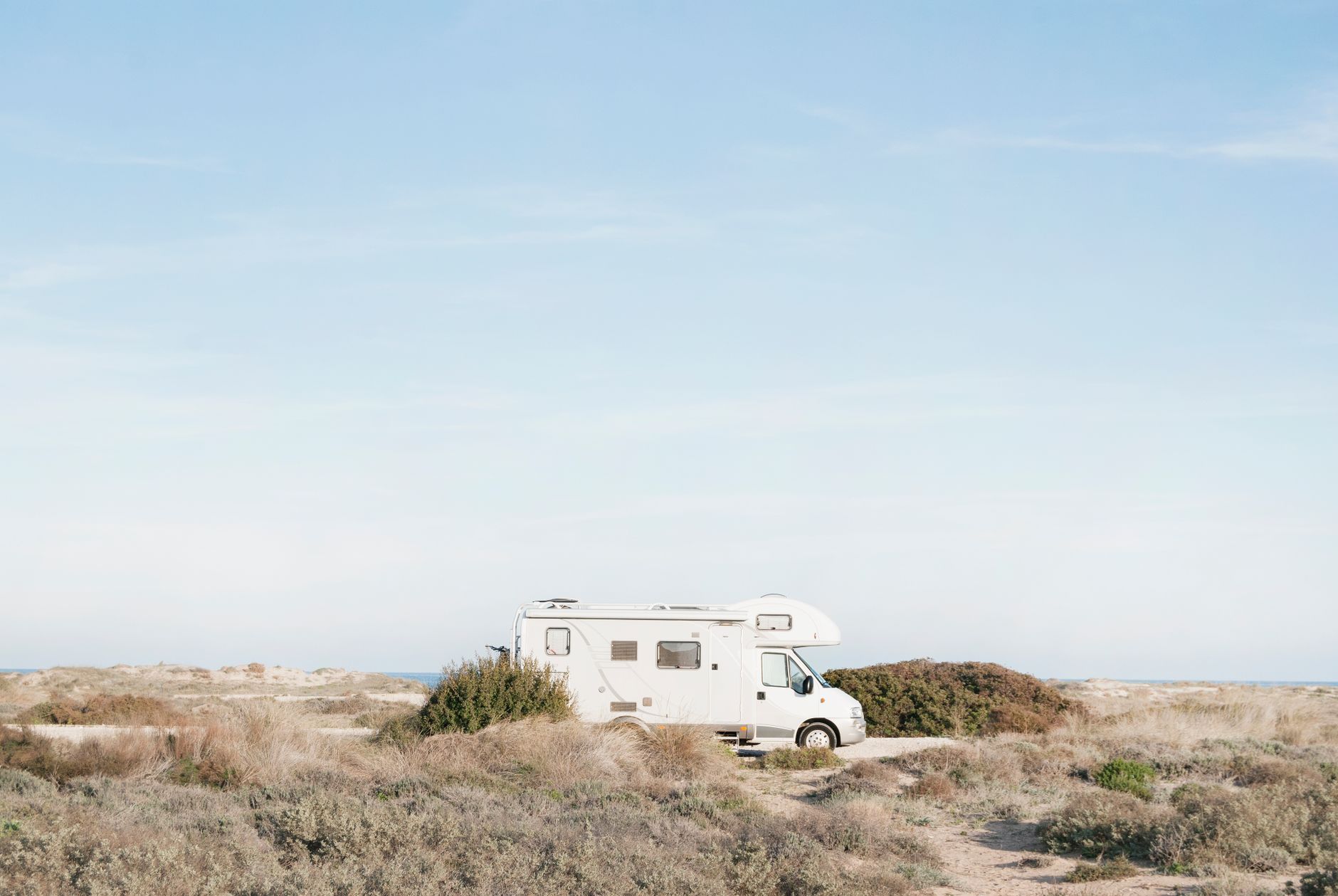
How to Choose a Starlink-Friendly Campsite: Setup and Safety Checklist
Campervans, Motorhomes & RVs
A good Starlink campsite is not simply the most open-looking pitch. You need a clear view of the correct area of sky, a safe place for the dish, a protected cable route and enough power for the time you plan to stay.
This checklist helps campervan, motorhome and RV users assess a pitch before unloading everything.
Independent owner’s note: Starlink Tips is not part of Starlink. Service depends on your plan, location, obstructions and network conditions. Confirm that your plan permits portable use before travelling.
Claim Your Free Month
Order through my referral link and activate your service. Your second month of Starlink service will be free.
Before You Book the Campsite
If reliable internet matters, ask the campsite:
- Are pitches heavily surrounded by trees?
- Can you request an open pitch?
- Are standalone satellite dishes permitted?
- Can equipment be placed beside the vehicle?
- Are there rules about cables crossing the pitch?
- Is mains electricity included, metered or unavailable?
- Is the site exposed to strong wind?
- Are generators or external battery boxes restricted?
A campsite saying it has “good Wi-Fi” or “open views” does not confirm that Starlink will have the sky view it needs.
Satellite imagery and visitor photographs can help you shortlist a site, but trees may have grown and seasonal foliage can change the view significantly.
Use the Starlink App Before Unloading
When you arrive, use the obstruction tool in the Starlink app at the exact places where the dish could safely stand.
Do this before levelling the vehicle, putting up an awning or connecting services if you still have a choice of pitch.
Scan from the approximate height and position of the dish. Test more than one location:
- beside the campervan;
- at the rear of the pitch;
- beyond the awning;
- on an approved raised or roof position;
- in a gap between trees.
Follow the current Starlink obstruction guidance. The app’s required view can vary with location and hardware, so do not assume that a compass direction learned at home applies everywhere.
Look Beyond the Obvious Trees
Common campsite obstructions include:
- tree trunks and branches;
- leaves moving into view in the wind;
- the campervan or motorhome itself;
- raised roofs and pop-tops;
- awnings;
- roof-mounted air conditioning;
- solar panels;
- nearby caravans and tall vehicles;
- reception buildings, barns and toilet blocks;
- steep hills or rock faces.
A small recurring obstruction can cause short interruptions that are much more noticeable during video calls, gaming or remote desktop work than during ordinary browsing.
If work depends on the connection, run a call test after Starlink has settled rather than relying only on one speed test.
Ground Setup or Vehicle Mount?
Portable Ground Setup
A ground stand gives you flexibility to move the dish away from the vehicle and around obstructions.
Choose a position that:
- stays within your pitch;
- is not a path or trip hazard;
- cannot be driven over;
- is away from children’s play areas;
- will not collect standing water;
- is visible enough not to be forgotten;
- has a safe cable route.
Use a secure, compatible stand. A lightweight setup may need manufacturer-approved anchoring or suitable stabilisation, but never improvise in a way that could damage the dish or create a hazard.
Roof or Vehicle Mount
A raised position can improve the sky view, but it introduces wind, sealing, height and access risks.
Only use a mount suited to the exact Starlink hardware and intended use. Portable service while parked is different from in-motion operation. Do not assume that a Roam subscription makes any dish or roof bracket safe or approved for use while driving.
Read our guide to Residential, Roam and travel rules before planning a mobile installation.
Protect the Cable
A poor cable route can turn a successful campsite setup into damaged equipment.
- Keep the cable within your allocated pitch.
- Avoid roads, shared footpaths and neighbouring pitches.
- Never trap it in a door, window, levelling block or awning mechanism.
- Avoid sharp bends and tension near connectors.
- Keep connectors clean and dry.
- Do not leave spare cable where people can trip over it.
- Use visible cable protection when an unavoidable crossing is permitted.
- Check the cable before packing it away.
Do not create a dangerous obstruction in order to gain a slightly better signal. If the safe dish location requires an unsafe cable route, choose another position.
Allow for Wind and Weather
Campsites can be more exposed than they first appear. Open fields, clifftops and coastal pitches may experience sudden gusts.
Before leaving the equipment unattended:
- confirm the stand or mount is stable;
- check the weather forecast;
- keep the dish away from awnings or loose equipment;
- make sure water cannot run toward connectors;
- avoid placing it below branches that may fall;
- follow the weather limits and mounting instructions for your model.
Never climb onto a wet or windy vehicle roof to adjust Starlink. If conditions exceed what your setup can safely handle, power down and store the equipment.
For more detail, read Starlink in Bad Weather.
Plan Your Power
Estimate how long you need Starlink and whether it must run continuously.
Your total electrical load may include:
- the Starlink dish and router;
- an inverter or DC conversion system;
- laptops and monitors;
- phone charging;
- a separate Wi-Fi router;
- lighting and other vehicle equipment.
Conversion losses mean the energy taken from the battery will be higher than the equipment’s headline consumption alone suggests.
If you use a portable power station, test the complete setup at home. Record the actual runtime instead of trusting an ideal marketing estimate. In cold conditions, remember that snow-melt behaviour may increase Starlink’s power demand.
A Better Remote-Work Test
A single download-speed result does not prove that the pitch is suitable for work.
Test:
- The obstruction map.
- Several minutes of ping or connection statistics.
- Upload as well as download speed.
- A short video call.
- Wi-Fi performance inside the vehicle.
- The power system under the complete load.
If an important meeting cannot tolerate interruption, keep a mobile-data backup where coverage exists. Starlink still requires a usable view of the sky.
Security and Courtesy
A dish, cable and power station left outside can attract attention. Position equipment where you can supervise it without blocking emergency access or inconveniencing neighbours.
Do not place equipment on another pitch, communal land or campsite structures without permission. Avoid bright equipment lights or noisy power arrangements at night.
Departure Checklist
Before driving away:
- Power down the equipment correctly.
- Disconnect cables without pulling on the wire.
- Check connectors for moisture or dirt.
- Coil cables loosely without tight bends.
- Remove every peg, weight and cable protector.
- Inspect the dish and mount for damage.
- Secure all equipment inside the vehicle.
- Confirm that nothing remains attached unless it is specifically designed and approved for travel.
A simple final walk around the vehicle prevents expensive mistakes.
Quick Campsite Checklist
- [ ] My plan permits use at this location.
- [ ] The Starlink app shows a suitable sky view.
- [ ] The dish position is inside my pitch and safe.
- [ ] The mount is stable for the forecast conditions.
- [ ] The cable does not cross a road or shared path.
- [ ] Connectors are protected from dirt and moisture.
- [ ] I have enough battery or mains power.
- [ ] I have tested the connection for my real use.
- [ ] I have a backup for essential communication.
- [ ] Everything will be removed or secured before departure.
The Simple Rule
Choose the safe pitch with the clearest app-verified sky view—not merely the pitch with the nicest view from the window.
For a broader overview, see our Starlink RV setup and maintenance guide and Starlink Mini guide.
Claim Your Free Month
Order through my referral link and activate your service. Your second month of Starlink service will be free.