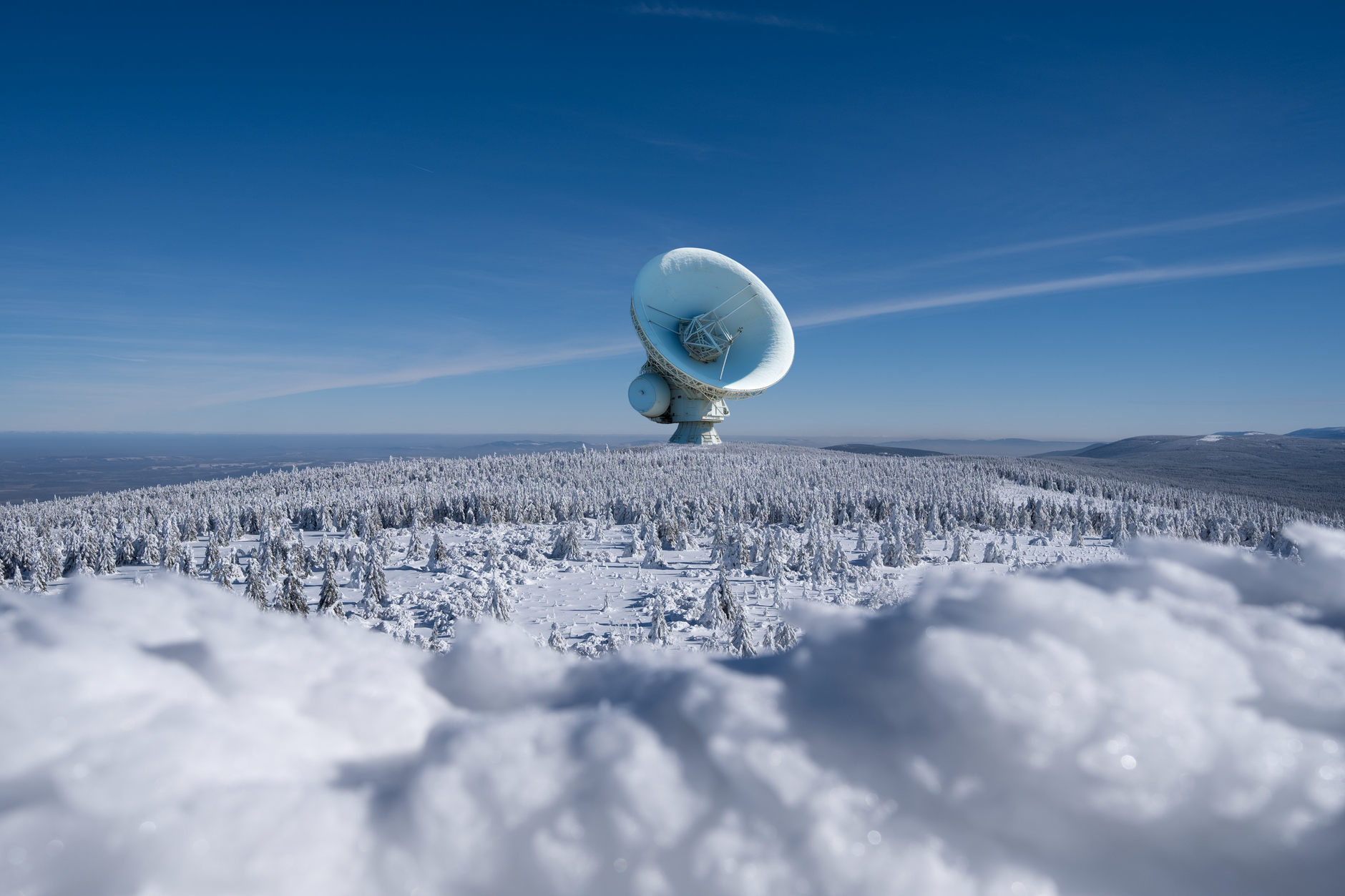
Starlink in Bad Weather: Snow, Rain, Wind and Heat
Equipment & Accessories
Starlink is designed for outdoor use, but severe weather can still affect performance, power consumption and the life of your installation. The safest approach is simple: use the correct mount, protect the cable route, keep indoor equipment dry and follow the specifications for your exact Starlink model.
Independent owner’s note: Starlink Tips is not part of Starlink. If you order through our referral link, we may receive a reward. Your price should not increase, but offers, eligibility and regional terms can change. Always check the offer shown by Starlink before ordering.
Claim Your Free Month
Order through my referral link and activate your service. Your second month of Starlink service will be free.
Can Starlink Work in Bad Weather?
Yes. Starlink equipment is built to operate outdoors, and many owners use it through rain, snow, wind and hot weather. However, no satellite connection is completely immune to conditions.
Heavy rain or dense wet snow can weaken the signal temporarily. Ice, accumulated snow, movement in the mount, damaged cables or water entering a connector can create longer-lasting problems. The exact weather resistance and operating-temperature limits depend on the hardware generation, so check the official specifications for your Starlink model.
Snow and Ice
Compatible Starlink dishes include a snow-melt setting. The dish uses additional power and heat to help prevent or reduce snow accumulation; it should not be treated as an unlimited heater capable of clearing every snowfall.
In the Starlink app, snow melt may be set to automatic, pre-heat or off, depending on the current hardware and software. Automatic is normally the sensible starting point for a mains-powered home installation.
Safer Snow Advice
- Check the Starlink app for outages, obstructions and the current snow-melt setting.
- Allow the system time to clear light or moderate accumulation.
- Expect higher electricity use while snow melt is active.
- If you run Starlink from solar or batteries, include this extra winter demand in your power planning.
- Never climb onto a wet, icy or snow-covered roof to clear the dish.
- Do not strike, scrape or pour hot water onto the dish.
- If a safely accessible ground-level dish needs attention, disconnect power first and follow Starlink’s current support guidance for your model.
Icicles can form below a dish as snow melts. Position the installation so falling ice and runoff cannot injure someone or damage property.
Heavy Rain and Storms
Very heavy rain can cause a temporary reduction in speed or a brief loss of connection. You cannot stop rain fade completely, but a sound installation prevents a short weather event becoming a hardware problem.
- Keep the dish’s view of the sky as clear as possible.
- Make sure the mount cannot twist or wobble in strong wind.
- Route cables with a drip loop before they enter the building.
- Avoid sharp bends, crushed sections and loose cable runs.
- Use only connectors, cable-routing parts and installation methods suitable for your exact kit.
- Keep equipment that is specified for indoor use indoors.
- Never unplug or reconnect Starlink cables while they are wet or powered.
After a storm, inspect the installation from a safe position. Look for mount movement, loose cable clips, damaged cable covering and signs of water near the building entry point.
Wind: The Mount Matters
Wind is usually an installation problem rather than a satellite problem. A dish attached to a weak pole or loose bracket may move enough to interrupt service and could become dangerous.
Use a mount appropriate for the building and expected wind exposure. Fixings must suit the wall, roof or pole—not just the weight of the dish. Tall masts and exposed sites may need professional assessment.
Do not rely on temporary ballast or improvised fixings for a permanent exposed installation. Recheck bolts, brackets and cable supports after severe weather.
Heat and Direct Sun
The dish needs a clear view of the sky, so shade is rarely practical or desirable. Concentrate on protecting the router, power supply and cable installation.
- Do not place the router or power equipment in a sealed box that traps heat.
- Maintain the ventilation and clearance stated for your model.
- Keep indoor-rated equipment away from direct sun, condensation and damp.
- Use UV-resistant external cable protection where appropriate, without crushing or tightly bending the Starlink cable.
- Do not paint, cover or attach a homemade sun shield to the dish unless Starlink explicitly approves it.
If service becomes unreliable during extreme heat, check the app, inspect ventilation around indoor equipment and compare the conditions with the official limits for your hardware.
Lightning and Electrical Safety
Starlink’s outdoor position does not make it immune to lightning-related damage. Electrical safety depends on the building, local regulations and installation design.
Do not work on the dish, mast or cable during a thunderstorm. If the installation is high, exposed or attached to a substantial metal mast, obtain advice from a qualified installer or electrician about grounding, surge protection and local requirements.
A Quick Weather Checklist
Before severe weather:
- Confirm the mount and fixings are secure.
- Check that cables are supported, undamaged and not under tension.
- Make sure the building entry point sheds water.
- Confirm indoor equipment is dry and ventilated.
- Check the app and snow-melt setting if freezing weather is forecast.
- Make sure an off-grid power system can handle increased winter consumption.
After severe weather:
- Check the app for outages and obstructions.
- Inspect the installation from the ground or another safe position.
- Look for movement, cable damage, water ingress or unusual noises.
- Contact Starlink support or a competent installer if damage is suspected.
The Bottom Line
Starlink can perform well through typical British rain, cold and wind when it has a clear view of the sky and a properly engineered installation. The biggest preventable risks are weak mounting, poor cable routing, trapped heat around indoor equipment and unsafe attempts to reach the dish.
Start with the official requirements for your exact kit, monitor performance in the Starlink app and deal with small installation problems before the next spell of severe weather.
Claim Your Free Month
Order through my referral link and activate your service. Your second month of Starlink service will be free.
Related Starlink guides
- Choosing a Starlink Mount: Roof, Pole and Wall Options
- How to Protect Starlink Cables from Weather and Damage
- Starlink Troubleshooting: Fix Common Connection Problems