Get One Month of Starlink FreeSPECIAL OFFER: GET A FREE MONTH OF STARLINK >
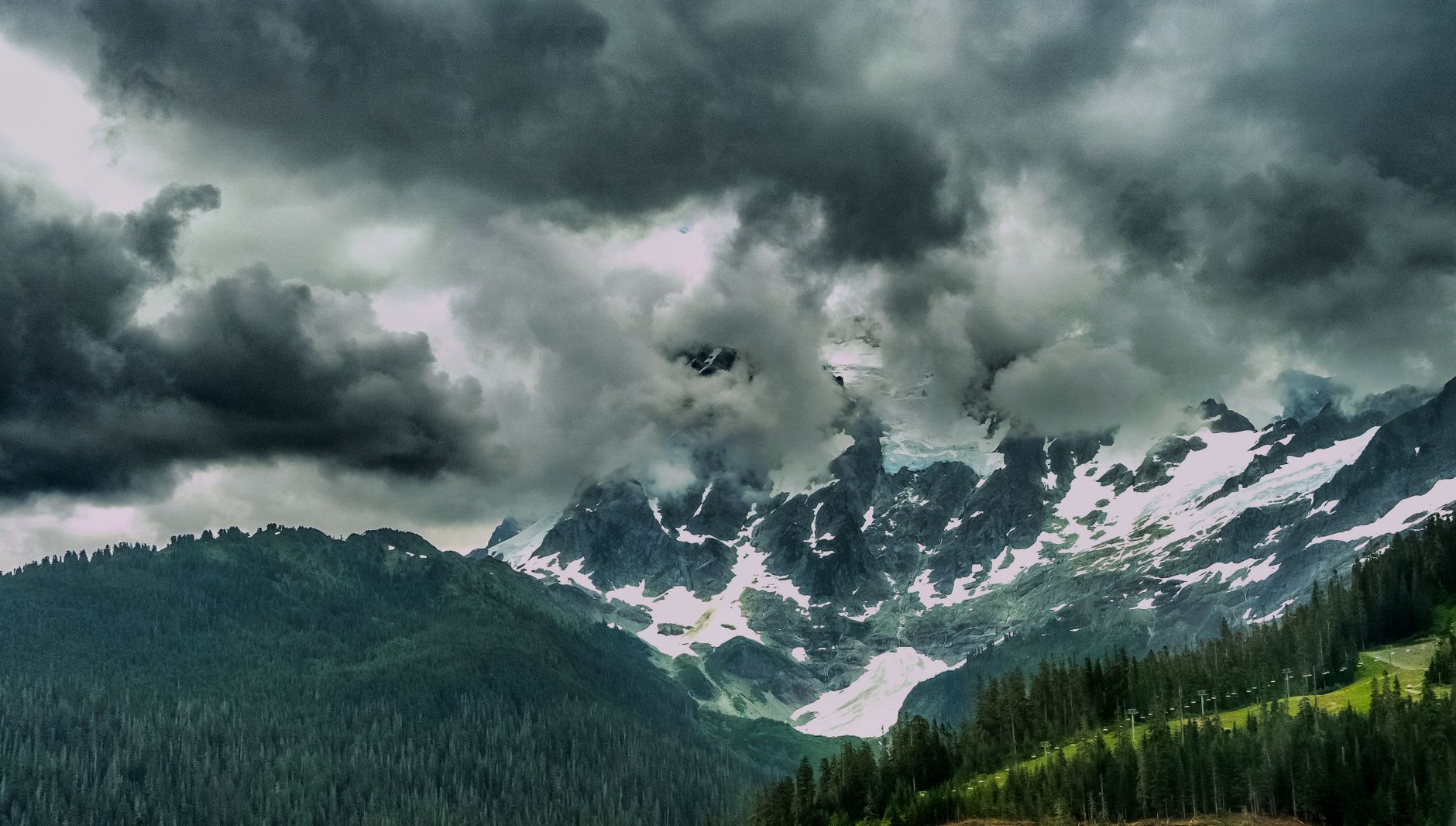
Snow-covered mountains beneath storm clouds for weather and environment videos

Weather & Environment Tips

Tests and advice showing how rain, snow, heat, wind and other conditions can affect Starlink.

More from Weather & Environment Tips

View playlist

Starlink One Week Later! Snow, Data Caps, Changing Locations and More!

Lon.TV reviews a week of Starlink use, including snow performance, data policies and changing service locations. Starlink Tips practical notes: This one-week experience provides background on snow, usage policies and moving service, but those topics change at different rates. For a move, verify the destination in your current account and time any service-address change around the actual relocation. Recheck the physical dish position at the new property as well as account eligibility. The linked questions explain those separate steps. Treat any historic price, allowance or travel permission in the video as dated context. For further reading, open the related Q&As below; each links to a fuller guide. Get One Month of Starlink Free: use the “Claim Your Free Month” referral button beneath the player. Order through my referral link and activate your service. Your second month of Starlink service will be free.

Starlink One Week Later! Snow, Data Caps, Changing Locations and More!

Lon.TV reviews a week of Starlink use, including snow performance, data policies and changing service locations. Starlink Tips practical notes: This one-week experience provides background on snow, usage policies and moving service, but those topics change at different rates. For a move, verify the destination in your current account and time any service-address change around the actual relocation. Recheck the physical dish position at the new property as well as account eligibility. The linked questions explain those separate steps. Treat any historic price, allowance or travel permission in the video as dated context. For further reading, open the related Q&As below; each links to a fuller guide. Get One Month of Starlink Free: use the “Claim Your Free Month” referral button beneath the player. Order through my referral link and activate your service. Your second month of Starlink service will be free.

Questions & answers

Questions about this video

Straight answers to the questions readers ask most often.

Can I move my Starlink Residential service to a new house?

You can request a service-address change through your account, subject to what Starlink offers at the destination. Check availability and any displayed price or plan consequences before confirming the move.

Starlink warns that an address update disables service at the previous location and that returning to it may not be possible. Our recommendation is to time the change for the actual move rather than weeks beforehand while you still need the old connection.

Survey the new dish position and cable route separately. An eligible address does not prove that the new garden, roof or balcony has an unobstructed sky view. Keep a backup connection available during the move.

Record the confirmation and test service at the new property. If you need both houses connected at once, investigate separate service arrangements instead of expecting a single fixed-location subscription to serve both.

Next useful answers

Related guides

Related video

Starlink One Week Later! Snow, Data Caps, Changing Locations and More!

This related demonstration may show older hardware or plan details; use the official guidance below for current requirements.

Sources

Reviewed: 26 September 2026. Practical checklists are our editorial recommendations; plan availability and hardware requirements vary by country and model.

Get One Month of Starlink Free

Claim Your Free Month

Order through my referral link and activate your service. Your second month of Starlink service will be free.

Starlink Tips is independent and may receive a referral reward. See the offer shown by Starlink when ordering.

Open and share this answer
Should Starlink Snow Melt be set to Automatic, Pre-heat or Off?

Starlink's guidance recommends Automatic for detecting snowy conditions and heating when needed. Pre-heat keeps the terminal warm in advance and can increase power use. Off disables the additional snow-melting function.

Choose around your weather and power budget, not a claim that heating makes the internet faster. Our practical recommendation is to check the forecast, the dish's exposure and whether somebody can safely respond to snow accumulation.

For battery operation, measure demand in the conditions you actually expect. A summer average is a poor basis for promising winter runtime. Avoid switching heating off simply to reach a runtime target if losing the connection would defeat the purpose.

Use the current app controls for your model and check the saved setting. No setting guarantees service if the dish is buried or the sky path is badly affected by severe weather.

Next useful answers

Related guides

Related video

Starlink One Week Later! Snow, Data Caps, Changing Locations and More!

This related demonstration may show older hardware or plan details; use the official guidance below for current requirements.

Sources

Reviewed: 26 September 2026. Practical checklists are our editorial recommendations; plan availability and hardware requirements vary by country and model.

Get One Month of Starlink Free

Claim Your Free Month

Order through my referral link and activate your service. Your second month of Starlink service will be free.

Starlink Tips is independent and may receive a referral reward. See the offer shown by Starlink when ordering.

Open and share this answer
Should I scrape snow or ice off my Starlink dish?

Do not use picks, chisels or scrapers on the dish. Starlink warns that those tools can damage it. Light ice or icicles do not necessarily affect service, while heavy accumulation covering the terminal can interrupt the connection.

First check the app and the weather from a safe place. Our recommendation is to let the supported Snow Melt setting do its job where appropriate, and only consider gentle clearing if the equipment is safely accessible and the manufacturer's instructions permit it.

Do not climb onto an icy roof or pull on a cable to reach the terminal. An inaccessible or damaged installation needs suitable professional attention.

For recurring burial by snow, review the installation location after conditions improve. The long-term solution may be a better position rather than repeatedly clearing an unsuitable one. Follow separate instructions for any motor-related alert on an actuated model.

Next useful answers

Related guides

Related video

Starlink One Week Later! Snow, Data Caps, Changing Locations and More!

This related demonstration may show older hardware or plan details; use the official guidance below for current requirements.

Sources

Reviewed: 26 September 2026. Practical checklists are our editorial recommendations; plan availability and hardware requirements vary by country and model.

Get One Month of Starlink Free

Claim Your Free Month

Order through my referral link and activate your service. Your second month of Starlink service will be free.

Starlink Tips is independent and may receive a referral reward. See the offer shown by Starlink when ordering.

Open and share this answer
Browse all questions