Equipment & Accessories Guides
Browse every published Starlink guide in equipment & accessories.
How to Identify Your Starlink Hardware Before Buying Accessories
Identify your Starlink dish, router, power supply, cables and mount before ordering accessories, with a model-neutral compatibility checklist and safer buying steps.
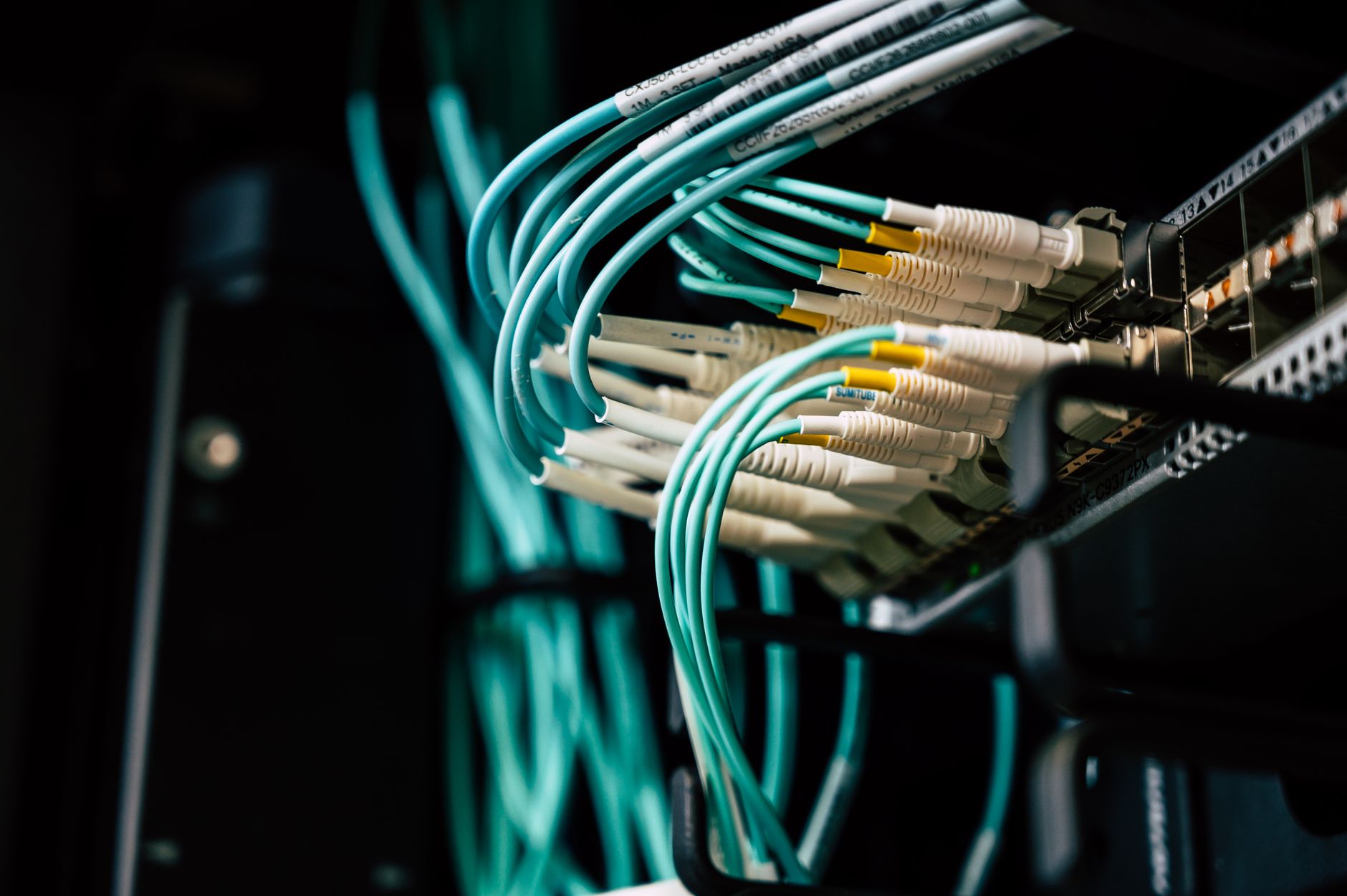
How to Use a PoE Switch With Starlink: Power, Ports and Safe Network Layout
Add PoE access points, cameras or phones to a Starlink network safely by matching standards, budgeting switch power, choosing the right network layout and testing each device.
How to Add a Firewall Appliance to Starlink Without Breaking Your Network
Add a vendor-neutral firewall appliance to Starlink with the right routing layout, DHCP and subnet settings, conservative security rules, IPv6 checks, CGNAT expectations and a rollback plan.
How to Set Up UniFi With Starlink: Bypass Mode, VLANs and Troubleshooting
Connect Starlink to a UniFi gateway, choose the right bypass layout, configure DHCP, add practical VLANs and troubleshoot double NAT or missing network tags.
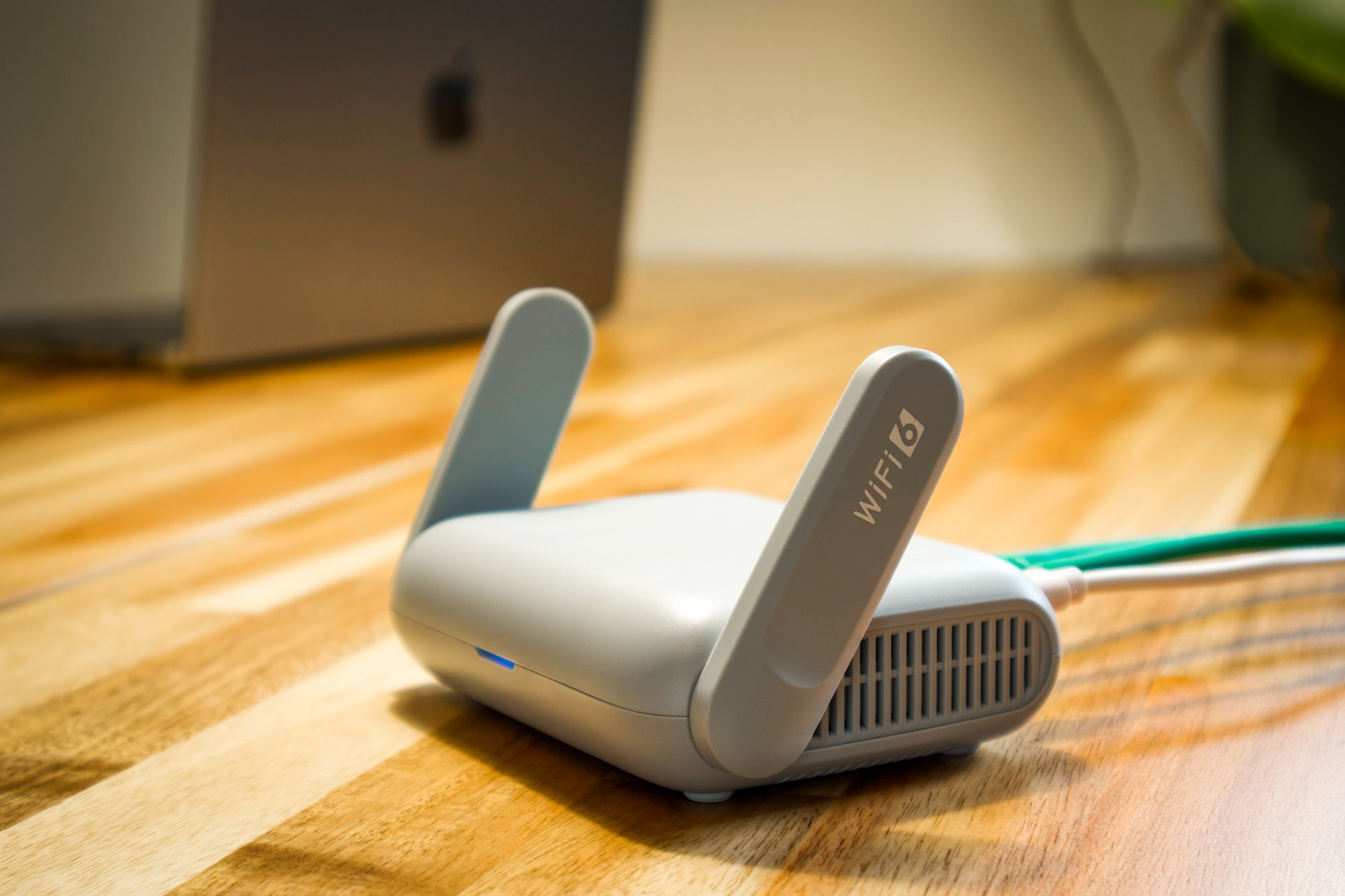
How to Add Wi-Fi 6 to Starlink: A Practical Router Upgrade Guide
Add Wi-Fi 6 to a Starlink network without creating double NAT, keep older smart-home devices working, and test whether the upgrade improved local Wi-Fi.
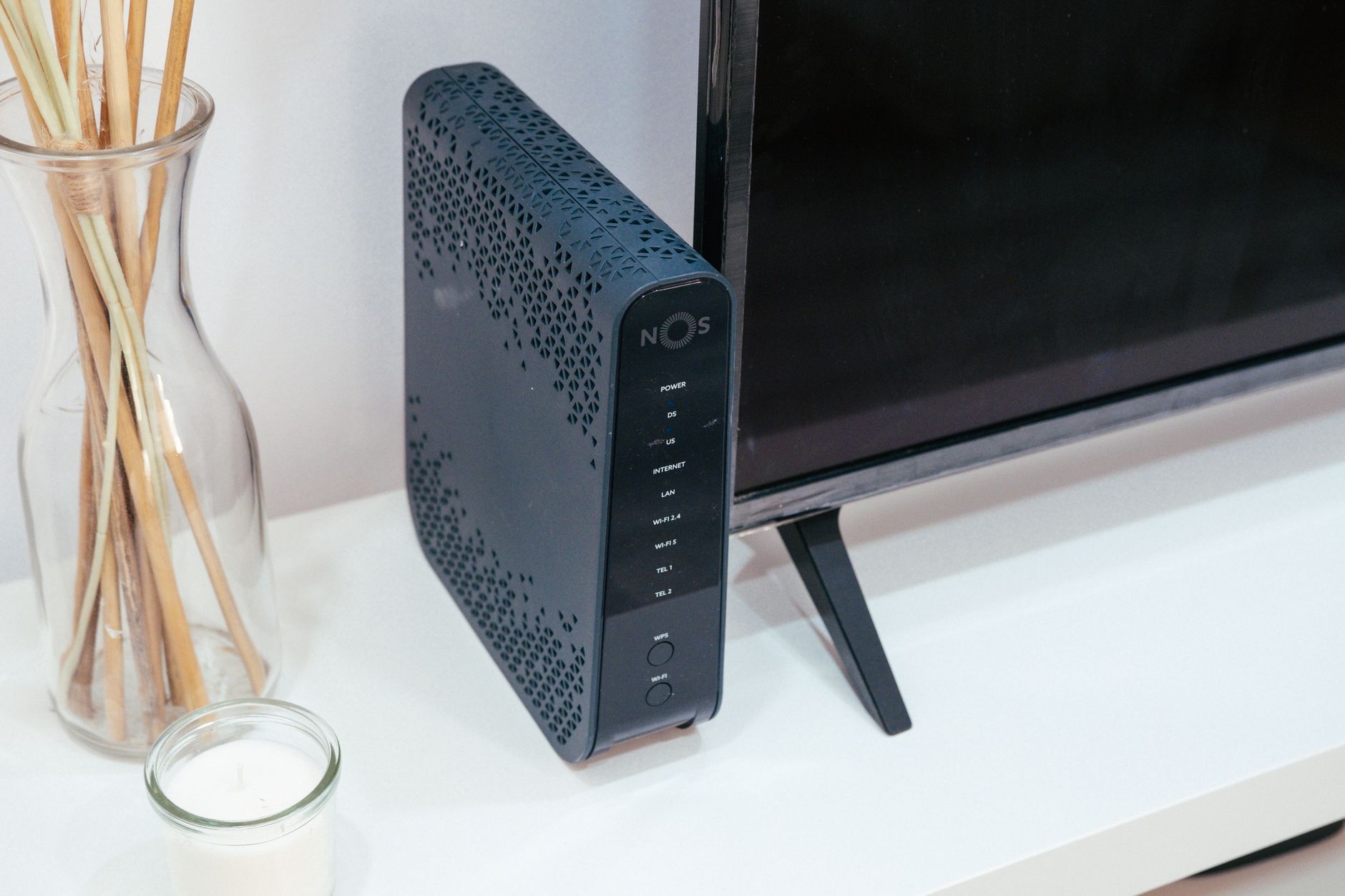
How to Keep Starlink Online During Short Power Cuts: UPS Sizing and Testing Guide
Keep Starlink running through short power cuts with a suitable UPS: measure the real load, size by watts and runtime, connect the right equipment, test transfer behaviour and plan a safe shutdown.
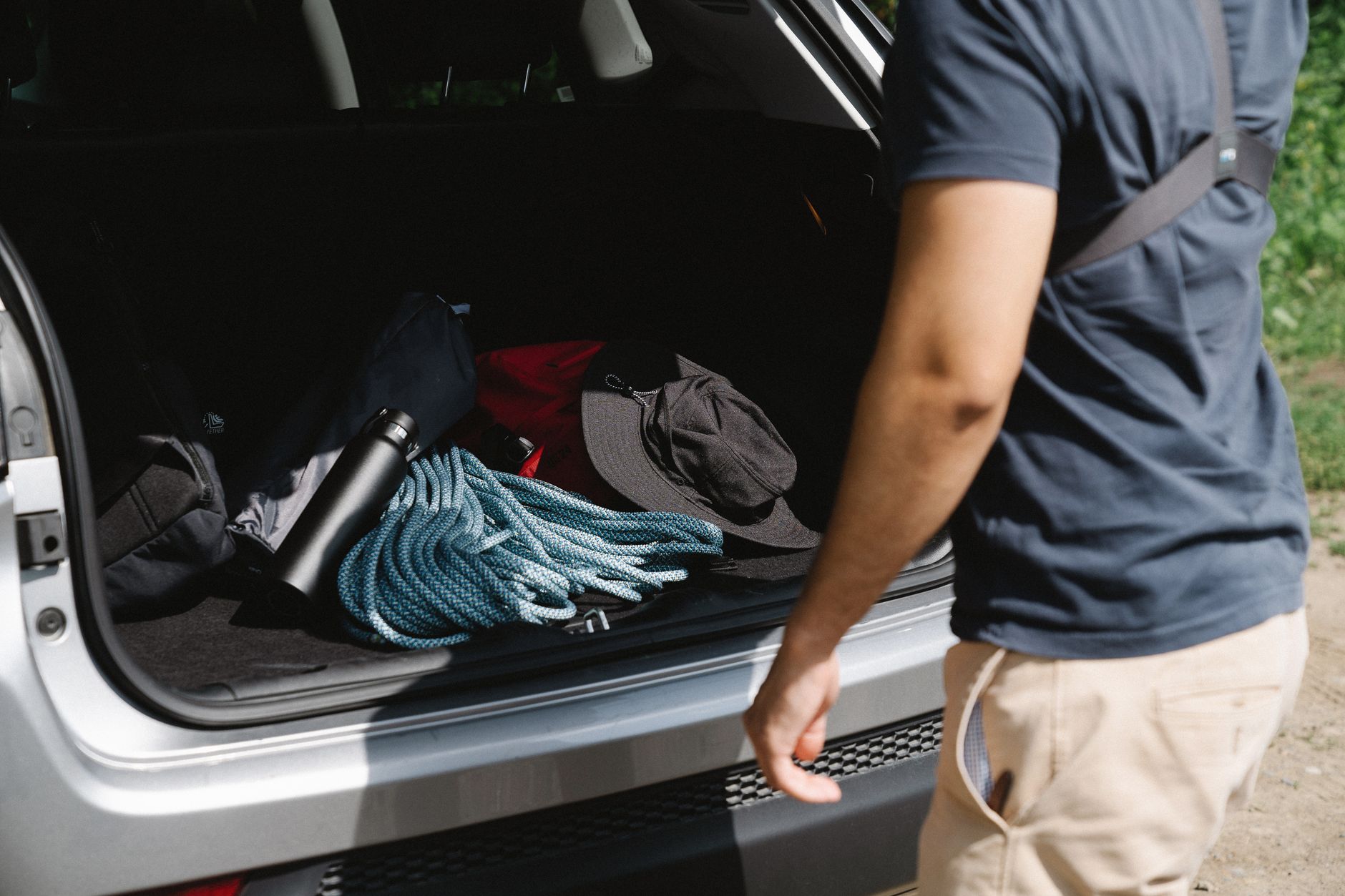
How to Pack and Store a Starlink Kit Safely Between Trips
Pack and store a Starlink dish, router, power supply and cables without bent connectors, moisture damage or a difficult restart after a trip.
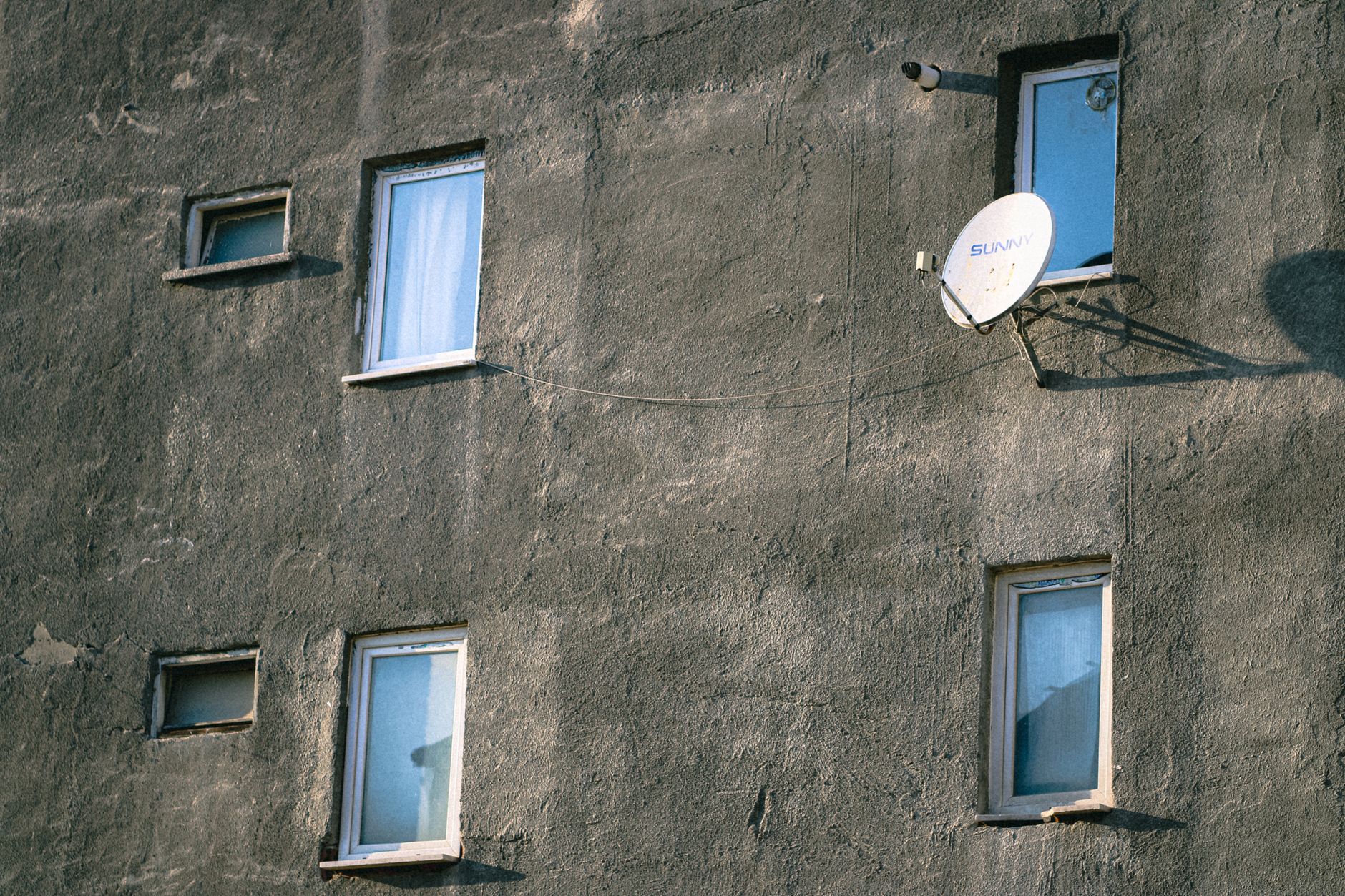
How to Run a Longer Starlink Cable Safely: Planning, Protection and Testing
Plan a longer Starlink cable route safely: identify the right cable, measure the path, use conduit and a weatherproof wall entry, then test the finished run.
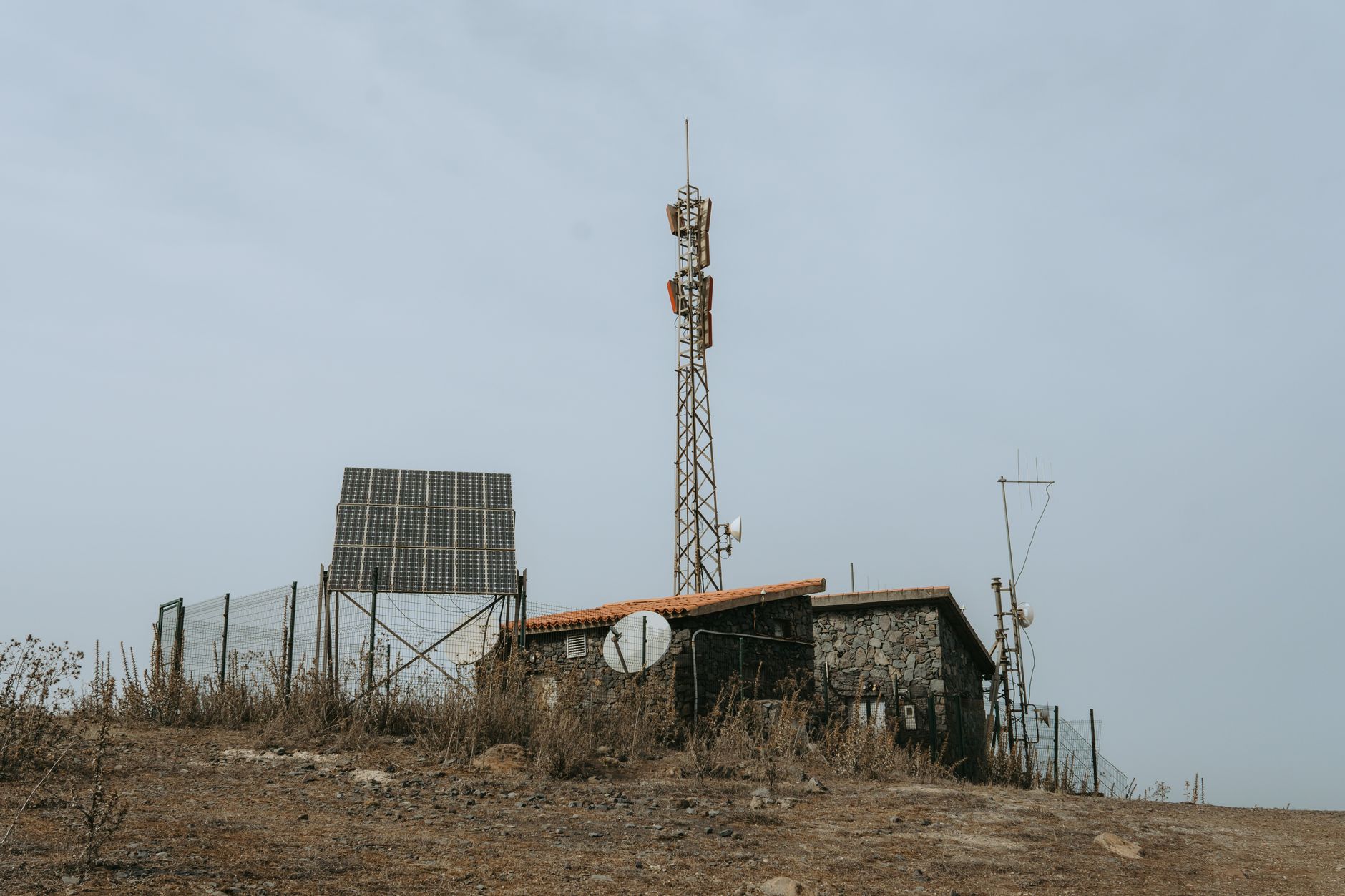
How to Power Starlink From a 12V Battery: Inverter or DC Supply?
Choose a safe battery-power path for Starlink: identify your kit, compare an inverter with an approved DC supply, calculate current and runtime, and test for voltage sag before relying on it.
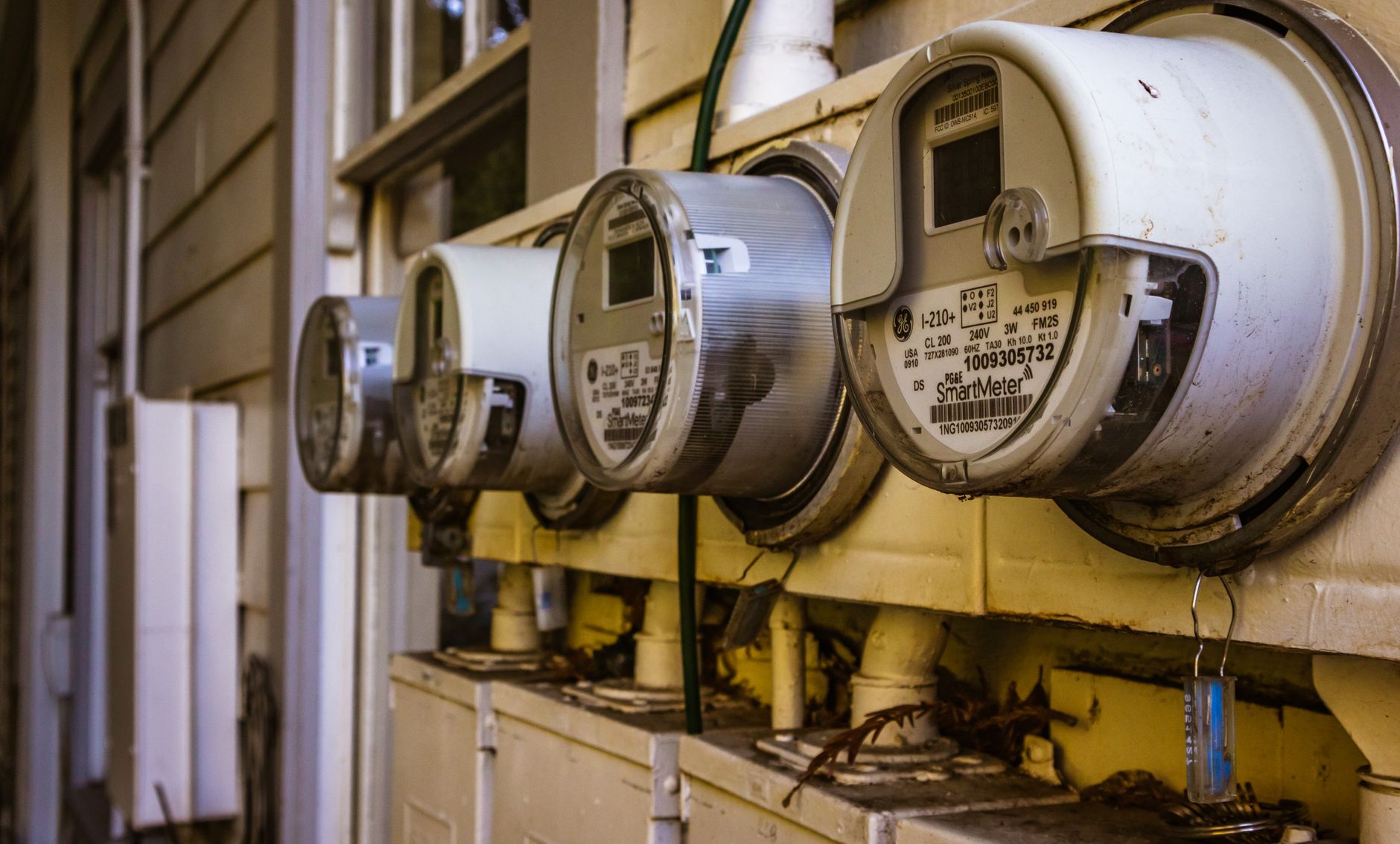
How to Measure Starlink Power Use and Estimate Your Real Running Cost
Measure the full Starlink setup at the wall, convert watts into monthly kWh and cost, and estimate realistic battery runtime without relying on generic figures.
How to Set Up Google Nest Wi-Fi With Starlink Without Double NAT
Set up Google Nest Wi-Fi with Starlink without double NAT: choose the right routing layout, connect the correct ports, preserve mesh features and troubleshoot local-network problems.
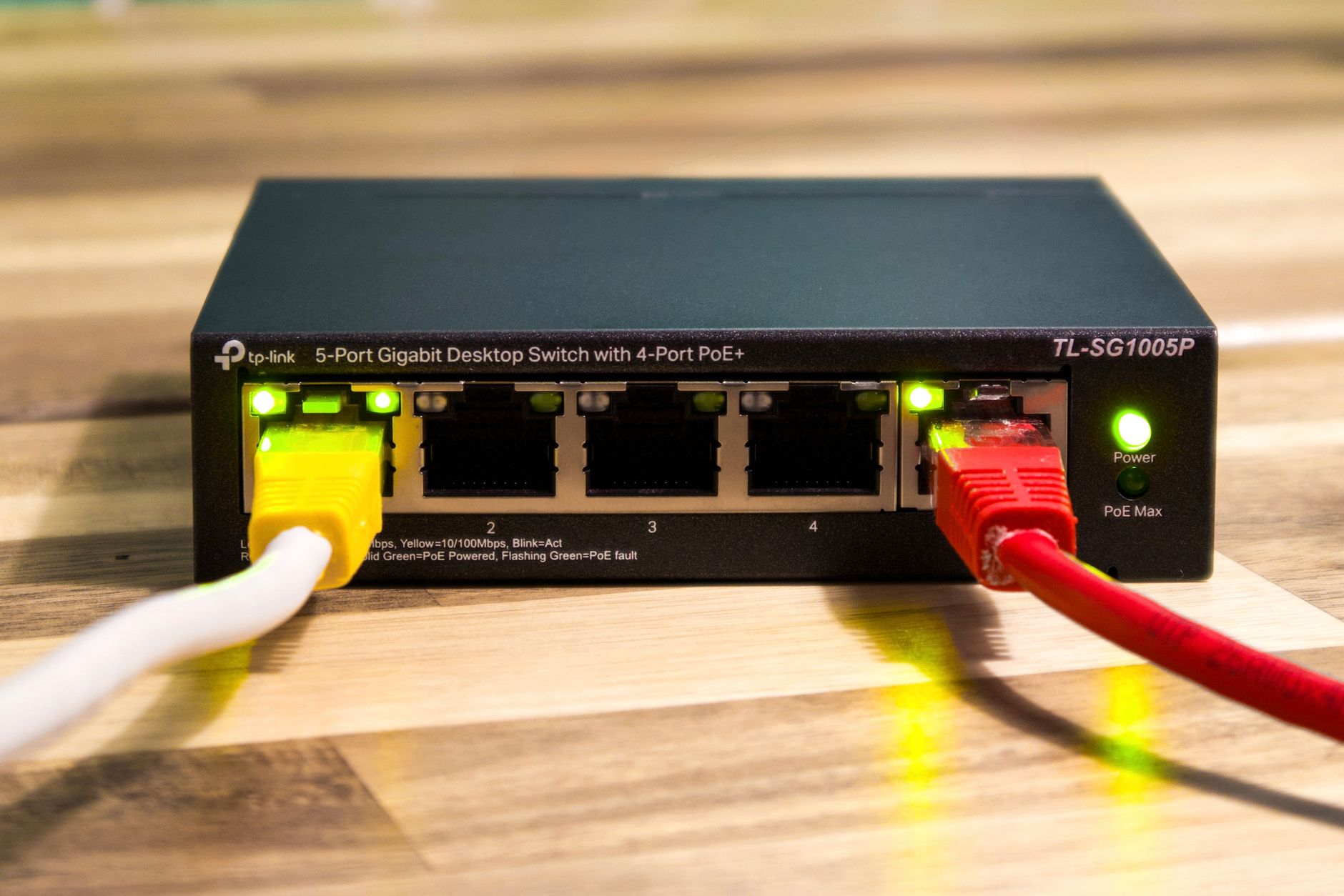
How to Set Up eero With Starlink: Bypass Mode, Bridge Mode and Troubleshooting
Connect eero to Starlink without double NAT: choose the right routing layout, configure bypass or bridge mode, add mesh nodes and troubleshoot local-network problems.