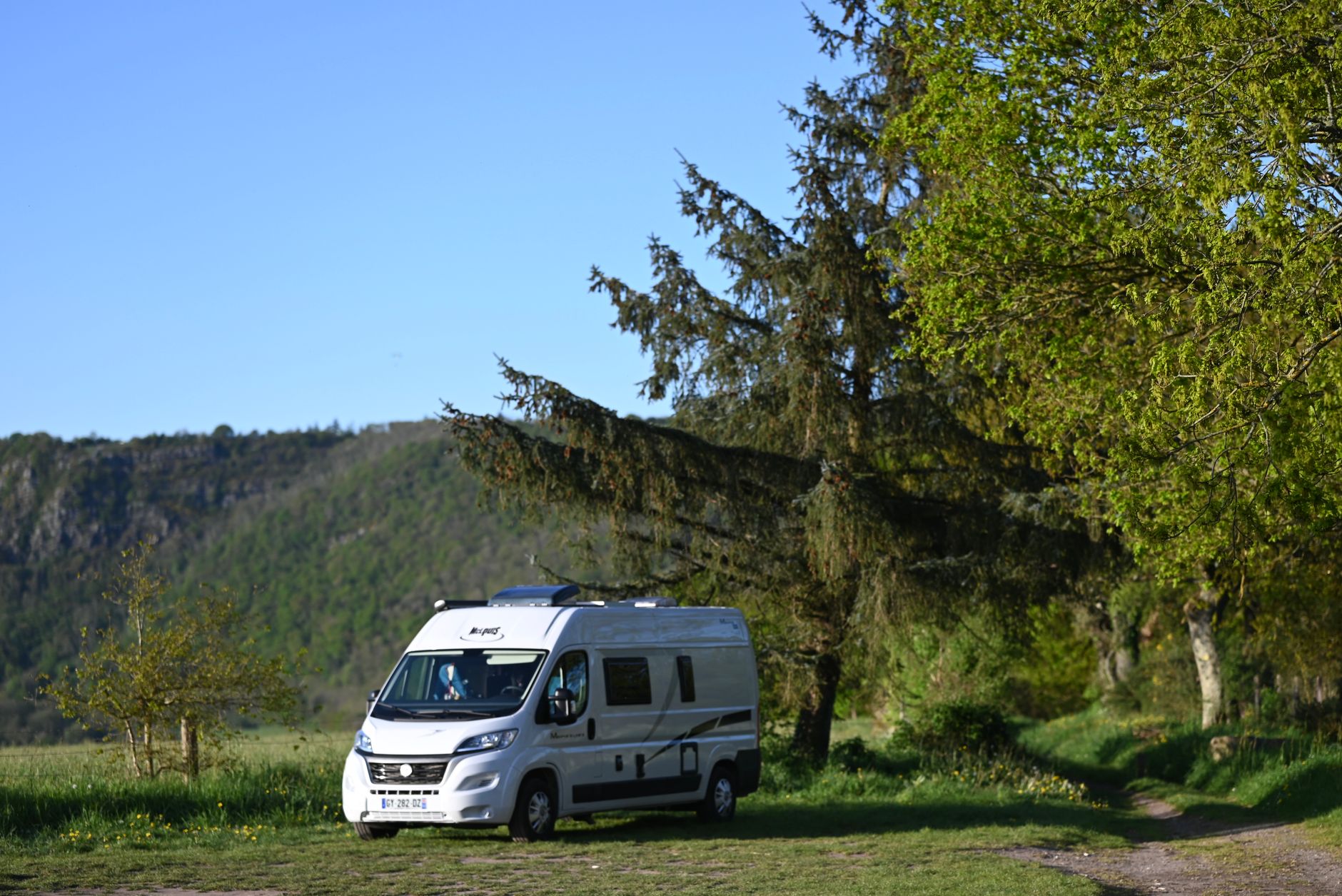
Can You Move Starlink? Residential, Roam and Travel Rules
Plans, Pricing & Buying Advice
You can move Starlink hardware, but whether you are allowed to use it at the new location depends on your service plan, country, hardware and the rules shown in your Starlink account.
There are three different situations that are often confused:
- Moving home permanently.
- Taking Starlink travelling and using it while parked.
- Using Starlink while a vehicle or boat is moving.
Each has different requirements.
Independent owner’s note: Starlink Tips is not part of Starlink. Plans, prices, coverage and eligibility can change. Check the terms displayed in your own Starlink account before changing a plan or travelling.
Claim Your Free Month
Order through my referral link and activate your service. Your second month of Starlink service will be free.
Can You Move a Residential Starlink Dish?
The hardware can physically be moved, but Residential service is intended for use at its registered service address.
If you are moving house permanently, you may be able to keep the same kit and update the service address in your Starlink account. Availability and capacity at the new address may affect whether Residential service can be activated there.
Do not assume that a Residential plan becomes a travel plan simply because the dish connects somewhere else. The options shown in your account are the reliable guide for your particular service.
Moving House Permanently
Before taking down the dish:
- Sign in to your Starlink account.
- Select the correct Starlink service line.
- Look for the option to manage or change the service address.
- Enter the new address and review the availability, price and plan information shown.
- Complete the change before relying on Starlink at the new property.
Menu names can change, so use Starlink’s current service-plan change guidance if your account looks different.
Moving to another country is more complicated. Service, hardware approvals, taxes and account-transfer rules vary by country. Check directly with Starlink before travelling or relocating internationally.
Taking Starlink Camping or Touring
For regular use away from a fixed address, Starlink’s Roam options are generally the relevant plans. They are designed for portable use within the geographic limits and conditions displayed when you order or change service.
Before switching, check:
- where the plan may be used;
- whether it includes a data allowance or unlimited data;
- how traffic is treated during congestion;
- whether the plan can be paused;
- whether international use is included or restricted;
- whether your hardware is supported;
- the current monthly price.
Do not rely on an old article, forum post or video for the exact plan name or allowance. Starlink changes its plan structure, and the offer shown for one customer may differ from another.
You can compare the currently available options on Starlink’s official service-plans page.
Portable Use Is Not the Same as In-Motion Use
A portable setup is normally placed securely at a campsite, temporary property or stopping place and used while stationary.
In-motion use means operating the equipment while a vehicle or vessel is moving. This can require an eligible plan and approved hardware. A normal portable or Residential setup should not be assumed suitable for use while driving.
Never place a standard dish loosely on a vehicle roof or improvised platform. Wind loading, sudden braking, cable routing and falling equipment create serious risks. Use equipment and mounting designed and approved for the intended use.
For boats, offshore use and territorial coverage can carry separate rules. Check the specific service description before leaving shore.
What Happens If You Use the Wrong Plan?
The original version of this guide claimed that Starlink automatically flags users, sends accounts for human review and may permanently prevent them signing up again. We found no reliable basis for presenting those claims as normal consequences, so they have been removed.
The practical risk is simpler: service may not work as expected outside the permitted area, performance may differ, or Starlink may require a different plan. Your use remains subject to the current Starlink Terms of Service and the plan description accepted on your account.
Can You Change Between Residential and Roam?
Your account may offer a plan-change option, but available changes depend on the service location, hardware and current Starlink products.
Before confirming a change:
- compare the new monthly charge;
- check when the change takes effect;
- check whether unused service or data is credited;
- confirm whether you can later return to Residential;
- take a screenshot or save the confirmation for your records.
Do not cancel an active service before checking the available change options. Cancelling and attempting to reactivate later may leave you with different choices.
Travel Checklist
Before leaving:
- Confirm the exact plan name shown in your account.
- Check coverage and geographic restrictions for every country you will visit.
- Confirm whether you will use Starlink only while parked or while moving.
- Use a secure mount intended for your hardware and situation.
- Test the complete setup before the journey.
- Download essential maps and documents for offline use.
- Check your battery or power-station capacity.
- Pack cables without sharp bends, crushing or strain.
- Review the latest terms immediately before departure.
The Simple Answer
If you are moving home, update your Residential service address and confirm availability.
If you want to use Starlink at changing locations while parked, check the current Roam choices in your account.
If you want to use it while a vehicle or boat is moving, verify that both the plan and the hardware explicitly permit in-motion use.
Claim Your Free Month
Order through my referral link and activate your service. Your second month of Starlink service will be free.
Related Starlink guides
- Which Starlink Plan Should You Choose? Residential, Roam and Priority Compared
- Can You Pause Starlink Service? Plan Rules and Savings
- Starlink for RVs: Setup, Power and Travel Tips