Get One Month of Starlink FreeSPECIAL OFFER: GET A FREE MONTH OF STARLINK >
9

Troubleshooting & Fixes

Useful fixes for Starlink dropouts, obstructions, slow speeds, Wi-Fi faults and hardware problems.

More from Troubleshooting & Fixes

View playlist

Starlink Obstruction HACK You Need to Know! | Full-Time Rvers | Working on the Road

Trippin With The Smiths shares a Starlink obstruction workaround for full-time RVers working on the road. Starlink Tips viewing notes: Use the phone's sky scan to compare safe locations before deploying the dish, then inspect live obstruction information after it has been online. Avoid unsafe mounting or climbing to imitate a workaround. Related answer: Will Starlink Roam stay fast at a busy festival or crowded campsite? — Starlink Roam Busy Festival Campsite Related guide: What to Do When Trees Block Starlink at Your Campsite — Trees Block Starlink Campsite Planning to order? Use the Starlink Tips referral CTA on this page and check the offer and eligibility shown by Starlink at checkout. Starlink Tips may receive a referral reward.

Trippin With The Smiths
Visit Trippin With The Smiths →

Starlink Obstruction HACK You Need to Know! | Full-Time Rvers | Working on the Road

Trippin With The Smiths shares a Starlink obstruction workaround for full-time RVers working on the road. Starlink Tips viewing notes: Use the phone's sky scan to compare safe locations before deploying the dish, then inspect live obstruction information after it has been online. Avoid unsafe mounting or climbing to imitate a workaround. Related answer: Will Starlink Roam stay fast at a busy festival or crowded campsite? — Starlink Roam Busy Festival Campsite Related guide: What to Do When Trees Block Starlink at Your Campsite — Trees Block Starlink Campsite Planning to order? Use the Starlink Tips referral CTA on this page and check the offer and eligibility shown by Starlink at checkout. Starlink Tips may receive a referral reward.

Trippin With The Smiths
Visit Trippin With The Smiths →

Questions & answers

Questions about this video

Straight answers to the questions readers ask most often.

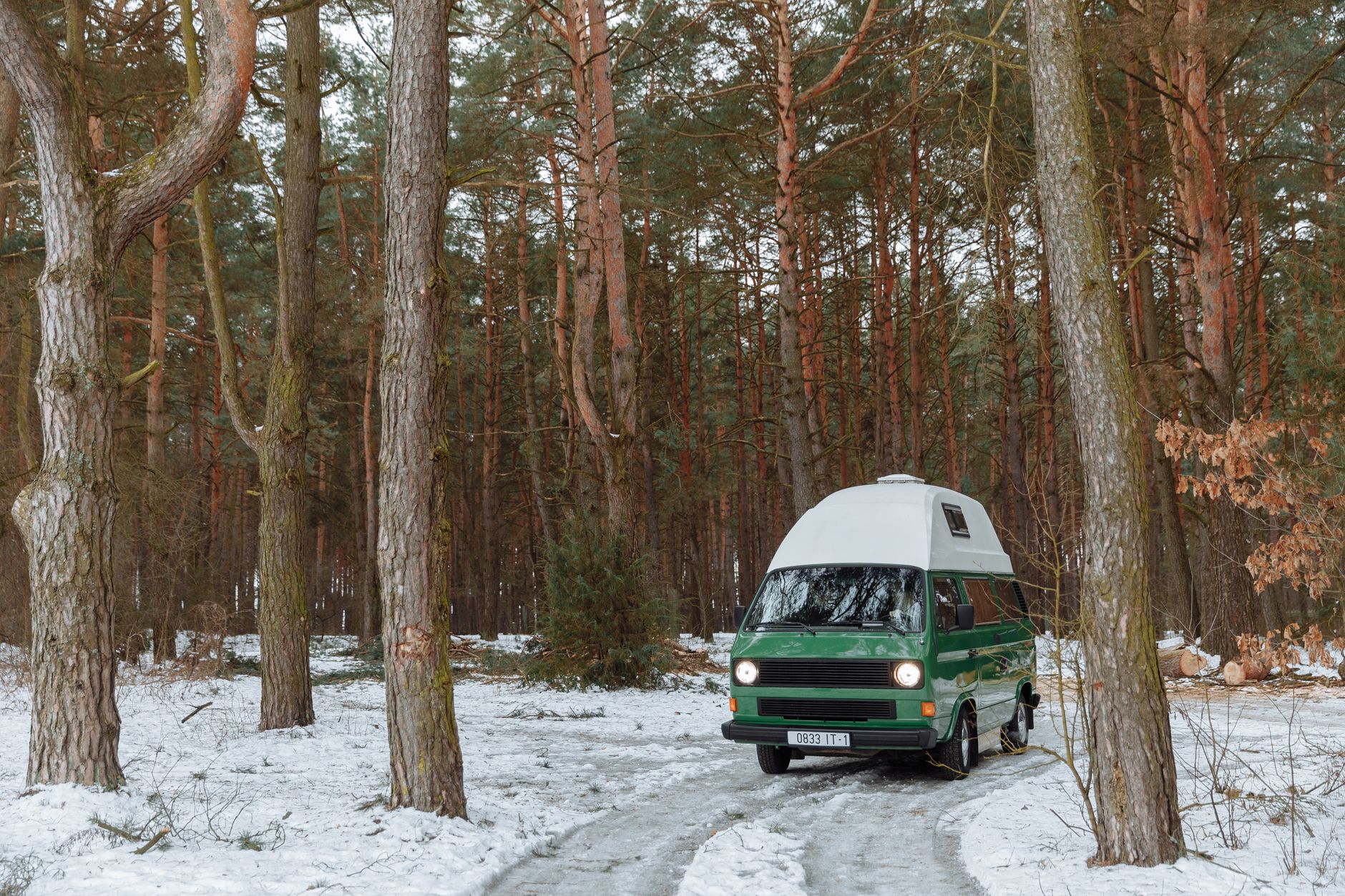
What can I do if trees block Starlink at my campsite?

First check whether the app identifies obstructions at the chosen position. A wooded pitch may be attractive but unsuitable for a dependable satellite connection.

Try a practical decision sequence:

  1. Check another safe location within the permitted pitch.
  2. Consider the final dish height and cable reach.
  3. Ask the campsite about a more open pitch or authorised equipment area.
  4. Test your essential activity after repositioning.
  5. If there is still no suitable view, switch to a backup or work offline.

Do not put the dish on an unstable stack, climb trees or run cables across someone else's space to chase a connection. An extra indoor Wi-Fi node cannot fix an obstruction between the dish and the sky.

For future bookings, ask about open pitches rather than assuming a campsite's advertised internet coverage describes Starlink suitability. Keep notes on locations that worked for your own setup, while recognising that seasonal leaves and parked vehicles can change the result.

Read our related guide: What to Do When Trees Block Starlink at Your Campsite.

Related official guidance: Starlink Standard setup guide.

Reviewed: 23 September 2026. Plan and hardware details should be checked for your country and equipment.

Get One Month of Starlink Free

Claim Your Free Month

Order through my referral link and activate your service. Your second month of Starlink service will be free.
Open and share this answer
Will Starlink Roam stay fast at a busy festival or crowded campsite?

Do not assume the same performance as a quiet home test. The plan, local demand, dish position, household traffic and Wi-Fi path can all affect the experience.

Our practical approach is to test the connection at the times you need it, using the same device and task. If everyone on your local network is downloading updates, reduce that activity for one comparison. Check the app for obstructions or interruptions so demand is not blamed for every slowdown.

For an event, also confirm the organiser's equipment and placement rules. An ordinary personal travel setup should not be assumed suitable for selling access or providing a business-critical event network.

Download essential files beforehand and have another connection or an offline plan. A good early-morning result is useful evidence, but it is not a promise of uninterrupted service during the busiest evening period.

Next useful answers

Related guides

Related video

The Best Internet For RV Travel | Starlink Mini RV Internet Review

This related demonstration may show older hardware or plan details; use the official guidance below for current requirements.

Sources

Reviewed: 26 September 2026. Practical checklists are our editorial recommendations; plan availability and hardware requirements vary by country and model.

Get One Month of Starlink Free

Claim Your Free Month

Order through my referral link and activate your service. Your second month of Starlink service will be free.

Starlink Tips is independent and may receive a referral reward. See the offer shown by Starlink when ordering.

Open and share this answer
Browse all questions