Answer
Why is Starlink fast near the router but slow in another room?
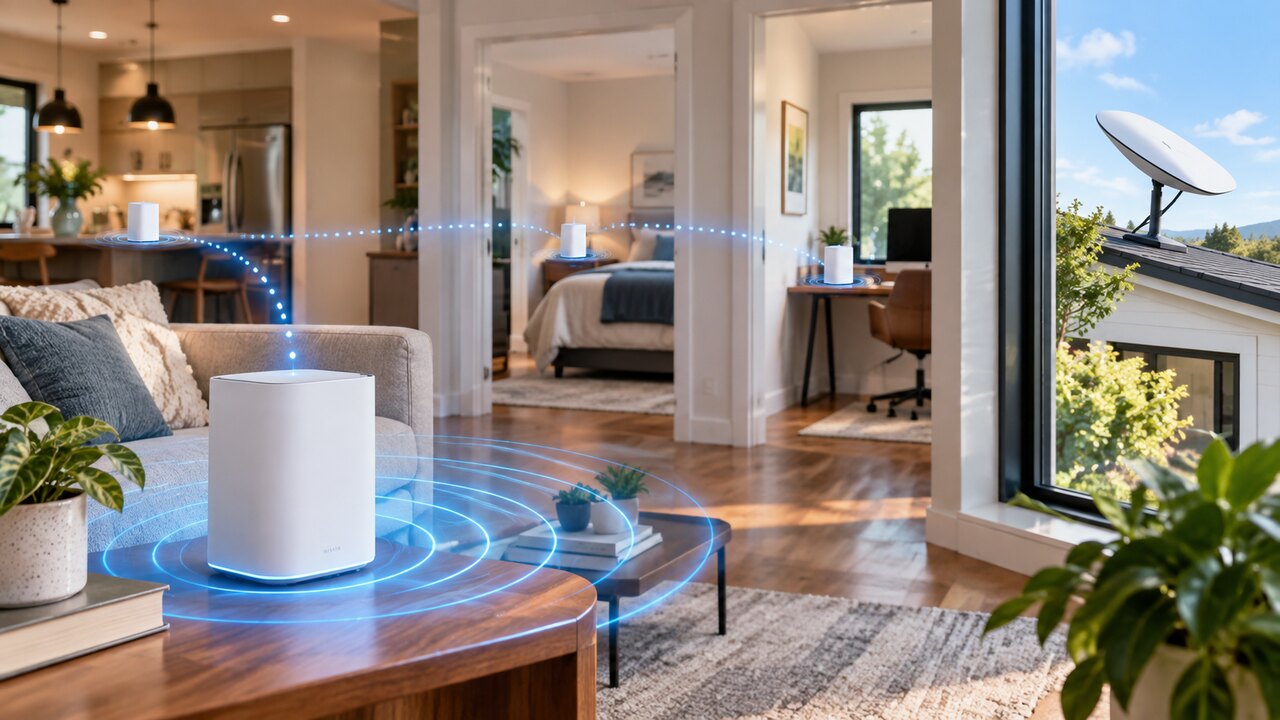
If the same device works well beside the router but poorly in another room, local Wi-Fi coverage is a likely cause. That comparison is a useful clue, not a complete diagnosis: household traffic and internet conditions may also change between tests.
Try this controlled check:
- Use the same phone or laptop and the same test service.
- Test beside the main router, then in the problem room, with the tests close together in time.
- Keep other activity similar. Pause an optional large download or backup for the comparison.
- Repeat the pair of tests. Record speed and whether your normal activity, such as a video call, actually improves.
- If possible, compare a second device. A problem affecting only one device may need attention on that device rather than the whole network.
Starlink's router guidance recommends avoiding major physical barriers and placing equipment above floor level. Try a better router position before buying additional hardware.
Our practical interpretation: a repeatable room-to-room difference points towards the local network; poor results everywhere call for a broader check of app alerts, equipment and the internet connection. A more expensive service plan will not remove a thick wall between your router and laptop.
Read how to improve Starlink Wi-Fi without changing your plan and our router-placement checklist.
Official reference: Starlink Gen 3 router placement guidance. This document describes a specific hardware combination; use the matching guide for setup instructions.
Reviewed: 23 September 2026.
Get One Month of Starlink Free
Order through my referral link and activate your service. Your second month of Starlink service will be free.