Answer
Where should I put my Starlink router for better Wi-Fi coverage?
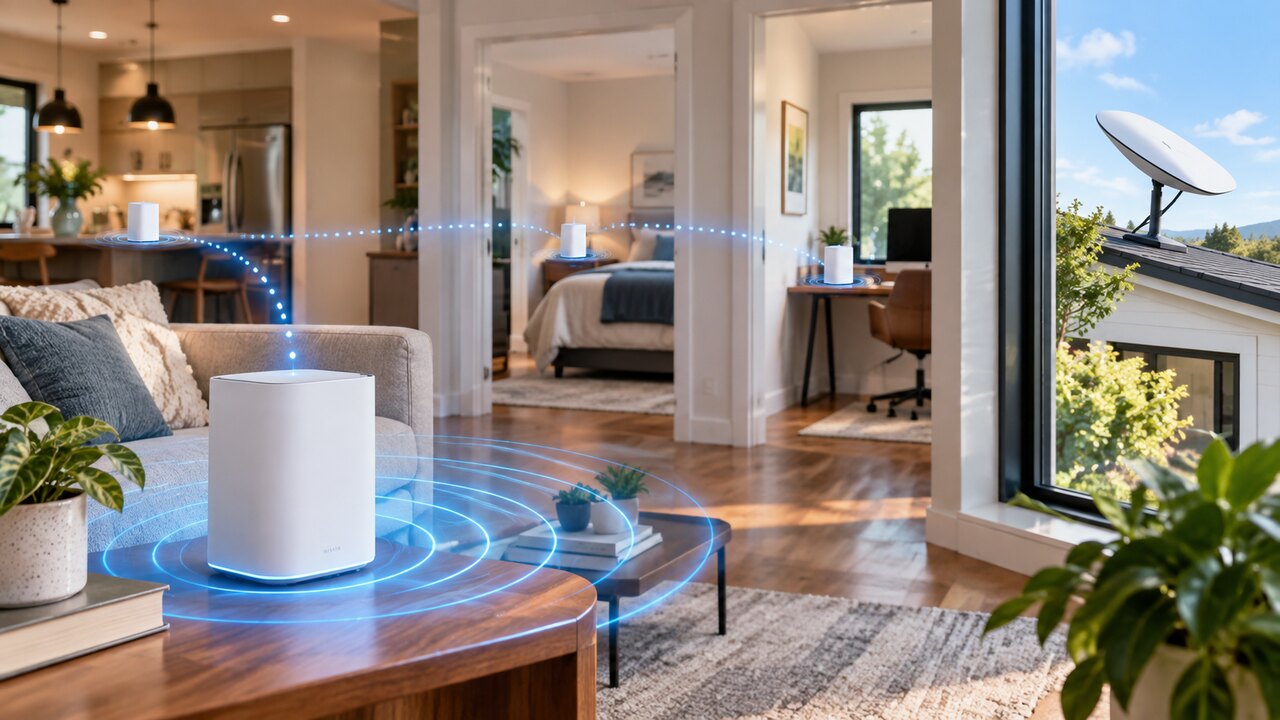
Start with an open position near the rooms where you use Wi-Fi most. For a separate indoor router, a shelf is usually a better candidate than the floor or a closed cupboard. Starlink's guidance favours central coverage and avoiding barriers such as masonry, large mirrors and furniture.
The best position is a tested location, not simply the point closest to the dish cable:
- Map your priorities. Identify the work desk, television and other places where a reliable connection matters.
- Choose a safe location. Allow ventilation, keep cables clear of doors and walking routes, and follow your router's environmental requirements.
- Compare two or three positions. Test from the same devices in the same rooms after each move.
- Check normal use. Opening a website once is a weaker test than a sustained call or streaming session.
- Keep the best overall result. Improving one room while making three others unusable is not a successful change.
Do not confuse dish positioning with router positioning. The dish needs an appropriate outdoor sky view; indoor Wi-Fi coverage is a separate part of the installation. Starlink Mini has integrated Wi-Fi, so these separate-router placement choices do not directly apply to the Mini dish itself.
Read where your Starlink router should go. If positioning alone is insufficient, see our practical Wi-Fi improvement guide.
Official references: Starlink mesh placement guidance and Mini hardware specifications.
Reviewed: 23 September 2026.
Get One Month of Starlink Free
Order through my referral link and activate your service. Your second month of Starlink service will be free.