Answer
Why does Starlink Wi-Fi work but my Ethernet connection does not?
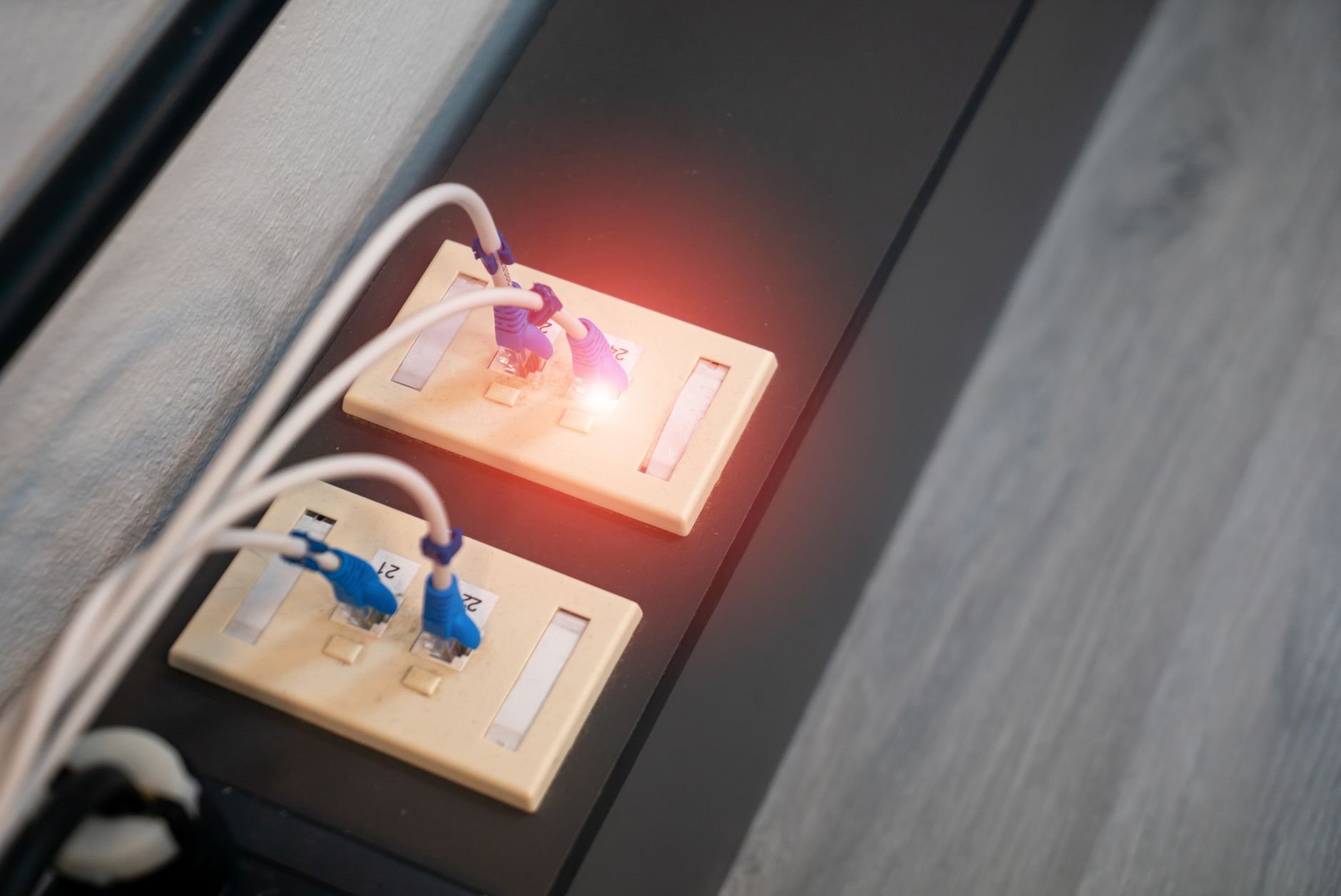
If Wi-Fi devices can browse normally, the satellite connection is probably working. Concentrate first on the wired path: the LAN port or compatible adapter, cable, switch, dock and the affected device.
Try a simple comparison:
- Connect one device through the shortest supported wired path.
- Temporarily remove optional switches, wall cabling or docks where practical.
- Compare a known-working cable.
- Test a second wired device if available.
- Check whether the device reports a physical Ethernet link and a network address.
A link light does not prove that addressing or internet access is correct, but no physical link makes DNS changes an unhelpful first step.
If a direct connection works and the normal arrangement does not, reconnect the intermediate components one at a time. That narrows the fault without resetting the whole system.
Do not connect a computer to a dish-power port simply because a plug appears to fit. Identify the hardware and use the documented LAN connection.
Read our related guide: Starlink Ethernet Not Working? A Step-by-Step Troubleshooting Guide.
Related official guidance: Standard hardware specifications.
Reviewed: 23 September 2026. Plan and hardware details should be checked for your country and equipment.
Get One Month of Starlink Free
Order through my referral link and activate your service. Your second month of Starlink service will be free.