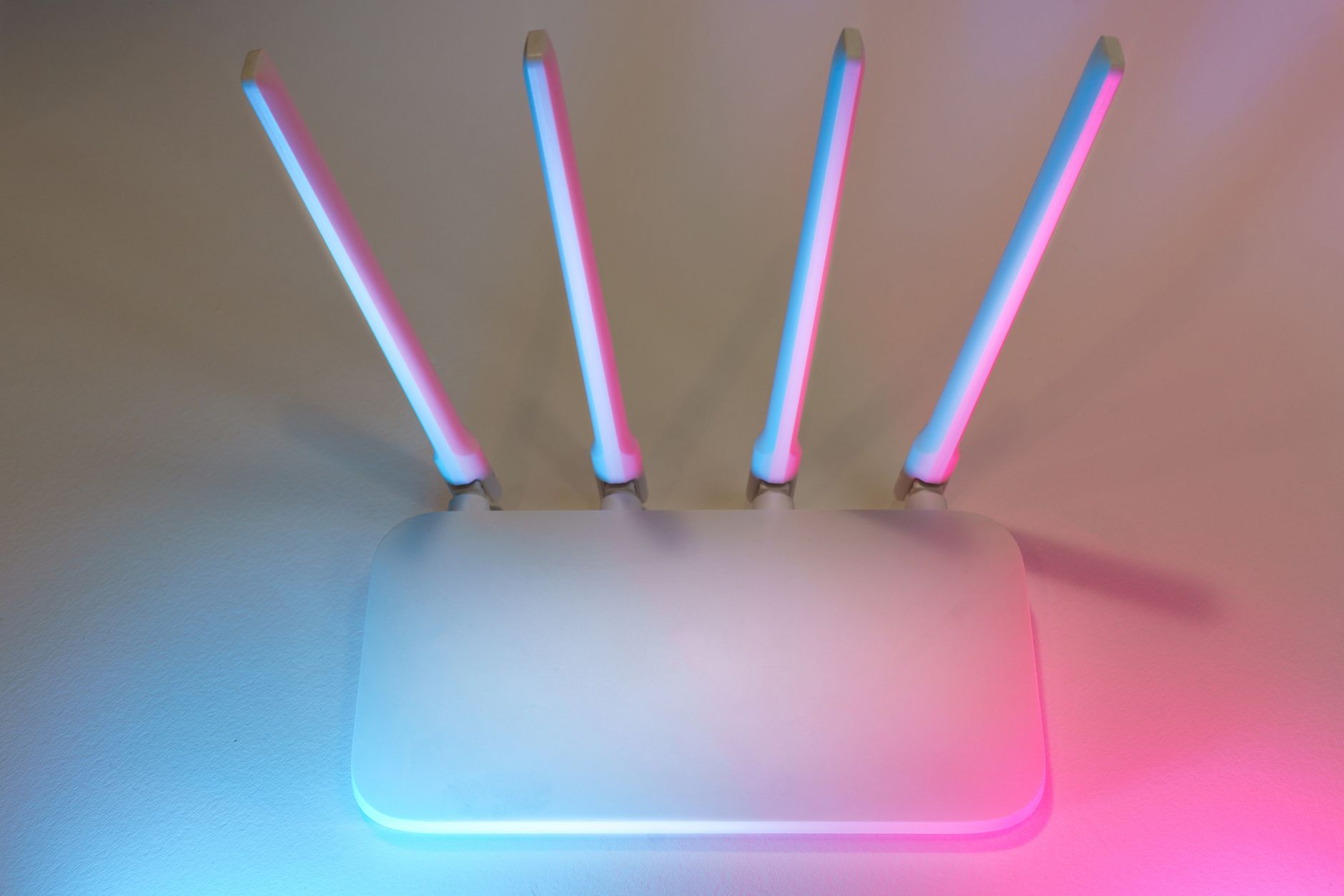
Where Should Your Starlink Router Go? Wi-Fi Placement Guide
Getting Started
Independent guide: Starlink Tips is independent of Starlink. Follow the current official setup instructions for your hardware and account.
Claim Your Free Month
Order through my referral link and activate your service. Your second month of Starlink service will be free.
Start with the safe, simple option
The dish connects you to the satellite network, but the router determines how well that connection reaches your devices. Put it in a central, open position where possible, away from thick masonry, large metal objects, enclosed cupboards and obvious sources of interference.
Work in this order
Use a power socket that allows the equipment to sit safely with ventilation and strain relief on the cable. Do not create a trip hazard or pinch the cable behind furniture.
Claim Your Free Month
Order through my referral link and activate your service. Your second month of Starlink service will be free.
Test before changing anything expensive
Test at the desk, television and room where the connection matters most. If a weak room is the only problem, improve the local Wi-Fi layout before changing the dish position or service plan.
Avoid these common mistakes
A mesh or wired connection may help larger homes, but start with the simple solution: good router placement and a clear understanding of where coverage is actually weak.
Quick checklist
- Confirm the current official instructions for your kit.
- Keep cables protected and connectors undamaged.
- Use the Starlink app to guide location and diagnosis.
- Change one variable at a time.
- Ask a competent installer for height, roof or structural work.
Claim Your Free Month
Order through my referral link and activate your service. Your second month of Starlink service will be free.
Related Starlink guides
- Is Now the Right Time to Switch to Starlink?
- Where to Place Starlink: Avoid Obstructions and Signal Loss
- Starlink Setup for Beginners: From Unboxing to First Connection