Get usable Wi-Fi inside a metal workshop
Installation & Setup Guides
A metal workshop may have a working internet link at its door and poor Wi-Fi at the workbench. Measure those separately before moving the Starlink dish or buying a larger internet package.
Compare three positions
Use the same device and the same simple task at the house, just outside the workshop and inside with doors in their normal position. Record the Wi-Fi network, time and result. If possible, have the installer test a wired connection at the workshop endpoint.
If the wired endpoint works but indoor Wi-Fi does not, focus on local coverage. If the endpoint itself fails, investigate the building-to-building link first. Moving an indoor access point cannot repair an unreliable incoming cable or bridge.
Bring the network to the building
Discuss a suitable cable, fibre or outdoor wireless bridge with an installer. A bridge normally provides a link between network endpoints; it should not be assumed to provide useful Wi-Fi everywhere inside the workshop. Its radios and power arrangement need to match their manuals.
Place a suitable access point inside the area where devices are used, with its approved power and network connection. Avoid hiding it behind large metal cabinets, machinery or stock. Keep equipment out of damp, dusty or hot locations unless it is specifically rated for them.
Test the real workflow
Check the workbench, office corner, camera locations and any outside working area. Test with machinery operating normally where it is safe to do so. Record weak spots on a simple floor plan rather than relying on a phone's signal bars alone.
If several access points are needed, have their positions and configuration planned together. Adding repeaters at random can make diagnosis harder. Keep a wired test point accessible for later troubleshooting.
Handover details to keep
Label the incoming link, access point and power source. Save the equipment models and a connection sketch. Test again after furniture or machinery is moved; the environment is part of the installation.
The bridge video is useful background on supplying another building, not a coverage guarantee for a metal structure.
Related question
Why is Starlink fast near the router but slow in another room?
Sources and further reading
Topic inspiration: Farm. This is an independently written Starlink Tips guide, not a reproduction or a claim of hands-on testing. Official instructions for your exact equipment take priority.
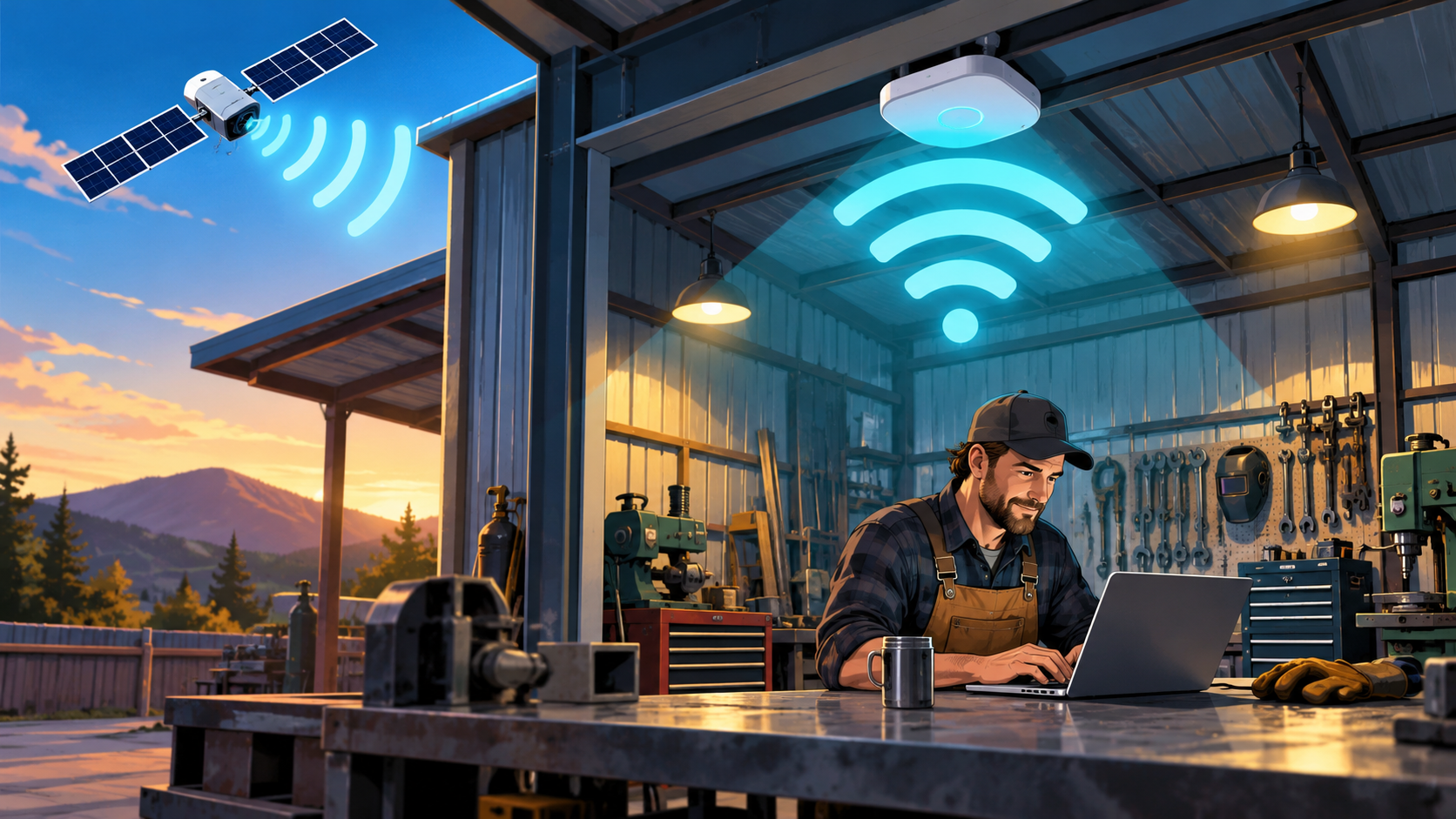
Thumbnail: original AI-generated conceptual illustration; not a fitting, wiring or measurement diagram. Reviewed 1 November 2026.