Get One Month of Starlink FreeSPECIAL OFFER: GET A FREE MONTH OF STARLINK >
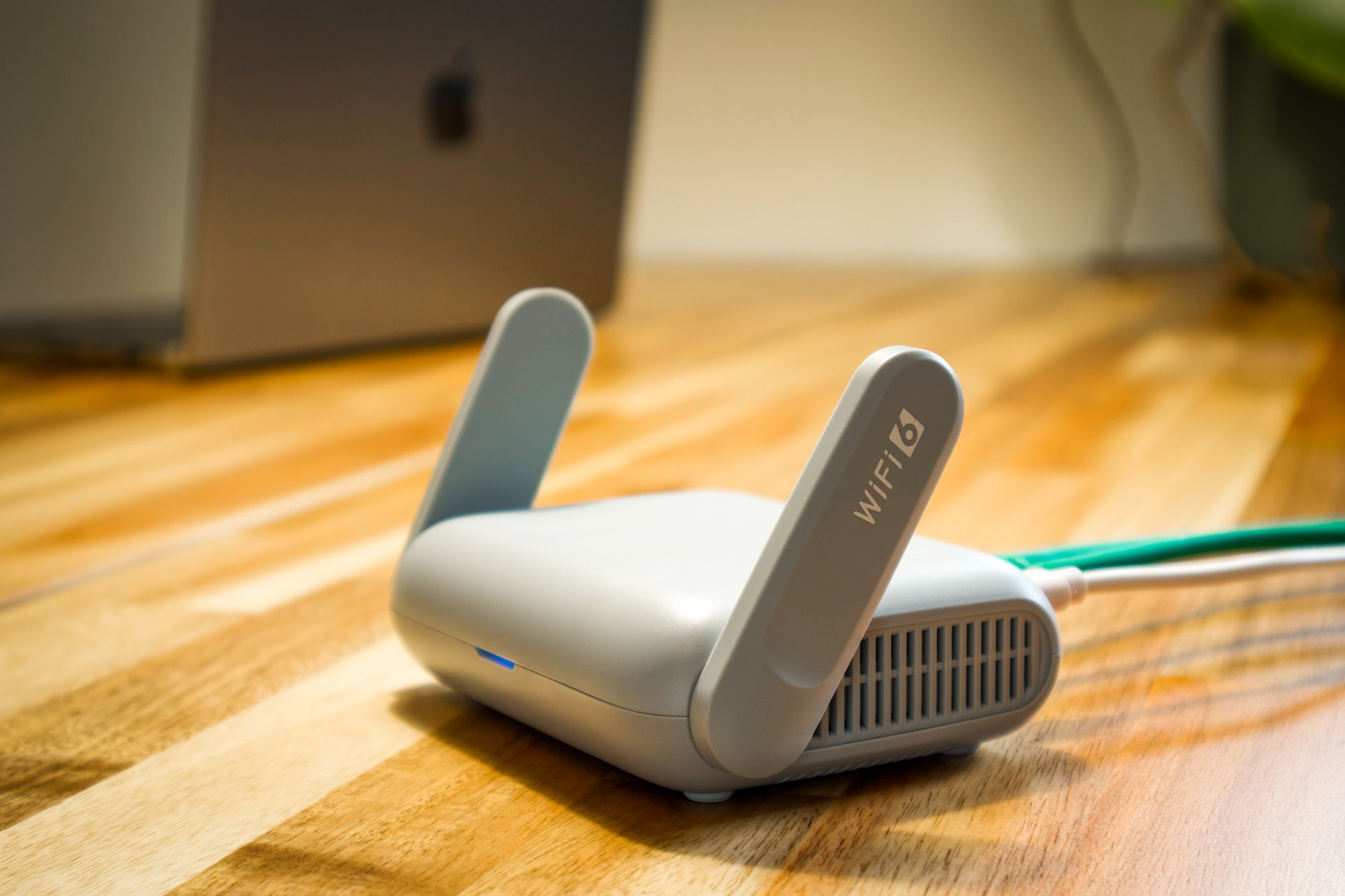
Wireless router and cable representing Starlink hardware and accessories

Starlink Hardware & Accessories

Reviews and guides covering Starlink routers, mounts, adapters, cables and useful accessories.

More from Starlink Hardware & Accessories

View playlist

How To Choose The Right Starlink Mesh Network No More Spotty WiFi

JCristina reviews the equipment or networking setup in “How To Choose The Right Starlink Mesh Network No More Spotty WiFi”. Starlink Tips viewing notes: Map the weak rooms first, then check the connection between mesh units and your exact Starlink router. Buying more nodes without a placement plan can leave the original coverage problem unresolved. Related answer: Will a mesh Wi-Fi system improve my Starlink connection? — Will Mesh Wifi Improve Starlink Related guide: How to Improve Starlink Wi-Fi: Mesh Systems and Routers — How To Boost Your Starlink Wi Fi Coverage A Complete Guide To Mesh Systems And Routers Get One Month of Starlink Free — Claim Your Free Month: Starlink Order through my referral link and activate your service. Your second month of Starlink service will be free. Starlink Tips may receive a referral reward. Check the offer shown by Starlink for your order.

How To Choose The Right Starlink Mesh Network No More Spotty WiFi

JCristina reviews the equipment or networking setup in “How To Choose The Right Starlink Mesh Network No More Spotty WiFi”. Starlink Tips viewing notes: Map the weak rooms first, then check the connection between mesh units and your exact Starlink router. Buying more nodes without a placement plan can leave the original coverage problem unresolved. Related answer: Will a mesh Wi-Fi system improve my Starlink connection? — Will Mesh Wifi Improve Starlink Related guide: How to Improve Starlink Wi-Fi: Mesh Systems and Routers — How To Boost Your Starlink Wi Fi Coverage A Complete Guide To Mesh Systems And Routers Get One Month of Starlink Free — Claim Your Free Month: Starlink Order through my referral link and activate your service. Your second month of Starlink service will be free. Starlink Tips may receive a referral reward. Check the offer shown by Starlink for your order.

Questions & answers

Questions about this video

Straight answers to the questions readers ask most often.

Why is Starlink fast near the router but slow in another room?

If the same device works well beside the router but poorly in another room, local Wi-Fi coverage is a likely cause. That comparison is a useful clue, not a complete diagnosis: household traffic and internet conditions may also change between tests.

Try this controlled check:

  1. Use the same phone or laptop and the same test service.
  2. Test beside the main router, then in the problem room, with the tests close together in time.
  3. Keep other activity similar. Pause an optional large download or backup for the comparison.
  4. Repeat the pair of tests. Record speed and whether your normal activity, such as a video call, actually improves.
  5. If possible, compare a second device. A problem affecting only one device may need attention on that device rather than the whole network.

Starlink's router guidance recommends avoiding major physical barriers and placing equipment above floor level. Try a better router position before buying additional hardware.

Our practical interpretation: a repeatable room-to-room difference points towards the local network; poor results everywhere call for a broader check of app alerts, equipment and the internet connection. A more expensive service plan will not remove a thick wall between your router and laptop.

Read how to improve Starlink Wi-Fi without changing your plan and our router-placement checklist.

Official reference: Starlink Gen 3 router placement guidance. This document describes a specific hardware combination; use the matching guide for setup instructions.

Reviewed: 23 September 2026.

Get One Month of Starlink Free

Claim Your Free Month

Order through my referral link and activate your service. Your second month of Starlink service will be free.

Open and share this answer
Will a mesh Wi-Fi system improve my Starlink connection?

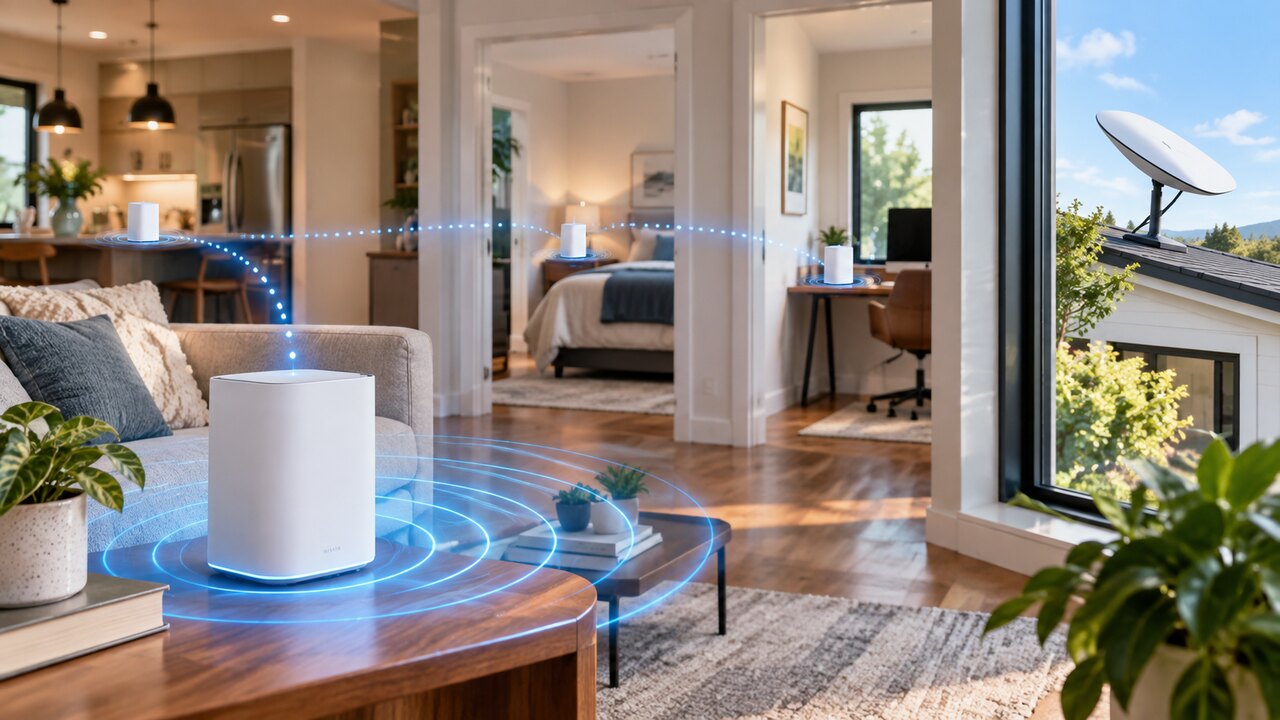
Mesh Wi-Fi can improve coverage inside your property when the main router works well nearby but struggles to reach other rooms. It extends your local network; it does not increase the satellite service's capacity or remove obstacles blocking the dish.

Before buying, identify the rooms that actually need better coverage. Then check the mesh equipment's compatibility with your exact router and kit. Starlink mesh and a third-party mesh system are not interchangeable simply because both use the word “mesh”.

For compatible Starlink Gen 3 mesh, the official guide recommends:

  • Positioning nodes where they still receive a useful signal, rather than in the centre of a complete dead zone.
  • Keeping nodes roughly one or two rooms apart, with placement adjusted for the building.
  • Favouring direct connections to the main router over a chain of wireless nodes.
  • Using the app to inspect the connections and adjust positions.

The guide also describes wired links between compatible nodes. These can be useful when a wireless path through the building is poor.

Our recommendation is to add coverage deliberately and retest after each change. More nodes do not automatically mean better performance. If service is poor even beside the main router, diagnose that problem before expanding the network.

Read how to improve Starlink Wi-Fi. Related video: How to Choose the Right Starlink Mesh Network. Check current compatibility separately from a creator's demonstration.

Official reference: Starlink Gen 3 mesh setup guide.

Reviewed: 23 September 2026.

Get One Month of Starlink Free

Claim Your Free Month

Order through my referral link and activate your service. Your second month of Starlink service will be free.
Open and share this answer
Browse all questions