Get One Month of Starlink FreeSPECIAL OFFER: GET A FREE MONTH OF STARLINK >
3

Installation

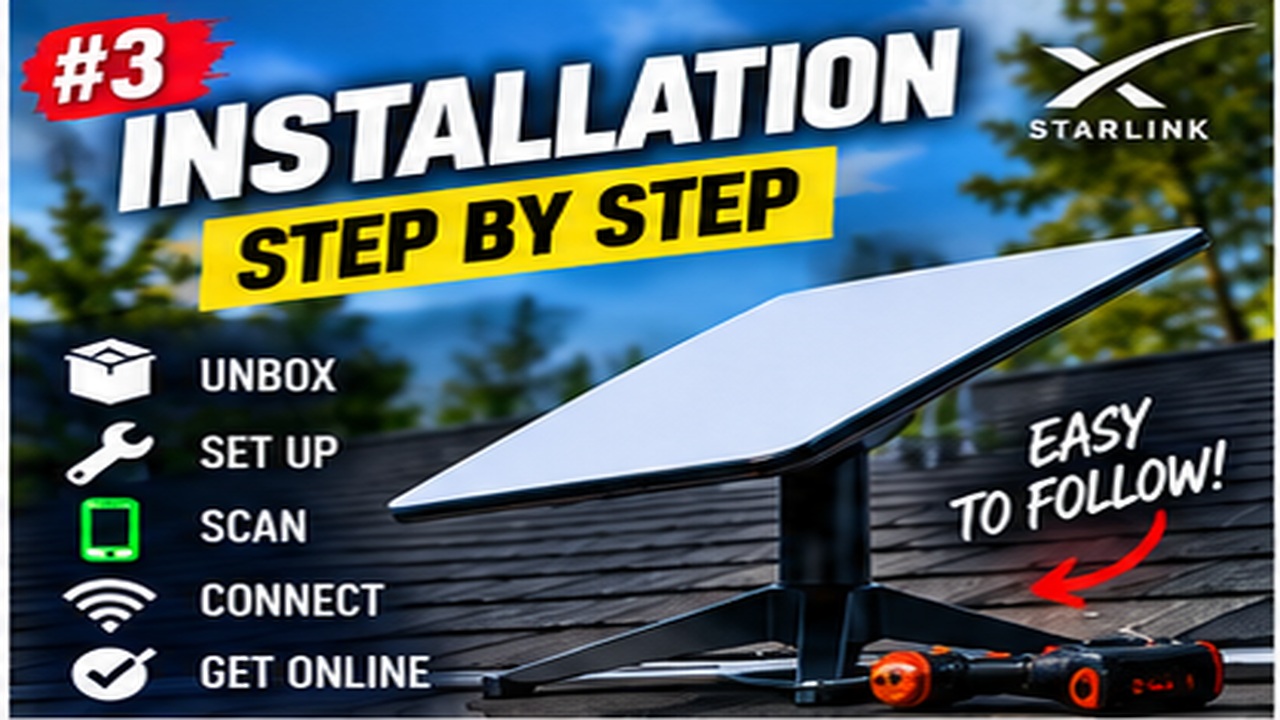
Step-by-step Starlink installation videos covering placement, mounting, cabling and activation.

More from Installation

View playlist

Starlink Gen 3 Full Review - Installation, Speed Test, and Pricing

Rockhill farm demonstrates the installation shown in “Starlink Gen 3 Full Review - Installation, Speed Test, and Pricing”. Starlink Tips viewing notes: Use this Gen 3 review to identify installation and testing steps. Match the exact hardware, check today's local price, and assess safe mounting and everyday performance at your own property. Related answer: Can I install Starlink myself, or do I need an installer? — Starlink Self Install Or Professional Related guide: Starlink Setup for Beginners: From Unboxing to First Connection — The Ultimate Starlink Setup Guide For Absolute Beginners Get One Month of Starlink Free — Claim Your Free Month: Starlink Order through my referral link and activate your service. Your second month of Starlink service will be free. Starlink Tips may receive a referral reward. Check the offer shown by Starlink for your order.

Starlink Gen 3 Full Review - Installation, Speed Test, and Pricing

Rockhill farm demonstrates the installation shown in “Starlink Gen 3 Full Review - Installation, Speed Test, and Pricing”. Starlink Tips viewing notes: Use this Gen 3 review to identify installation and testing steps. Match the exact hardware, check today's local price, and assess safe mounting and everyday performance at your own property. Related answer: Can I install Starlink myself, or do I need an installer? — Starlink Self Install Or Professional Related guide: Starlink Setup for Beginners: From Unboxing to First Connection — The Ultimate Starlink Setup Guide For Absolute Beginners Get One Month of Starlink Free — Claim Your Free Month: Starlink Order through my referral link and activate your service. Your second month of Starlink service will be free. Starlink Tips may receive a referral reward. Check the offer shown by Starlink for your order.

Questions & answers

Questions about this video

Straight answers to the questions readers ask most often.

Does Starlink need to be installed on the roof?

No. Starlink does not automatically need a roof installation. Its Standard setup guide suggests an elevated position, such as a roof, pole or wall, when a suitable sky view cannot be found at ground level.

Choose the position by comparing connection suitability and installation practicality:

  • Ground: potentially easier to inspect, but consider people, pets, mowing, vehicles and the full cable route.
  • Wall or pole: may provide a clearer view while keeping the equipment more accessible than a roof position.
  • Roof: may clear nearby obstacles, but introduces access, fixing, weatherproofing and future maintenance considerations.

These are planning considerations, not instructions for constructing a mount. Use hardware compatible with your exact Starlink model, follow the relevant installation guide and obtain an installer's assessment for difficult or exposed positions.

Before agreeing to work, ask where the cable will enter the building, how that entry will be sealed, where the router will sit and how the dish could be reached for maintenance. Roof height alone is not a useful measure of installation quality.

Read when to use a professional roof installer and whether a ground mount suits your property.

Related video: Starlink Gen 3 installation and review. Treat the video's prices as historical; check today's offer separately.

Technical reference: Starlink Standard installation guide. Other models may have different mounting and alignment instructions.

Reviewed: 23 September 2026.

Get One Month of Starlink Free

Claim Your Free Month

Order through my referral link and activate your service. Your second month of Starlink service will be free.

Open and share this answer
How much should I budget for a complete Starlink setup?

Budget for the complete working installation, not just the advertised kit and monthly subscription. Which extras you need depends on your property and the equipment included in your order.

Make two lists:

  • One-off costs: delivery, a compatible permanent mount, an approved cable option, protected cable routing, professional installation and any necessary home-network equipment.
  • Ongoing costs: the selected service, electricity, any paid data options and subscriptions attached to optional networking products.

Ask an installer to explain what is included before comparing quotes. A cheaper quote that excludes access equipment or weatherproofing may not be the cheaper finished job.

For a useful comparison, calculate the first year's total and the following year's recurring cost separately. Treat promotional discounts and referral credits as specific benefits to verify, not permanent reductions in the normal price.

Start with the equipment you actually need. Test router coverage before buying several mesh nodes, and confirm your hardware has not already included an Ethernet connection before ordering an adapter.

Read our related guide: The Hidden Costs of Starlink: Mounts, Power, Cables and Wi-Fi.

Related official guidance: Standard hardware specifications.

Reviewed: 23 September 2026. Plan and hardware details should be checked for your country and equipment.

Get One Month of Starlink Free

Claim Your Free Month

Order through my referral link and activate your service. Your second month of Starlink service will be free.

Open and share this answer
How should I assess Starlink speeds before ordering?

Do not treat an advertised maximum or another owner's speed test as a guaranteed result at your home. Starlink's service descriptions expressly say that stated speeds and uninterrupted service are not guaranteed.

Make the comparison useful:

  1. Read the performance information for the exact plan and region offered to you.
  2. Distinguish a maximum speed limit from typical performance.
  3. Test your existing connection at several times, including your busiest period.
  4. Include upload speed, responsiveness and interruptions alongside download speed.
  5. Compare over a suitable wired connection where possible, so weak Wi-Fi does not dominate the result.

A connection can have a high peak speed but still disappoint during the tasks that matter. Conversely, a lower but stable result may be sufficient for a household.

Use speed tests as evidence, not a competition. After installation, record ordinary use over several days and investigate repeatable problems. Avoid promising family members or staff a specific number based on an isolated screenshot.

Read our related guide: FTTC vs Starlink: When Starlink Is Better Than Copper Broadband.

Related official guidance: Starlink service-plan descriptions.

Reviewed: 23 September 2026. Plan and hardware details should be checked for your country and equipment.

Get One Month of Starlink Free

Claim Your Free Month

Order through my referral link and activate your service. Your second month of Starlink service will be free.
Open and share this answer
How do I choose a good Starlink installer?

Choose someone who can explain a safe, practical installation for your particular property, rather than simply offering to put the dish as high as possible.

Ask about:

  • Experience with your Starlink hardware generation.
  • How the proposed position will be checked for obstructions.
  • Access equipment and protection of the building.
  • The mount, supporting structure and intended fixings.
  • Cable routing and weatherproofing.
  • Insurance, workmanship cover and what the invoice includes.
  • Testing and handover after installation.

Provide photographs and a description of the property before seeking a firm quote. A useful response should identify uncertainty that needs a survey rather than making unsupported promises about speed or coverage.

Ask how the equipment could be maintained or removed later. A location that is difficult to reach may create recurring costs.

Our recommendation is to compare the written scope as closely as the price. Do not accept a speed guarantee based solely on the installer's experience at another property.

Read our related guide: How to Choose a Starlink Installer: Questions to Ask First.

Related official guidance: Starlink cable-routing guide (model-specific).

Reviewed: 23 September 2026. Plan and hardware details should be checked for your country and equipment.

Get One Month of Starlink Free

Claim Your Free Month

Order through my referral link and activate your service. Your second month of Starlink service will be free.
Open and share this answer
What should a Starlink installation quote include?

A useful quote describes the finished job clearly enough for you to compare it with another offer and check it at handover.

Ask for the following in writing:

  1. Proposed dish location and mount.
  2. Access equipment and labour.
  3. Brackets, fixings and any additional compatible cable.
  4. Cable support, building entry and weatherproofing.
  5. Router position and the extent of indoor networking work.
  6. Testing, tidy-up and disposal arrangements.
  7. Total price, applicable tax and exclusions.
  8. Workmanship warranty and treatment of unexpected problems.

Clarify whether the quote assumes equipment you will provide. A dish installation does not automatically include whole-property Wi-Fi coverage, electrical alterations or an unlimited cable run.

Ask what happens if the chosen position proves obstructed or the building needs a different fixing method. Agree any extra charge before the work proceeds.

At completion, compare the installation with the agreed scope and retain photographs and the invoice. This is practical purchasing guidance; structural and electrical suitability must be assessed for the actual property.

Read our related guide: Starlink Installation Quote Checklist: What Should Be Included?.

Related official guidance: Starlink cable-routing guide (model-specific).

Reviewed: 23 September 2026. Plan and hardware details should be checked for your country and equipment.

Get One Month of Starlink Free

Claim Your Free Month

Order through my referral link and activate your service. Your second month of Starlink service will be free.

Open and share this answer
Browse all questions