Starlink Roof Installation: When to Use a Professional
Starlink Installers
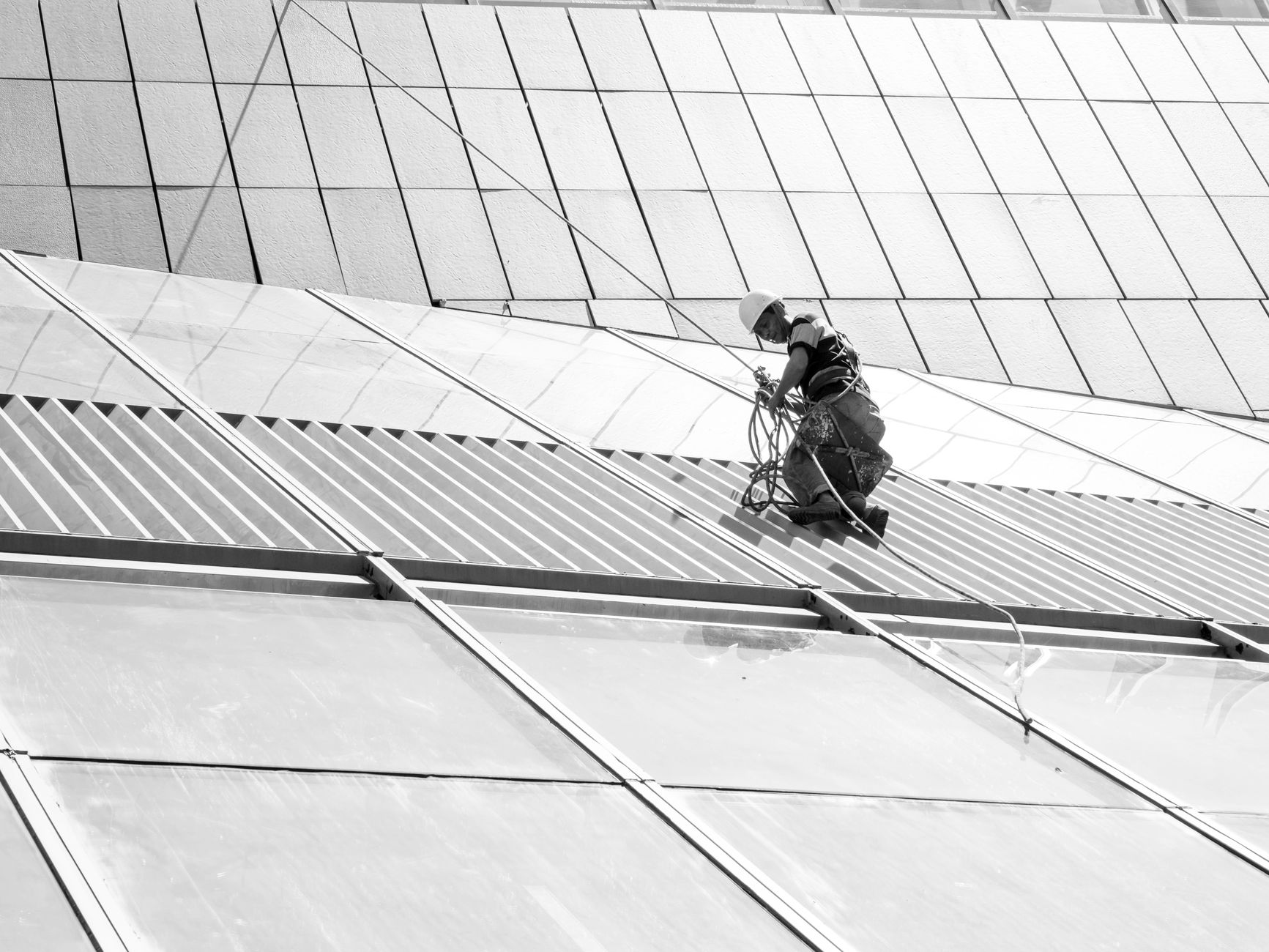
A roof can offer an excellent clear view of the sky, but it also introduces fall risk, weather exposure and the need for correct fixings and cable protection. A good Starlink installation is not simply the highest place available: it is the safest position that gives the dish a reliable view and can still be inspected later.
Start with the Starlink obstruction check
Use the Starlink app from several realistic positions before anyone climbs onto the roof. Compare the roof with safer wall, pole and ground-mount locations. Check at different points around the building because chimneys, trees, neighbouring roofs and dormers can affect one location more than another.
A roof position is worthwhile only when the clearer view provides a genuine benefit. If a wall mount can achieve the same obstruction result, it may be easier to install and maintain.
When professional installation is sensible
Use an experienced, appropriately insured installer when the work involves:
- A steep, fragile, high or difficult-to-access roof
- Working near roof edges, overhead cables or fragile roof coverings
- Drilling or fixing into an unfamiliar roof structure
- A long external cable route or a difficult building entry
- Chimneys, tall masts or exposed locations with significant wind loading
- Any situation where you are not confident about safe access
Ask how the installer plans to reach the work area, protect the roof and secure tools and materials. A professional should be willing to decline an unsafe location and suggest a safer alternative.
Agree the mounting method
The mount must suit both the Starlink hardware and the building. Discuss the mounting surface, bracket, fixings, stand-off distance and exposure to wind. The dish and mount should not wobble, work loose or direct water into the building.
Do not assume every fascia board, tile, chimney or lightweight roof panel can support the same fixing. The installer should assess the actual construction rather than rely on a generic mounting method.
Plan the complete cable route
The dish is only half of the installation. Agree the cable route from the dish to the router before drilling begins. The cable should:
- Avoid sharp bends, crushing and abrasion
- Be secured without overtight clips
- Avoid gutters, doors and places where water can collect
- Include sensible weatherproofing at the building entry
- Reach the intended router position without an unsafe extension arrangement
- Remain identifiable and accessible for future fault-finding
Ask where any connector will sit and how it will be protected during installation. Photograph the route before it disappears behind furniture or finishes.
Think about weather and maintenance
An exposed roof installation has to tolerate wind, rain, heat, frost and repeated temperature changes. Ask how the chosen fixings and external materials suit the location.
Also consider what happens if the cable needs replacing or the dish must be inspected. A position that can only be reached with specialist access equipment may create unnecessary future cost. The installer should explain how routine visual checks can be made safely from ground level and what would require a return visit.
Before the installer leaves
Confirm that:
- The app shows the system online and no unexpected obstruction warning
- The mount is rigid and the cable is securely routed
- The entry point is neat and weather-protected
- Wi-Fi works where you actually need it
- You have photographs, an invoice and details of any warranty
- Any limitations or follow-up work are recorded in writing
Never climb onto a roof merely to improve a speed-test result. Connection quality matters, but personal safety and the integrity of the building come first.
Get One Month of Starlink Free
Order through my referral link and activate your service. Your second month of Starlink service will be free.
Related Starlink guides
- How to Prepare Your Home for a Starlink Installation Day
- How to Choose a Starlink Installer: Questions to Ask First
- Starlink Cable Routing: What a Good Installer Should Consider