Get One Month of Starlink FreeSPECIAL OFFER: GET A FREE MONTH OF STARLINK >
3

Installation

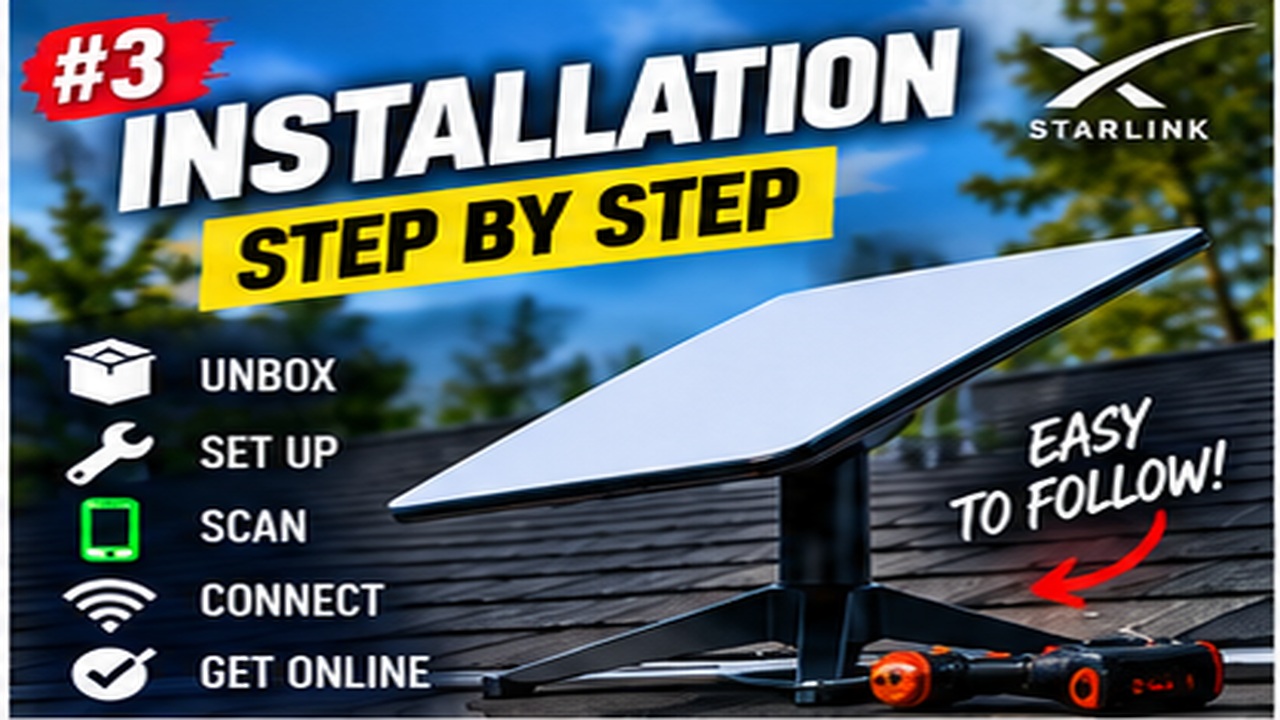
Step-by-step Starlink installation videos covering placement, mounting, cabling and activation.

More from Installation

View playlist

DIY Starlink Install - Pole Mount Adapter, Speed Test, Router Bypass - Standard Gen 3 Version 3 & 4

Follow this practical Starlink guide to DIY Starlink Install - Pole Mount Adapter, Speed Test, Router Bypass - Standard Gen 3 Version 3 & 4, covering the key installation or setup steps for a secure and reliable connection. Starlink Tips practical notes: A pole adapter is only one component of an installation. Before reusing a mast, have its condition, supporting structure, fixings, exposure and access assessed for the complete arrangement. The right connector diameter alone does not establish a safe mount. Keep the dish-cable route separate from decisions about router bypass mode. Use the linked installation and networking answers to identify which part of the project needs an installer and which is a local network setting. For further reading, open the related Q&As below; each links to a fuller guide. Get One Month of Starlink Free: use the “Claim Your Free Month” referral button beneath the player. Order through my referral link and activate your service. Your second month of Starlink service will be free.

DIY Starlink Install - Pole Mount Adapter, Speed Test, Router Bypass - Standard Gen 3 Version 3 & 4

Follow this practical Starlink guide to DIY Starlink Install - Pole Mount Adapter, Speed Test, Router Bypass - Standard Gen 3 Version 3 & 4, covering the key installation or setup steps for a secure and reliable connection. Starlink Tips practical notes: A pole adapter is only one component of an installation. Before reusing a mast, have its condition, supporting structure, fixings, exposure and access assessed for the complete arrangement. The right connector diameter alone does not establish a safe mount. Keep the dish-cable route separate from decisions about router bypass mode. Use the linked installation and networking answers to identify which part of the project needs an installer and which is a local network setting. For further reading, open the related Q&As below; each links to a fuller guide. Get One Month of Starlink Free: use the “Claim Your Free Month” referral button beneath the player. Order through my referral link and activate your service. Your second month of Starlink service will be free.

Questions & answers

Questions about this video

Straight answers to the questions readers ask most often.

Can I mount Starlink on an existing television aerial pole?

Possibly, but the existing pole and its fixings need assessment for the new equipment and exposure. An adapter that fits the pole diameter does not prove the mast, wall brackets or roof attachment can carry the installation safely.

Ask an installer to inspect corrosion, movement, supporting structure and the load added by the dish. Include the cable route and access for future maintenance. The dish also needs a suitable sky view; a tall mast can still sit beside obstructing trees or masonry.

Our recommendation is to obtain a specification for the complete mounting arrangement rather than copying another property's pole height or bracket spacing. Use an adapter approved for the exact Starlink model.

Do not climb onto the roof or attach a dish to an unassessed aerial mast just because the old television aerial has stayed up for years.

Next useful answers

Related guides

Related video

DIY Starlink Install - Pole Mount Adapter, Speed Test, Router Bypass - Standard Gen 3 Version 3 & 4

This related demonstration may show older hardware or plan details; use the official guidance below for current requirements.

Sources

Reviewed: 26 September 2026. Practical checklists are our editorial recommendations; plan availability and hardware requirements vary by country and model.

Get One Month of Starlink Free

Claim Your Free Month

Order through my referral link and activate your service. Your second month of Starlink service will be free.

Starlink Tips is independent and may receive a referral reward. See the offer shown by Starlink when ordering.

Open and share this answer
Browse all questions