
Tips & Tricks Guides
Browse every published Starlink guide in tips & tricks.
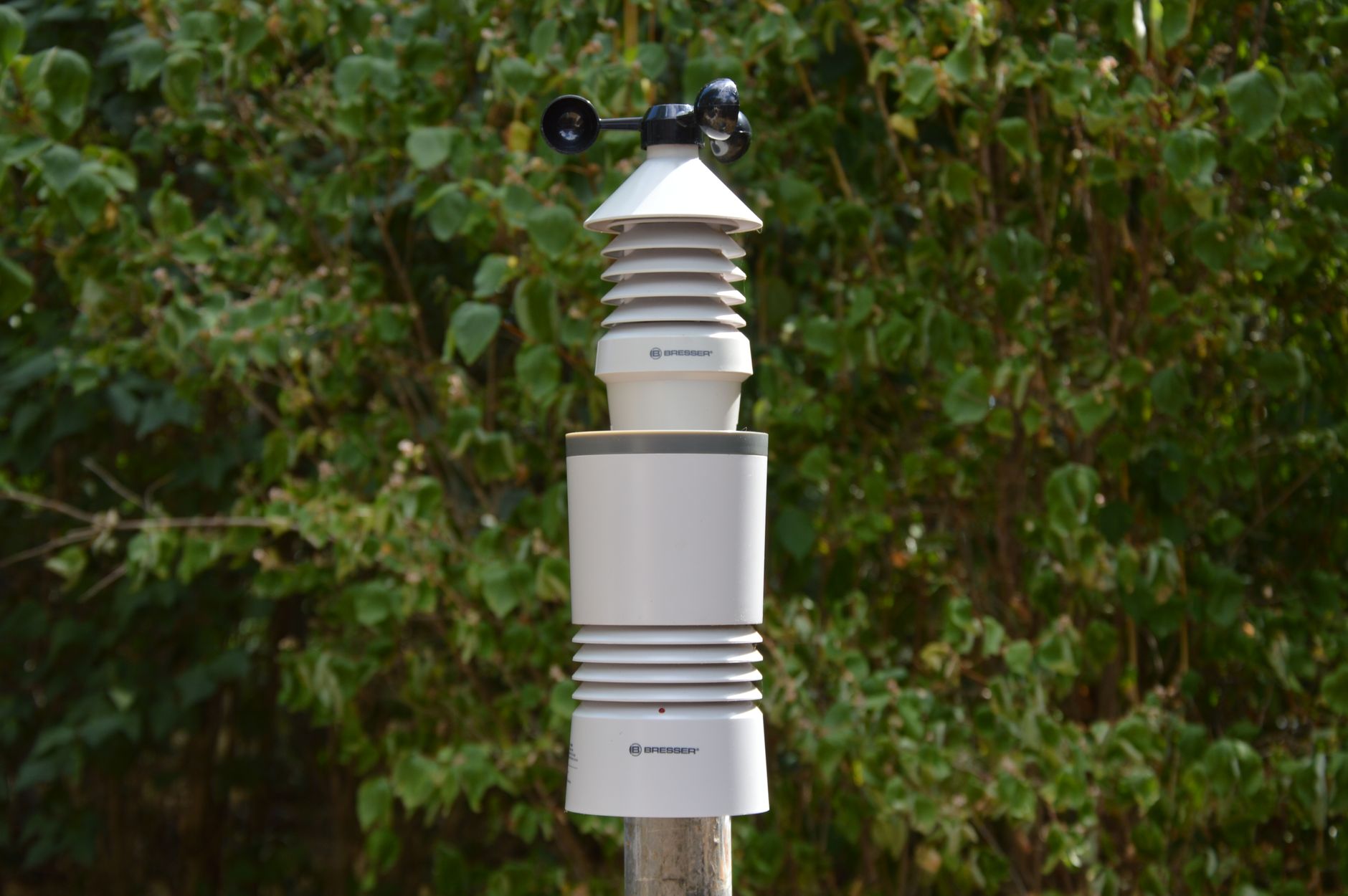
How to Connect a Weather Station to Starlink Wi-Fi
Connect a home weather station to Starlink Wi-Fi, pair its outdoor sensor, handle 2.4 GHz setup and separate local-reading problems from cloud or app failures.
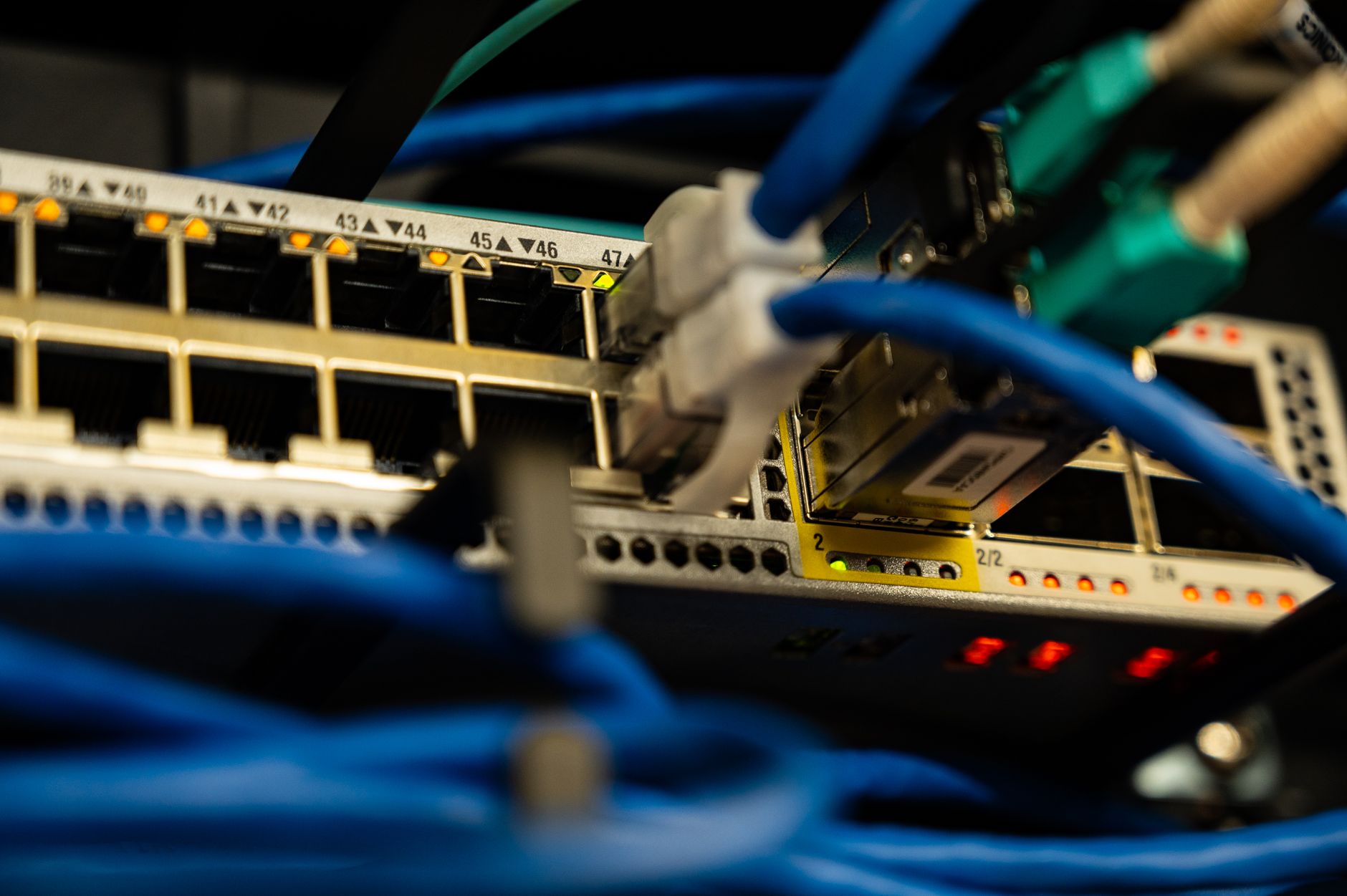
How to Set Up a Starlink DHCP Reservation for Stable Local IPs
Give a NAS, printer, camera or home server a consistent private address on Starlink without confusing a local DHCP reservation with a public or static internet IP.
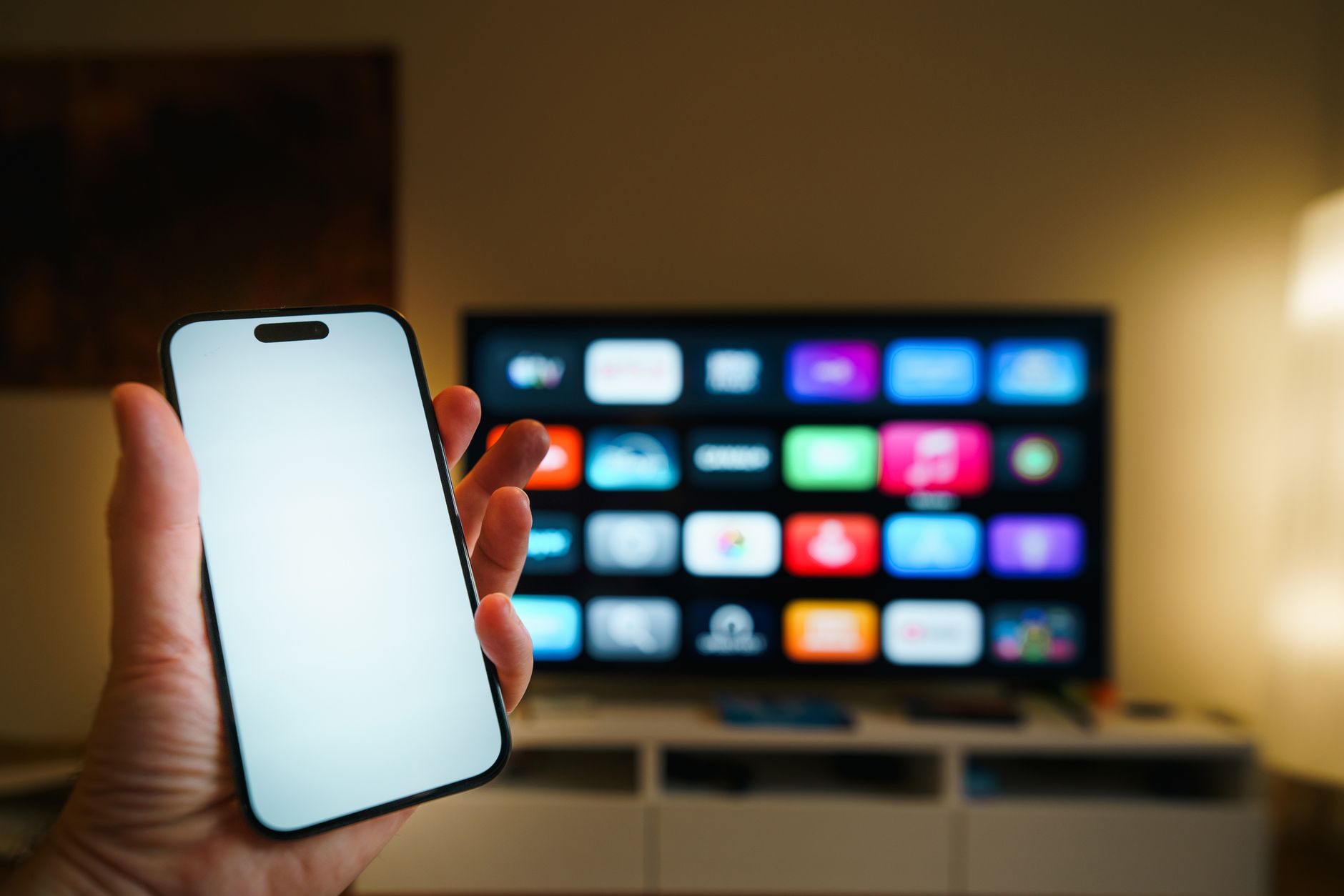
How to Connect a Smart TV to Starlink Wi-Fi
Connect a smart TV to Starlink Wi-Fi, choose the right router network, handle 2.4 GHz pairing problems, and fix connected-but-no-internet errors without resetting everything.
How to Add an Ethernet Switch to Starlink for Multiple Wired Devices
Add a simple Ethernet switch to Starlink for a TV, console, PC, printer or NAS without creating a second router, a network loop or an accidental public-facing device.
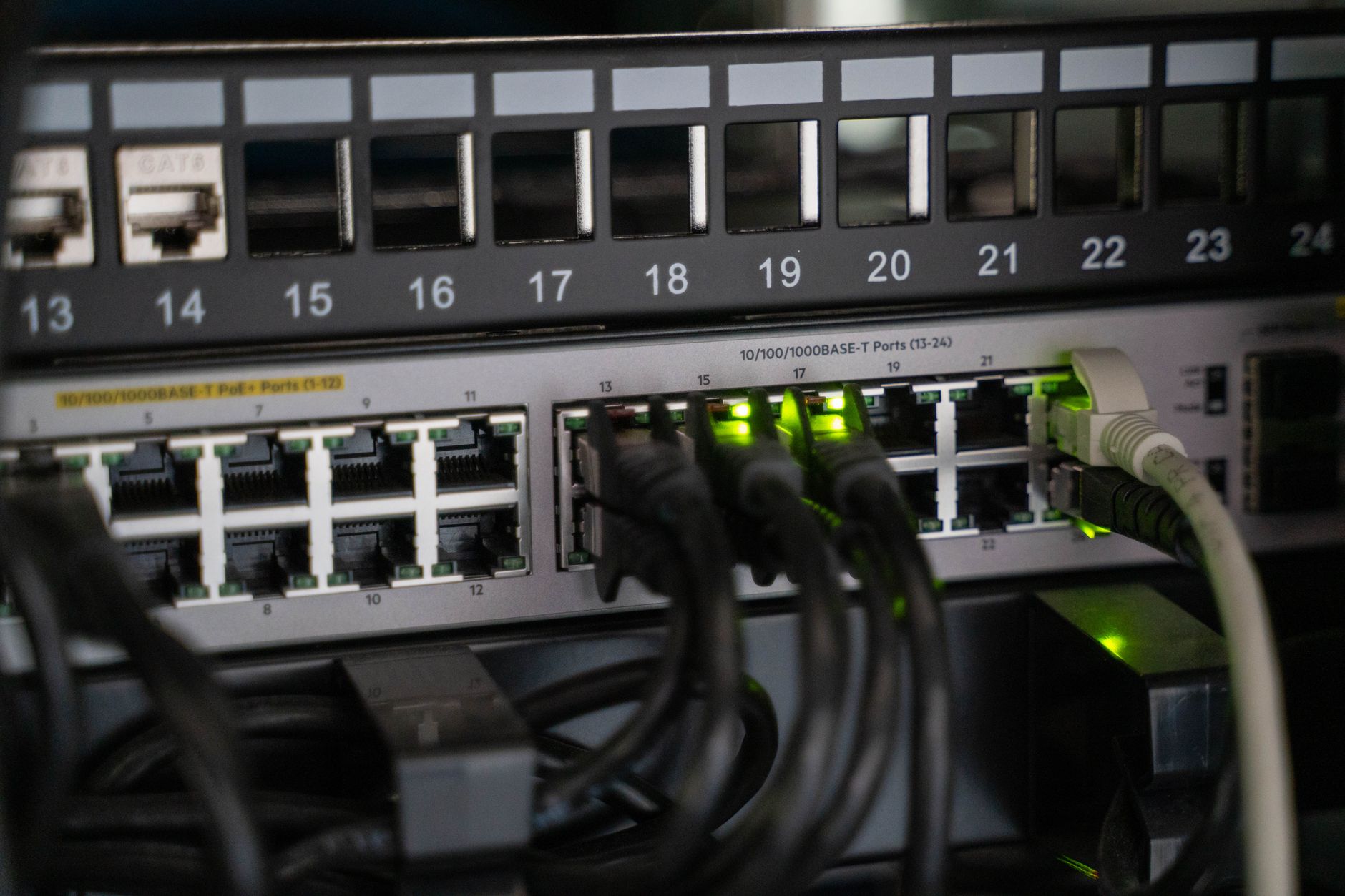
How to Connect a NAS or Home Server to Starlink Safely
Connect a NAS or home server to Starlink, keep local file access working, avoid double NAT and CGNAT surprises, and choose a safer remote-access method.
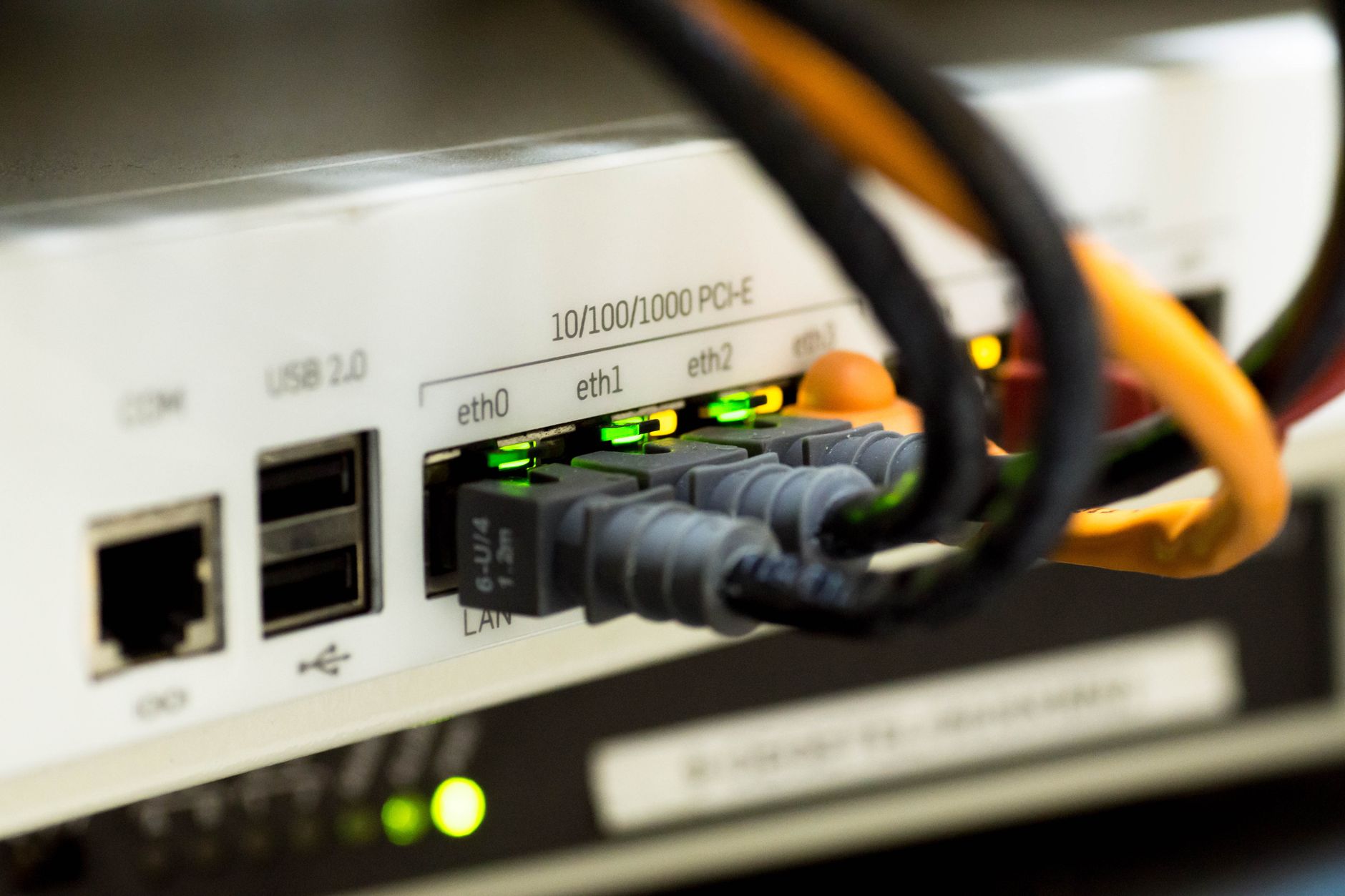
How to Set Up Starlink Automatic Failover With a 4G or 5G Backup
Configure Starlink as the primary WAN and a 4G or 5G router as backup, then test automatic failover without creating LAN loops or avoidable double NAT.
Does Starlink Provide a Static IP? Public IP, CGNAT and Safe Alternatives
Check whether Starlink gives your router a public or CGNAT address, understand the difference between public and static IPs, and choose a safe remote-access option.
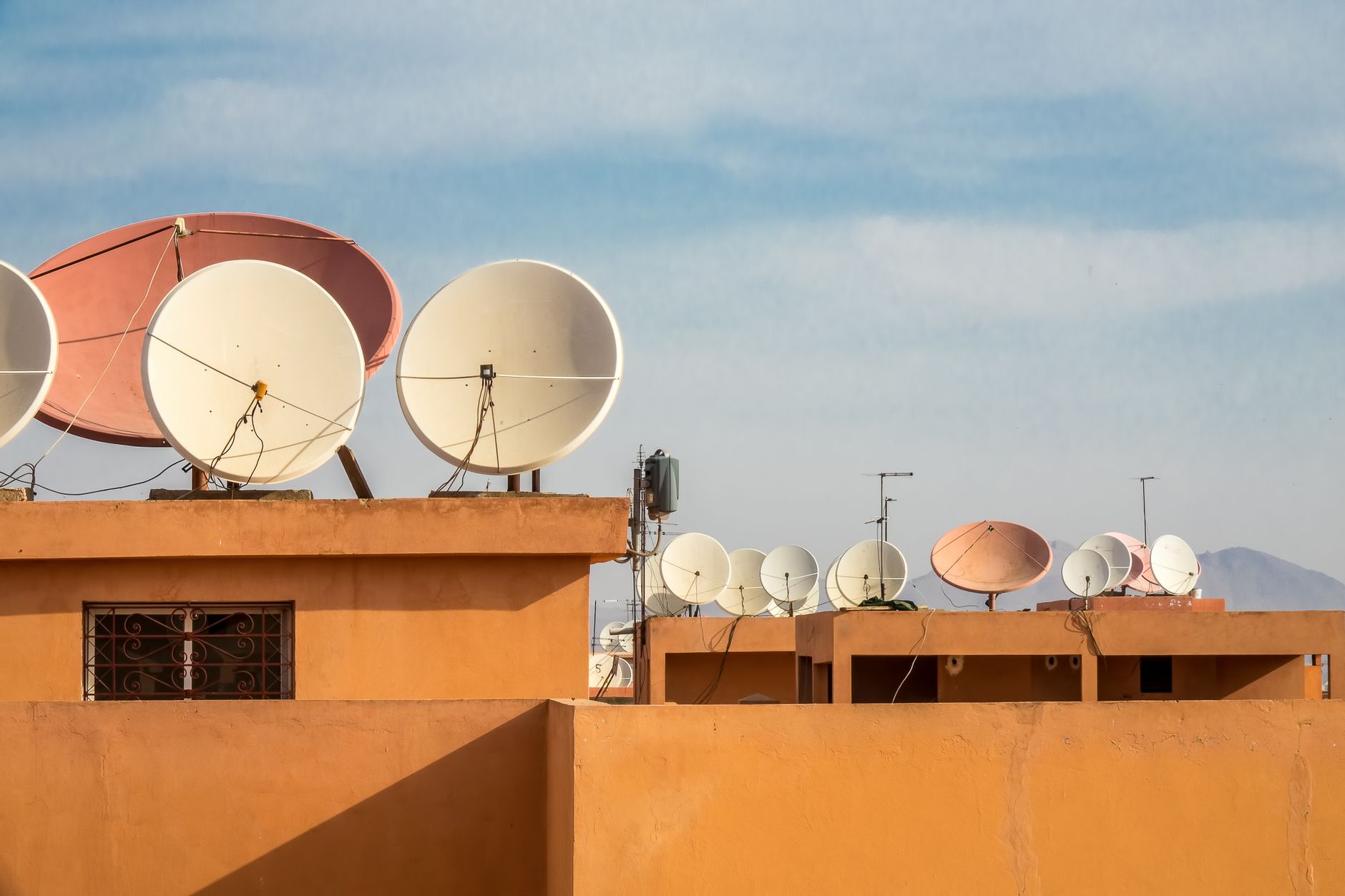
How to Clean a Starlink Dish Safely
Clean dust, pollen, mud, snow and other debris from a Starlink dish without scratching the surface, wetting connectors or taking unsafe risks.
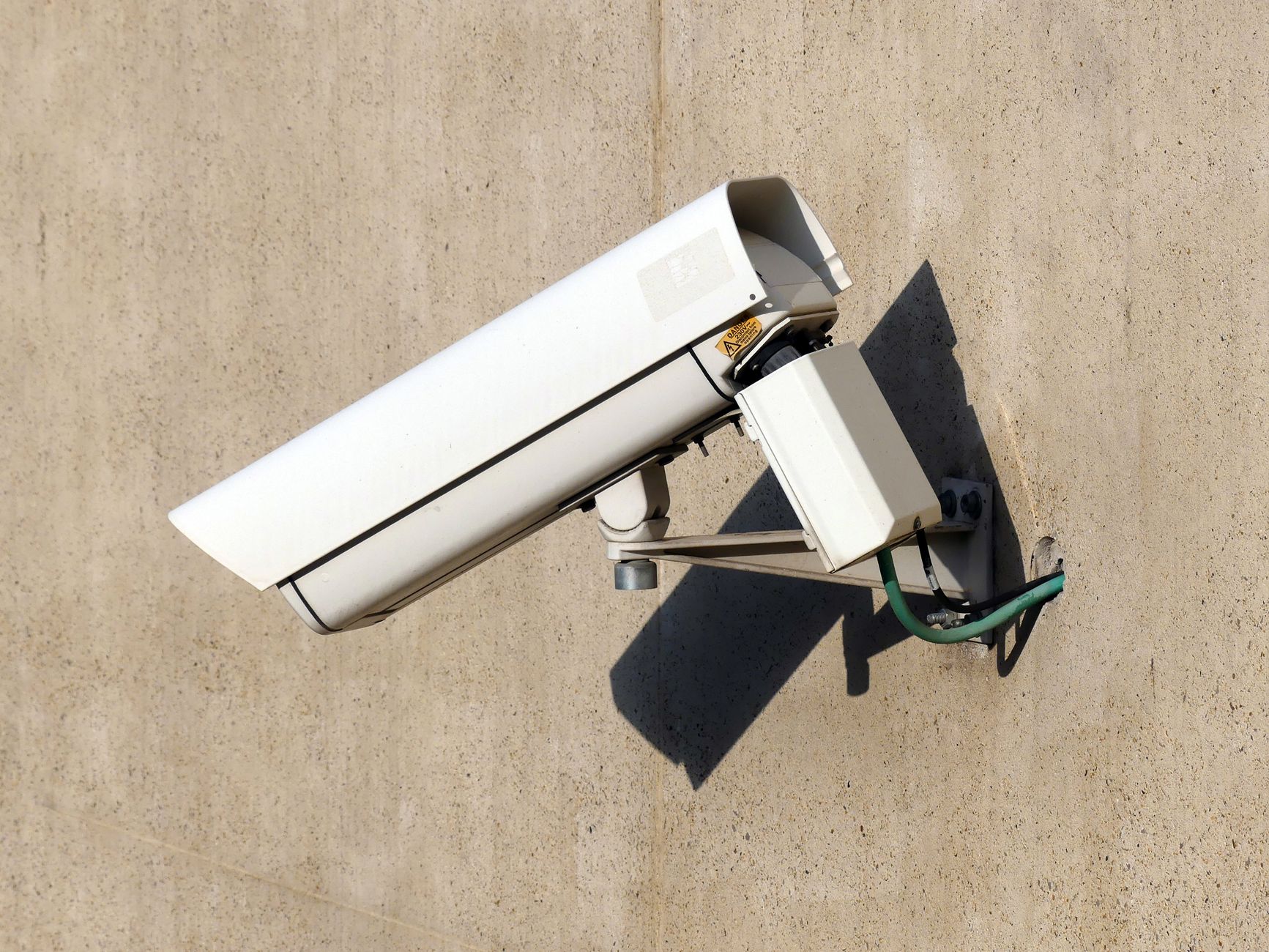
How to Connect Security Cameras to Starlink Wi-Fi Safely
Connect cloud cameras and local recorders to Starlink, troubleshoot 2.4 GHz pairing, and set up remote viewing without exposing your home network.

How to Connect a Printer to Starlink Wi-Fi (and Fix Discovery Problems)
Connect a wireless printer to Starlink Wi-Fi, fix same-network discovery problems, and keep local printing secure without exposing the printer to the internet.
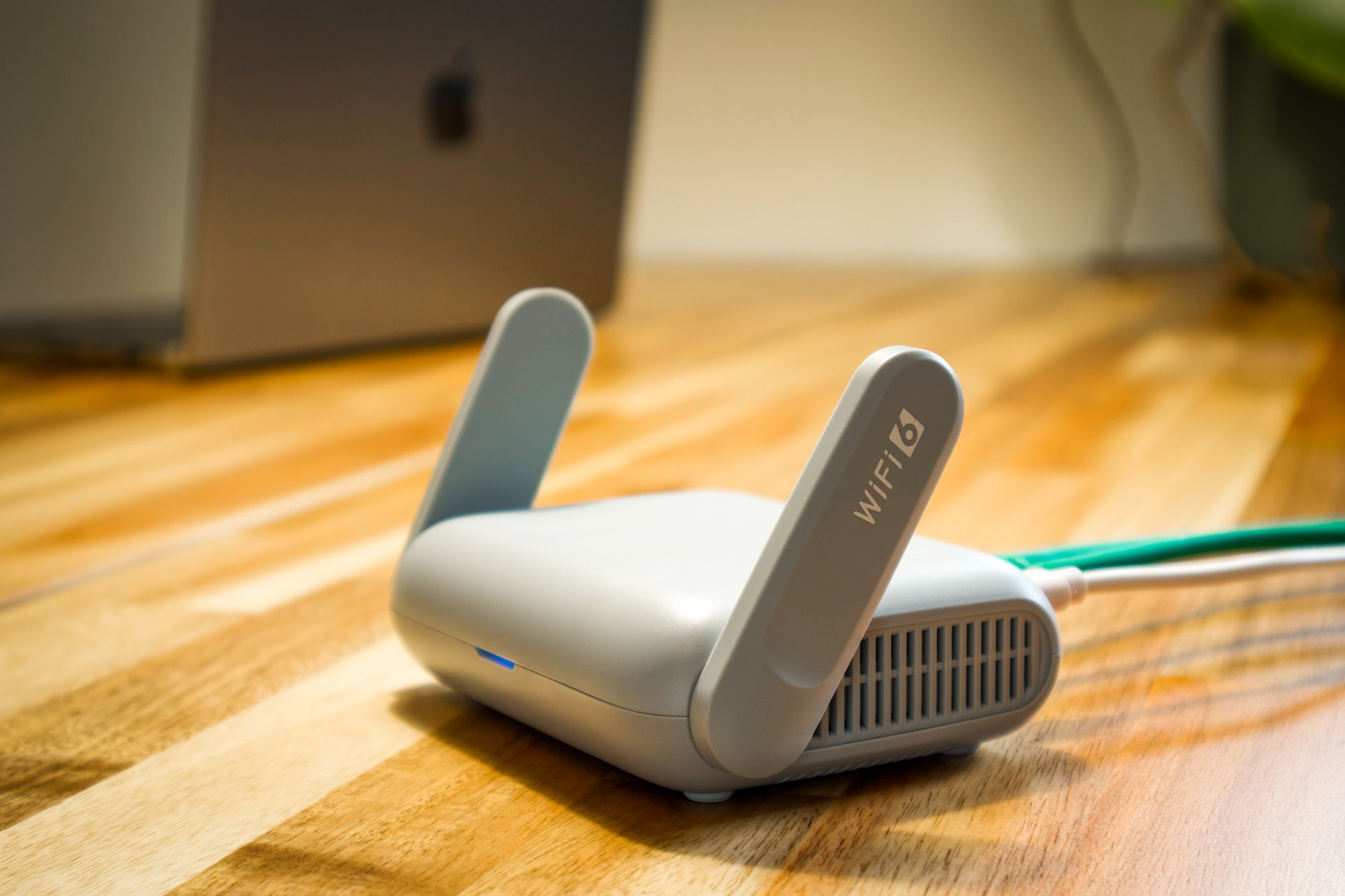
How to Change Your Starlink Wi-Fi Name and Password Safely
Change your Starlink Wi-Fi name or password without losing track of connected devices, smart-home equipment or mesh hardware.
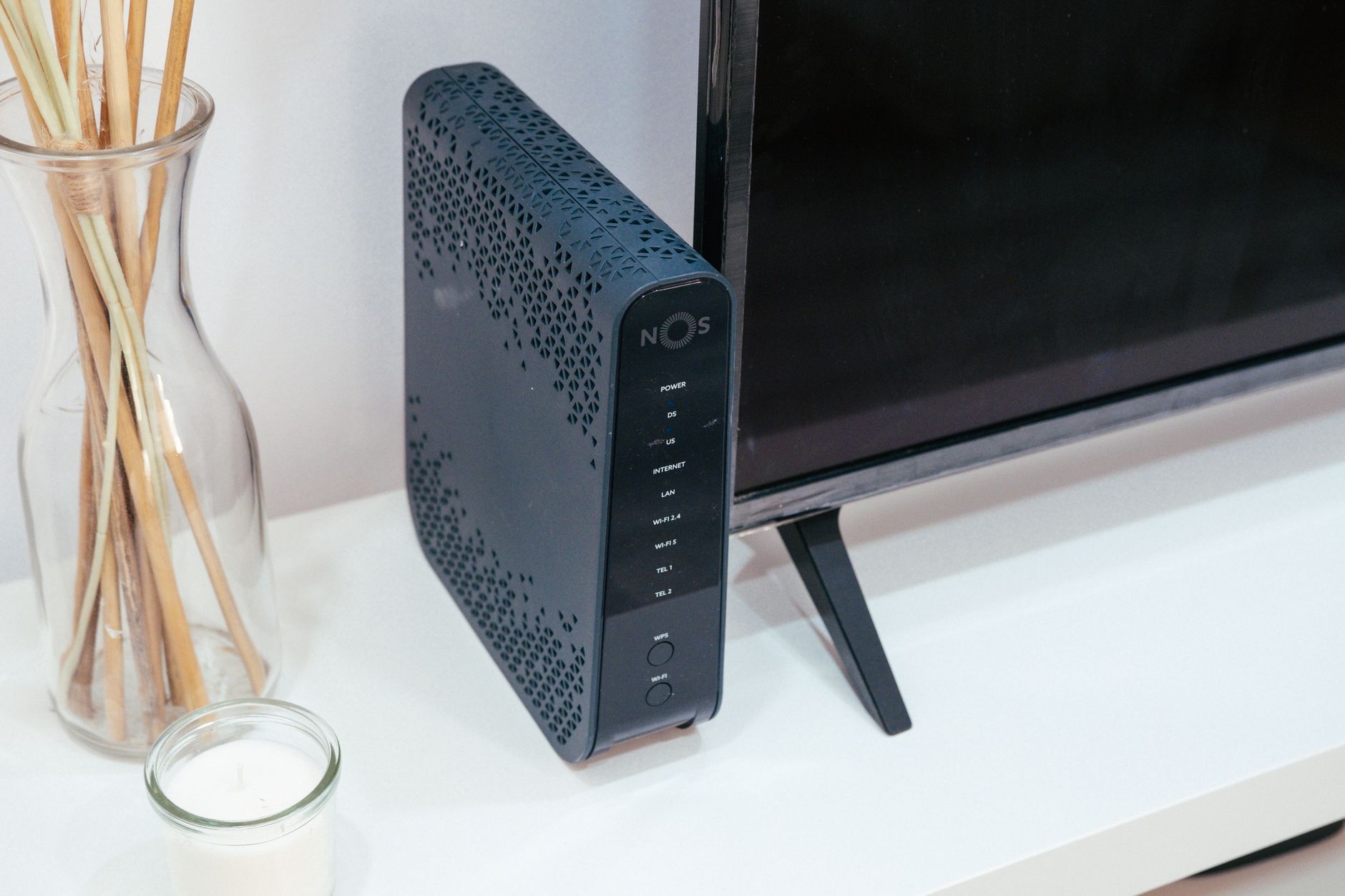
Where to Place a Starlink Router for Better Wi-Fi
Improve Starlink Wi-Fi coverage by choosing a better router location, reducing barriers and interference, and testing the result before buying mesh equipment.