
Tips & Tricks Guides
Browse every published Starlink guide in tips & tricks.
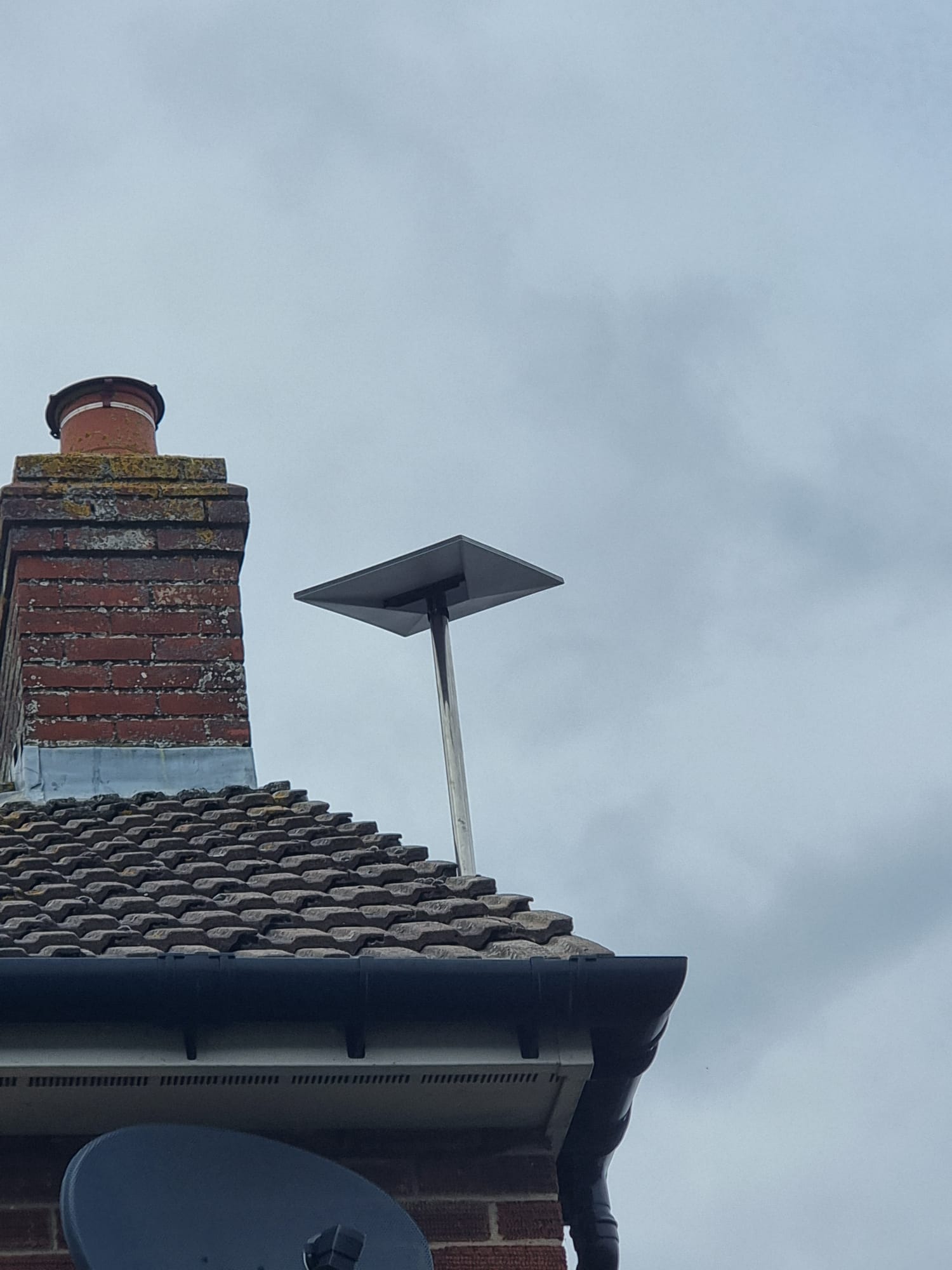
Maximizing Your Starlink Performance
A comprehensive guide to optimizing your Starlink setup for the fastest speeds, lowest latency, and most reliable connection possible.
How to Use a Smart Plug to Restart Starlink Safely at a Remote Site
Use a smart plug with Starlink at a remote or unattended site without creating reboot loops: choose the right power path, test local recovery, and perform one controlled remote restart.
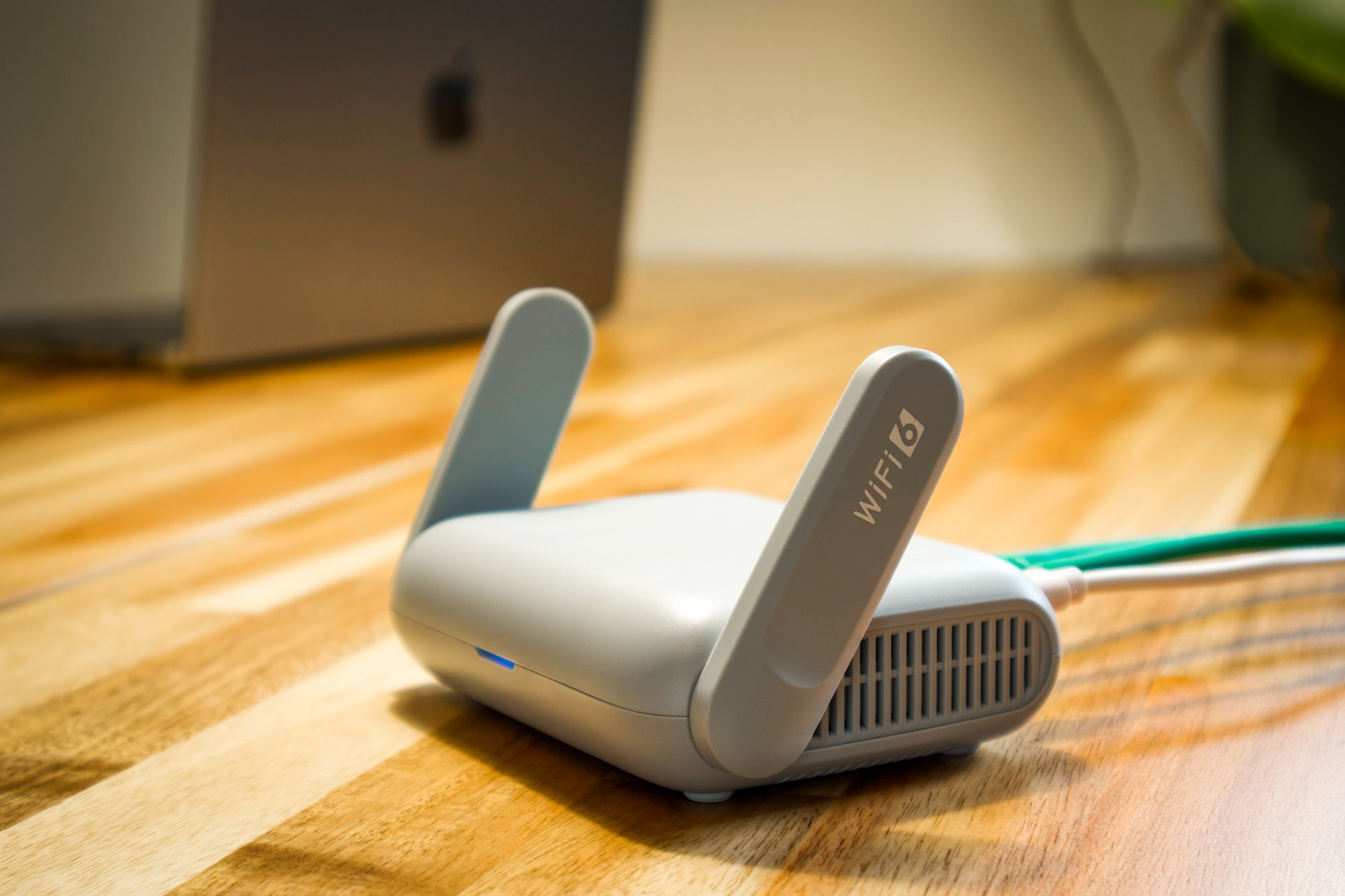
How to Change Your Starlink Wi-Fi Name and Password Safely
Change Starlink Wi-Fi credentials without losing access: prepare a strong password, reconnect the app and important devices, and recover safely if something will not join.

How to Set Up Starlink for a Pop-Up Event: Power, Coverage, Guest Wi-Fi and Teardown
Plan a reliable temporary Starlink network for a pop-up event with safer power, predictable Wi-Fi coverage, guest isolation, pre-event testing and a clean teardown checklist.

How to Build a Portable Starlink Emergency Kit: Power, Packing and Rapid Setup
Build a small, tested Starlink emergency kit with safe power, protected cables, a repeatable temporary setup and a checklist for keeping essential services online.
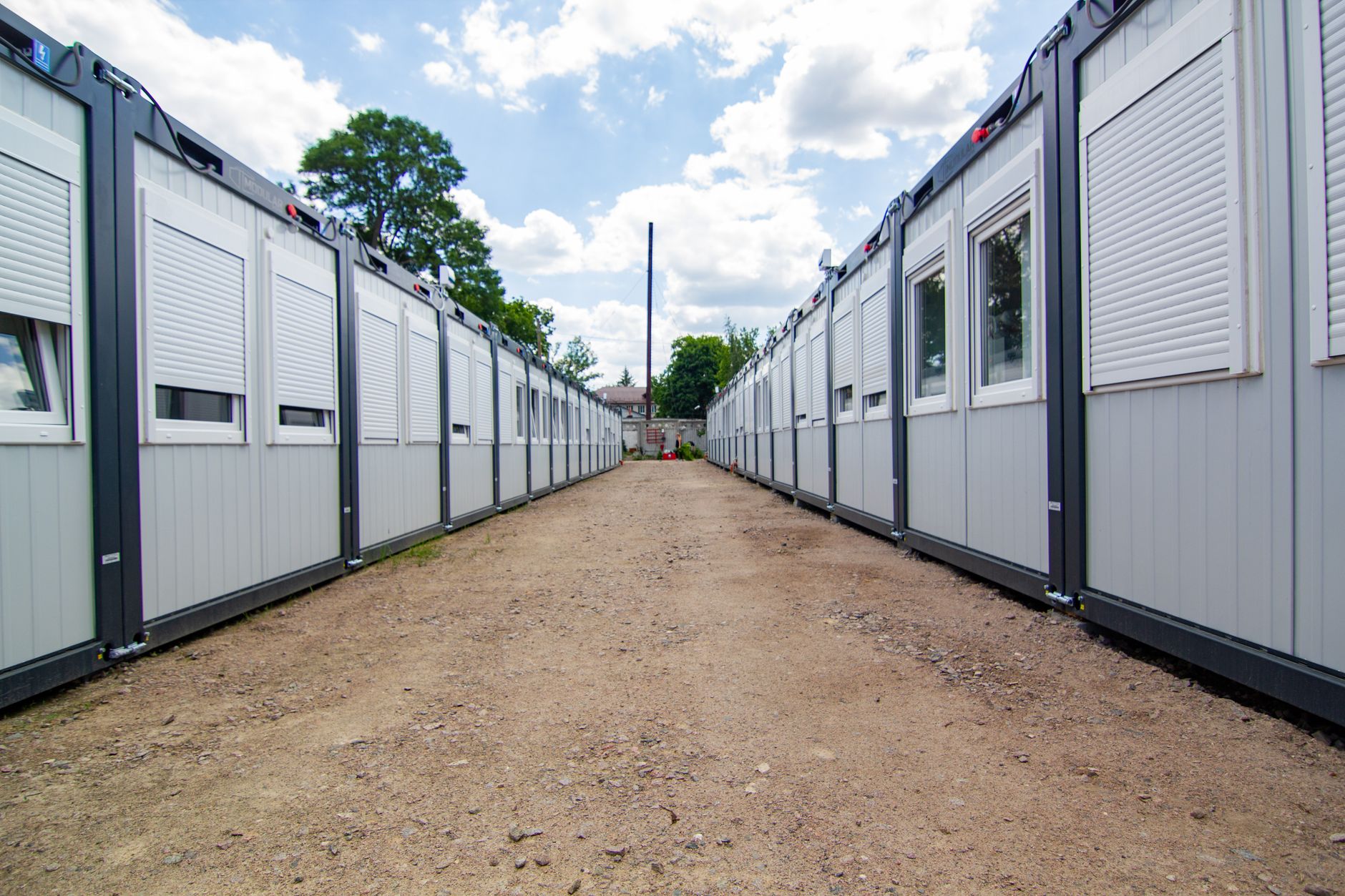
How to Set Up Starlink at a Temporary Worksite: Power, Placement and Shared Wi-Fi
Set up Starlink at a temporary worksite with a safe dish position, protected cabling, reliable power, simple shared Wi-Fi and a repeatable handover checklist.
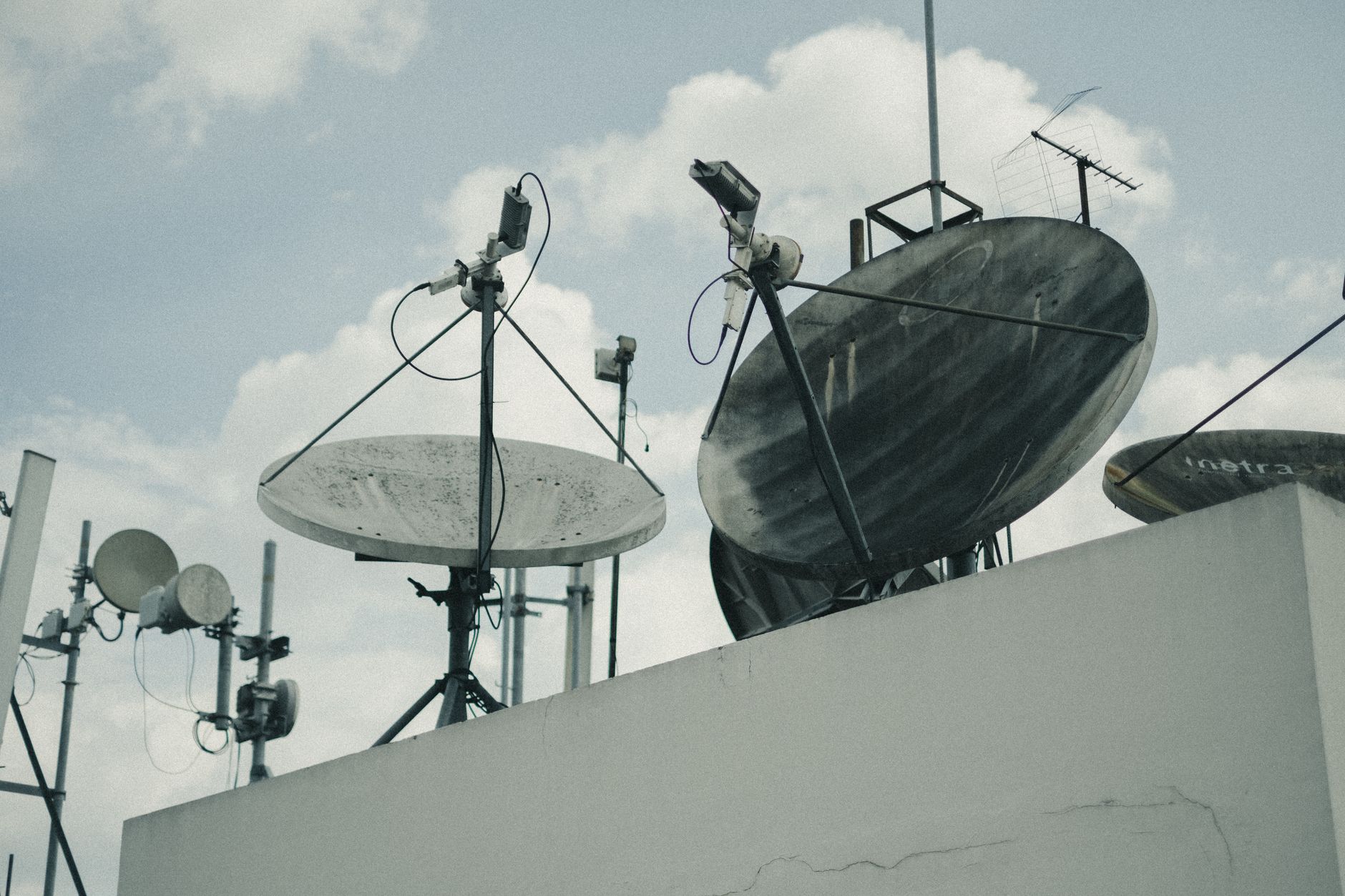
How to Use Two Starlink Connections: Dual-WAN Failover and Load Balancing
Combine two independent Starlink connections with a multi-WAN router for safer failover and better total capacity, without assuming every speed test will double.
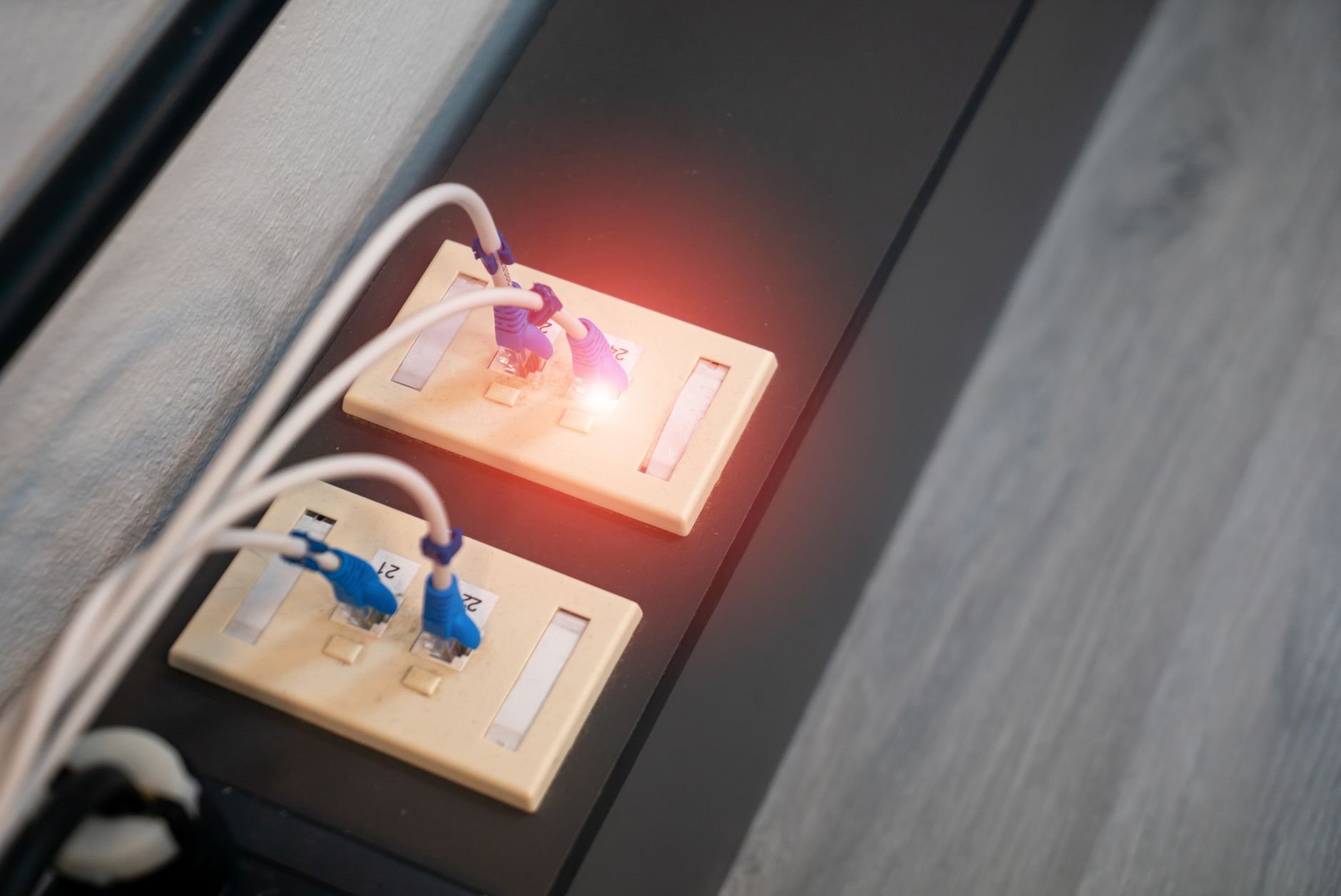
How to Use Starlink as Backup Internet for Fiber or Cable: A Dual-WAN Failover Guide
Use Starlink as a reliable backup WAN for an existing fiber or cable connection: choose the right handoff, configure DHCP and health checks, prevent double-NAT surprises, and test failover safely.

How to Set Up Starlink for an Airbnb or Holiday Rental
Set up Starlink for a holiday rental with safer guest access, reliable coverage, simple handover instructions and a repeatable checkout reset.
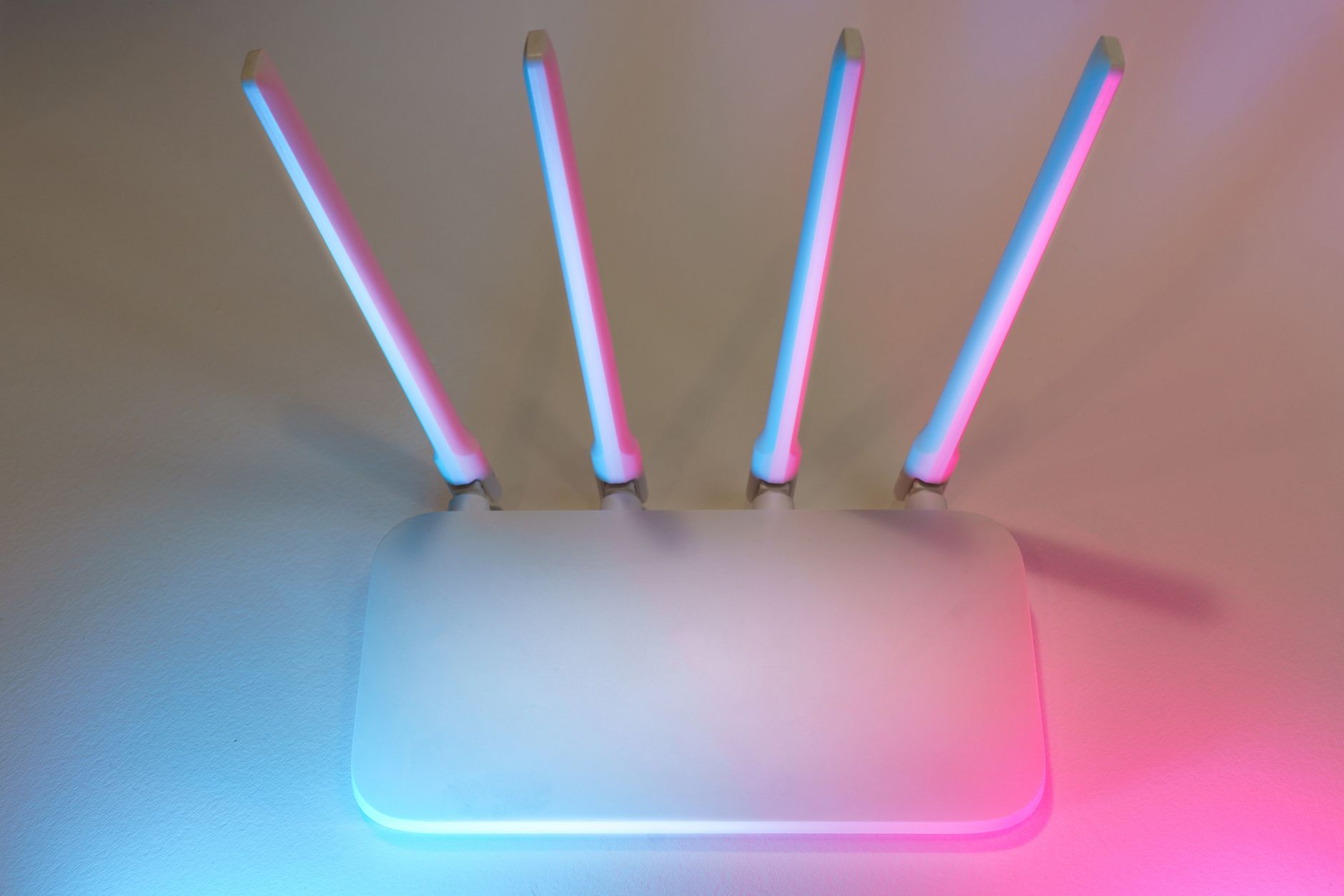
How to Find Unknown Devices on Starlink and Secure Your Wi-Fi
Audit the devices connected to Starlink, separate normal private-address and mesh behaviour from genuine unknown clients, then secure and verify the network without a blind factory reset.
How to Change DNS on Starlink: Safe Router, Device and Rollback Steps
Change DNS on a Starlink network safely: identify which device controls it, test one device first, verify the result and roll back without disrupting the household.
How to Monitor Starlink With Home Assistant: A Practical Local Setup Guide
Add Starlink's built-in Home Assistant integration, build a useful health dashboard, and create a quiet outage alert without exposing the terminal to the internet.