Get One Month of Starlink FreeSPECIAL OFFER: GET A FREE MONTH OF STARLINK >
4

Camper Vans & RVs

Starlink setup, power and travel advice for campervans, motorhomes and recreational vehicles.

More from Camper Vans & RVs

View playlist

Starlink Mini at a Wooded Campground: A Real-World Test

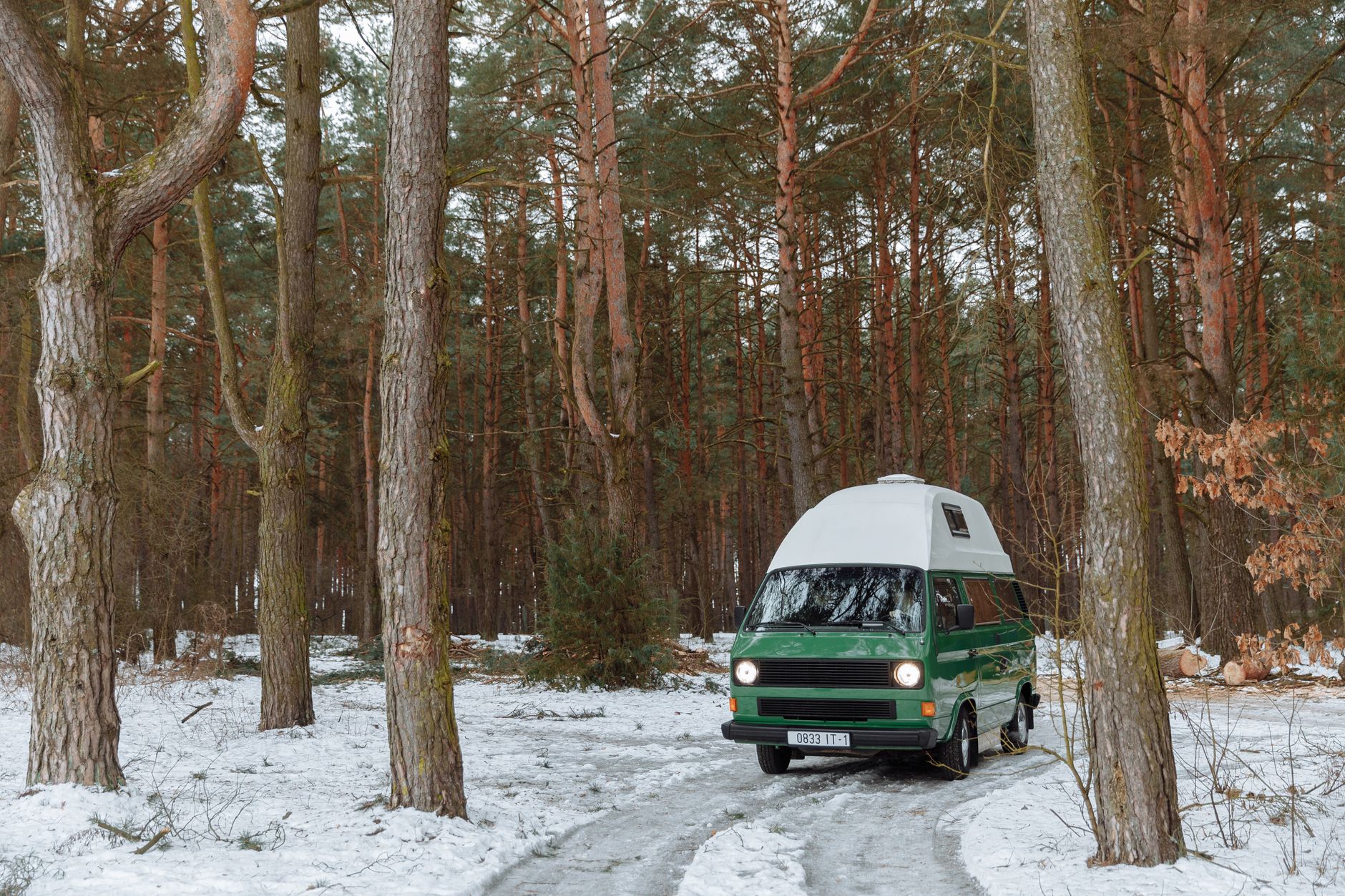
Midwest Dad tests Starlink Mini at a northern Michigan campsite, comparing it with weak cellular service and trying video streaming inside the camper. Reported speeds and power consumption describe this individual test, not guaranteed performance. Seek a clear sky view and secure the dish safely; successful streaming does not establish uninterrupted gaming or calls. Plan names, prices and referral rewards mentioned in the video may vary by country and date. Related answer: Trees Block Starlink At Campsite

Starlink Mini at a Wooded Campground: A Real-World Test

Midwest Dad tests Starlink Mini at a northern Michigan campsite, comparing it with weak cellular service and trying video streaming inside the camper. Reported speeds and power consumption describe this individual test, not guaranteed performance. Seek a clear sky view and secure the dish safely; successful streaming does not establish uninterrupted gaming or calls. Plan names, prices and referral rewards mentioned in the video may vary by country and date. Related answer: Trees Block Starlink At Campsite

Questions & answers

Questions about this video

Straight answers to the questions readers ask most often.

Why does my phone's obstruction scan look worse than the running Starlink map?

They are different checks. The phone scan assesses the proposed sky view before installation. Once online, the dish builds a map using actual satellite connections. A difference between them does not, by itself, show that either tool is faulty.

How should I compare them?

Select the correct hardware in the app and scan from the intended mounting position and height. A scan from the lawn is not a direct comparison with a dish mounted elsewhere.

Our practical recommendation is to photograph the test position, leave the dish there long enough to build useful operating data, and record how calls, streaming and games behave. Keep the location consistent during the comparison.

Use the phone scan to shortlist locations and the working connection to assess the result. One good streaming session is not proof that future interruptions are impossible.

Next useful answer

Why the obstruction map takes time to build

Sources

Starlink: checking for obstructions before and after installation

Inspired by a Reddit comparison of a phone scan and a live map. Written independently and checked against Starlink guidance.

Reviewed: 31 October 2026.
Open and share this answer
Will Starlink learn around trees, or do I still need to move the dish?

Starlink builds an obstruction map and can use it to switch proactively between satellites. Performance may improve as that map develops. This does not guarantee an uninterrupted connection: if every usable satellite is blocked, service can still pause. A clear sky view remains the best installation target.

How should I decide whether to move it?

Our practical recommendation is to test the activities you actually need, including a long call or gaming session. Record interruptions, rather than judging the installation from one successful download.

Compare a second safe location before committing to a permanent mount. A small move may be easier than adding substantial height. Follow the app's alignment instructions and avoid climbing or altering a mount without suitable expertise.

Next useful answer

Finding a position around trees and buildings

Sources

Starlink: interpreting the obstruction map

Prompted by this Reddit discussion about gaming and obstructions. Individual success stories do not establish what your installation will achieve.

Reviewed: 31 October 2026.

Open and share this answer
What can I do if trees block Starlink at my campsite?

First check whether the app identifies obstructions at the chosen position. A wooded pitch may be attractive but unsuitable for a dependable satellite connection.

Try a practical decision sequence:

  1. Check another safe location within the permitted pitch.
  2. Consider the final dish height and cable reach.
  3. Ask the campsite about a more open pitch or authorised equipment area.
  4. Test your essential activity after repositioning.
  5. If there is still no suitable view, switch to a backup or work offline.

Do not put the dish on an unstable stack, climb trees or run cables across someone else's space to chase a connection. An extra indoor Wi-Fi node cannot fix an obstruction between the dish and the sky.

For future bookings, ask about open pitches rather than assuming a campsite's advertised internet coverage describes Starlink suitability. Keep notes on locations that worked for your own setup, while recognising that seasonal leaves and parked vehicles can change the result.

Read our related guide: What to Do When Trees Block Starlink at Your Campsite.

Related official guidance: Starlink Standard setup guide.

Reviewed: 23 September 2026. Plan and hardware details should be checked for your country and equipment.

Get One Month of Starlink Free

Claim Your Free Month

Order through my referral link and activate your service. Your second month of Starlink service will be free.

Open and share this answer
Browse all questions