Get One Month of Starlink FreeSPECIAL OFFER: GET A FREE MONTH OF STARLINK >
12

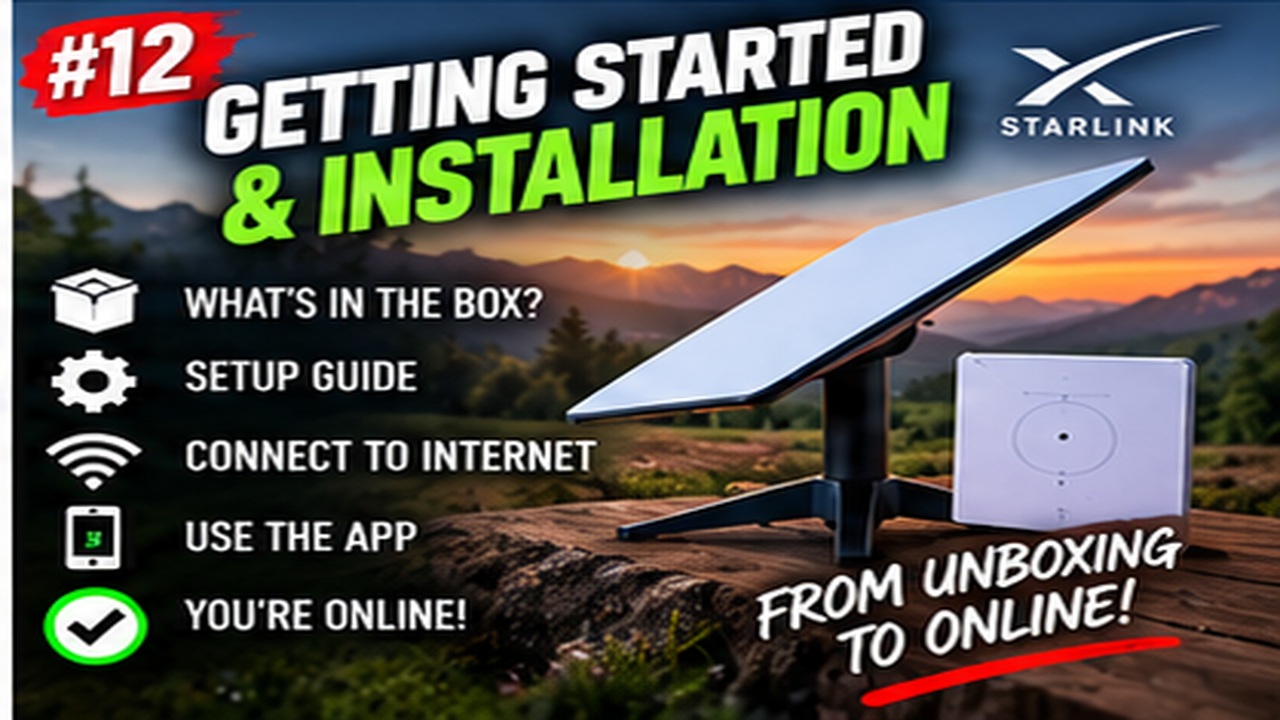
Getting Started & Installation

Getting started with Starlink: practical walkthroughs for first-time setup, activation, dish placement and installation.

More from Getting Started & Installation

View playlist

Starlink Standard 4X Installation: Trees, Roof Position and Testing

A real installation in Ontario showing how nearby trees, a metal roof and sliding snow influence dish placement, followed by alignment and connection testing. The mounting arrangement is specific to this property; use the official instructions for your hardware and a competent installer for work at height. Follow the Starlink app's alignment directions. Related guide: Test Starlink Before Permanent Installation

Starlink Standard 4X Installation: Trees, Roof Position and Testing

A real installation in Ontario showing how nearby trees, a metal roof and sliding snow influence dish placement, followed by alignment and connection testing. The mounting arrangement is specific to this property; use the official instructions for your hardware and a competent installer for work at height. Follow the Starlink app's alignment directions. Related guide: Test Starlink Before Permanent Installation

Questions & answers

Questions about this video

Straight answers to the questions readers ask most often.

Why does my phone's obstruction scan look worse than the running Starlink map?

They are different checks. The phone scan assesses the proposed sky view before installation. Once online, the dish builds a map using actual satellite connections. A difference between them does not, by itself, show that either tool is faulty.

How should I compare them?

Select the correct hardware in the app and scan from the intended mounting position and height. A scan from the lawn is not a direct comparison with a dish mounted elsewhere.

Our practical recommendation is to photograph the test position, leave the dish there long enough to build useful operating data, and record how calls, streaming and games behave. Keep the location consistent during the comparison.

Use the phone scan to shortlist locations and the working connection to assess the result. One good streaming session is not proof that future interruptions are impossible.

Next useful answer

Why the obstruction map takes time to build

Sources

Starlink: checking for obstructions before and after installation

Inspired by a Reddit comparison of a phone scan and a live map. Written independently and checked against Starlink guidance.

Reviewed: 31 October 2026.
Open and share this answer
Why do Starlink games disconnect when my download speed looks fast?

A fast download result does not establish a stable gaming connection. Online games depend on timely packet delivery; latency spikes, packet loss or short interruptions can disrupt a session even when downloads are quick.

What should I test first?

Our troubleshooting sequence is:

  1. Note the time of a disconnection and compare it with Starlink app events.
  2. Try supported Ethernet to separate Wi-Fi problems from the wider connection.
  3. Temporarily stop large downloads and cloud backups, then repeat the same game.
  4. Compare another game or server to see whether the problem is destination-specific.
  5. Check the dish's obstruction and alignment alerts.

Change one thing at a time. Keep screenshots and timestamps for support if the fault persists. Paying for a faster package should not be your first diagnostic step.

Next useful answer

Latency, jitter and packet loss explained

Sources

Starlink engineering: understanding latency

Inspired by a Reddit discussion about gaming dropouts despite fast tests. The checklist is our editorial recommendation.

Reviewed: 31 October 2026.

Open and share this answer
Will Starlink learn around trees, or do I still need to move the dish?

Starlink builds an obstruction map and can use it to switch proactively between satellites. Performance may improve as that map develops. This does not guarantee an uninterrupted connection: if every usable satellite is blocked, service can still pause. A clear sky view remains the best installation target.

How should I decide whether to move it?

Our practical recommendation is to test the activities you actually need, including a long call or gaming session. Record interruptions, rather than judging the installation from one successful download.

Compare a second safe location before committing to a permanent mount. A small move may be easier than adding substantial height. Follow the app's alignment instructions and avoid climbing or altering a mount without suitable expertise.

Next useful answer

Finding a position around trees and buildings

Sources

Starlink: interpreting the obstruction map

Prompted by this Reddit discussion about gaming and obstructions. Individual success stories do not establish what your installation will achieve.

Reviewed: 31 October 2026.

Open and share this answer
Why is there a blank band across my Starlink obstruction map?

A smooth, unfilled band can be the geostationary exclusion zone, also called the Clarke Belt. Starlink avoids transmitting through this part of the sky to protect geostationary satellites. It is expected behaviour, rather than evidence of a faulty dish.

What should I check?

Our suggested checks are to distinguish the continuous band from separate red obstruction patches, read the app's service alerts, and compare any interruptions with their recorded times. Do not buy a taller mount solely to fill an expected blank strip.

Other missing areas can need a different explanation, especially while a map is still building. If you are unsure, send support a screenshot alongside your hardware model and the actual symptoms.

Next useful answer

Why does the obstruction map take time to appear?

Sources

Starlink: interpreting the obstruction map

Topic prompted by a popular Reddit discussion. This answer is independently written; Reddit comments are not official technical guidance.

Reviewed: 31 October 2026.

Open and share this answer
Browse all questions