Troubleshooting & Fixes Guides
Browse every published Starlink guide in troubleshooting & fixes.
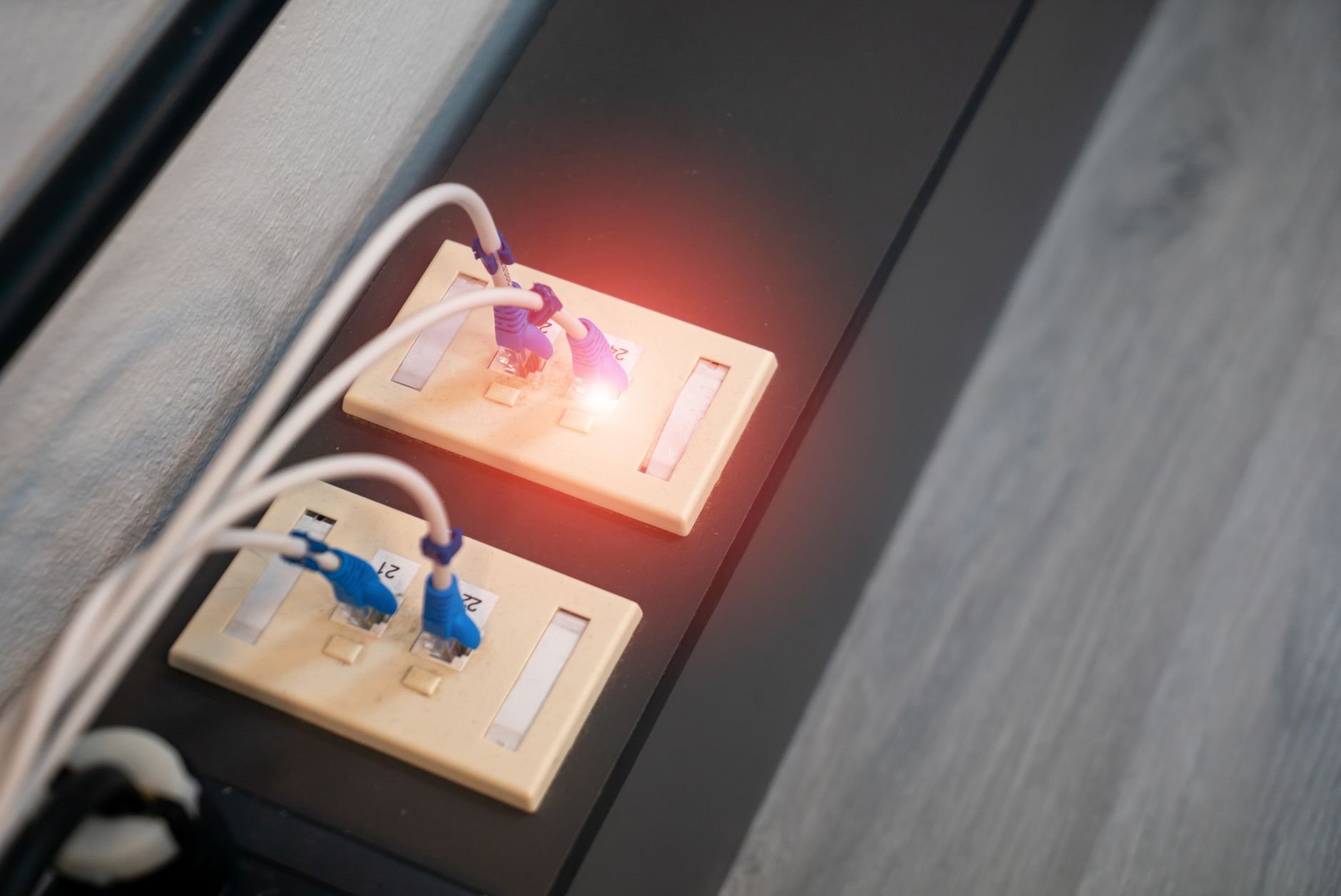
Starlink Ethernet Keeps Dropping? A Safe Cable, Port and Router Test
Diagnose a wired Starlink connection that repeatedly disconnects and reconnects by isolating cable, port, power, router and upstream service problems before replacing hardware.
Starlink App Can't Find Your Dish? A Step-by-Step Troubleshooting Guide
A safe, model-neutral checklist for when the Starlink app cannot find your dish: verify local Wi-Fi, permissions, account selection, network blockers, power and cabling before escalating.
Starlink Router Red Light? A Safe Troubleshooting Checklist
A model-neutral checklist for a Starlink router or power unit showing a red light: read the app, isolate the fault safely, avoid damaging resets or replacements, and collect useful evidence for support.
Starlink Power Supply Failure? How to Test the Adapter, Cable and Router Safely
Safely isolate a Starlink power problem by checking the outlet, power supply, cable, router and ventilation without unsafe probing or incompatible replacements.
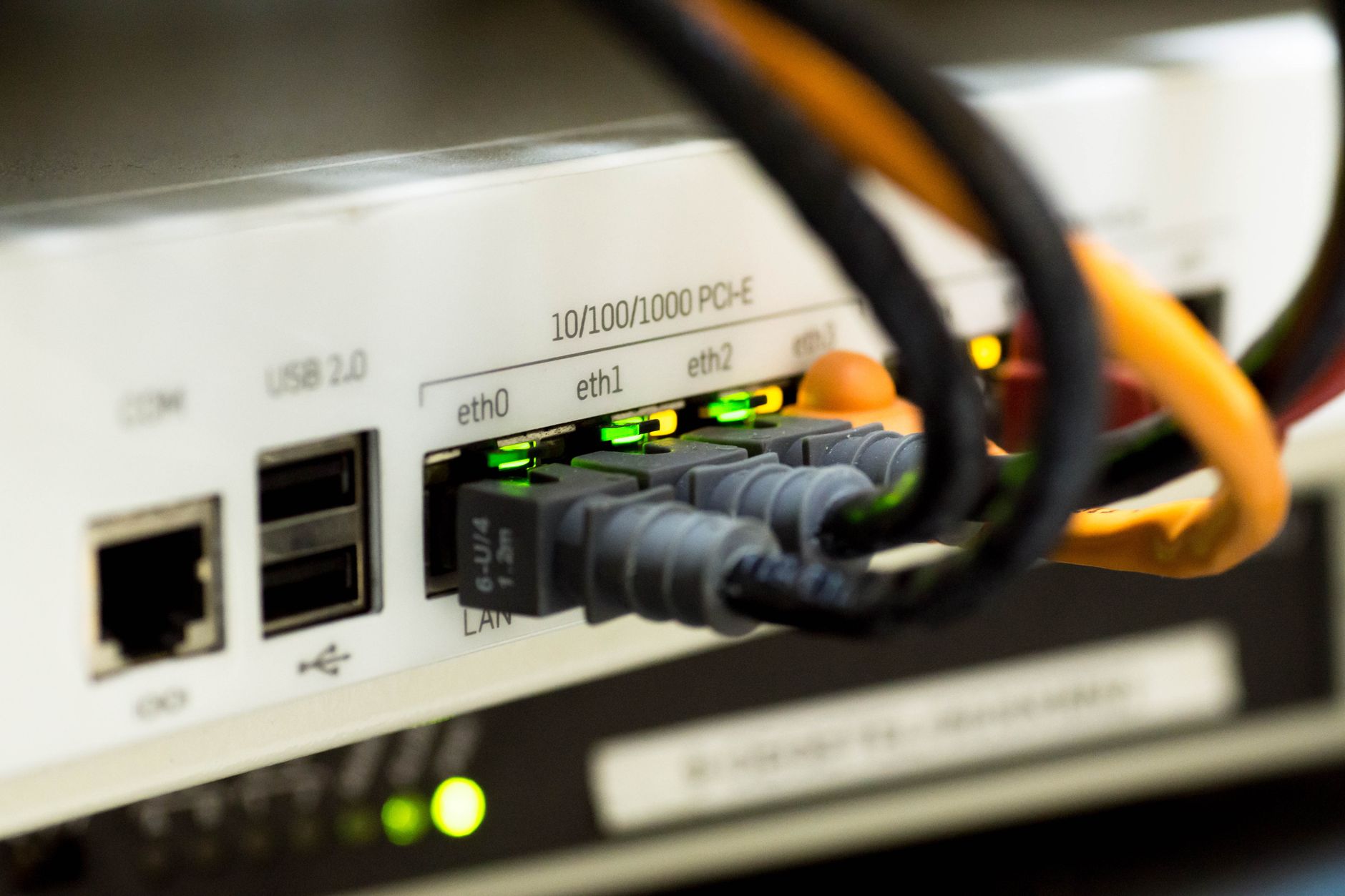
Starlink Ethernet Stuck at 100 Mbps? How to Find a Cable, Port or Negotiation Problem
A practical way to diagnose a Starlink Ethernet connection that negotiates at 100 Mbps, isolate the faulty cable or port, and separate local wiring problems from normal Starlink speed variation.
Starlink Router Overheating? How to Improve Ventilation and Diagnose Heat Problems
A safe, practical way to diagnose Starlink router heat problems, improve ventilation, separate Wi-Fi coverage issues from hardware faults, and know when to contact support.
Starlink MTU Problems: How to Test Packet Size and Fix VPN Hangs
Test Starlink path MTU safely when a VPN connects but large pages, uploads or work apps hang, then adjust only the tunnel setting if the evidence supports it.

Starlink After a Power Cut: A Safe Reconnection Checklist
Bring Starlink back online after a power cut by checking stable power, accessible cables, boot recovery, local Wi-Fi and backup equipment without repeated resets.

Starlink App Cannot Connect to Your Router? A Local Access Troubleshooting Guide
Fix the Starlink app when it cannot reach your local router: check the correct Wi-Fi, app permissions, guest isolation, mesh, bypass mode and third-party router settings without factory-resetting first.
Starlink Router Keeps Rebooting? A Safe Troubleshooting Guide
Find out whether a Starlink router is really rebooting, test power and ventilation safely, isolate extra network gear, and know when a factory reset or support ticket is appropriate.
Starlink Firmware Updates: How to Check, Schedule and Recover Safely
Find the Starlink software version, let normal updates complete, choose a reboot window, and recover a terminal that has not updated without factory-resetting first.
Starlink Stuck Searching for Satellites? A Safe Troubleshooting Guide
A safe, model-agnostic checklist for a Starlink Searching status: verify location, power, cables and sky view, allow the recovery window and know when to contact support.