Get One Month of Starlink FreeSPECIAL OFFER: GET A FREE MONTH OF STARLINK >
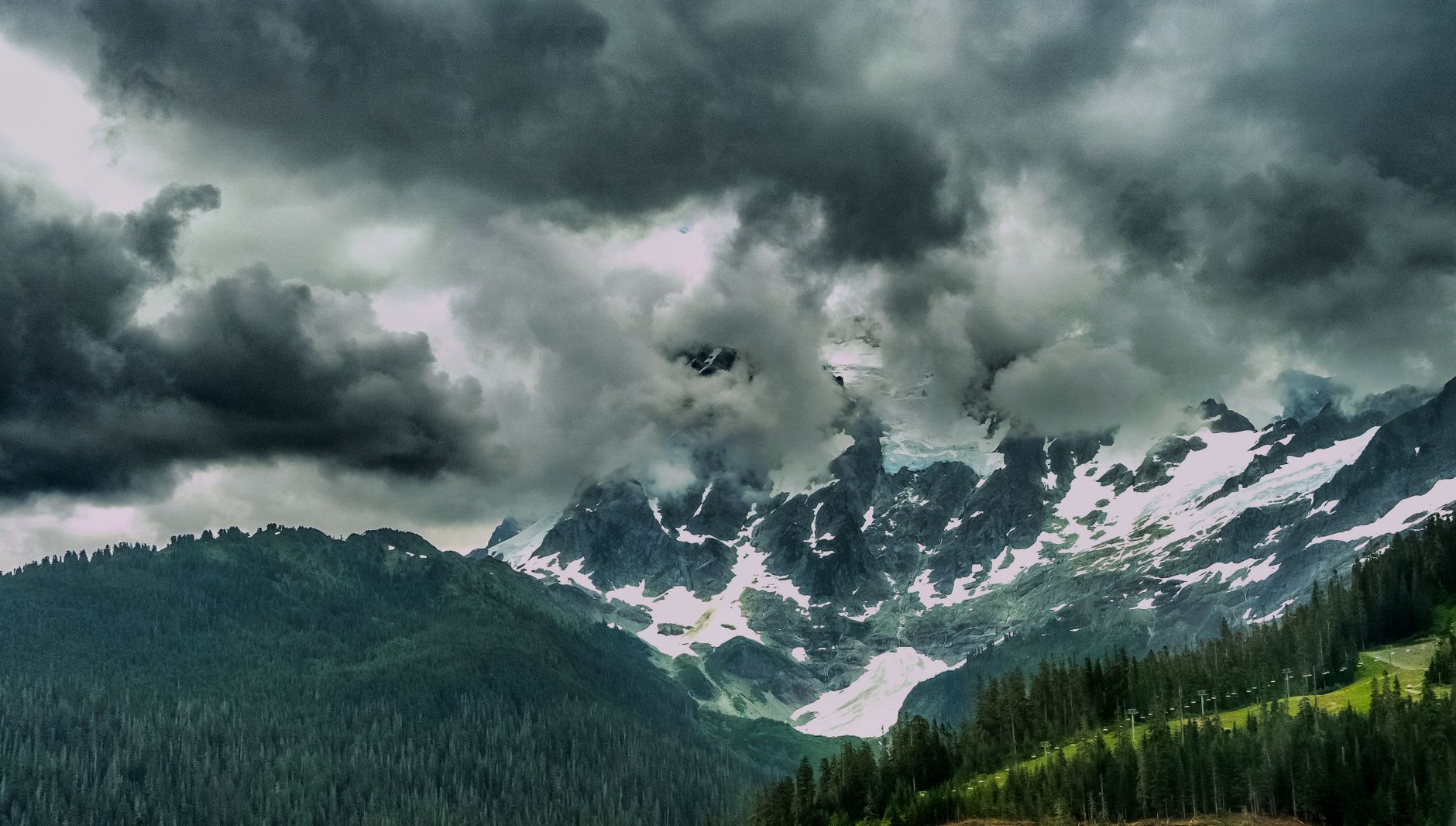
Snow-covered mountains beneath storm clouds for weather and environment videos

Weather & Environment Tips

Tests and advice showing how rain, snow, heat, wind and other conditions can affect Starlink.

More from Weather & Environment Tips

View playlist

Starlink paket residensial lite kondisi mendung hujan

Rizal Fauzy tests Starlink in challenging weather or environmental conditions in “Starlink paket residensial lite kondisi mendung hujan”. Starlink Tips related reading (English) Related answer: Does heavy rain or snow interrupt Starlink? — Starlink Heavy Rain Snow Interruptions Related guide: Starlink in Bad Weather: Snow, Rain, Wind and Heat — Starlink In Bad Weather Snow Rain Wind Heat Get One Month of Starlink Free Claim Your Free Month: Starlink Order through my referral link and activate your service. Your second month of Starlink service will be free. Starlink Tips may receive a referral reward. Check the offer shown by Starlink for your order.

Starlink paket residensial lite kondisi mendung hujan

Rizal Fauzy tests Starlink in challenging weather or environmental conditions in “Starlink paket residensial lite kondisi mendung hujan”. Starlink Tips related reading (English) Related answer: Does heavy rain or snow interrupt Starlink? — Starlink Heavy Rain Snow Interruptions Related guide: Starlink in Bad Weather: Snow, Rain, Wind and Heat — Starlink In Bad Weather Snow Rain Wind Heat Get One Month of Starlink Free Claim Your Free Month: Starlink Order through my referral link and activate your service. Your second month of Starlink service will be free. Starlink Tips may receive a referral reward. Check the offer shown by Starlink for your order.

Questions & answers

Questions about this video

Straight answers to the questions readers ask most often.

Does heavy rain or snow interrupt Starlink?

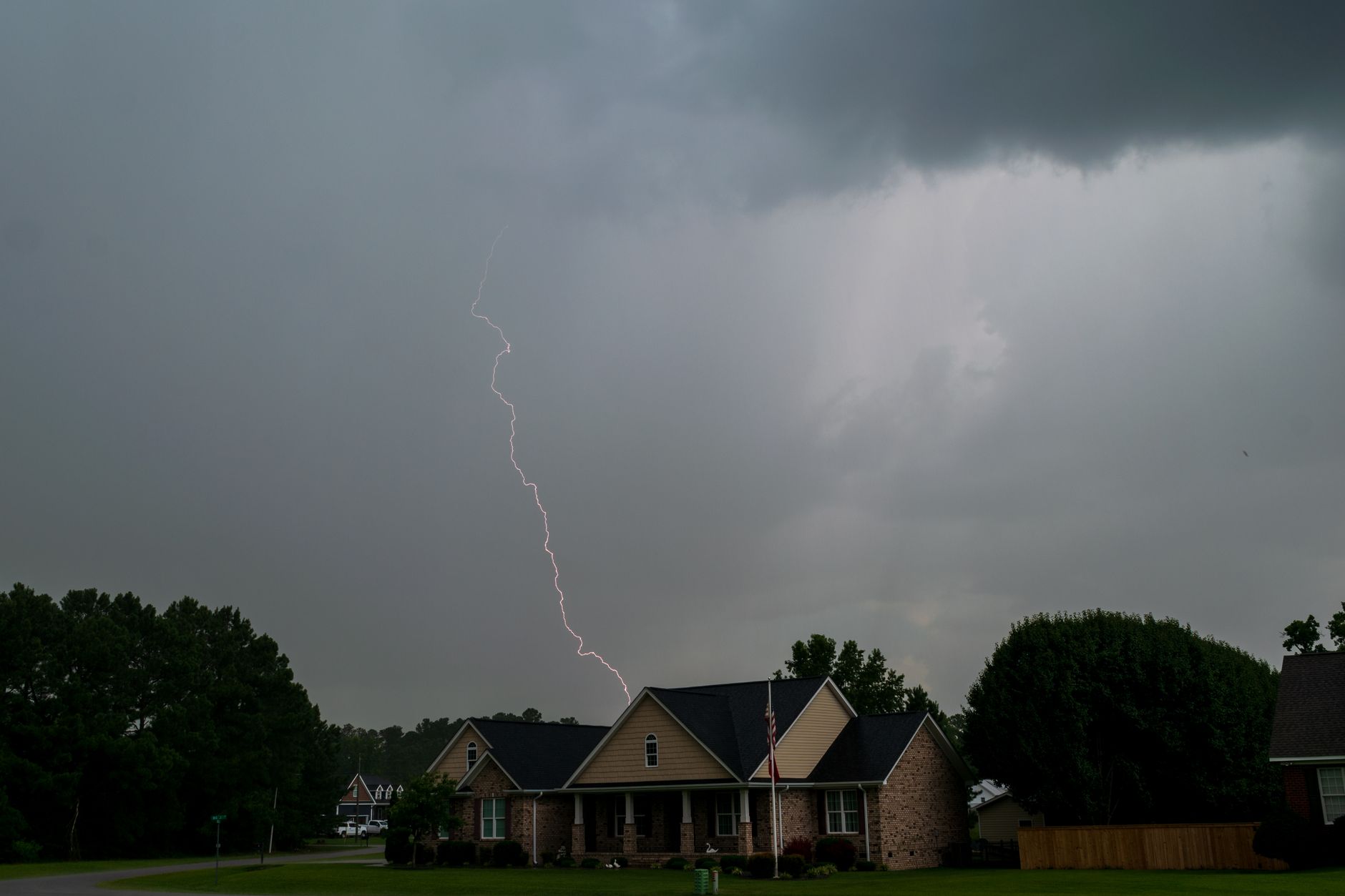
Severe weather can interrupt Starlink. Its support guidance says moderate to heavy rain, snow or hail can cause momentary dropouts; weather affecting a ground station can also matter even when conditions at your property look clear.

A secure installation, an unobstructed sky view and correctly seated cables help avoid preventable problems, but they cannot remove every weather-related interruption. Plan a second connection if a brief outage would disrupt important work.

During a storm, use the app to check status from a safe place. Avoid repeated resets: resetting cannot clear a weather blockage and may introduce a separate setup problem. Do not go onto a roof, touch damaged electrical equipment or attempt outdoor repairs in hazardous conditions.

After conditions improve, inspect accessible equipment for movement, impact damage and new obstructions. Check cables only using the instructions for your hardware; wet or damaged connections need appropriate attention before reuse.

If the service remains unreliable in clear weather, record the app alerts and times of the interruptions and investigate the installation or contact support.

Read our related guide: How to Protect Starlink From Power Surges and Lightning.

Related official guidance: Starlink weather guidance.

Reviewed: 23 September 2026. Plan and hardware details should be checked for your country and equipment.

Get One Month of Starlink Free

Claim Your Free Month

Order through my referral link and activate your service. Your second month of Starlink service will be free.
Open and share this answer
Browse all questions