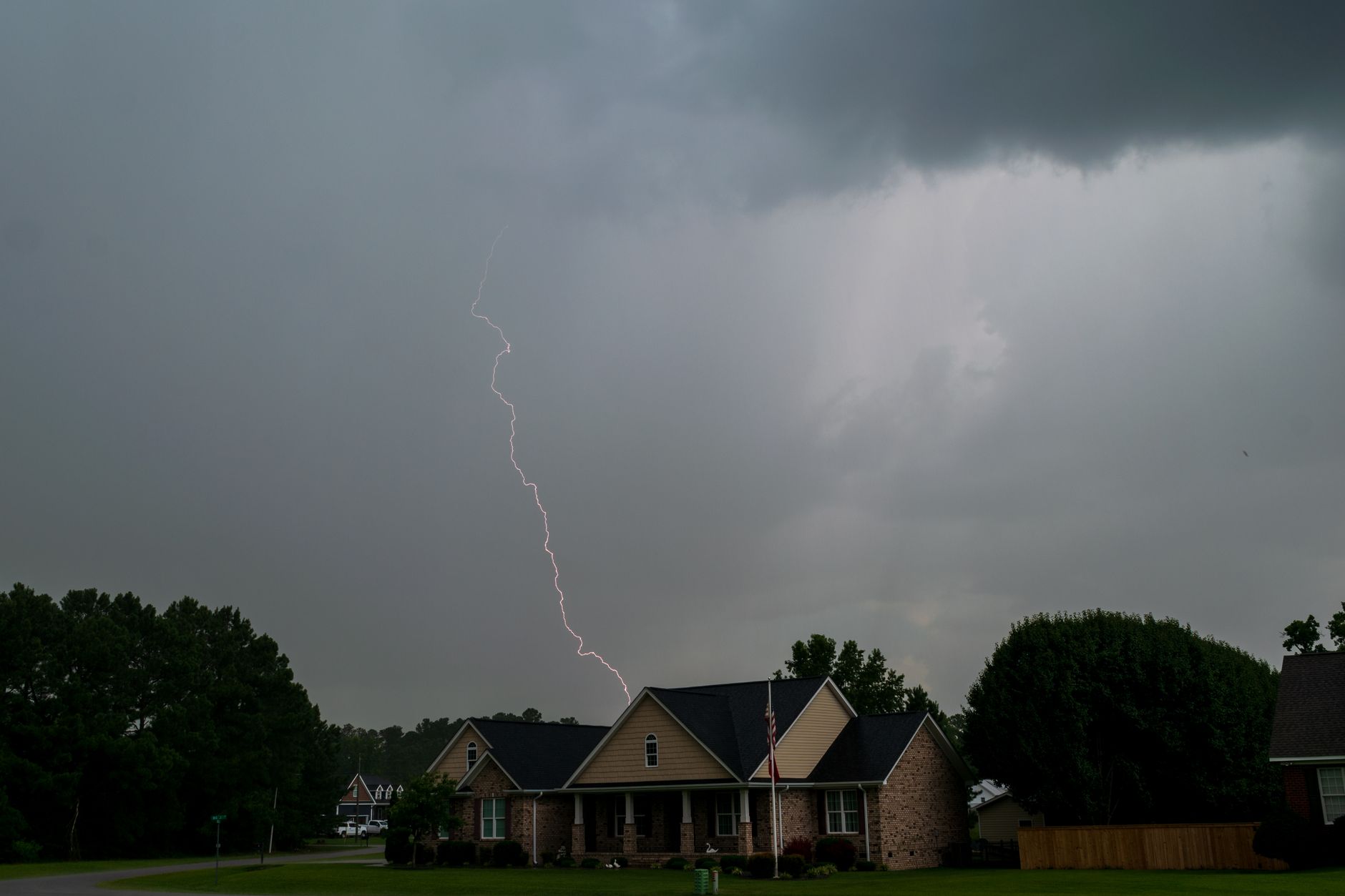
How to Protect Starlink From Power Surges and Lightning
Installation & Setup Guides
A thunderstorm can affect Starlink in two different ways: heavy weather may briefly weaken the satellite signal, while lightning and power-grid faults can expose powered equipment to damaging surges. The safest plan is to prepare before the storm arrives.
This guide explains practical steps for a fixed home installation. It does not replace the instructions supplied with your Starlink kit or advice from a qualified electrician.
The short version
Before storm season:
- Keep the dish securely mounted and inspect the cable from ground level.
- Power Starlink and any separate router from a correctly rated surge-protected outlet or, preferably, a suitable uninterruptible power supply (UPS).
- Make sure outdoor connectors and cable entries remain weather-resistant.
- Ask a qualified electrician about whole-property surge protection or an external lightning-protection system if your home is exposed or in a lightning-prone area.
- Know how to isolate the system safely before severe weather reaches you.
During an active thunderstorm, stay indoors. Do not climb onto a roof, touch an outdoor dish, or work on exterior cabling.
1. Understand what a surge protector can and cannot do
A plug-in surge protector can help with smaller voltage spikes reaching the router or power supply through the mains. A UPS with surge protection can also bridge short power dips, helping to avoid an unnecessary Starlink reboot.
Neither device makes a roof-mounted dish “lightning-proof.” A nearby or direct lightning strike can carry far more energy than a small plug-in protector is designed to absorb. Starlink’s own support guidance says an external lightning-protection system may reduce susceptibility in lightning-prone areas. Designing that system, including earthing and bonding, is a job for a qualified professional who understands local electrical rules.
Do not improvise a ground connection, attach a random wire to the mount, or alter the Starlink cable. Incorrect earthing can create a shock, fire, or equipment risk.
2. Choose protection for the whole network
Protect every powered device that the Starlink connection depends on, not just one component. A typical fixed setup may include:
- the Starlink router or power supply;
- a third-party router;
- an Ethernet switch;
- mesh Wi-Fi nodes;
- a network-attached storage device or small server.
If the Starlink router is protected but a wired device is connected through unprotected mains equipment, there may still be another path for a surge.
For a UPS, check that its continuous output rating comfortably covers the connected load. Starlink power use varies by model, weather and activity, so use the specifications for your exact kit and allow headroom. Avoid plugging heaters, kettles, printers or other high-load appliances into the same UPS.
3. Inspect the installation before bad weather
Carry out this check in calm, dry conditions and only from a safe location:
- Confirm the dish mount is firm and has not loosened.
- Look for a pinched, sharply bent, abraded or exposed cable.
- Check that exterior connectors are fully seated and protected as required by the installation instructions.
- Make sure the cable entry does not allow water to run into the building.
- Keep the indoor router or power supply dry, ventilated and away from direct heat.
- Photograph the normal cable route and connections for future reference.
Never access a wet roof or an exposed mounting point merely to complete an inspection. Use an installer if the dish cannot be checked safely from the ground.
4. Decide how you will shut down before a storm
Starlink advises disconnecting the product from the wall outlet and disconnecting the Starlink cable for added protection during a lightning storm or when the equipment will be unattended for a long period.
Plan this before thunder is nearby:
- Note which plug supplies the Starlink equipment.
- Shut down any sensitive connected devices normally.
- Disconnect Starlink from the wall AC outlet.
- If the instructions for your model allow the Starlink cable to be disconnected, do so only after mains power is removed and while conditions are still safe.
- Leave the loose ends indoors, dry and protected from damage.
Do not begin unplugging equipment once the storm is overhead if doing so would put you near exterior wiring, wet areas or other hazards. Personal safety comes first.
5. What to do after the storm
Wait until conditions are safe, then inspect from the ground before restoring power. Do not reconnect equipment if you see a scorched connector, split cable, water ingress, a damaged power supply, or a loose mount.
If everything appears normal:
- Reconnect the Starlink cable with power still off.
- Reconnect the router, power supply and network equipment.
- Restore mains power.
- Allow Starlink time to start and reconnect.
- Check the Starlink app for alerts and confirm your usual devices can get online.
If the router has no light, the app reports a persistent cable or hardware fault, or there is a burning smell or visible damage, isolate the equipment and contact Starlink Support. Do not repeatedly power-cycle damaged equipment.
6. When to call a professional
Speak to a qualified electrician or lightning-protection specialist when:
- your property is in an exposed or frequently struck location;
- the dish is on a tall mast or high roof;
- you want whole-home surge protection;
- the building already has a lightning-protection system;
- you are unsure whether metalwork, earthing and bonding are correct;
- previous storms have damaged network or electrical equipment.
A Starlink installer can assess the physical mount and cable route, but fixed electrical and lightning-protection work may require a separately qualified electrician.
Storm preparation checklist
- [ ] Dish mount looks secure from a safe viewing point
- [ ] Cable has no visible cuts, crushing or sharp bends
- [ ] Indoor power equipment is dry and ventilated
- [ ] Starlink and downstream network devices have suitable surge protection
- [ ] UPS capacity is appropriate for the exact equipment
- [ ] Safe isolation point is labelled and easy to reach
- [ ] Important work can switch to mobile data if Starlink is powered down
- [ ] Starlink Support and installer details are available
- [ ] Professional electrical advice has been obtained where needed
A little preparation is more valuable than trying to protect equipment in the middle of a storm. Use the official instructions for your exact Starlink model, keep the installation physically sound, and treat surge protection as risk reduction rather than a guarantee.
Sources
- Starlink: Does weather impact my service quality?
- Starlink: Lightning and extreme-weather guidance
- Starlink: Fixed Business Install Guide
Related Starlink guides
- The Renter’s Guide to Starlink: Non-Permanent Mounting & Setup Solutions
- Starlink Installation Guide: How to Mount Your Dish at Home
- Avoid These 5 Common Starlink Setup Mistakes
Get One Month of Starlink Free
Order through my referral link and activate your service. Your second month of Starlink service will be free.