Get One Month of Starlink FreeSPECIAL OFFER: GET A FREE MONTH OF STARLINK >
4

Camper Vans & RVs

Starlink setup, power and travel advice for campervans, motorhomes and recreational vehicles.

More from Camper Vans & RVs

View playlist

Starlink Mini Setup for RV – Everything You Need to Know (Boondocking & Off-Grid)

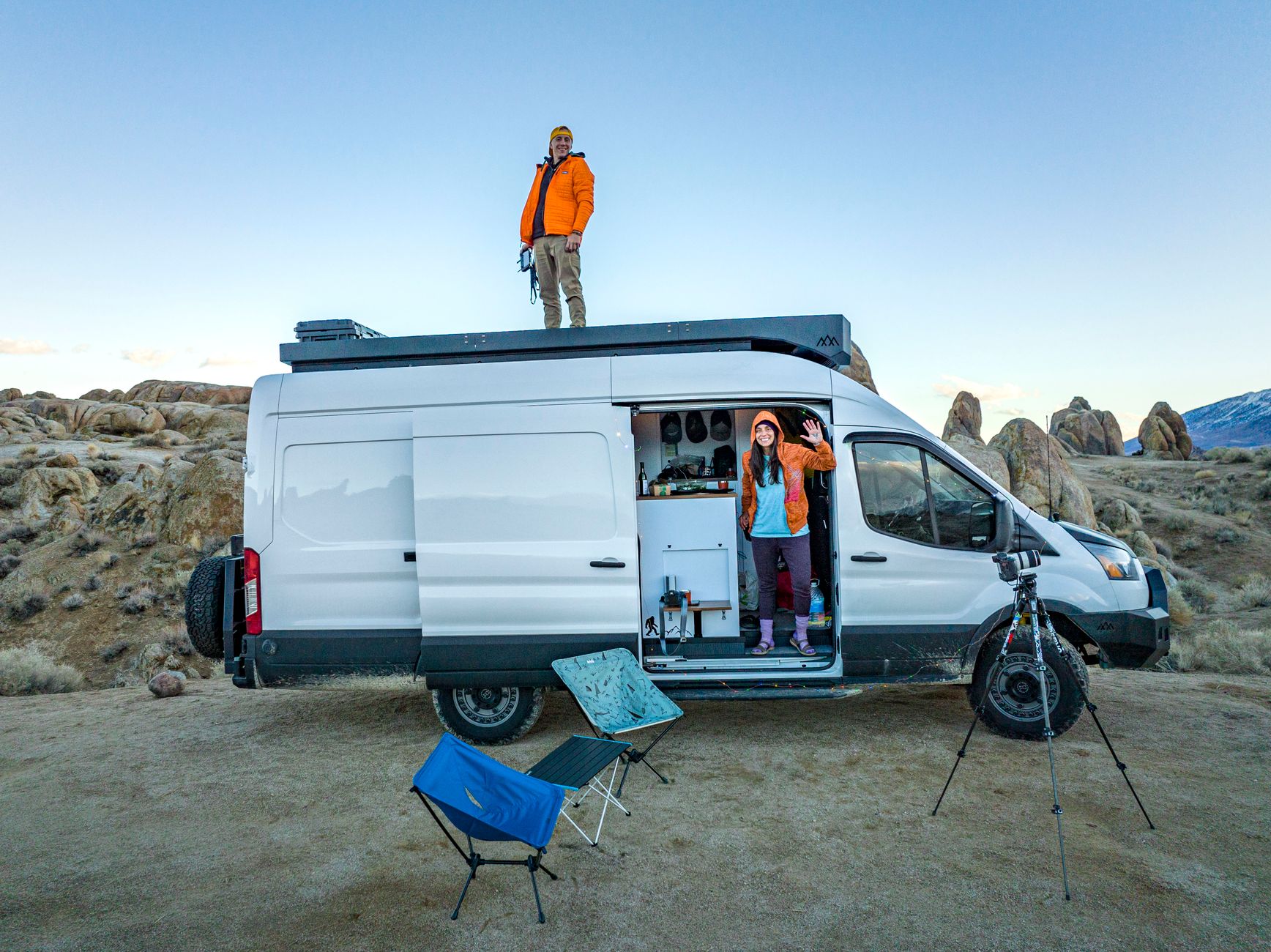
Thrust & Thunder explains how to set up Starlink Mini for RV boondocking and off-grid use. Starlink Tips practical notes: Plan the whole campsite setup: a safe dish position, protected cable route, compatible power, usable Wi-Fi inside the vehicle and a departure checklist. Test it at home before a trip and keep the model's instructions available offline. Stationary campsite use and use while driving are different requirements; confirm the permission and mounting appropriate to the intended journey. The related answers cover weak indoor Wi-Fi, portable versus fixed mounting and the checks before driving away. For further reading, open the related Q&As below; each links to a fuller guide. Get One Month of Starlink Free: use the “Claim Your Free Month” referral button beneath the player. Order through my referral link and activate your service. Your second month of Starlink service will be free.
Starlink Mini Setup for RV – Everything You Need to Know (Boondocking & Off-Grid)

Thrust & Thunder explains how to set up Starlink Mini for RV boondocking and off-grid use. Starlink Tips practical notes: Plan the whole campsite setup: a safe dish position, protected cable route, compatible power, usable Wi-Fi inside the vehicle and a departure checklist. Test it at home before a trip and keep the model's instructions available offline. Stationary campsite use and use while driving are different requirements; confirm the permission and mounting appropriate to the intended journey. The related answers cover weak indoor Wi-Fi, portable versus fixed mounting and the checks before driving away. For further reading, open the related Q&As below; each links to a fuller guide. Get One Month of Starlink Free: use the “Claim Your Free Month” referral button beneath the player. Order through my referral link and activate your service. Your second month of Starlink service will be free.

Questions & answers

Questions about this video

Straight answers to the questions readers ask most often.

Where should I put Starlink on a campsite pitch?

Choose a permitted, stable position with a suitable sky view and a protected cable route. The highest point or the spot nearest your door is not automatically the best choice.

Walk the pitch before unpacking and look for:

  • Overhanging branches and nearby roofs.
  • Awnings and tall neighbouring vehicles.
  • Vehicle routes, doors and walking paths.
  • Places where water collects.
  • Exposure to knocks, pets or mowing.
  • A practical route back to your power and network equipment.

Use the app's obstruction tool at the intended dish position as closely as safe access allows. Ask the campsite before placing equipment beyond your allocated area.

Keep the setup easy to inspect and pack away if conditions change. Do not create a trip hazard to reach a slightly clearer view.

After connecting, test the activity you need, such as a work call. If the pitch cannot provide a workable sky view, use a backup or ask about another permitted location rather than repeatedly rebooting.

Read our related guide: Where to Put a Starlink Dish at a Campsite.

Related official guidance: Starlink Standard setup guide.

Reviewed: 23 September 2026. Plan and hardware details should be checked for your country and equipment.

Get One Month of Starlink Free

Claim Your Free Month

Order through my referral link and activate your service. Your second month of Starlink service will be free.

Open and share this answer
Is Starlink practical for a holiday home that is empty most of the year?

It can be useful, but choose around what the property needs while empty as well as when occupied. A house with remote cameras, heating controls or leak alerts has a different requirement from a holiday cabin needing internet only during visits.

For a fixed installation, compare the address-specific offers and the account's available pause or standby arrangements. If taking one kit between properties, check the plan's travel permissions separately. Do not assume that changing the service address is an unlimited holiday-use switch.

Our planning recommendation is to write down the essential unattended devices and test their behaviour when internet access stops. Allow for power failures and for someone needing physical access if the kit does not reconnect.

Before leaving for the season, check the mount, cable route, account access and billing status. Plan a reactivation test before the next visit rather than discovering a problem on arrival.

Next useful answers

Related guides

Related video

Starlink Mini Setup for RV – Everything You Need to Know (Boondocking & Off-Grid)

This related demonstration may show older hardware or plan details; use the official guidance below for current requirements.

Sources

Reviewed: 26 September 2026. Practical checklists are our editorial recommendations; plan availability and hardware requirements vary by country and model.

Get One Month of Starlink Free

Claim Your Free Month

Order through my referral link and activate your service. Your second month of Starlink service will be free.

Starlink Tips is independent and may receive a referral reward. See the offer shown by Starlink when ordering.

Open and share this answer
Is a portable stand or a fixed roof mount better for Starlink on an RV?

A portable setup lets you position the dish away from an obstructed vehicle, while a fixed mount can reduce daily handling. The better choice depends on your pitches, hardware and how often you move.

Our comparison checklist is to consider the clear-sky locations available around the vehicle, cable reach, storage space, setup time and the risk of leaving equipment outside. A fixed roof position may be convenient but cannot be moved independently when you park under trees.

For a permanent installation, have the mount, roof structure, cable entry and power arrangement assessed for the specific vehicle. A mount holding a dish while parked does not establish approval for use while moving.

Try a temporary parked setup before committing to roof work. Base the decision on several typical stops rather than the best campsite you visited once.

Next useful answers

Related guides

Related video

Starlink Mini Setup for RV – Everything You Need to Know (Boondocking & Off-Grid)

This related demonstration may show older hardware or plan details; use the official guidance below for current requirements.

Sources

Reviewed: 26 September 2026. Practical checklists are our editorial recommendations; plan availability and hardware requirements vary by country and model.

Get One Month of Starlink Free

Claim Your Free Month

Order through my referral link and activate your service. Your second month of Starlink service will be free.

Starlink Tips is independent and may receive a referral reward. See the offer shown by Starlink when ordering.

Open and share this answer
What should I disconnect before driving away from a Starlink campsite setup?

Before moving the vehicle, account for every portable part and every cable crossing between the vehicle and the pitch. A functioning connection is easy to forget when the dish is out of sight.

Our departure routine is to finish internet-dependent tasks, shut down or stow as appropriate for the exact model, disconnect using the manufacturer's sequence, and bring the portable equipment inside. Check the whole cable route rather than only the end beside the door.

Inspect connectors for dirt or moisture and pack the kit so it cannot move around. Do a final walk around the vehicle, including any external power lead and temporary mounting equipment.

A fixed installation needs its own inspection and must suit the intended use. Do not assume that a dish working while parked is safe to leave loosely on the roof or approved for operation while driving.

Next useful answers

Related guides

Related video

Starlink Mini Setup for RV – Everything You Need to Know (Boondocking & Off-Grid)

This related demonstration may show older hardware or plan details; use the official guidance below for current requirements.

Sources

Reviewed: 26 September 2026. Practical checklists are our editorial recommendations; plan availability and hardware requirements vary by country and model.

Get One Month of Starlink Free

Claim Your Free Month

Order through my referral link and activate your service. Your second month of Starlink service will be free.

Starlink Tips is independent and may receive a referral reward. See the offer shown by Starlink when ordering.

Open and share this answer
Browse all questions