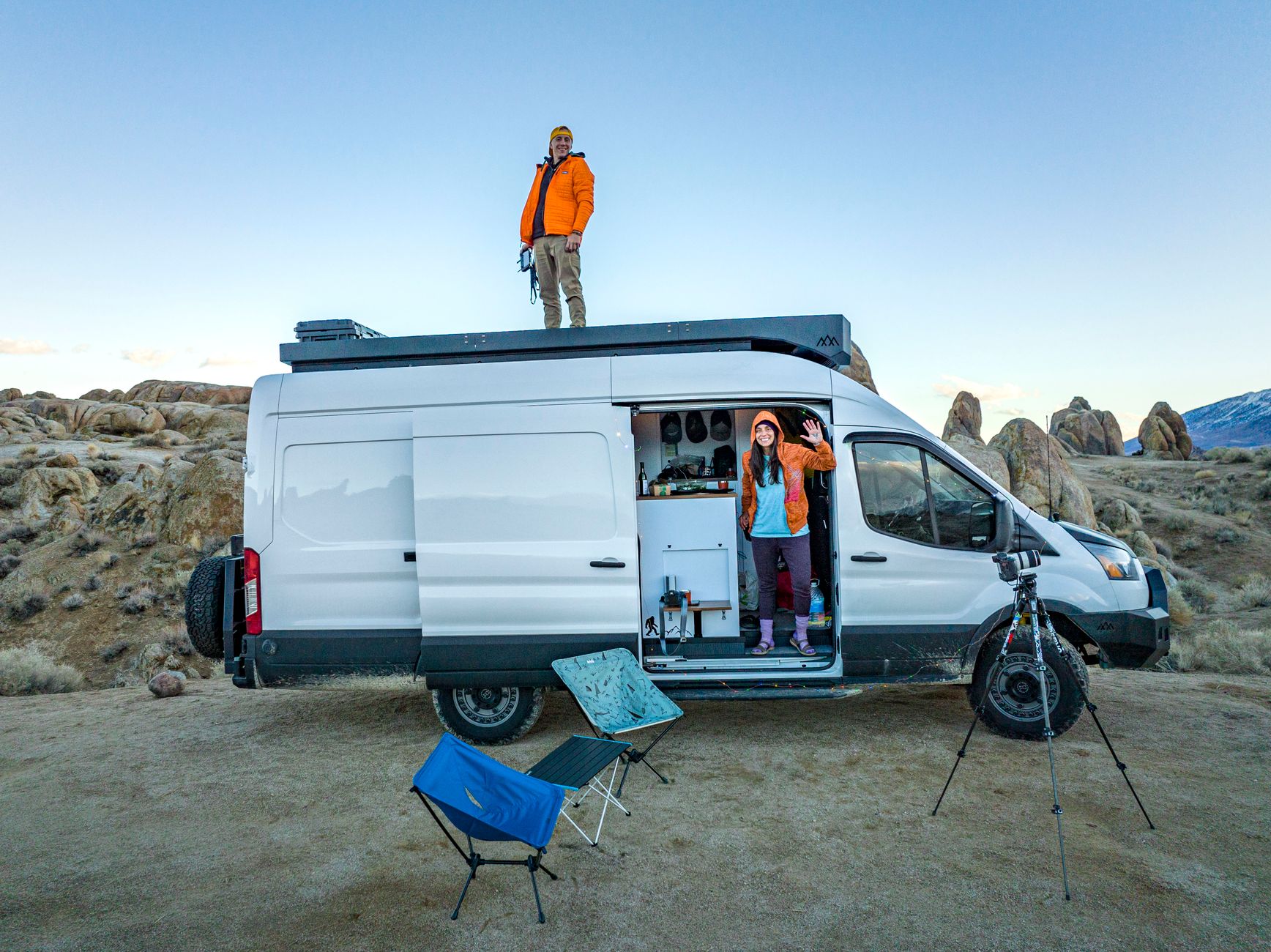
Where to Put a Starlink Dish at a Campsite
Campervans, Motorhomes & RVs
Choosing where to place a Starlink dish at a campsite is a balance between sky visibility, safety, stability and campsite rules. The highest point is not automatically the best, and the closest point to your vehicle may still be badly obstructed.
This guide gives you a repeatable way to choose a temporary position without turning the dish or its cable into a hazard.
The quick answer
Look for a level, permitted position within your pitch that:
- Has the widest practical view of the sky
- Is away from trees, buildings, awnings and other vehicles
- Cannot be driven over or knocked by a door
- Keeps the cable out of walkways
- Lets you bring the equipment inside quickly if conditions change
- Does not inconvenience neighbouring pitches
Use the Starlink app to check the sky from the exact height and position you intend to use.
Survey the pitch before unpacking
Walk around the pitch first. Look upward as well as outward. A location can appear open at ground level while branches, a roof edge or a tall motorhome blocks a significant part of the sky.
Identify vehicle routes, footpaths, play areas, drainage channels, long grass and places that may collect water. Also think about what may change later: another vehicle could arrive, an awning could be extended or children could begin playing nearby.
Do not set up beyond your allocated pitch without permission.
Use the Starlink app properly
Run the obstruction check from the proposed dish position. Hold the phone at approximately the height at which the dish will operate and follow the app’s instructions carefully.
Check more than one candidate position when possible. A move of only a few metres can make a large difference near trees or buildings. Save screenshots or make a note of the best result so you can compare positions rather than relying on memory.
The app is a planning tool, not a guarantee. After setup, allow the system time to collect obstruction information and judge the connection by real use as well as a single speed test.
Prioritise clear sky over distance to the vehicle
A short cable route is convenient, but a badly obstructed position can cause interruptions during calls, streaming or uploads. It is usually better to use a safe, properly protected cable route to a clearer spot than to tuck the dish beside the vehicle under trees.
Never stretch the cable tightly to gain the last metre. Leave enough slack to avoid loading the connectors, but do not leave loose coils where people can catch them.
Keep the dish stable
Use the supplied stand or a suitable mount on firm, level ground. The dish should not rock, sink or slide. Soft soil, gravel, uneven grass and strong wind may require a more secure solution designed for temporary use.
Do not improvise with unstable boxes, chairs, bins or roof edges. Avoid attaching anything in a way that could damage the dish, cable, vehicle or campsite property.
If wind becomes severe, follow the equipment guidance and bring the system in rather than relying on makeshift weights.
Protect people and the cable
The safest cable is one that does not cross a walking or driving route. Plan the complete route before powering the system.
Avoid:
- Door and window hinges
- Sharp metal edges
- Hot exhausts or heaters
- Tyres, levelling equipment and towing gear
- Standing water and drainage channels
- Shared paths and access points
- Tight bends and crushed sections
Where a crossing cannot be avoided, ask the campsite what protection is acceptable. A bright, purpose-made cable protector may help, but it must not create another trip hazard.
Consider Wi-Fi inside the vehicle
A perfect dish position does not guarantee strong Wi-Fi inside a metal-bodied motorhome or caravan. Test the connection where you actually use your phone, television and laptop.
Keep the router ventilated and away from large metal objects, cupboards packed with equipment and sources of interference. If the dish must be farther away for a clear sky view, plan router placement separately from dish placement.
Be a considerate neighbour
Keep all equipment within your pitch, minimise visible cable, and avoid directing bright status lights or equipment into a neighbour’s space. Do not block access to water points, electrical hook-ups or service areas.
If your setup needs an unusual position, ask site staff first. Permission is easier than moving a fully connected system after a complaint.
Test before relying on it
Once online:
- Check the app for alerts and obstruction information.
- Test Wi-Fi near the router and at your normal seat or workspace.
- Run more than one speed test at different times.
- Make a short video call if remote work matters.
- Check that nobody can trip over or drive across the cable.
- Recheck stability after wind or heavy rain.
A high headline download speed does not compensate for repeated interruptions caused by obstructions.
Pack down safely
Power down as directed, disconnect without pulling on the cable, inspect for mud or damage and let wet components dry before long-term storage. Account for every cable, stand component and protector before moving the vehicle.
Never move the vehicle with the temporary dish deployed or the cable connected.
Final campsite checklist
Before leaving the setup unattended, confirm:
- The position is permitted
- The sky view has been checked
- The stand is stable
- The cable is protected
- No route or neighbouring pitch is obstructed
- Wi-Fi works where you need it
- The equipment can be brought in quickly
Get One Month of Starlink Free
Order through my referral link and activate your service. Your second month of Starlink service will be free. Confirm the current offer at checkout.
Related Starlink guides
- How to Choose a Starlink-Friendly Campsite: Setup and Safety Checklist
- Starlink for Boating: A Guide to Marine Connectivity & Setup
- Starlink for RVs: Setup, Power and Travel Tips