Monitor a Campervan or Holiday Home While Away: Alerts, Power and Backup
Tips & Tricks
Remote monitoring needs more than a camera that works while you are standing beside it. Plan the complete path: sensor or camera, local network, internet, notification service and the person who can respond.
Decide what needs an alert
Choose the condition you want to detect: unexpected movement, water, temperature, power loss or loss of contact. Select equipment designed for that job and environment. A camera image is not a substitute for a temperature sensor or a certified alarm system.
Do not rely on a consumer internet link or a single remote notification for life safety, pet welfare or protection of a vulnerable person. Arrange appropriate supervision and an independent response plan. A silent app may mean the equipment is offline rather than that everything is normal.
Draw the dependency chain
Record the power source for the sensor, router, Starlink equipment and any cellular backup. Check what remains working if the mains fails and how long the tested backup can support it. A battery inside one sensor does not keep the rest of the network online.
Ask the product maker whether it sends a missed-check-in or offline alert, how quickly that occurs, and which service generates it. An offline site cannot send an ordinary message through its failed connection. Cloud-side loss-of-contact detection and a separate cellular alarm are different arrangements.
Secure access before leaving
Use unique passwords, supported account protection and maintained firmware. Prefer the maker's supported secure access or an appropriately configured outbound VPN over opening camera or router management ports to the internet.
Give access only to people who need it. Avoid cameras aimed at neighbours or public areas unnecessarily, and check the privacy obligations applying to the installation. Store network diagrams and recovery details privately.
Run a planned absence test
From a phone using mobile data, confirm live readings and the timestamp of the latest update. Trigger a harmless test event using the manufacturer's test function. Verify that the right person receives and understands the alert.
During an agreed maintenance window, test loss of site internet and power using the documented safe procedure. Check which alerts arrive, which do not, and whether everything recovers without someone visiting. Do not simulate a failure that could disable an essential alarm or endanger occupants.
Leave a named local contact, access arrangements and clear escalation instructions. Re-test after equipment or notification settings change.
The linked off-grid connectivity video is background, not certification of a monitoring system. This original checklist draws topic inspiration from Mobile Internet Resource Center's remote-monitoring coverage.
Related question
How can Starlink keep my holiday home connected?
Sources and further reading
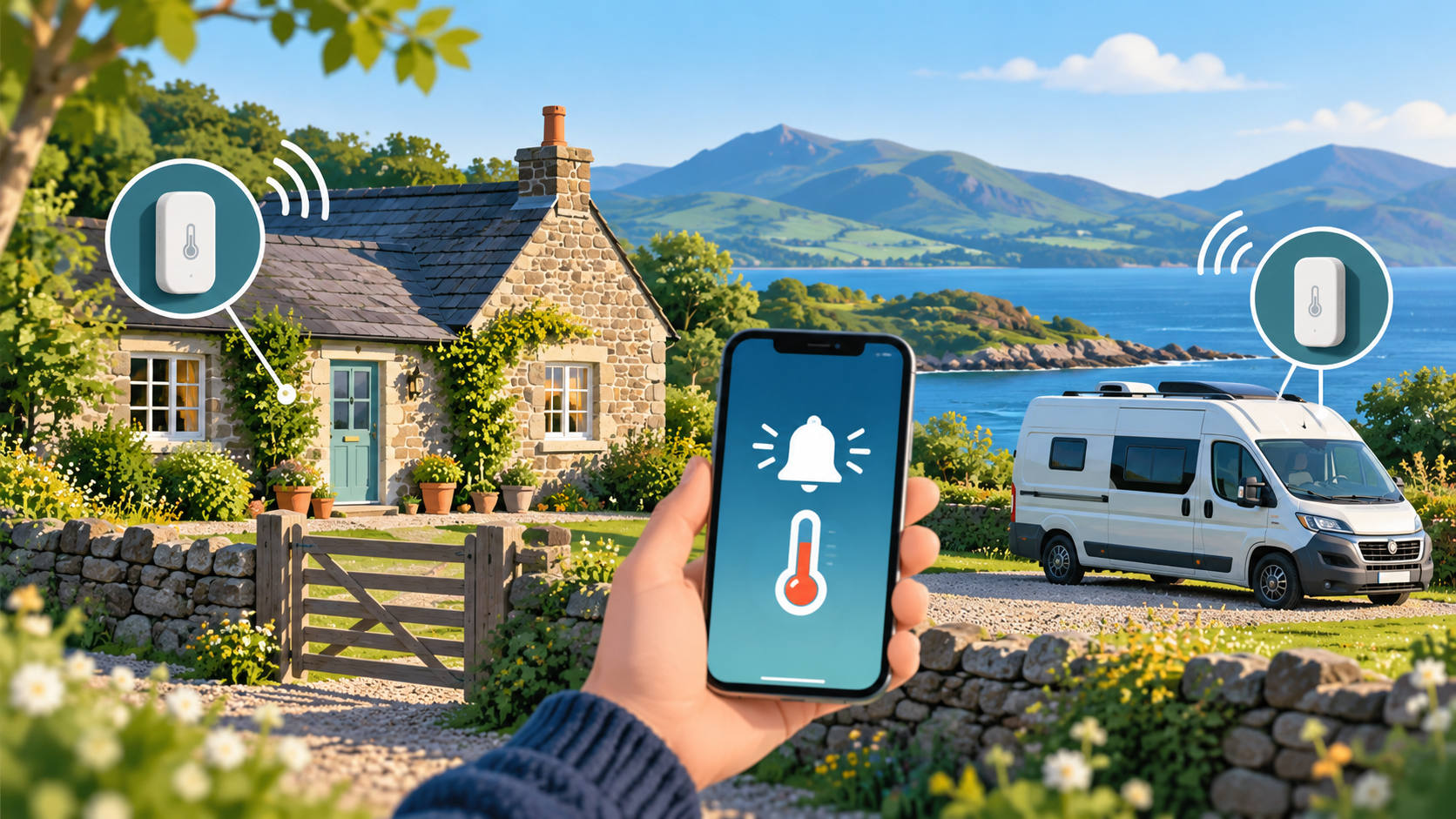
Independently written Starlink Tips guide, reviewed 1 November 2026. Thumbnail: original AI-generated conceptual artwork, not an equipment, wiring or measurement diagram. Follow current instructions for your exact hardware.