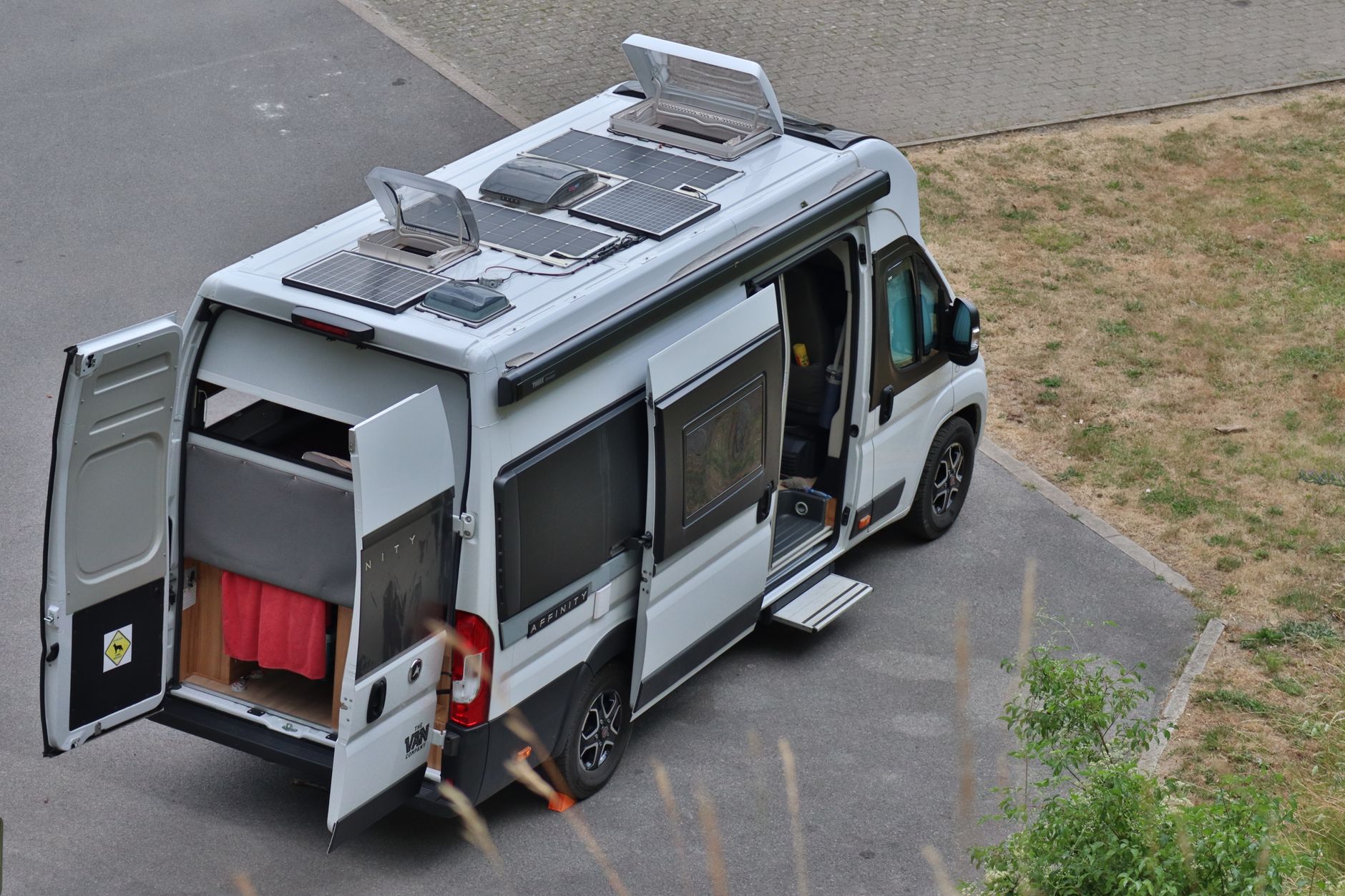
How to Power Starlink Off-Grid in a Campervan
Campervans, Motorhomes & RVs
Reliable mobile internet depends on reliable power. Before adding Starlink to a campervan, understand the equipment’s current power requirements and how they fit your own battery, inverter or charging setup.
Start with real measurements
Measure your own setup at home or on a safe test day using a suitable power monitor. Consumption varies with equipment, activity and conditions, so avoid designing around a single online figure.
Allow for conversion losses
An inverter, charger and wiring all consume power. Build in headroom for the rest of the van: lighting, refrigeration, heating controls and charging devices may matter more than you expect.
Use rated, ventilated equipment
Follow manufacturer instructions, use appropriate fuses and cable sizes, and keep power equipment dry and ventilated. If you are unsure about the electrical work, use a qualified installer.
Have a lower-power fallback
For a quick message or map update, a phone connection may be enough. Save higher-bandwidth jobs for when power is plentiful.
Referral benefit
Order Starlink through my referral link, activate service and your second month will be free. Confirm current equipment and plan options at checkout.
Get One Month of Starlink Free
Related Starlink guides
- How to Choose a Starlink-Friendly Campsite: Setup and Safety Checklist
- Starlink for Boating: A Guide to Marine Connectivity & Setup
- Starlink for RVs: Setup, Power and Travel Tips
Turn the trip plan into an energy budget
List the equipment that must run, its measured average demand and the required hours. Include any indoor router, switch and other always-on loads. Use watt-hours for energy and watts for instantaneous demand; battery capacity and output capability answer different questions.
For an illustrative calculation, a complete load averaging 40 W for eight hours needs 320 Wh at the load. If the supply path is assumed to be 85% efficient, the input estimate is about 376 Wh before reserve. Those are example inputs, not measured figures or a specification for your kit.
Check output compatibility separately
A large battery is not necessarily compatible with the required output. Confirm voltage, connector, continuous power and cable requirements in the documentation for the exact setup. Starlink's Mini USB-C guidance specifies a USB PD source rated at least 100 W, 20 V/5 A for that supported power arrangement. That source rating is not a statement that Mini continuously consumes 100 W.
Do not infer suitability from a USB-C socket alone. Power sharing can change the output when another device is connected. Follow the current instructions for the chosen cable and power source.
Test the intended operating cycle
Start with the battery charged, run the normal equipment and record charge level and operation over a representative session. Observe what happens when external charging starts and stops. Check any low-load timeout or scheduled output shutdown.
Do not rely on pass-through charging as proof of uninterrupted power. Rehearse the actual transitions before using the setup for a work call.
Include weather and other vehicle loads
Keep reserve for the other services you need and for conditions less favourable than the test day. Solar-panel rated output is not a guarantee of daily energy harvested. Ask a qualified installer about permanent electrical alterations and protection.
Reference: Starlink Mini USB power requirements. Budget example added 26 September 2026.