Get One Month of Starlink FreeSPECIAL OFFER: GET A FREE MONTH OF STARLINK >
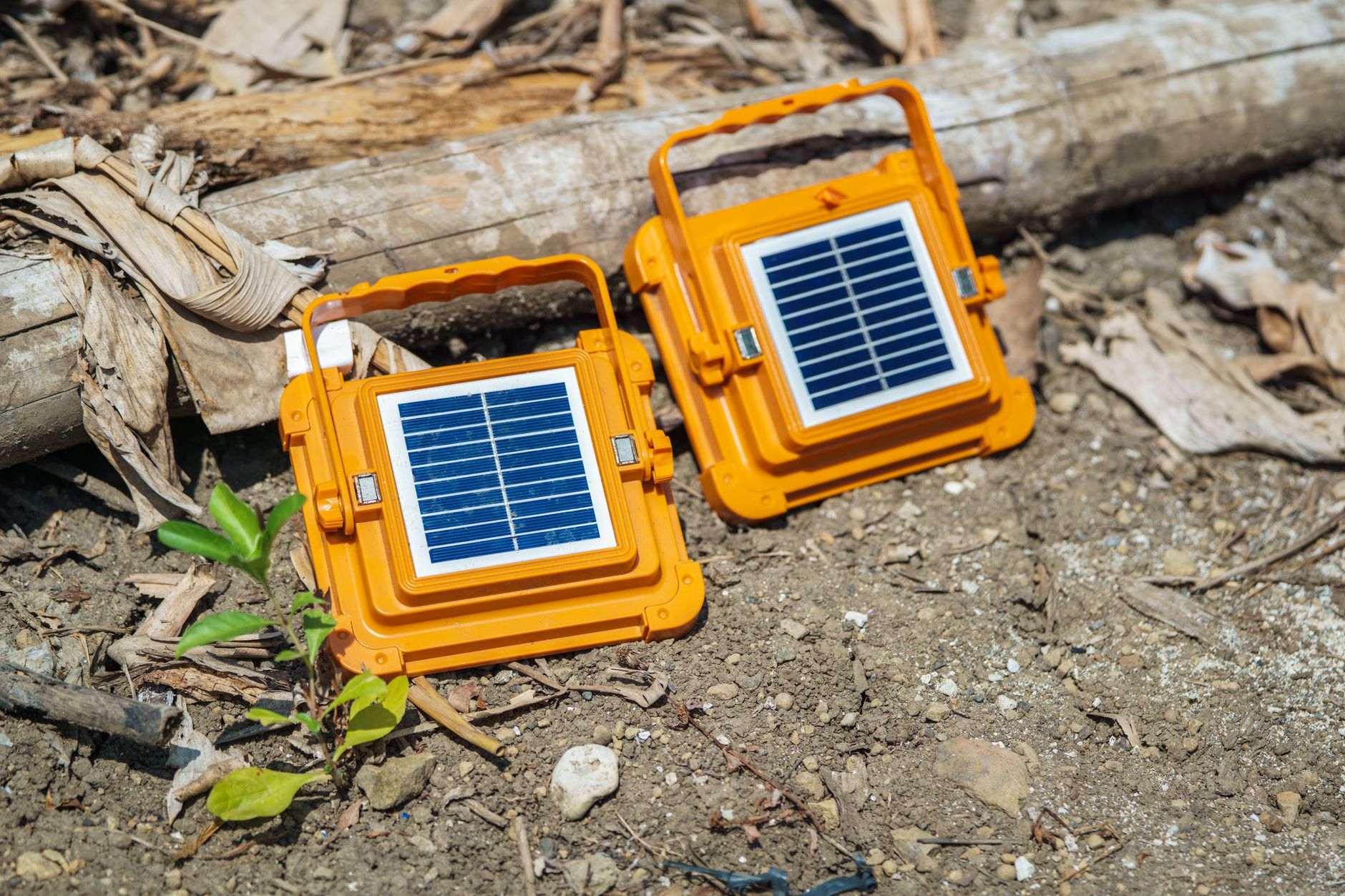
Portable solar panels representing off-grid Starlink power solutions

Starlink Power & Solar Solutions

Starlink battery, solar, UPS and off-grid power guides for reliable use away from mains electricity.

More from Starlink Power & Solar Solutions

View playlist

Starlink on Solar: Real Power Consumption Test (What Your Battery REALLY Sees)

solar circuit 360 explains Starlink's real solar power consumption and what the continuous load means for battery sizing and off-grid use. Starlink Tips viewing notes: Measure at the battery or power-station output when budgeting total energy use. The dish's draw alone may omit conversion losses, and operating conditions can change consumption. Related answer: What is the difference between watts and watt-hours when buying a battery for Starlink? — Starlink Battery Watts Vs Watt Hours Related guide: How to Power Starlink Off-Grid in a Campervan — Power Starlink Off Grid Campervan Planning to order? Use the Starlink Tips referral CTA on this page and check the offer and eligibility shown by Starlink at checkout. Starlink Tips may receive a referral reward.

Starlink on Solar: Real Power Consumption Test (What Your Battery REALLY Sees)

solar circuit 360 explains Starlink's real solar power consumption and what the continuous load means for battery sizing and off-grid use. Starlink Tips viewing notes: Measure at the battery or power-station output when budgeting total energy use. The dish's draw alone may omit conversion losses, and operating conditions can change consumption. Related answer: What is the difference between watts and watt-hours when buying a battery for Starlink? — Starlink Battery Watts Vs Watt Hours Related guide: How to Power Starlink Off-Grid in a Campervan — Power Starlink Off Grid Campervan Planning to order? Use the Starlink Tips referral CTA on this page and check the offer and eligibility shown by Starlink at checkout. Starlink Tips may receive a referral reward.

Questions & answers

Questions about this video

Straight answers to the questions readers ask most often.

How much electricity does Starlink use, and what does it cost to run?

Electricity use depends on the Starlink model and your complete setup. Starlink's published specifications list average consumption of 75–100 W for the Standard 4 X and 25–40 W for Mini. These are model-specific reference figures, not a guaranteed reading for every installation.

To calculate running cost:

Energy in kWh = average watts × hours powered ÷ 1,000.

Then multiply the kWh by your electricity price per kWh.

For example, if your complete setup averages 80 W, runs continuously and electricity costs 25p per kWh:

  • Daily energy: 80 × 24 ÷ 1,000 = 1.92 kWh.
  • Over 30 days: 1.92 × 30 = 57.6 kWh.
  • Electricity cost: 57.6 × £0.25 = £14.40 for those 30 days.

The 80 W load and 25p tariff are illustrative assumptions, not a quoted Starlink bill or a current tariff recommendation.

For a better estimate, measure the entire setup over a representative period using a suitable energy meter. Include additional routers, switches or mesh nodes without counting the same equipment twice. Battery users should also allow for conversion losses, reserve capacity and other devices sharing the battery. An average wattage is not sufficient on its own to select a power supply or inverter.

Read our complete Starlink power-budget guide.

Official references: Standard 4 X specifications and Mini specifications.

Reviewed: 23 September 2026.

Get One Month of Starlink Free

Claim Your Free Month

Order through my referral link and activate your service. Your second month of Starlink service will be free.
Open and share this answer
What does Starlink Sleep Schedule switch off?

Sleep Schedule creates a planned period without Starlink internet. Starlink's guidance says that internet access, remote management and snow-melt are unavailable while the terminal sleeps.

Before enabling it, list anything that needs an overnight connection: security cameras, alarms, heating controls, cloud backups and people working different hours. Devices may keep their local functions, but services that depend on internet access will lose that connection.

In the Starlink app, look under Settings, then Starlink, for Sleep Schedule. Set the times, enable the schedule and save. Check the timezone shown: Starlink's guidance notes a UTC default, so confirm that the selected window matches your local routine.

Test a short sleep period while someone is on site. Confirm when service stops and returns before using a longer unattended schedule. Do not assume you will be able to wake or change the terminal remotely during sleep.

In snowy weather, accumulated snow can delay service after waking. Sleep Schedule is a power-management feature; it is not the same as pausing or cancelling the subscription.

Read our related guide: How to Set Up a Starlink Sleep Schedule to Save Power.

Related official guidance: Starlink Sleep Schedule guidance.

Reviewed: 23 September 2026. Plan and hardware details should be checked for your country and equipment.

Get One Month of Starlink Free

Claim Your Free Month

Order through my referral link and activate your service. Your second month of Starlink service will be free.

Open and share this answer
What is the difference between watts and watt-hours when buying a battery for Starlink?

Watts describe power at a moment; watt-hours describe an amount of energy. A battery's output rating tells you about the load it can supply, while its usable energy helps determine runtime. You need both checks.

For an illustrative calculation, a complete setup averaging 40 W for five hours uses 200 Wh. A battery advertised as 200 Wh would not necessarily provide that full session because conversion losses, reserve settings and other loads reduce usable energy.

Our selection checklist is to verify the required output voltage and connection, the supported continuous output, and usable capacity for the intended conditions. A high-capacity battery with an unsuitable output will not solve the problem.

Test startup and a representative session with the actual kit. Include the router and other essential devices, and allow headroom for changing demand. Do not use average consumption alone to choose the power supply.

Next useful answers

Related guides

Related video

I Tested Every Starlink Mini Power Option So You Don't Have To | 6 Setups, Real Run Times & Costs

This related demonstration may show older hardware or plan details; use the official guidance below for current requirements.

Sources

Reviewed: 26 September 2026. Practical checklists are our editorial recommendations; plan availability and hardware requirements vary by country and model.

Get One Month of Starlink Free

Claim Your Free Month

Order through my referral link and activate your service. Your second month of Starlink service will be free.
Starlink Tips is independent and may receive a referral reward. See the offer shown by Starlink when ordering.

Open and share this answer
Browse all questions