Get One Month of Starlink FreeSPECIAL OFFER: GET A FREE MONTH OF STARLINK >
9

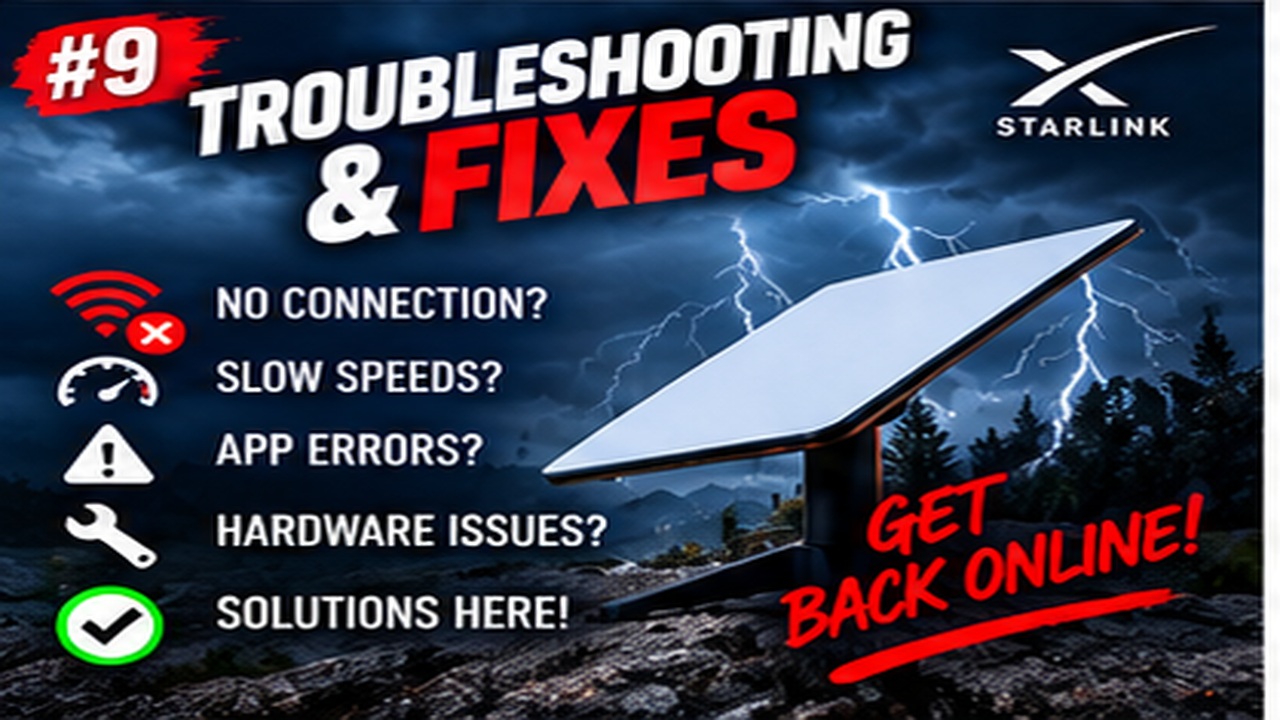
Troubleshooting & Fixes

Useful fixes for Starlink dropouts, obstructions, slow speeds, Wi-Fi faults and hardware problems.

More from Troubleshooting & Fixes

View playlist

Fix your SLOW Starlink: Join 2 Hotspots together

Speedify App presents this video on Windows slow WiFi. Device connectivity diagnostics. Compare the local device path with Starlink's router-to-internet measurement. Published by the creator 2025-03-25; curated 11 November 2026. Check current manufacturer instructions for model and firmware differences.

Fix your SLOW Starlink: Join 2 Hotspots together

Speedify App presents this video on Windows slow WiFi. Device connectivity diagnostics. Compare the local device path with Starlink's router-to-internet measurement. Published by the creator 2025-03-25; curated 11 November 2026. Check current manufacturer instructions for model and firmware differences.

Questions & answers

Questions about this video

Straight answers to the questions readers ask most often.

Can I stop Steam downloads making Starlink games lag?

First compare gameplay with downloads paused. Then review Steam's allow-downloads-during-gameplay option and bandwidth limit. Choose a limit that leaves room for other traffic and check the displayed units before entering a number.

Practical checks

  • Open Steam's download settings and note whether downloads are allowed during gameplay. Confirm the current rate unit before choosing a bandwidth limit.
  • Restore any temporary test settings you no longer need and record the working limit. Revisit it if Starlink's available capacity changes.

Full walkthrough

Limit Steam Downloads on Starlink Without Interrupting a Game

Source and review

Official documentation

Reviewed: 11 November 2026. Practical checks are Starlink Tips editorial guidance. Available controls depend on your hardware, software and country.

Open and share this answer
Will marking Starlink as metered in Windows enforce my Roam data limit?

No. Metering helps reduce some background transfers; it is not a hard provider allowance limit. Check active applications and schedule deferred updates. Monitor the Starlink account's data usage for the actual service allowance.

Practical checks

  • Identify the active Windows network profile. A laptop using a dock may be on Ethernet even when its Wi-Fi settings look familiar.
  • Repeat the setting check for backup network profiles. A metered Starlink profile does not automatically configure every phone hotspot you later join.

Full walkthrough

Set a Windows Starlink Connection as Metered and Plan Deferred Updates

Source and review

Official documentation

Reviewed: 11 November 2026. Practical checks are Starlink Tips editorial guidance. Available controls depend on your hardware, software and country.

Open and share this answer
Browse all questions