Get One Month of Starlink FreeSPECIAL OFFER: GET A FREE MONTH OF STARLINK >
2

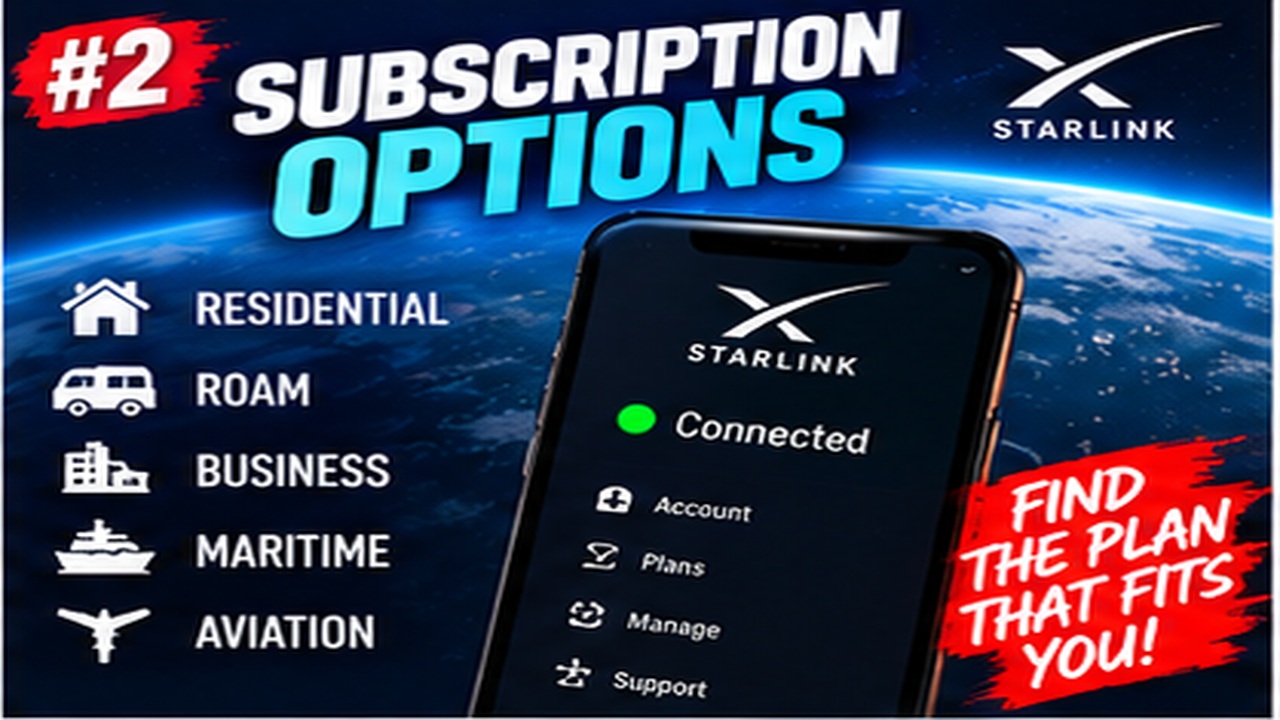
Subscription Options

Clear explanations of Starlink Residential, Roam, Mobile and other subscription choices.

More from Subscription Options

View playlist

Which Starlink Roam Plan? Real Data Usage, Costs, Our Recommendation

How much Starlink data do you need while traveling, camping, and remote working? How much do we pay? What plans do we use? We reveal our Starlink data usage from the past few months and our recommendation for how much data you need while traveling camping, and remote working? Starlink Tips related reading Related answer: How do I choose a Starlink data allowance without overpaying? — Choose Starlink Data Allowance Related guide: Starlink Roam Data Plans: How to Choose the Right Allowance — Starlink Roam Data Plans How To Choose Right Allowance Get One Month of Starlink Free Claim Your Free Month: Starlink Order through my referral link and activate your service. Your second month of Starlink service will be free. Starlink Tips may receive a referral reward. Check the offer shown by Starlink for your order.

Which Starlink Roam Plan? Real Data Usage, Costs, Our Recommendation

How much Starlink data do you need while traveling, camping, and remote working? How much do we pay? What plans do we use? We reveal our Starlink data usage from the past few months and our recommendation for how much data you need while traveling camping, and remote working? Starlink Tips related reading Related answer: How do I choose a Starlink data allowance without overpaying? — Choose Starlink Data Allowance Related guide: Starlink Roam Data Plans: How to Choose the Right Allowance — Starlink Roam Data Plans How To Choose Right Allowance Get One Month of Starlink Free Claim Your Free Month: Starlink Order through my referral link and activate your service. Your second month of Starlink service will be free. Starlink Tips may receive a referral reward. Check the offer shown by Starlink for your order.

Questions & answers

Questions about this video

Straight answers to the questions readers ask most often.

What is the difference between a Starlink Mbps limit and a GB allowance?

Mbps describes the rate at which data can travel; GB describes an amount of data. They answer different questions.

A simple analogy is a tap and a tank: the flow rate is how quickly water moves, while the tank measures how much has been used. A speed limit does not, by itself, specify a monthly data allowance.

When comparing Starlink plans, look separately for:

  • A maximum or typical download speed.
  • The amount and type of included data.
  • The billing period used to measure that allowance.
  • What happens after the allowance is consumed.
  • Any paid top-up setting.

For example, the current plan descriptions include both Mbps-labelled Residential offers and GB-labelled Roam offers. Do not infer their full terms from the number in the name.

Check the actual usage display and plan description together. Running repeated speed tests also transfers data, so it is not a substitute for checking the monthly counter. A higher data allowance will not necessarily repair weak Wi-Fi inside the home.

Read our related guide: How to Check Starlink Data Usage and Avoid Surprise Top-Up Charges.

Related official guidance: Starlink service-plan descriptions.

Reviewed: 23 September 2026. Plan and hardware details should be checked for your country and equipment.

Get One Month of Starlink Free

Claim Your Free Month

Order through my referral link and activate your service. Your second month of Starlink service will be free.

Open and share this answer
How do I choose a Starlink data allowance without overpaying?

Start with measured use where possible. The number of people matters, but what their devices do matters more: video streaming, game updates and cloud backups can dominate an otherwise modest month.

For a practical estimate:

  1. Review usage from your existing router, service account or device counters.
  2. Separate a normal week from unusually large downloads.
  3. Estimate how many days you will use Starlink during the billing period.
  4. Include background activity from phones, cameras and laptops.
  5. Leave reasonable headroom for an unexpected work task or update.

Read the consequence of reaching the chosen allowance. A plan may continue differently, offer extra data or apply another rule; do not assume all plans behave alike.

For travel, download maps and entertainment beforehand and test a representative working day. For home use, include simultaneous users. Compare the cost of the allowance you realistically need with the cost of a larger offer, rather than choosing the cheapest headline price and discovering its limitations mid-month.

Read our related guide: Starlink Roam Data Plans: How to Choose the Right Allowance.

Related official guidance: Starlink service-plan descriptions.

Reviewed: 23 September 2026. Plan and hardware details should be checked for your country and equipment.

Get One Month of Starlink Free

Claim Your Free Month

Order through my referral link and activate your service. Your second month of Starlink service will be free.
Open and share this answer
Browse all questions