Get One Month of Starlink FreeSPECIAL OFFER: GET A FREE MONTH OF STARLINK >
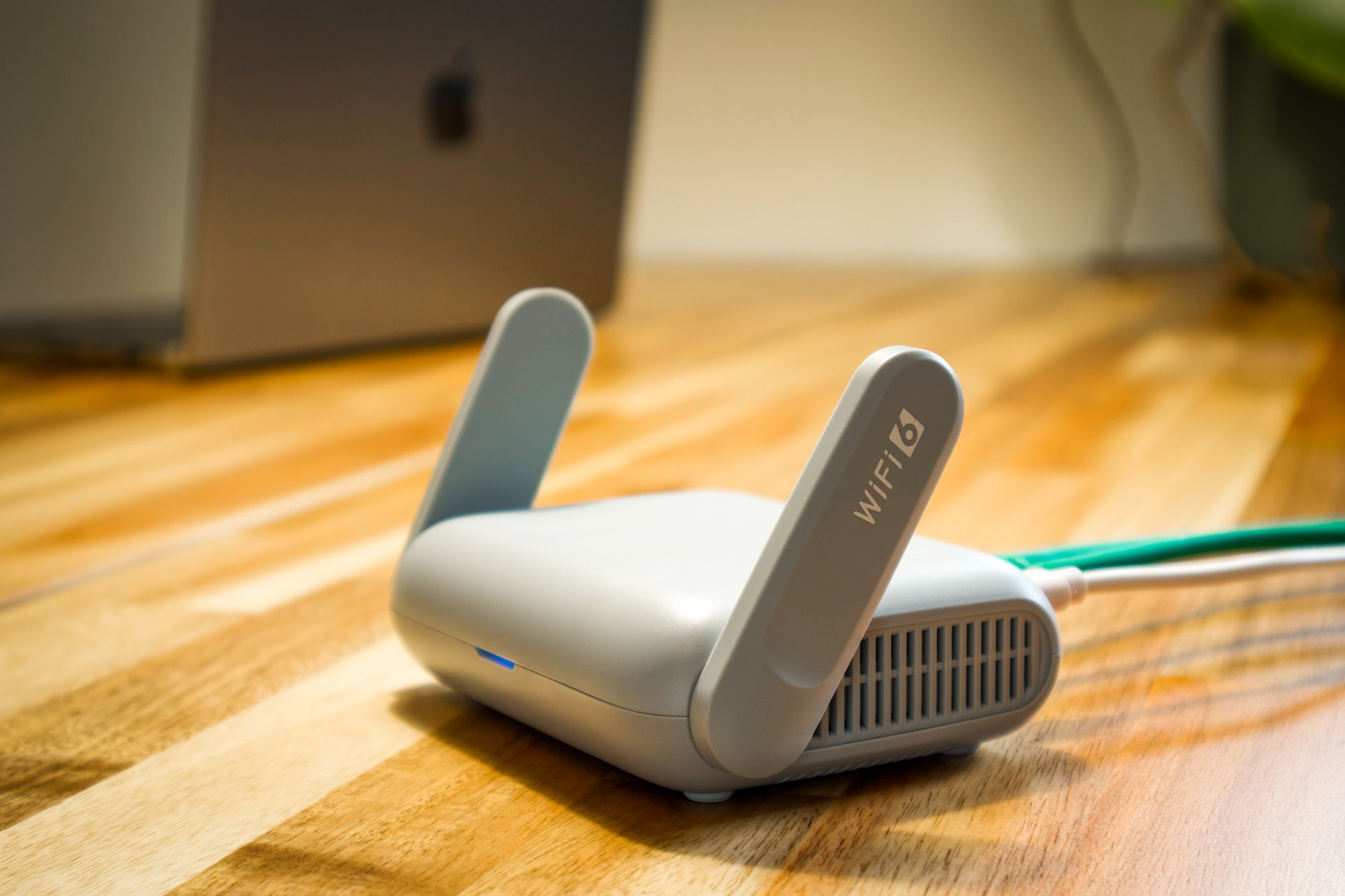
Wireless router and cable representing Starlink hardware and accessories

Starlink Hardware & Accessories

Reviews and guides covering Starlink routers, mounts, adapters, cables and useful accessories.

More from Starlink Hardware & Accessories

View playlist

Starlink Roof Mount Options and Installation Guides

Follow this practical Starlink guide to Starlink Roof Mount Options and Installation Guides, covering the key installation or setup steps for a secure and reliable connection. Starlink Tips related reading Related answer: Does Starlink need to be installed on the roof? — Does Starlink Need Roof Installation Related guide: Starlink Roof Installation: When to Use a Professional — When To Use Starlink Roof Installer Get One Month of Starlink Free Claim Your Free Month: Starlink Order through my referral link and activate your service. Your second month of Starlink service will be free. Starlink Tips may receive a referral reward. Check the offer shown by Starlink for your order.

Starlink Roof Mount Options and Installation Guides

Follow this practical Starlink guide to Starlink Roof Mount Options and Installation Guides, covering the key installation or setup steps for a secure and reliable connection. Starlink Tips related reading Related answer: Does Starlink need to be installed on the roof? — Does Starlink Need Roof Installation Related guide: Starlink Roof Installation: When to Use a Professional — When To Use Starlink Roof Installer Get One Month of Starlink Free Claim Your Free Month: Starlink Order through my referral link and activate your service. Your second month of Starlink service will be free. Starlink Tips may receive a referral reward. Check the offer shown by Starlink for your order.

Questions & answers

Questions about this video

Straight answers to the questions readers ask most often.

Does Starlink need to be installed on the roof?

No. Starlink does not automatically need a roof installation. Its Standard setup guide suggests an elevated position, such as a roof, pole or wall, when a suitable sky view cannot be found at ground level.

Choose the position by comparing connection suitability and installation practicality:

  • Ground: potentially easier to inspect, but consider people, pets, mowing, vehicles and the full cable route.
  • Wall or pole: may provide a clearer view while keeping the equipment more accessible than a roof position.
  • Roof: may clear nearby obstacles, but introduces access, fixing, weatherproofing and future maintenance considerations.

These are planning considerations, not instructions for constructing a mount. Use hardware compatible with your exact Starlink model, follow the relevant installation guide and obtain an installer's assessment for difficult or exposed positions.

Before agreeing to work, ask where the cable will enter the building, how that entry will be sealed, where the router will sit and how the dish could be reached for maintenance. Roof height alone is not a useful measure of installation quality.

Read when to use a professional roof installer and whether a ground mount suits your property.

Related video: Starlink Gen 3 installation and review. Treat the video's prices as historical; check today's offer separately.

Technical reference: Starlink Standard installation guide. Other models may have different mounting and alignment instructions.

Reviewed: 23 September 2026.

Get One Month of Starlink Free

Claim Your Free Month

Order through my referral link and activate your service. Your second month of Starlink service will be free.

Open and share this answer
Browse all questions