Get One Month of Starlink FreeSPECIAL OFFER: GET A FREE MONTH OF STARLINK >
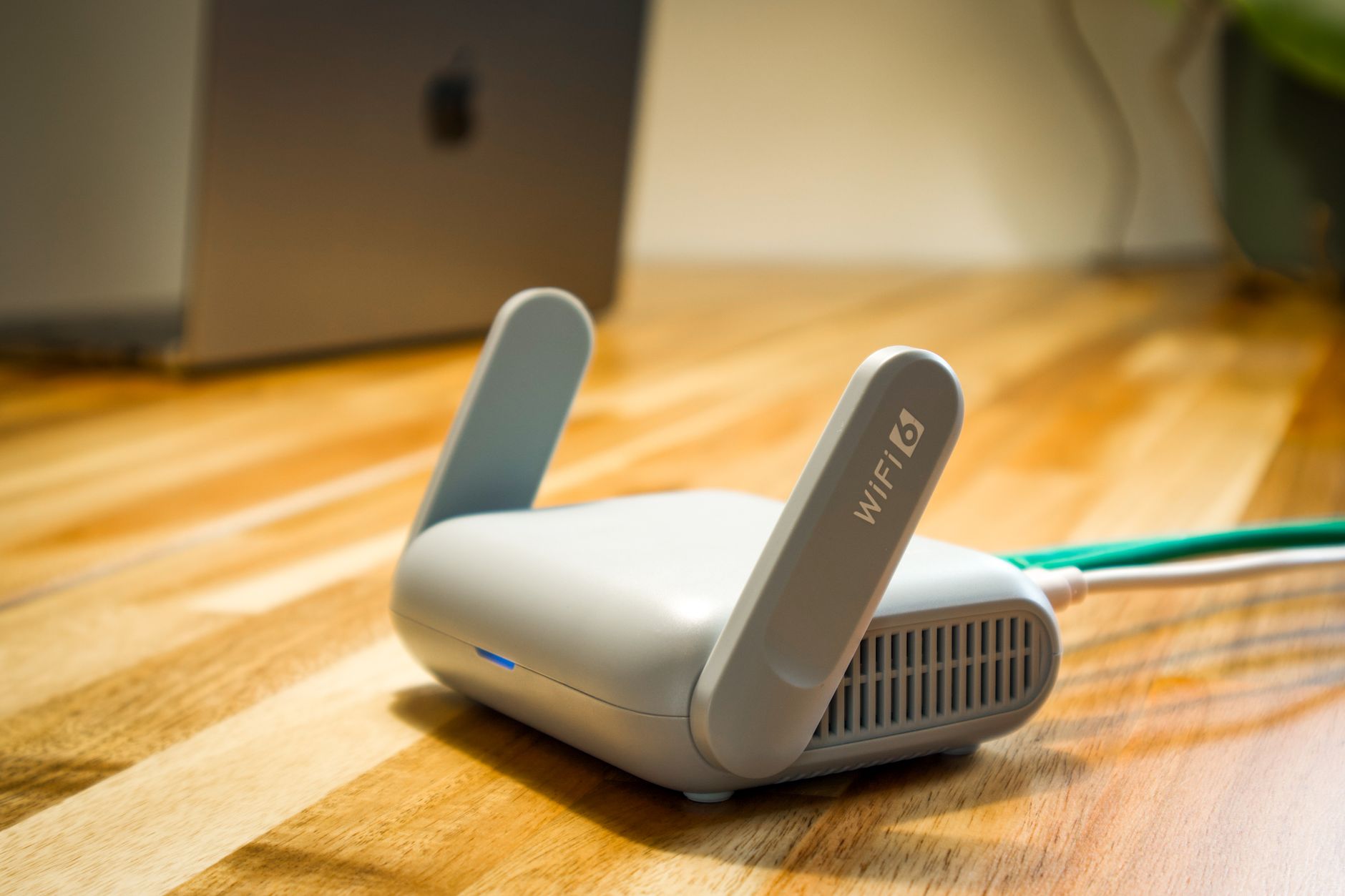
Wireless router and cable representing Starlink hardware and accessories

Starlink Hardware & Accessories

Reviews and guides covering Starlink routers, mounts, adapters, cables and useful accessories.

More from Starlink Hardware & Accessories

View playlist

How to Set up TP-Link Whole Home Mesh WiFi 6 System

TP-Link Global Support presents this video on TP Link Deco setup. Deco mesh setup and backhaul planning. Match router or access-point mode to your Starlink network; vendor-specific networking context may use a different upstream connection. Selected for the Starlink Tips library following topic and duplicate checks. Published by the creator 2020-11-06; curated 11 November 2026.

TP-Link Global Support
Visit TP-Link Global Support →

How to Set up TP-Link Whole Home Mesh WiFi 6 System

TP-Link Global Support presents this video on TP Link Deco setup. Deco mesh setup and backhaul planning. Match router or access-point mode to your Starlink network; vendor-specific networking context may use a different upstream connection. Selected for the Starlink Tips library following topic and duplicate checks. Published by the creator 2020-11-06; curated 11 November 2026.

TP-Link Global Support
Visit TP-Link Global Support →

Questions & answers

Questions about this video

Straight answers to the questions readers ask most often.

Where should a wired Deco satellite connect when Deco is in Router mode?

Connect it to the main Deco's LAN side, directly or through a switch downstream of that LAN. TP-Link's Router-mode topology differs from Access Point mode. Check the diagram for your mode before connecting satellites through an upstream switch.

Practical checks

  • Write down the current Deco operating mode. Photograph the main unit's WAN and LAN connections before adding another cable.
  • Test a wired and wireless client at each end. Save the final wiring diagram near the network equipment for future troubleshooting.

Full walkthrough

Wire Deco Satellites on Starlink Without Creating a Network Loop

Source and review

Official documentation

Reviewed: 11 November 2026. Practical checks are Starlink Tips editorial guidance. Available controls depend on your hardware, software and country.
Open and share this answer
Will Deco parental controls still work in Access Point mode behind Starlink?

Check your Deco model's feature list before switching modes. TP-Link says Access Point mode forwards traffic while the upstream router manages addressing, and some routing features, including parental controls, are unavailable. Choose the operating mode around the features you actually need.

Practical checks

  • Sketch the path from Starlink to the main Deco and its satellites. Identify which device should assign local addresses and manage firewall rules.
  • Save a diagram and screenshots of the selected mode. Label the upstream cable so a later reset does not create a confusing second network.

Full walkthrough

Put TP-Link Deco Behind Starlink: Choose the Right Operating Mode

Next useful answer

Will a mesh Wi-Fi system improve my Starlink connection?

Source and review

Official documentation

Reviewed: 11 November 2026. Practical checks are Starlink Tips editorial guidance. Available controls depend on your hardware, software and country.

Open and share this answer
Browse all questions