Put TP-Link Deco Behind Starlink: Choose the Right Operating Mode
Equipment & Accessories
A Deco mesh can extend Starlink Wi-Fi, but the routing decision matters more than the number on the box. Decide which device will manage your network before connecting every satellite unit.
Work through the setup
Step 1
Sketch the path from Starlink to the main Deco and its satellites. Identify which device should assign local addresses and manage firewall rules.
Step 2
To retain Starlink as your router, review Deco Access Point mode. Check which Deco features disappear in that mode before committing.
Step 3
To use Deco as the main router, review your Starlink hardware's supported Ethernet and bypass arrangement. Plan local access for recovery.
Step 4
Set up the Deco system through its app and install supported firmware. Use the operation-mode instructions for the actual model you own.
Step 5
Test one satellite and two devices first. Check local printing as well as internet browsing before expanding the mesh.
Step 6
Save a diagram and screenshots of the selected mode. Label the upstream cable so a later reset does not create a confusing second network.
Worked example
Suppose you want broader coverage but rely on parental controls currently supplied by the proposed main router. Choosing Access Point mode solely to remove double NAT may also remove those controls from the mesh system. Write down the required features first, then choose the routing arrangement. Test one representative restriction and local printing before reconnecting every device. Keep the previous configuration available until the household's essential functions work.
Interpret the result
- Coverage improves and features work: Document the chosen mode.
- A required feature disappears: Revisit which router should provide it.
- Local devices cannot communicate: Check subnet and isolation before adding more mesh units.
Checks and limitations
In Access Point mode, the upstream router supplies DHCP. Deco parental controls and other routing features may differ or be unavailable. Test the feature you need instead of assuming it survives a mode change.
Will Deco parental controls still work in Access Point mode behind Starlink?
Check your Deco model's feature list before switching modes. TP-Link says Access Point mode forwards traffic while the upstream router manages addressing, and some routing features, including parental controls, are unavailable. Choose the operating mode around the features you actually need.
Sources and review
Official documentation for this guide
Reviewed: 11 November 2026. The practical sequence and worked example are Starlink Tips editorial guidance. Check current instructions for your hardware, software and country.
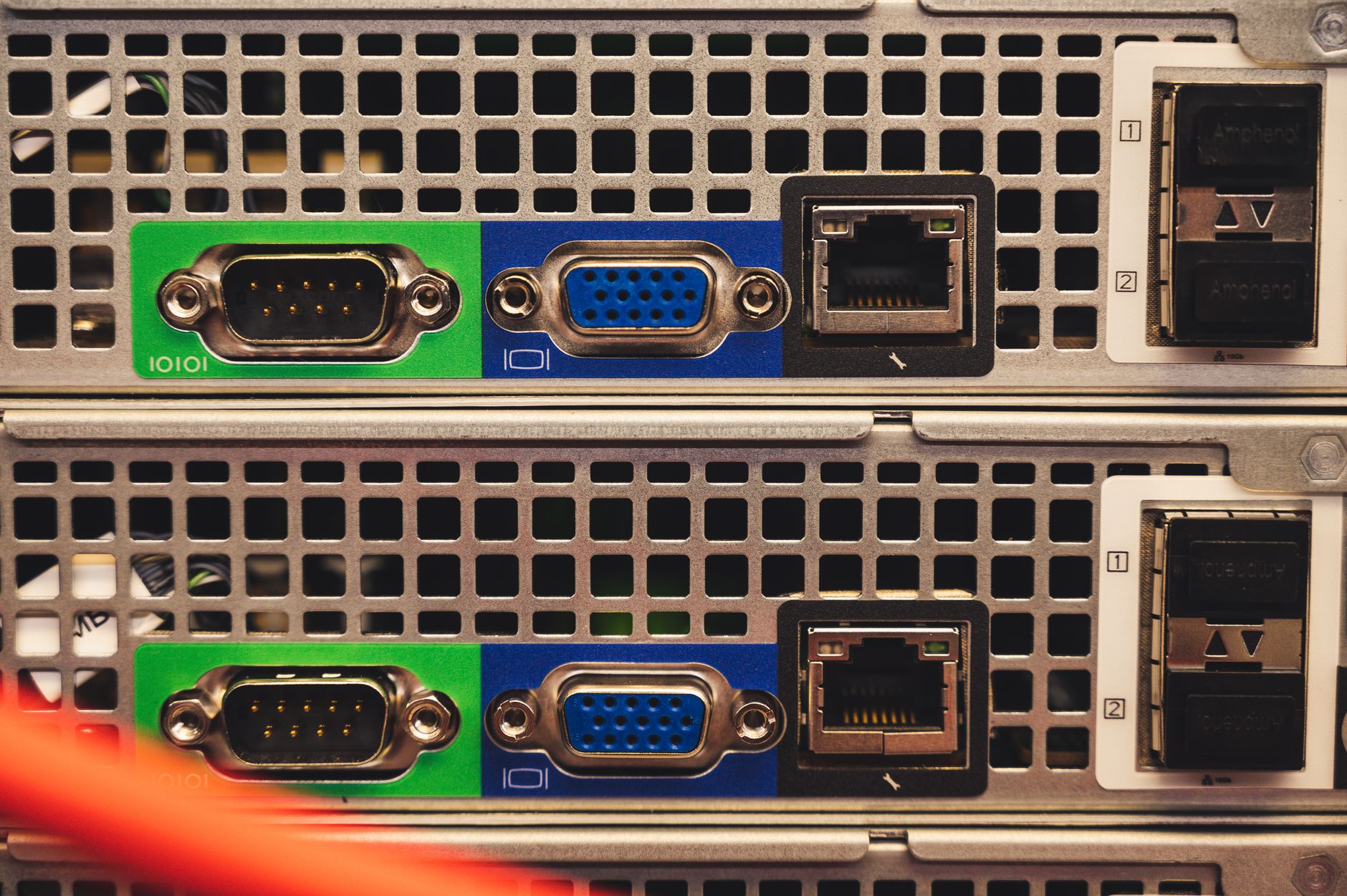
Illustrative photograph: Detailed view of Ethernet and VGA ports on a server highlighting connectivity features. Credit: Brett Sayles.