Get One Month of Starlink FreeSPECIAL OFFER: GET A FREE MONTH OF STARLINK >
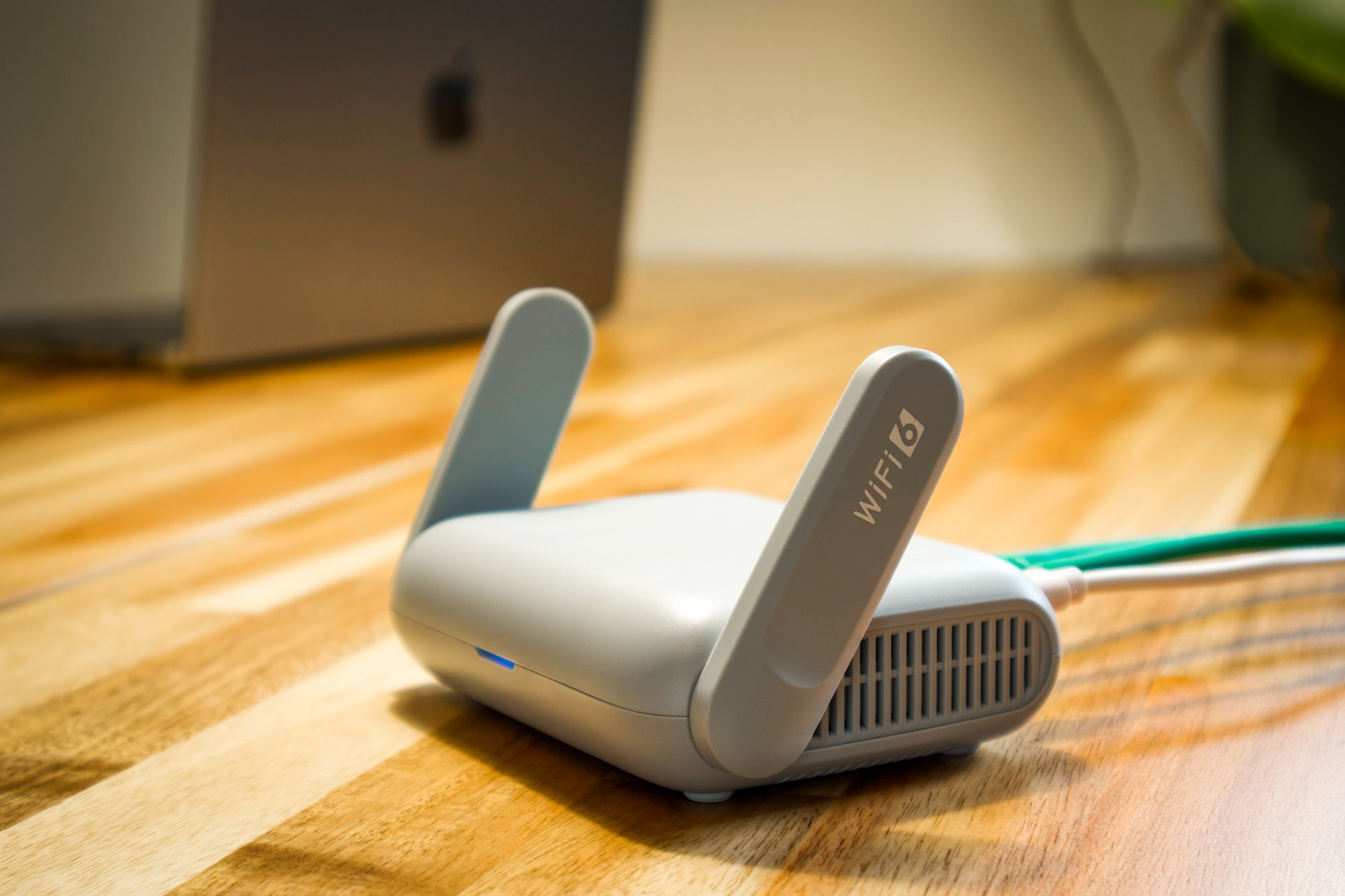
Wireless router and cable representing Starlink hardware and accessories

Starlink Hardware & Accessories

Reviews and guides covering Starlink routers, mounts, adapters, cables and useful accessories.

More from Starlink Hardware & Accessories

View playlist

How To Bypass The Starlink Router To Use Your Own

In this tutorial, learn how to enable bypass mode on the Gen 2 and Gen 3 Starlink routers. Bypass mode disables the Wifi and routing functions of the Starlink router, enabling you to use your own 3rd party router. Starlink Tips practical notes: Decide which device should perform routing before enabling bypass mode. Record the original connections and how to restore them, and follow instructions for your hardware generation. Bypass mode and access-point mode are different choices for arranging the local network. Neither should be treated as a universal cure for provider-side CGNAT. The related questions explain double NAT, inbound remote access and why attaching an ordinary wired device does not itself require a router-mode change. For further reading, open the related Q&As below; each links to a fuller guide. Get One Month of Starlink Free: use the “Claim Your Free Month” referral button beneath the player. Order through my referral link and activate your service. Your second month of Starlink service will be free.

How To Bypass The Starlink Router To Use Your Own

In this tutorial, learn how to enable bypass mode on the Gen 2 and Gen 3 Starlink routers. Bypass mode disables the Wifi and routing functions of the Starlink router, enabling you to use your own 3rd party router. Starlink Tips practical notes: Decide which device should perform routing before enabling bypass mode. Record the original connections and how to restore them, and follow instructions for your hardware generation. Bypass mode and access-point mode are different choices for arranging the local network. Neither should be treated as a universal cure for provider-side CGNAT. The related questions explain double NAT, inbound remote access and why attaching an ordinary wired device does not itself require a router-mode change. For further reading, open the related Q&As below; each links to a fuller guide. Get One Month of Starlink Free: use the “Claim Your Free Month” referral button beneath the player. Order through my referral link and activate your service. Your second month of Starlink service will be free.

Questions & answers

Questions about this video

Straight answers to the questions readers ask most often.

Can I use my own router with Starlink?

Yes, a compatible third-party router can be used with an appropriate Ethernet connection, but the wiring and settings depend on the Starlink hardware and the role you want the new device to perform.

Decide whether the new equipment will:

  • Replace the Starlink router's routing and Wi-Fi functions.
  • Operate as an access point behind the existing router.
  • Provide a separate managed network for a particular purpose.

These are different configurations. Bypass mode is relevant when handing routing to your own router; it is not a general speed-boost switch or something every Ethernet device needs.

Before changing settings, record the working layout and read both manufacturers' instructions. Confirm how you would restore the original arrangement if setup fails. Some Starlink hardware requires a factory reset to leave bypass mode.

Test a basic wired connection before adding switches, mesh units or advanced filtering. Our recommendation is to change one layer at a time so an incorrect WAN setting does not become confused with a satellite fault.

Read our related guide: How to Use Your Own Router with Starlink Bypass Mode.

Related official guidance: Starlink Standard setup guide.

Reviewed: 23 September 2026. Plan and hardware details should be checked for your country and equipment.

Get One Month of Starlink Free

Claim Your Free Month

Order through my referral link and activate your service. Your second month of Starlink service will be free.

Open and share this answer
Can I set parental controls on a Starlink home network?

You can combine the controls offered by your router with the family settings on phones, tablets, consoles and streaming accounts. The available network controls depend on your router and software, so check the options you actually have.

Start by identifying each child's device accurately. Then decide what you need to control:

  • Time online.
  • Access to particular content categories.
  • Purchases and downloads.
  • Age-appropriate app or streaming profiles.
  • Individual device use away from home.

A router-level restriction generally applies only while traffic passes through that network. Mobile data, another Wi-Fi connection or some privacy tools may follow a different path.

Test restrictions from the child's device after saving them, and check that schoolwork and necessary communication still function. Keep adult work devices, cameras and alarms out of broad pause rules.

Our recommendation is to use technical controls alongside clear household expectations. No filter guarantees that every unsuitable item will be blocked, and no network setting replaces reviewing the child's accounts and device permissions.

Read our related guide: How to Set Up Parental Controls on Your Starlink Home Network.

Related official guidance: Starlink Help Center.

Reviewed: 23 September 2026. Plan and hardware details should be checked for your country and equipment.

Get One Month of Starlink Free

Claim Your Free Month

Order through my referral link and activate your service. Your second month of Starlink service will be free.

Open and share this answer
Can visitors use Starlink without accessing my main home network?

Use an isolated guest network if your router provides one. Giving a network a different name is not, by itself, proof that visitors cannot reach printers, storage or other household devices.

Check the controls for the router that actually manages your Wi-Fi. With third-party equipment, those controls may be in the manufacturer's app rather than Starlink's app.

A useful guest setup has:

  • Its own password.
  • An explicit restriction on access to the main local network.
  • A sensible process for changing or ending access.
  • A test from a guest device to confirm the intended behaviour.

If your router does not offer guest isolation, do not assume splitting the 2.4 GHz and 5 GHz bands creates it. Those bands can still belong to the same local network.

Some printers, casting devices and smart-home products need local discovery, so decide whether guests need those features. Keep the main household password private and choose additional networking hardware only when the separation you need is clearly supported.

Read our related guide: How to Set Up a Guest Wi-Fi Network on Starlink.

Related official guidance: Starlink Help Center.

Reviewed: 23 September 2026. Plan and hardware details should be checked for your country and equipment.

Get One Month of Starlink Free

Claim Your Free Month

Order through my referral link and activate your service. Your second month of Starlink service will be free.

Open and share this answer
What is double NAT on Starlink, and should I fix it?

Double NAT can arise when your own router performs address translation behind another router doing the same job. Ordinary browsing may work, while certain games, remote-access tools or network services behave differently.

First draw the connection path and identify which device provides routing. Our practical recommendation is to choose one main home router and configure the other equipment for its intended role. Depending on the hardware, that may mean Starlink bypass mode or access-point mode on your own equipment.

Follow the model-specific instructions and record how to restore the original setup before changing settings. Bypass mode is not required just to attach a computer by Ethernet.

There is a separate issue upstream: Starlink's default IPv4 service uses CGNAT. Removing an extra NAT layer inside your home does not remove that provider-side arrangement or automatically make an inbound server reachable.

Next useful answers

Related guides

Related video

How To Bypass The Starlink Router To Use Your Own

This related demonstration may show older hardware or plan details; use the official guidance below for current requirements.

Sources

Reviewed: 26 September 2026. Practical checklists are our editorial recommendations; plan availability and hardware requirements vary by country and model.

Get One Month of Starlink Free

Claim Your Free Month

Order through my referral link and activate your service. Your second month of Starlink service will be free.

Starlink Tips is independent and may receive a referral reward. See the offer shown by Starlink when ordering.

Open and share this answer
Can I port forward on Starlink for a home server or CCTV recorder?

Ordinary IPv4 port forwarding will not work through Starlink's default CGNAT connection. Starlink also states that its own Wi-Fi routers do not expose port-forwarding or custom firewall-rule controls.

For a server, NAS or recorder, first identify whether you need a direct inbound connection or simply secure remote access. Our practical recommendation is to consider the device supplier's supported remote-access service or a properly authenticated outbound tunnel or private VPN arrangement. Verify compatibility rather than opening ports experimentally.

Eligible service plans may offer a public IPv4 option, but that still requires suitable routing and firewall configuration. Public accessibility is not the same as security.

Do not expose storage, camera administration or remote desktop directly without understanding the risks and access controls. For a business network, ask the responsible IT provider to design the solution and test it from a separate internet connection.

Next useful answers

Related guides

Related video

How To Bypass The Starlink Router To Use Your Own

This related demonstration may show older hardware or plan details; use the official guidance below for current requirements.

Sources

Reviewed: 26 September 2026. Practical checklists are our editorial recommendations; plan availability and hardware requirements vary by country and model.

Get One Month of Starlink Free

Claim Your Free Month

Order through my referral link and activate your service. Your second month of Starlink service will be free.

Starlink Tips is independent and may receive a referral reward. See the offer shown by Starlink when ordering.

Open and share this answer
Browse all questions