Get One Month of Starlink FreeSPECIAL OFFER: GET A FREE MONTH OF STARLINK >
3

Installation

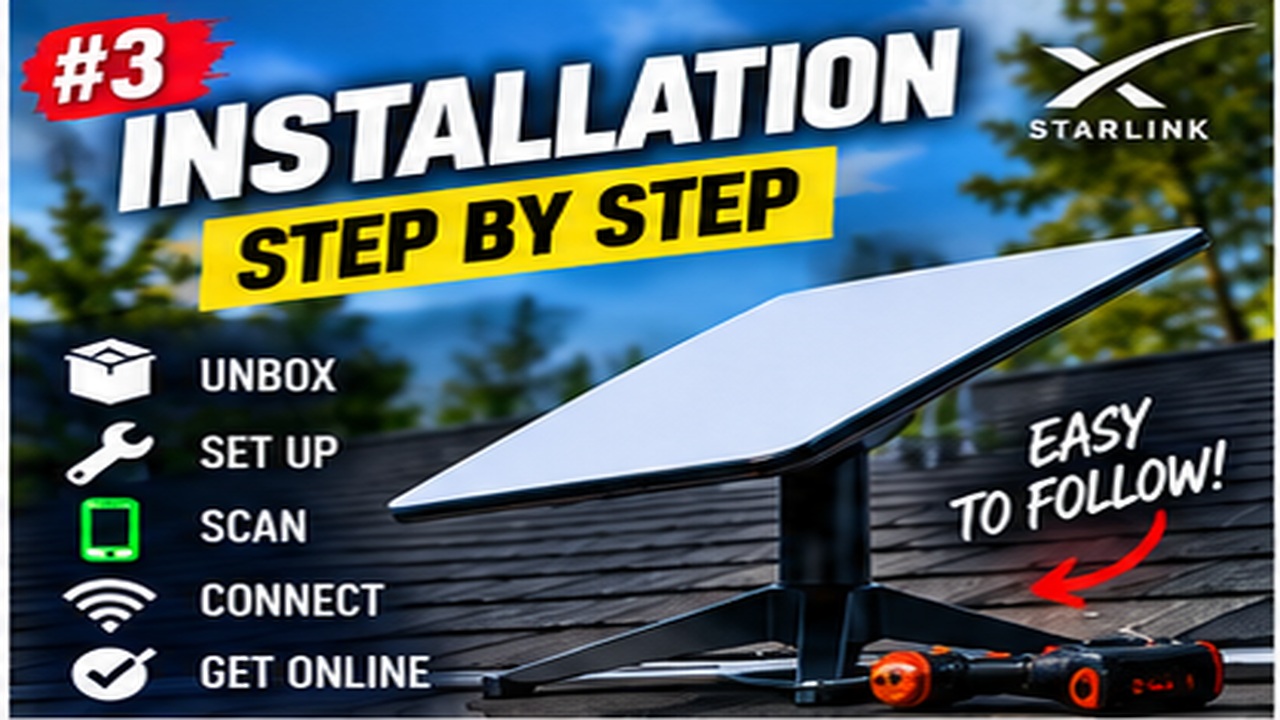
Step-by-step Starlink installation videos covering placement, mounting, cabling and activation.

More from Installation

View playlist

StarLink's Headache - Routing the Cable

Landing Zone Home explains the buying considerations in “StarLink's Headache - Routing the Cable”. Starlink Tips practical notes: Measure the actual cable path, including vertical sections and access for servicing, before buying accessories. Check connector dimensions as well as cable length, and show the proposed entry to the installer before drilling. Reusing a building route is different from reusing an old coaxial cable. The related answers explain why a generic Ethernet coupler is not automatically an appropriate dish-cable extension and how to separate that connection from the ordinary home network. For further reading, open the related Q&As below; each links to a fuller guide. Get One Month of Starlink Free: use the “Claim Your Free Month” referral button beneath the player. Order through my referral link and activate your service. Your second month of Starlink service will be free.

StarLink's Headache - Routing the Cable

Landing Zone Home explains the buying considerations in “StarLink's Headache - Routing the Cable”. Starlink Tips practical notes: Measure the actual cable path, including vertical sections and access for servicing, before buying accessories. Check connector dimensions as well as cable length, and show the proposed entry to the installer before drilling. Reusing a building route is different from reusing an old coaxial cable. The related answers explain why a generic Ethernet coupler is not automatically an appropriate dish-cable extension and how to separate that connection from the ordinary home network. For further reading, open the related Q&As below; each links to a fuller guide. Get One Month of Starlink Free: use the “Claim Your Free Month” referral button beneath the player. Order through my referral link and activate your service. Your second month of Starlink service will be free.

Questions & answers

Questions about this video

Straight answers to the questions readers ask most often.

Can I extend the Starlink dish cable with a normal Ethernet coupler?

Do not treat the dish cable as an ordinary indoor patch lead. Starlink advises against modifying its cable or joining cables to add length because it cannot guarantee service quality.

Check the approved longer-cable options for your exact kit in the Starlink shop. A visually similar connector does not establish the correct power handling, wiring or weather resistance. A standard indoor coupler is also not automatically suitable for an exposed outdoor joint.

Our route-planning recommendation is to measure the actual path, including vertical sections and enough slack for servicing, before ordering. If the approved length cannot reach, ask an installer about a different equipment position or network design.

Distinguish the powered dish connection from an ordinary LAN cable between your router and a computer. Advice about extending a home Ethernet network does not automatically apply to the dish connection.

Next useful answers

Related guides

Related video

StarLink's Headache - Routing the Cable

This related demonstration may show older hardware or plan details; use the official guidance below for current requirements.

Sources

Reviewed: 26 September 2026. Practical checklists are our editorial recommendations; plan availability and hardware requirements vary by country and model.

Get One Month of Starlink Free

Claim Your Free Month

Order through my referral link and activate your service. Your second month of Starlink service will be free.

Starlink Tips is independent and may receive a referral reward. See the offer shown by Starlink when ordering.

Open and share this answer
Can Starlink use the coaxial cable from my old satellite TV dish?

No direct substitution should be assumed. Starlink's documented kits use their specified power and data cabling; a satellite TV coaxial cable is a different connection and does not become compatible by adding a simple plug adapter.

You may be able to reuse a suitable cable route or building entry after an installer checks its size, condition and sealing. That is different from reusing the cable itself. Plan for the Starlink connector dimensions as well as the cable thickness.

Our practical recommendation is to show the old route to the installer and ask for an itemised plan. Do not cut the new cable to squeeze it through an existing hole.

An existing coax network may support separate networking products designed for that purpose, but that would be a distinct LAN design. It should not be confused with the powered connection between the Starlink dish and its supplied equipment.

Next useful answers

Related guides

Related video

StarLink's Headache - Routing the Cable

This related demonstration may show older hardware or plan details; use the official guidance below for current requirements.

Sources

Reviewed: 26 September 2026. Practical checklists are our editorial recommendations; plan availability and hardware requirements vary by country and model.

Get One Month of Starlink Free

Claim Your Free Month

Order through my referral link and activate your service. Your second month of Starlink service will be free.

Starlink Tips is independent and may receive a referral reward. See the offer shown by Starlink when ordering.

Open and share this answer
Browse all questions