Outdoor router or enclosure: placement decision
Equipment & Accessories
Start with the environmental rating of every component, not the rating of the box you hope to put around it. A router, power adapter, injector and connector may each have different installation requirements.
Decide what actually needs to be outdoors
Sketch the connection from dish to power supply, router and any outdoor access point. Can the indoor equipment remain in a dry, accessible room while a correctly rated outdoor device serves the outside area? That can be easier to maintain than moving the whole network outside.
Look up the exact product's temperature, moisture and installation limits. Do not transfer an IP rating from a dish to its power supply. TP-Link's outdoor range-extender documentation, for example, explicitly keeps its passive PoE adapter indoors: an outdoor radio does not mean every item in its box is outdoor-rated.
If an enclosure is proposed
Ask the installer to assess heat buildup, condensation, cable entries, mounting orientation and maintenance access. A sealed enclosure can protect against one problem while creating another. Drilling ventilation holes is not a universal fix and can invalidate the enclosure's protection.
Keep mains connections and any protective earthing or surge arrangement within a competent installer's scope. Do not place indoor power strips in a garden box and call the assembly weatherproof.
Test the installed conditions
Record the equipment list, enclosure model and the installer-approved layout. Check operation under the warmest expected conditions without opening powered equipment or touching exposed electrical parts. Keep vents and service access clear. Investigate unexpected restarts, moisture or heat warnings promptly.
Label the indoor disconnect and leave a simple diagram for the next person troubleshooting it. If there is water ingress, damaged wiring or a burning smell, stop using the affected equipment and seek qualified help.
The linked solar-box video is a creator's individual build, not evidence that its enclosure design is suitable for your hardware or climate. Use it to formulate questions, then follow the component manuals.
Related question
Can I put the Starlink router and power supply in a cupboard?
Sources and further reading
Topic inspiration: DISHYtech. This is an independently written Starlink Tips guide, not a reproduction or a claim of hands-on testing. Official instructions for your exact equipment take priority.
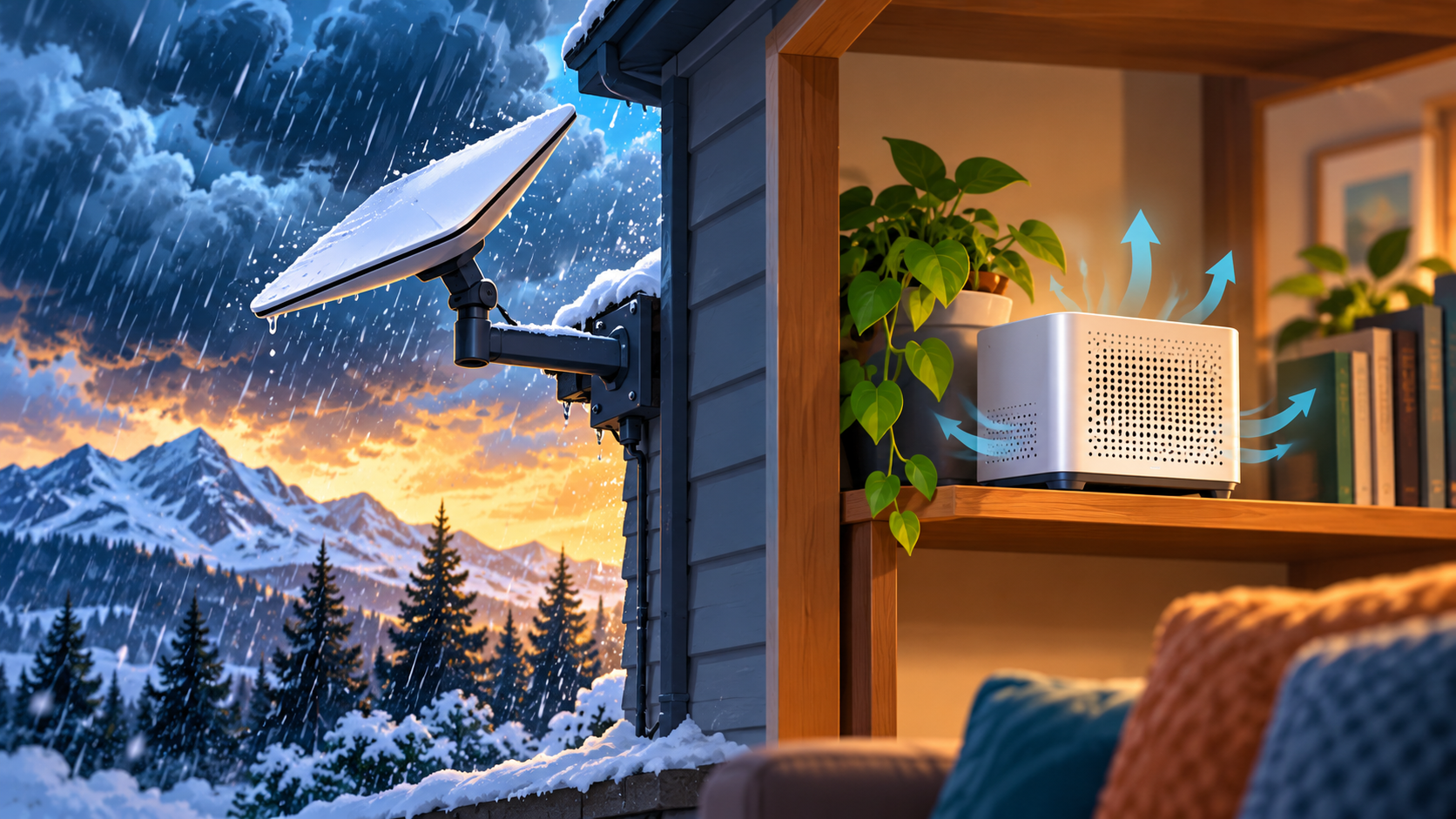
Thumbnail: original AI-generated conceptual illustration; not a fitting, wiring or measurement diagram. Reviewed 1 November 2026.