Get One Month of Starlink FreeSPECIAL OFFER: GET A FREE MONTH OF STARLINK >
9

Troubleshooting & Fixes

Useful fixes for Starlink dropouts, obstructions, slow speeds, Wi-Fi faults and hardware problems.

More from Troubleshooting & Fixes

View playlist

Starlink Internet Problems: Troubleshooting + Starlink Tech Support

This practical Starlink troubleshooting video covers Starlink Internet Problems: Troubleshooting + Starlink Tech Support and offers clear guidance for diagnosing the issue. Starlink Tips viewing notes: Distinguish a connection failure from inability to sign into the account. Record hardware status and affected devices for a service fault, but use official recovery routes for email or verification problems. Never give passwords or verification codes to an unsolicited caller. The related account-recovery answers link to Starlink's current instructions and explain the available paths when contact details are no longer accessible. They extend this general support topic; do not use an older video's contact details as proof of current support availability in your country. Related guides and practical Q&A are linked in the questions section below. For the referral offer, use the “Claim Your Free Month” button beneath the player. Order through my referral link and activate your service. Your second month of Starlink service will be free.

Starlink Internet Problems: Troubleshooting + Starlink Tech Support

This practical Starlink troubleshooting video covers Starlink Internet Problems: Troubleshooting + Starlink Tech Support and offers clear guidance for diagnosing the issue. Starlink Tips viewing notes: Distinguish a connection failure from inability to sign into the account. Record hardware status and affected devices for a service fault, but use official recovery routes for email or verification problems. Never give passwords or verification codes to an unsolicited caller. The related account-recovery answers link to Starlink's current instructions and explain the available paths when contact details are no longer accessible. They extend this general support topic; do not use an older video's contact details as proof of current support availability in your country. Related guides and practical Q&A are linked in the questions section below. For the referral offer, use the “Claim Your Free Month” button beneath the player. Order through my referral link and activate your service. Your second month of Starlink service will be free.

Questions & answers

Questions about this video

Straight answers to the questions readers ask most often.

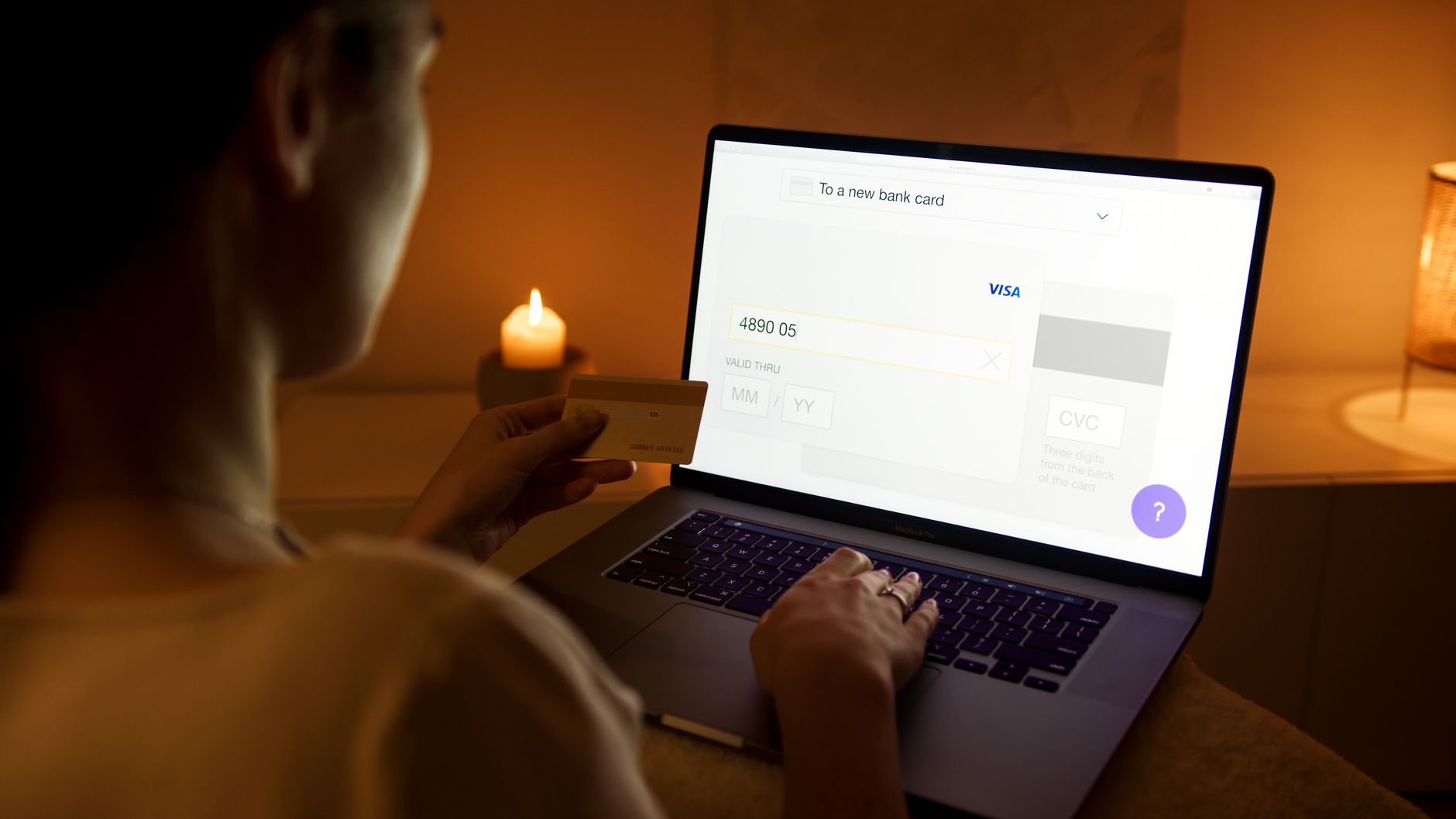
What should I do if my Starlink payment fails?

Sign in directly to your Starlink account and inspect Billing. Confirm whether the transaction is failed, still pending or already settled before making another attempt.

For a failed payment:

  • Check the amount due and the affected invoice.
  • Verify that the payment method is current and supported.
  • Check available funds and any bank authentication request.
  • Update expired or replaced payment details through the account.
  • Follow the displayed payment action for an outstanding balance.

Changing the saved payment method does not necessarily settle an earlier failed charge immediately. Recheck the balance and confirmation rather than assuming the problem is finished.

Avoid repeated payments while an earlier transaction remains pending. If the bank says it declined the charge, resolve that with the bank; if the account still rejects a valid method, contact Starlink support with the exact error and invoice date.

A billing restriction will not be repaired by resetting the dish or Wi-Fi router. Never send card numbers, account passwords or verification codes to an unofficial helper.

Read our related guide: Starlink Payment Failed? How to Fix Billing and Avoid Service Interruption.

Related official guidance: Starlink Help Center.

Reviewed: 23 September 2026. Plan and hardware details should be checked for your country and equipment.

Get One Month of Starlink Free

Claim Your Free Month

Order through my referral link and activate your service. Your second month of Starlink service will be free.

Open and share this answer
What information should I include in a Starlink support request?

Give support a short timeline, the exact symptom and the evidence that distinguishes your issue from a general outage or Wi-Fi problem.

A useful first message includes:

  • When the problem started, with time zone.
  • Exact app alert or error wording.
  • Whether it is constant or intermittent.
  • Which devices are affected.
  • Whether nearby Wi-Fi and Ethernet behave differently.
  • Recent equipment, location or plan changes.
  • The checks already completed and their results.
  • Safe photographs of relevant visible damage.

Use the official app or Help Center route for the account linked to the service. If you cannot sign in, use the recovery or contact options offered by the official site.

Do not include passwords, verification codes or full payment-card details. Share account identifiers only through the appropriate private support process.

Our recommendation is to describe observations rather than an assumed cause: “two devices lose connection at the same time” is more useful than “the satellites are broken”. Keep follow-up evidence in the same support conversation where possible.

Read our related guide: How to Contact Starlink Support and Write a Useful Help Request.

Related official guidance: Starlink Help Center.

Reviewed: 23 September 2026. Plan and hardware details should be checked for your country and equipment.

Get One Month of Starlink Free

Claim Your Free Month

Order through my referral link and activate your service. Your second month of Starlink service will be free.

Open and share this answer
What should I do if I lose access to my Starlink two-step verification method?

Use Starlink's official verification and recovery process. If you cannot access the account email, the verification screen may offer a 'Need help?' option to receive the passcode by SMS at the registered mobile number. Use the options actually shown for your account.

If a code expires, request a fresh one rather than repeatedly trying an old code. Check the spam folder and confirm that the app is current. If neither the email nor phone route is available, follow the account-recovery and locked-out support links from Starlink's Help Center.

Do not give a verification code to someone who contacts you claiming to fix the account. Starlink says it will not call or text asking for that code. Avoid creating a second subscription as an attempted recovery shortcut.

After regaining access, update contact details and secure the email account itself. The related support video offers general troubleshooting context; use the official source below for the current recovery procedure.

Related guides

Related videos

Source and review

Official reference. Reviewed 26 September 2026. Practical test sequences are Starlink Tips editorial guidance.

Get One Month of Starlink Free

Claim Your Free Month

Order through my referral link and activate your service. Your second month of Starlink service will be free.

Starlink Tips is independent and may receive a referral reward. Check the offer displayed by Starlink for your order.

Open and share this answer
How can I recover my Starlink account if my email address changes?

If you can still sign in, update the account email through the official account settings and complete the verification requested. Do this before losing access to the old inbox where possible. Keep your registered mobile number current too.

If you are locked out but still control the registered mobile number, Starlink's recovery guidance provides a phone-based password-reset route. A landline number cannot receive the SMS needed for that process.

If you control neither the old email nor the registered mobile number, follow the locked-out recovery route linked from Starlink's official Help Center. It provides a way to verify a reachable email and request account-access assistance. Be ready to establish ownership through that secure process; do not post account details publicly.

Changing your email address does not require factory-resetting the dish. Keep this account-access problem separate from a connection fault. The related video covers support generally, while the written official recovery instructions govern these steps.

Related guides

Related videos

Source and review

Official reference. Reviewed 26 September 2026. Practical test sequences are Starlink Tips editorial guidance.

Get One Month of Starlink Free

Claim Your Free Month

Order through my referral link and activate your service. Your second month of Starlink service will be free.

Starlink Tips is independent and may receive a referral reward. Check the offer displayed by Starlink for your order.

Open and share this answer
Browse all questions