Get One Month of Starlink FreeSPECIAL OFFER: GET A FREE MONTH OF STARLINK >
9

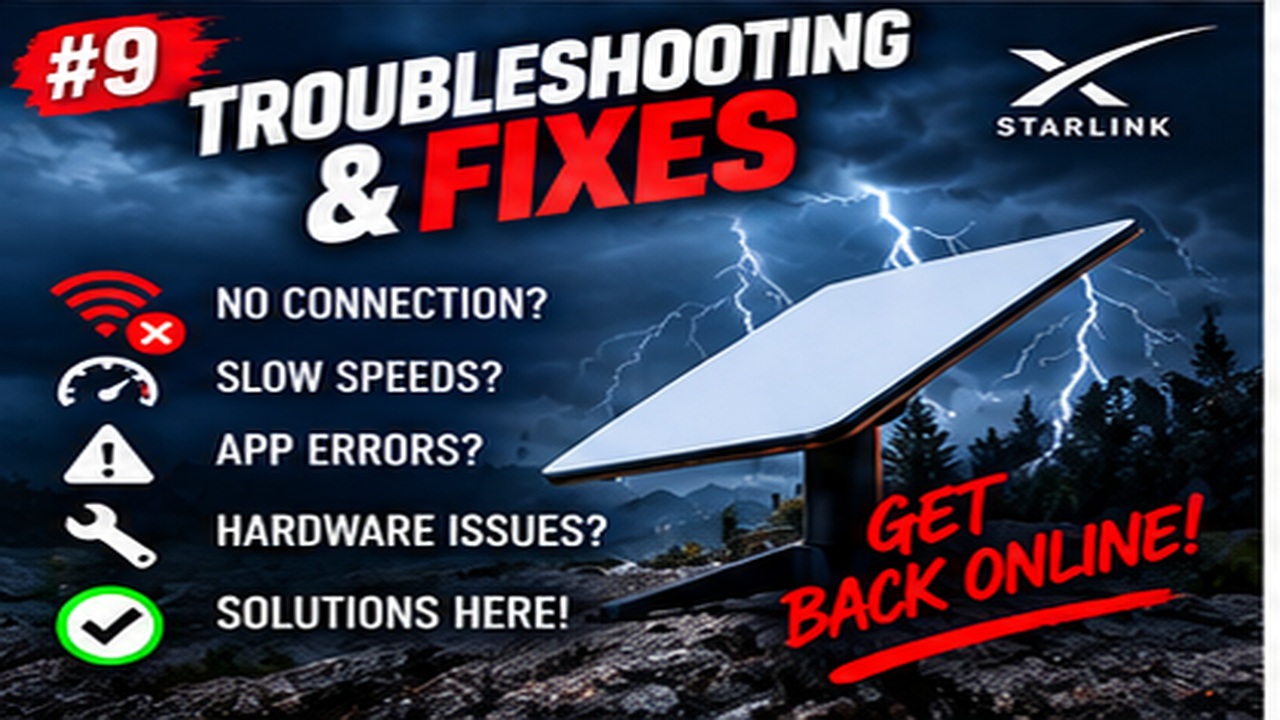
Troubleshooting & Fixes

Useful fixes for Starlink dropouts, obstructions, slow speeds, Wi-Fi faults and hardware problems.

More from Troubleshooting & Fixes

View playlist

How to Fix Starlink is Offline (No Internet)

Video by Abdul Moiz Farooq on “How to Fix Starlink is Offline (No Internet)”. Starlink Tips viewing notes: Record whether the app shows searching, disconnected or another specific state alongside 'Offline'. That detail is more useful for selecting a guide or contacting support than the offline label alone. Related answer: How can I tell whether Starlink has an outage or my own equipment is faulty? — Starlink Outage Or Local Fault Related guide: Starlink Troubleshooting: Fix Common Connection Problems — The Ultimate Starlink Troubleshooting Guide Fixing Common Connection Issues Get One Month of Starlink Free — Claim Your Free Month: Starlink Order through my referral link and activate your service. Your second month of Starlink service will be free. Starlink Tips may receive a referral reward. Check the offer shown by Starlink for your order.

How to Fix Starlink is Offline (No Internet)

Video by Abdul Moiz Farooq on “How to Fix Starlink is Offline (No Internet)”. Starlink Tips viewing notes: Record whether the app shows searching, disconnected or another specific state alongside 'Offline'. That detail is more useful for selecting a guide or contacting support than the offline label alone. Related answer: How can I tell whether Starlink has an outage or my own equipment is faulty? — Starlink Outage Or Local Fault Related guide: Starlink Troubleshooting: Fix Common Connection Problems — The Ultimate Starlink Troubleshooting Guide Fixing Common Connection Issues Get One Month of Starlink Free — Claim Your Free Month: Starlink Order through my referral link and activate your service. Your second month of Starlink service will be free. Starlink Tips may receive a referral reward. Check the offer shown by Starlink for your order.

Questions & answers

Questions about this video

Straight answers to the questions readers ask most often.

How can I tell whether Starlink has an outage or my own equipment is faulty?

Compare official alerts with what is happening on your own network. A social-media report from another region may be useful context, but it does not establish that your fault has the same cause.

Check:

  1. The Starlink app for a current outage or service notice.
  2. Whether multiple devices are affected.
  3. Whether the local Wi-Fi network is still available.
  4. Power and accessible connections.
  5. The timing of any recent local change.
  6. Whether the problem persists after the official notice clears.

A local power or cable fault can occur at the same time as a wider outage, so keep the symptoms separate. Avoid repeatedly resetting equipment while an identified network incident is being resolved.

If connectivity is essential, switch to your tested fallback rather than waiting without an alternative. After restoration, confirm normal use and keep the outage times for your records. Contact support if your connection remains down or behaves differently from the resolved incident.

Read our related guide: How to Follow Starlink Outage and Service Updates.

Related official guidance: Starlink Help Center.

Reviewed: 23 September 2026. Plan and hardware details should be checked for your country and equipment.

Get One Month of Starlink Free

Claim Your Free Month

Order through my referral link and activate your service. Your second month of Starlink service will be free.
Open and share this answer
Browse all questions