
Get One Month of Starlink FreeSPECIAL OFFER: GET A FREE MONTH OF STARLINK >
11

Starlink Shorts / Quick Tips

Short Starlink videos and quick tips for viewers who want one useful answer fast.

More from Starlink Shorts / Quick Tips

View playlist

Gen 3 Mesh Router Now Available! #starlink

DISHYtech presents “Gen 3 Mesh Router Now Available! #starlink”. Wi-Fi coverage and mesh networking guidance. Choose the network layout and placement to suit your building and equipment. Published by the creator: 2024-03-13. Curated for Starlink Tips: 20 November 2026. Product revisions, software and regional service terms may have changed since filming. Related guide: How to Improve Starlink Wi-Fi: Mesh Systems and Routers How To Boost Your Starlink Wi Fi Coverage A Complete Guide To Mesh Systems And Routers Related answer: Will a mesh Wi-Fi system improve my Starlink connection? Will Mesh Wifi Improve Starlink Check the current Starlink offer through our referral link: Starlink Starlink Tips may receive a referral reward. Confirm the offer and eligibility shown for your order.

Gen 3 Mesh Router Now Available! #starlink

DISHYtech presents “Gen 3 Mesh Router Now Available! #starlink”. Wi-Fi coverage and mesh networking guidance. Choose the network layout and placement to suit your building and equipment. Published by the creator: 2024-03-13. Curated for Starlink Tips: 20 November 2026. Product revisions, software and regional service terms may have changed since filming. Related guide: How to Improve Starlink Wi-Fi: Mesh Systems and Routers How To Boost Your Starlink Wi Fi Coverage A Complete Guide To Mesh Systems And Routers Related answer: Will a mesh Wi-Fi system improve my Starlink connection? Will Mesh Wifi Improve Starlink Check the current Starlink offer through our referral link: Starlink Starlink Tips may receive a referral reward. Confirm the offer and eligibility shown for your order.

Questions & answers

Questions about this video

Straight answers to the questions readers ask most often.

Will a mesh Wi-Fi system improve my Starlink connection?

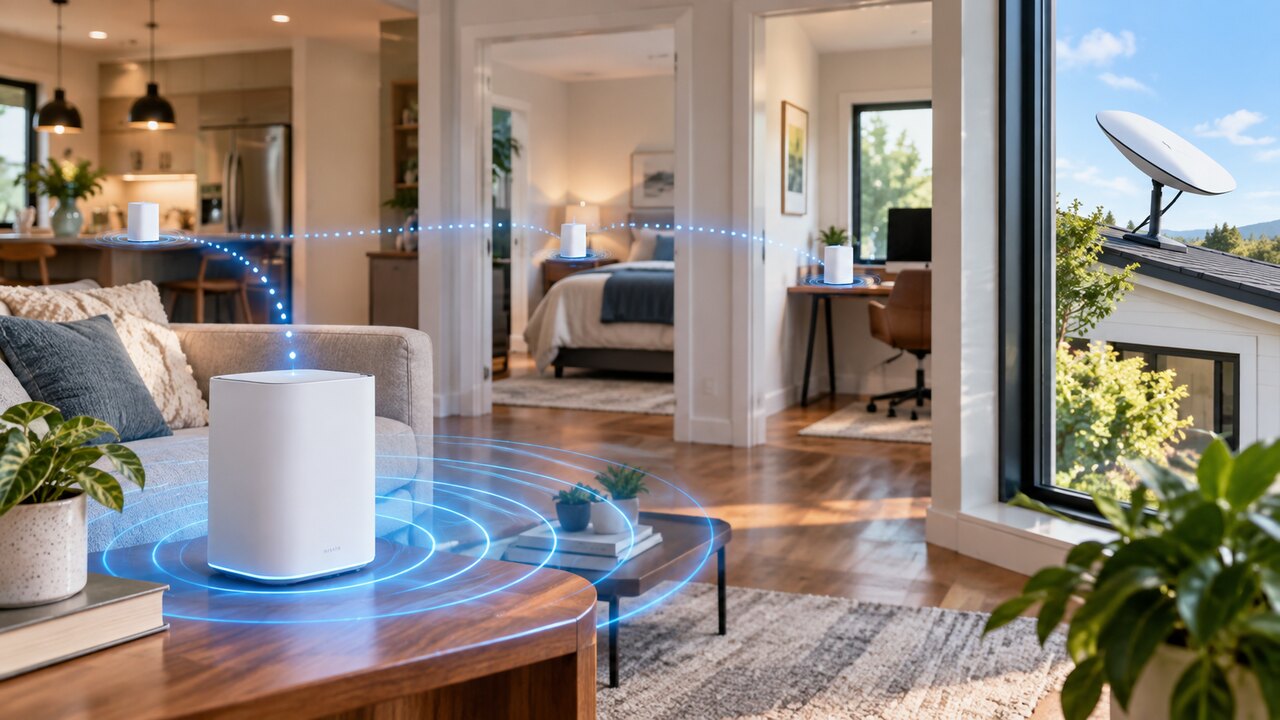
Mesh Wi-Fi can improve coverage inside your property when the main router works well nearby but struggles to reach other rooms. It extends your local network; it does not increase the satellite service's capacity or remove obstacles blocking the dish.

Before buying, identify the rooms that actually need better coverage. Then check the mesh equipment's compatibility with your exact router and kit. Starlink mesh and a third-party mesh system are not interchangeable simply because both use the word “mesh”.

For compatible Starlink Gen 3 mesh, the official guide recommends:

  • Positioning nodes where they still receive a useful signal, rather than in the centre of a complete dead zone.
  • Keeping nodes roughly one or two rooms apart, with placement adjusted for the building.
  • Favouring direct connections to the main router over a chain of wireless nodes.
  • Using the app to inspect the connections and adjust positions.

The guide also describes wired links between compatible nodes. These can be useful when a wireless path through the building is poor.

Our recommendation is to add coverage deliberately and retest after each change. More nodes do not automatically mean better performance. If service is poor even beside the main router, diagnose that problem before expanding the network.

Read how to improve Starlink Wi-Fi. Related video: How to Choose the Right Starlink Mesh Network. Check current compatibility separately from a creator's demonstration.

Official reference: Starlink Gen 3 mesh setup guide.

Reviewed: 23 September 2026.

Get One Month of Starlink Free

Claim Your Free Month

Order through my referral link and activate your service. Your second month of Starlink service will be free.
Open and share this answer
Browse all questions