How do I check that a Starlink accessory fits my kit?
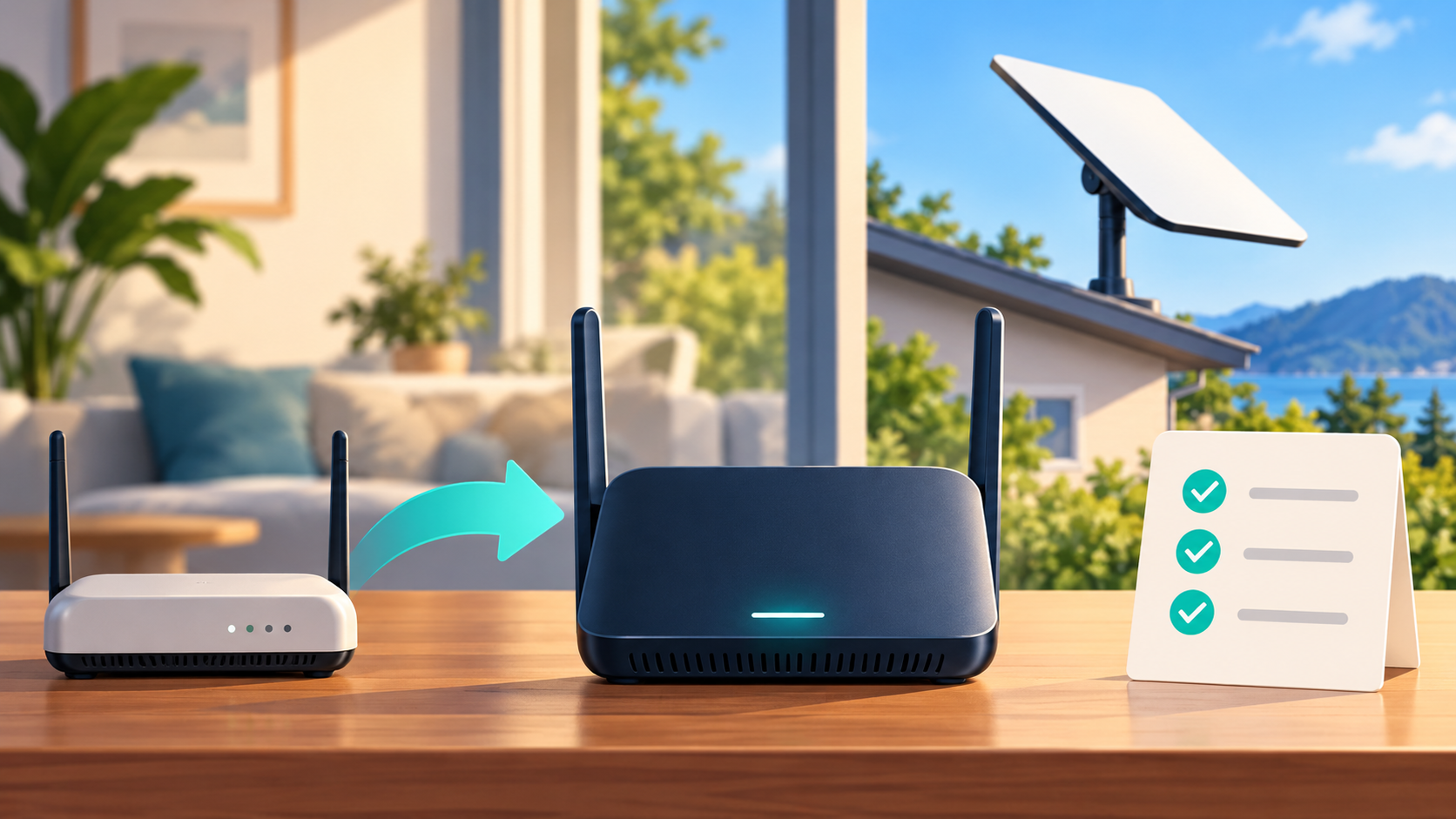
Identify the exact dish and router before buying an accessory. Starlink hardware generations can use different mounts, cables, Ethernet arrangements and power supplies even when sellers describe everything simply as “for Starlink.”
Use your account, order details, equipment label or app information to establish the model. Then compare it with the accessory manufacturer's explicit compatibility list and installation instructions.
Check the complete connection path:
- Does the mount fit the dish and the intended surface?
- Is the cable approved for that hardware and required length?
- Does the router provide the Ethernet connection you need?
- Are the supply voltage, output and connector requirements correct?
- Will any outdoor connection retain its stated weather resistance?
Do not assume a cable is interchangeable because its plug looks similar. Likewise, an accessory for a motorised dish may not suit a manually aligned model.
Keep the original parts until the new arrangement is tested. If the listing is ambiguous, obtain model-specific confirmation before ordering. Replacing an entire kit is rarely the first step for a problem that can be traced to one unsuitable accessory.
Read our related guide: Starlink Hardware Updates: Should Existing Customers Upgrade?.
Related official guidance: Standard hardware specifications.
Reviewed: 23 September 2026. Plan and hardware details should be checked for your country and equipment.
Get One Month of Starlink Free
Order through my referral link and activate your service. Your second month of Starlink service will be free.