Choose an official Mini mount for the actual job
Equipment & Accessories
Choose a Mini mount by the installation job, then confirm the exact accessory and terminal combination in Starlink's current documentation. A photograph that looks similar is not proof of compatibility.
Write down the job before shopping
Record whether the dish will be on a building, roof rack, pole or temporary stand; whether it is used only while parked; the material supporting the fixings; and the cable route. Check the sky view from the intended position before committing to a permanent installation.
Match the mount family to the site
- Wall or building mounting: assess the wall structure, roof-edge clearance, fixing method and weatherproof entry. A wall accessory does not remove the need to assess the supporting structure.
- Pivot mounting: use the exact Mini guide to establish the permitted surface and adjustment arrangement. Do not borrow torque or sealing instructions from a Standard accessory.
- Roof-rack mounting: verify the rack dimensions, permitted attachment points and the rack maker's restrictions, as well as the dish mount instructions.
- Pole or pipe attachment: compare the adapter's documented fit range with a measured pole. Assess the pole and its base separately.
Starlink publishes Mini-specific installation resources. Open the relevant current PDF from those resources and compare its product name with the item being ordered. Keep the manual with the purchase record.
Four checks before fitting
- Confirm terminal generation and accessory part number.
- Confirm that all required components and fixings are accounted for.
- Plan strain relief and a cable route that avoids crushing, sharp edges and moving parts.
- Establish who will inspect the completed fixing and alignment.
In-motion service permission and a mechanically suitable mount are separate checks. Do not infer either from the word mobility in an advert. Where roof work or structural fixing is involved, use a competent installer.
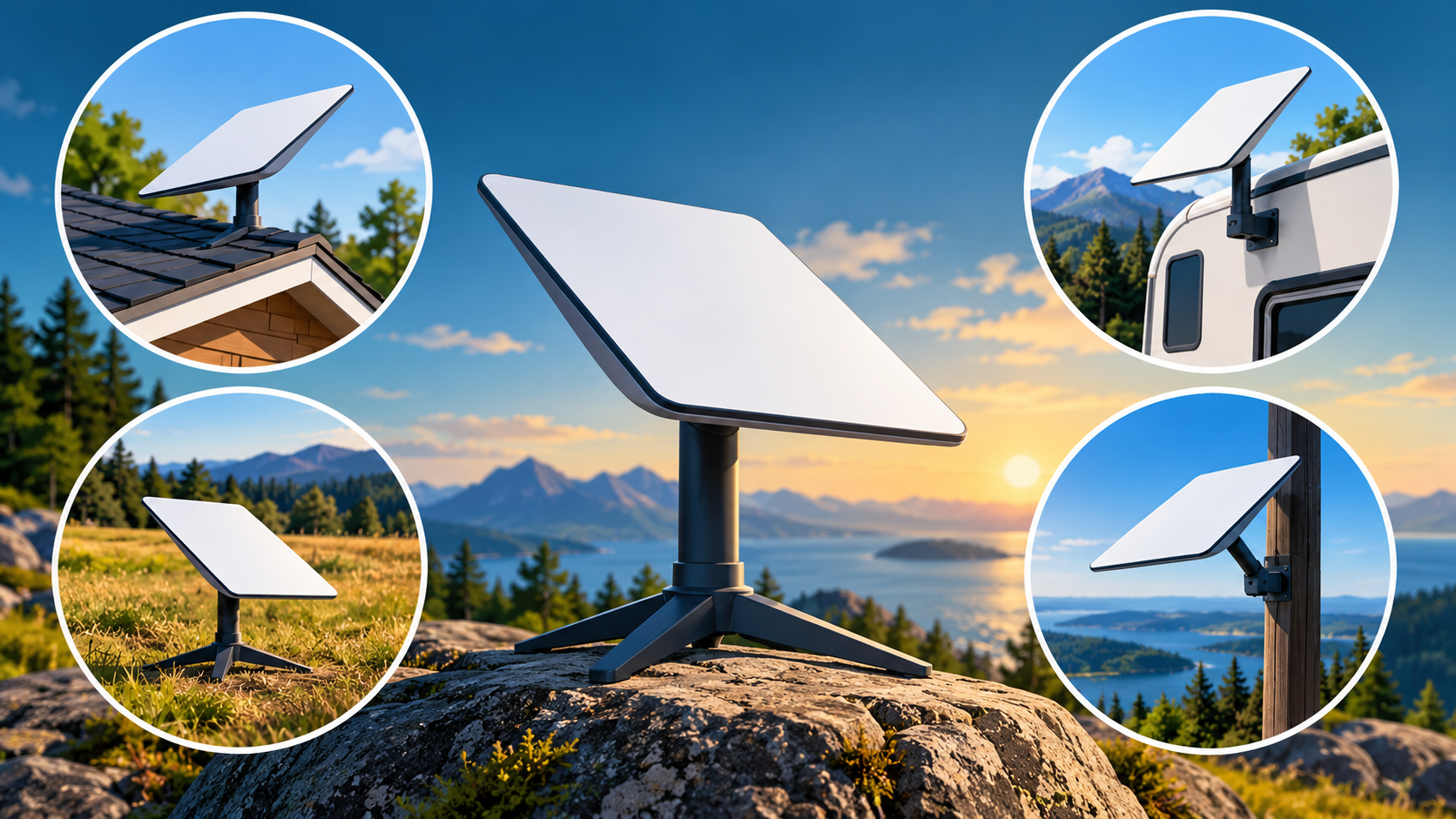
The comparison video offers background on mount styles across hardware families. It does not certify a particular Mini accessory or your structure.
Related question
How do I check that a Starlink accessory fits my kit?
Sources and further reading
Topic inspiration: FitMyDish. This is an independently written Starlink Tips guide, not a reproduction or a claim of hands-on testing. Official instructions for your exact equipment take priority.
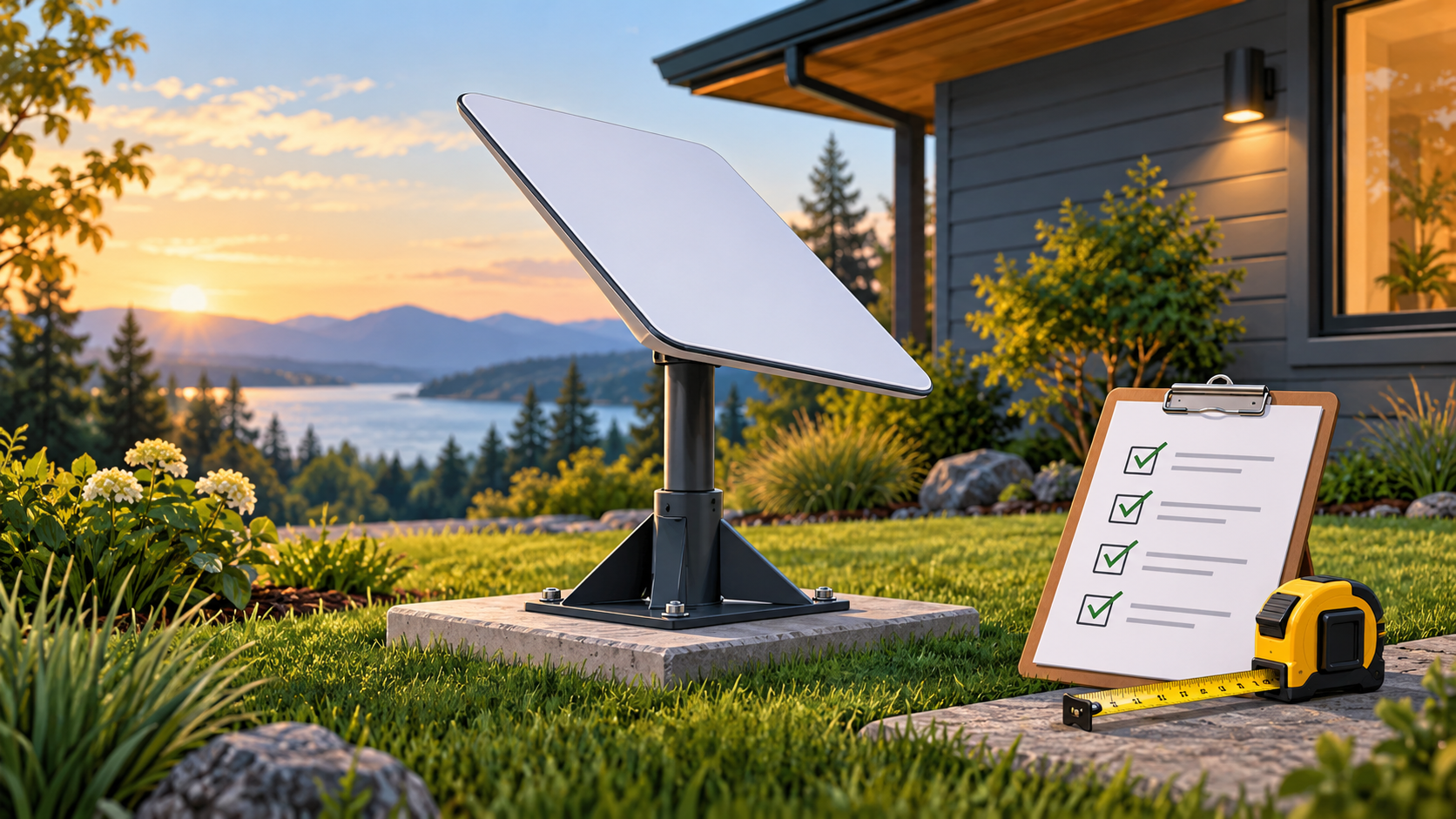
Thumbnail: original AI-generated conceptual illustration; not a fitting, wiring or measurement diagram. Reviewed 1 November 2026.