Get One Month of Starlink FreeSPECIAL OFFER: GET A FREE MONTH OF STARLINK >
Wireless router and cable representing Starlink hardware and accessories

Starlink Hardware & Accessories

Reviews and guides covering Starlink routers, mounts, adapters, cables and useful accessories.

More from Starlink Hardware & Accessories

View playlist

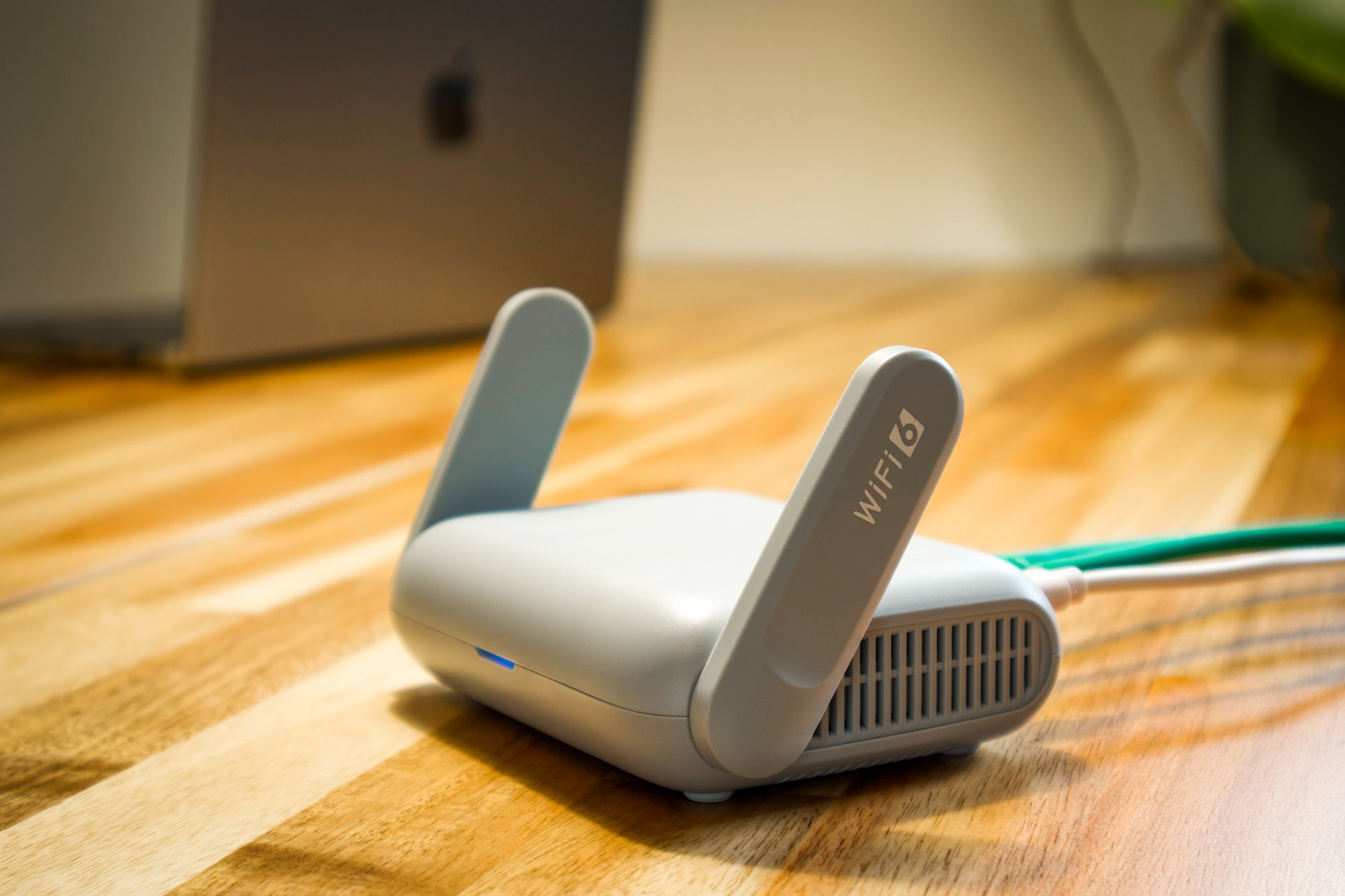
GL.iNet Slate 7 Travel Router: Features and Setup Overview

ShortCircuit demonstrates the GL.iNet Slate 7 travel router, its touchscreen, Ethernet connections, setup wizard and VPN controls. This manufacturer-sponsored overview is relevant to planning a portable local network around Starlink, but it is not a Starlink compatibility or speed test. Follow our travel-router guide to choose the correct connection mode and avoid assuming Wi-Fi specifications equal internet throughput. Related guide: How to Use a Travel Router With Starlink for Portable Wi-Fi How To Use A Travel Router With Starlink For Portable Wi Fi Related Q&A: Can I use my own router with Starlink? Use Own Router With Starlink Get One Month of Starlink Free Claim Your Free Month: Starlink Check Starlink's current offer and eligibility when ordering. Starlink Tips is independent and may receive a referral reward.

GL.iNet Slate 7 Travel Router: Features and Setup Overview

ShortCircuit demonstrates the GL.iNet Slate 7 travel router, its touchscreen, Ethernet connections, setup wizard and VPN controls. This manufacturer-sponsored overview is relevant to planning a portable local network around Starlink, but it is not a Starlink compatibility or speed test. Follow our travel-router guide to choose the correct connection mode and avoid assuming Wi-Fi specifications equal internet throughput. Related guide: How to Use a Travel Router With Starlink for Portable Wi-Fi How To Use A Travel Router With Starlink For Portable Wi Fi Related Q&A: Can I use my own router with Starlink? Use Own Router With Starlink Get One Month of Starlink Free Claim Your Free Month: Starlink Check Starlink's current offer and eligibility when ordering. Starlink Tips is independent and may receive a referral reward.

Questions & answers

Questions about this video

Straight answers to the questions readers ask most often.

Can I use my own router with Starlink?

Yes, a compatible third-party router can be used with an appropriate Ethernet connection, but the wiring and settings depend on the Starlink hardware and the role you want the new device to perform.

Decide whether the new equipment will:

  • Replace the Starlink router's routing and Wi-Fi functions.
  • Operate as an access point behind the existing router.
  • Provide a separate managed network for a particular purpose.

These are different configurations. Bypass mode is relevant when handing routing to your own router; it is not a general speed-boost switch or something every Ethernet device needs.

Before changing settings, record the working layout and read both manufacturers' instructions. Confirm how you would restore the original arrangement if setup fails. Some Starlink hardware requires a factory reset to leave bypass mode.

Test a basic wired connection before adding switches, mesh units or advanced filtering. Our recommendation is to change one layer at a time so an incorrect WAN setting does not become confused with a satellite fault.

Read our related guide: How to Use Your Own Router with Starlink Bypass Mode.

Related official guidance: Starlink Standard setup guide.

Reviewed: 23 September 2026. Plan and hardware details should be checked for your country and equipment.

Get One Month of Starlink Free

Claim Your Free Month

Order through my referral link and activate your service. Your second month of Starlink service will be free.
Open and share this answer
Browse all questions