Get One Month of Starlink FreeSPECIAL OFFER: GET A FREE MONTH OF STARLINK >
3

Installation

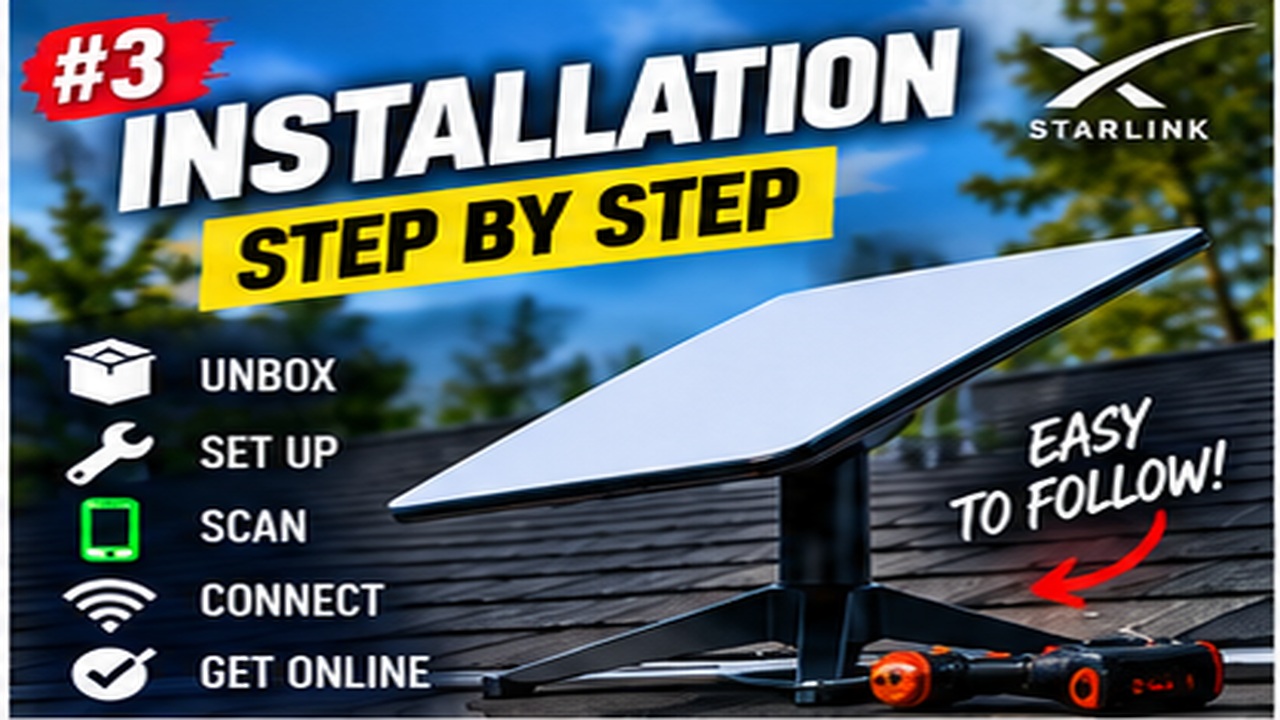
Step-by-step Starlink installation videos covering placement, mounting, cabling and activation.

More from Installation

View playlist

Starlink close up shots + setup and installation + internet speed tests

Alshafi demonstrates the installation shown in “Starlink close up shots + setup and installation + internet speed tests”. Starlink Tips viewing notes: Close-up footage can help identify components, but match them to the kit you own. Record a baseline speed test and check practical tasks after installation, with device and connection type noted. Related answer: What should I check when setting up Starlink for the first time? — Starlink First Time Setup Checklist Related guide: Starlink Setup for Beginners: From Unboxing to First Connection — The Ultimate Starlink Setup Guide For Absolute Beginners Get One Month of Starlink Free — Claim Your Free Month: Starlink Order through my referral link and activate your service. Your second month of Starlink service will be free. Starlink Tips may receive a referral reward. Check the offer shown by Starlink for your order.

Starlink close up shots + setup and installation + internet speed tests

Alshafi demonstrates the installation shown in “Starlink close up shots + setup and installation + internet speed tests”. Starlink Tips viewing notes: Close-up footage can help identify components, but match them to the kit you own. Record a baseline speed test and check practical tasks after installation, with device and connection type noted. Related answer: What should I check when setting up Starlink for the first time? — Starlink First Time Setup Checklist Related guide: Starlink Setup for Beginners: From Unboxing to First Connection — The Ultimate Starlink Setup Guide For Absolute Beginners Get One Month of Starlink Free — Claim Your Free Month: Starlink Order through my referral link and activate your service. Your second month of Starlink service will be free. Starlink Tips may receive a referral reward. Check the offer shown by Starlink for your order.

Questions & answers

Questions about this video

Straight answers to the questions readers ask most often.

What should I check when setting up Starlink for the first time?

Use the installation guide for the kit you received, then test the complete connection before tidying away packaging or committing to permanent fixings.

Our first-start checklist is:

  • Confirm the correct kit, cables, power supply and any ordered mount are present.
  • Check for visible transit damage.
  • Choose a safe temporary position with a suitable sky view.
  • Connect each component according to the model-specific diagram.
  • Follow the Starlink app's setup and alignment prompts.
  • Set a distinctive Wi-Fi name and a strong password.
  • Test more than one device and the rooms where the service will be used.

Keep the account sign-in and Wi-Fi password conceptually separate: one manages the subscription, while the other connects devices to the home network.

If setup stalls, note the exact app message and check the guide before repeating resets. An account activation issue, an obstructed location and a poorly seated connector require different responses. Retain the order details and packaging until you are satisfied with the installation.

Read our related guide: How to Prepare Your Home for a Starlink Installation Day.

Related official guidance: Starlink Standard setup guide.

Reviewed: 23 September 2026. Plan and hardware details should be checked for your country and equipment.

Get One Month of Starlink Free

Claim Your Free Month

Order through my referral link and activate your service. Your second month of Starlink service will be free.
Open and share this answer
Browse all questions