Get One Month of Starlink FreeSPECIAL OFFER: GET A FREE MONTH OF STARLINK >
3

Installation

Step-by-step Starlink installation videos covering placement, mounting, cabling and activation.

More from Installation

View playlist

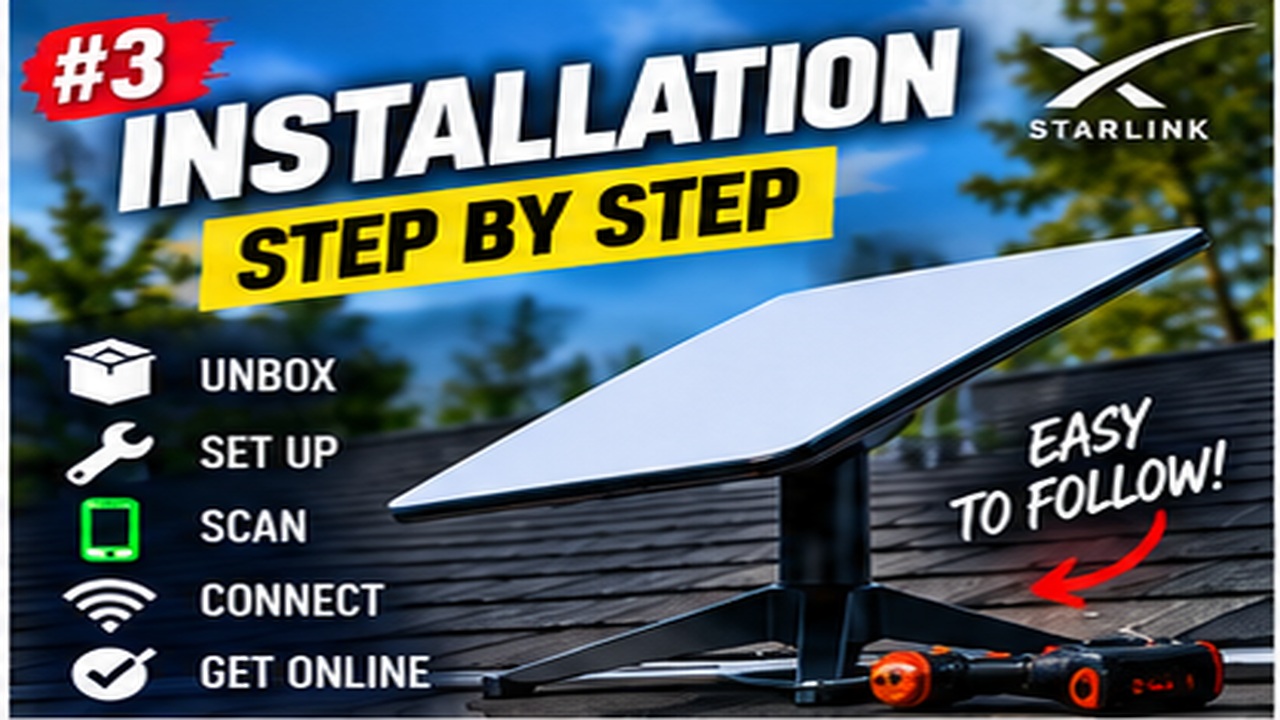
How to install starlink Generation 3

In this video we go over the steps to install the Starlink Generation 3 at your house. Starlink Tips related reading Related answer: Can I install Starlink myself, or do I need an installer? — Starlink Self Install Or Professional Related guide: Starlink Setup for Beginners: From Unboxing to First Connection — The Ultimate Starlink Setup Guide For Absolute Beginners Get One Month of Starlink Free Claim Your Free Month: Starlink Order through my referral link and activate your service. Your second month of Starlink service will be free. Starlink Tips may receive a referral reward. Check the offer shown by Starlink for your order.

Satellite Phone Store
Visit Satellite Phone Store →

How to install starlink Generation 3

In this video we go over the steps to install the Starlink Generation 3 at your house. Starlink Tips related reading Related answer: Can I install Starlink myself, or do I need an installer? — Starlink Self Install Or Professional Related guide: Starlink Setup for Beginners: From Unboxing to First Connection — The Ultimate Starlink Setup Guide For Absolute Beginners Get One Month of Starlink Free Claim Your Free Month: Starlink Order through my referral link and activate your service. Your second month of Starlink service will be free. Starlink Tips may receive a referral reward. Check the offer shown by Starlink for your order.

Satellite Phone Store
Visit Satellite Phone Store →

Questions & answers

Questions about this video

Straight answers to the questions readers ask most often.

Can I install Starlink myself, or do I need an installer?

A straightforward setup may be suitable for self-installation when you can safely position the kit, connect its supplied components and follow the guide for that model. Permanent work at height, difficult cable entries or uncertain mounting surfaces are different tasks.

Before deciding, separate the job into three parts:

  • Setting up and testing the equipment.
  • Securing a suitable permanent mount.
  • Routing and weatherproofing the cable into the building.

You may be comfortable with the first part but need help with the others. Do not treat a successful temporary test as proof that an improvised permanent mount is adequate.

Ask a suitable installer when access is difficult, the structure is unfamiliar or you cannot identify a safe cable route. Describe the building and hardware before accepting a quote.

Our recommendation is to test a safely accessible position first, then agree a permanent solution that balances sky view, secure fixings and future maintenance. Follow the exact model's instructions rather than copying another generation's installation video.

Read our related guide: How to Prepare Your Home for a Starlink Installation Day.

Related official guidance: Starlink Standard setup guide.

Reviewed: 23 September 2026. Plan and hardware details should be checked for your country and equipment.

Get One Month of Starlink Free

Claim Your Free Month

Order through my referral link and activate your service. Your second month of Starlink service will be free.
Open and share this answer
Browse all questions