Get One Month of Starlink FreeSPECIAL OFFER: GET A FREE MONTH OF STARLINK >
12

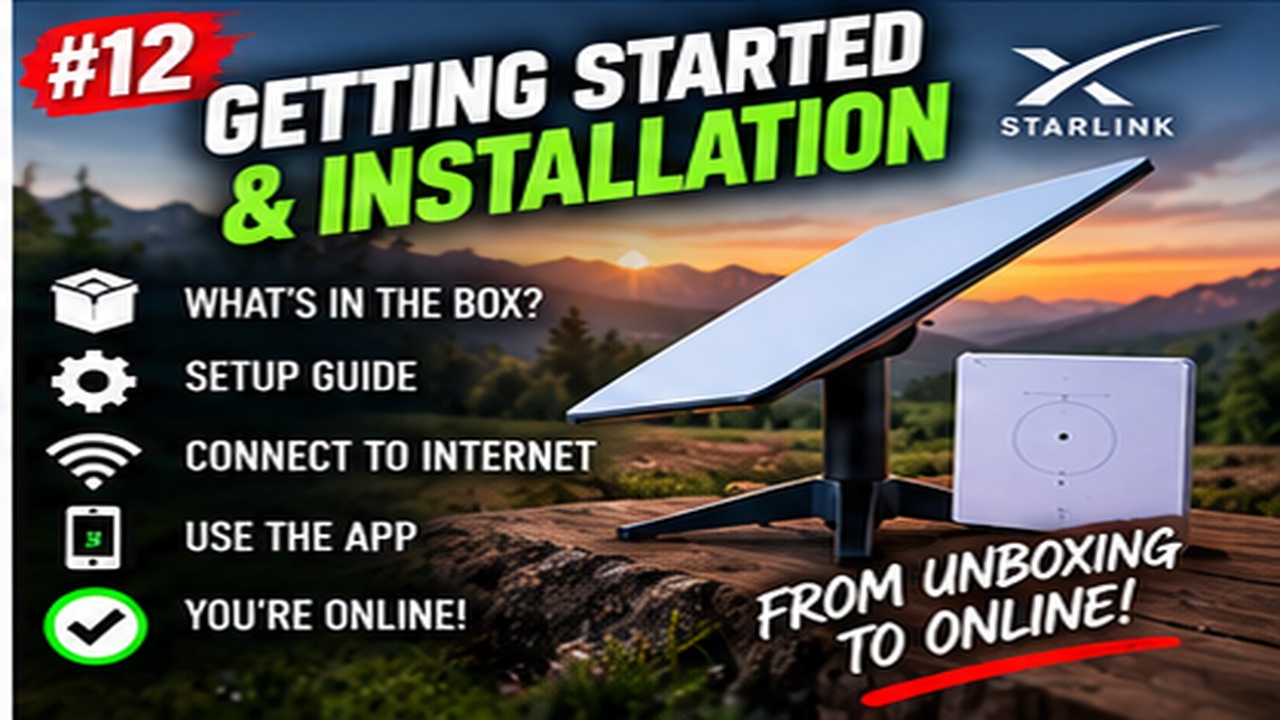
Getting Started & Installation

Getting started with Starlink: practical walkthroughs for first-time setup, activation, dish placement and installation.

More from Getting Started & Installation

View playlist

How to Set Up Starlink Mini

Scott's Garage gives a step-by-step tutorial for setting up Starlink Mini, connecting through the app and getting the system online. Starlink Tips viewing notes: Before starting, have the app, account access and a suitable power source ready. Test the Mini in an open-sky position before troubleshooting coverage inside a vehicle or building. Related answer: Why is Starlink Mini Wi-Fi weak inside my campervan? — Starlink Mini Wifi Weak Inside Campervan Related guide: Starlink Not Working on Day One? A Calm Troubleshooting Order — Starlink Not Working On Day One Calm Troubleshooting Order Planning to order? Use the Starlink Tips referral CTA on this page and check the offer and eligibility shown by Starlink at checkout. Starlink Tips may receive a referral reward.

How to Set Up Starlink Mini

Scott's Garage gives a step-by-step tutorial for setting up Starlink Mini, connecting through the app and getting the system online. Starlink Tips viewing notes: Before starting, have the app, account access and a suitable power source ready. Test the Mini in an open-sky position before troubleshooting coverage inside a vehicle or building. Related answer: Why is Starlink Mini Wi-Fi weak inside my campervan? — Starlink Mini Wifi Weak Inside Campervan Related guide: Starlink Not Working on Day One? A Calm Troubleshooting Order — Starlink Not Working On Day One Calm Troubleshooting Order Planning to order? Use the Starlink Tips referral CTA on this page and check the offer and eligibility shown by Starlink at checkout. Starlink Tips may receive a referral reward.

Questions & answers

Questions about this video

Straight answers to the questions readers ask most often.

What should I test before my first Starlink campervan trip?

Test the exact equipment and power arrangement you intend to carry before leaving home. A working mains setup does not prove that a different battery, cable or vehicle installation will work on the road.

Run a rehearsal:

  • Confirm the active plan and destination permissions.
  • Assemble the stand or approved mount.
  • Connect the travel power source.
  • Check the Starlink app and normal Wi-Fi access.
  • Test your laptop, phone and any essential work software.
  • Measure power use over a representative session.
  • Pack and unpack the kit once to identify missing protection or accessories.

Download key instructions, maps and booking details for offline access. Record how to switch to your backup connection.

Keep connectors dry and protected, and store cables without sharp bends. A packing list should include the small parts as well as the terminal.

Our recommendation is to discover problems during a short local trial, not after arriving at a remote campsite in poor weather.

Read our related guide: Starlink in a Campervan: A Safe First-Trip Setup Checklist.

Related video: How to Set Up Starlink Mini. Hardware, prices and software shown in older videos may differ from current offers.

Related official guidance: Starlink Standard setup guide.

Reviewed: 23 September 2026. Plan and hardware details should be checked for your country and equipment.

Get One Month of Starlink Free

Claim Your Free Month

Order through my referral link and activate your service. Your second month of Starlink service will be free.

Open and share this answer
Why is Starlink Mini Wi-Fi weak inside my campervan?

Starlink Mini contains its Wi-Fi radio in the terminal. A good outdoor satellite position can therefore leave the local Wi-Fi signal on the wrong side of a metal vehicle body or other barriers.

Our comparison is to test the same phone beside the Mini and then at the work seat inside the parked vehicle, close together in time. If the outdoor result is consistently better, investigate the local wireless path rather than immediately changing the service plan.

A supported Ethernet connection to suitable indoor networking equipment may be an option. Follow Mini's connection and weather-sealing requirements, and check compatibility before buying an additional router or mesh node.

Do not move the dish under a roof or behind an obstruction purely to improve indoor Wi-Fi. Solve the satellite view and the interior network as two connected but separate parts of the installation.

Next useful answers

Related guides

Related video

How to Set Up Starlink Mini

This related demonstration may show older hardware or plan details; use the official guidance below for current requirements.

Sources

Reviewed: 26 September 2026. Practical checklists are our editorial recommendations; plan availability and hardware requirements vary by country and model.

Get One Month of Starlink Free

Claim Your Free Month

Order through my referral link and activate your service. Your second month of Starlink service will be free.

Starlink Tips is independent and may receive a referral reward. See the offer shown by Starlink when ordering.

Open and share this answer
Browse all questions