Can Starlink switch automatically to mobile broadband if the satellite connection drops?
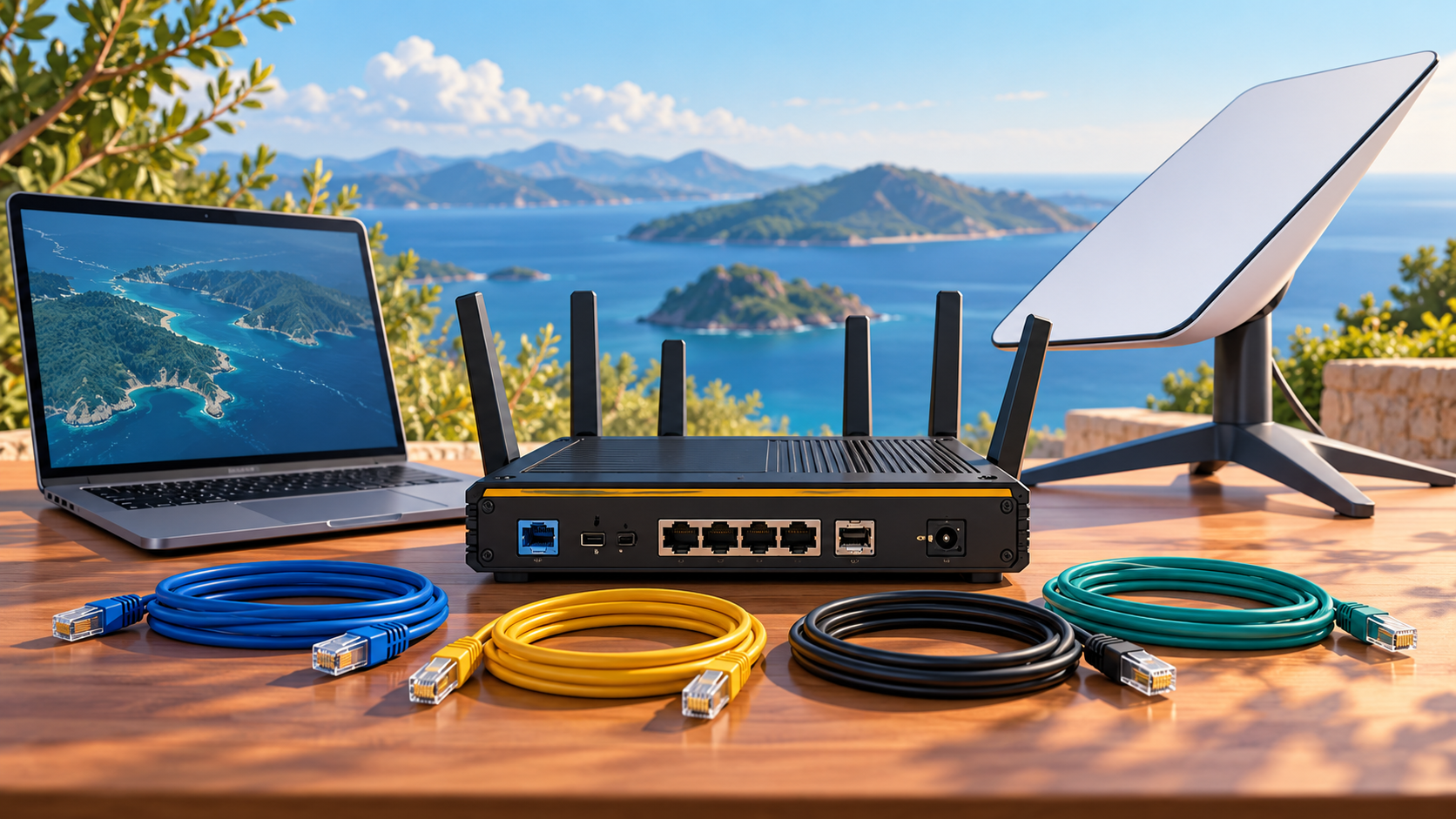
Automatic switching requires networking equipment or a service that supports the two connections and failover. Simply owning a Starlink kit and a phone hotspot does not make them an automatic backup system.
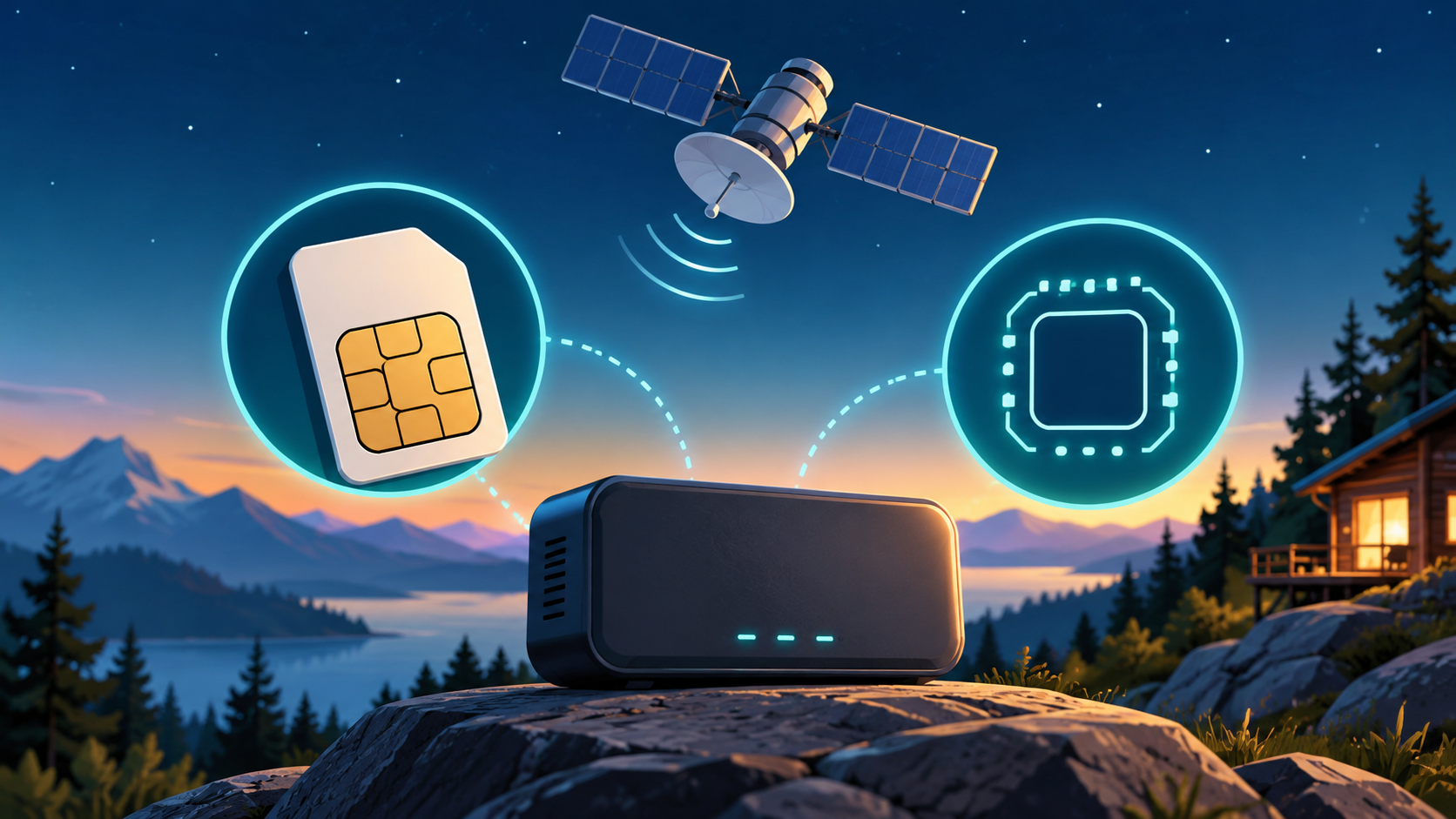
Our planning recommendation is to identify which router will manage both links, how it connects to the mobile service, and how it detects a failed internet connection. The backup needs usable mobile coverage and its own data allowance.
Test the system with a controlled interruption when no important work is running. Confirm that browsing resumes, note the switching time and check whether an active call or VPN must reconnect. Failover is not necessarily seamless, and it is different from bonding two connections.
For simpler travel use, a rehearsed manual switch to a hotspot may be sufficient. Do not buy a complex setup until you know which interruption you need it to handle.
Next useful answers
- Should I use campsite Wi-Fi or Starlink Roam?
- Why does my Starlink call break up when someone uploads a large file?
Related guides
- How to Build a Backup Internet Plan for Starlink Outages
- Starlink VPN Slow or Unstable? A Practical Troubleshooting Guide
Related video
Starlink + Fiber + T-Mobile Bonding: Live Failover Demo — Zero Call Drops
This related demonstration may show older hardware or plan details; use the official guidance below for current requirements.
Sources
Reviewed: 26 September 2026. Practical checklists are our editorial recommendations; plan availability and hardware requirements vary by country and model.
Get One Month of Starlink Free
Order through my referral link and activate your service. Your second month of Starlink service will be free.
Starlink Tips is independent and may receive a referral reward. See the offer shown by Starlink when ordering.