Outdoor wireless bridge keeps rebooting
Troubleshooting & Fixes
First establish whether a bridge radio is actually restarting. An internet outage, a lost wireless link and a device reboot can feel similar from the garden office, but they require different investigations.
Record the evidence
Check each radio's uptime and event log using its documented management interface. Note whether uptime resets, whether both ends fail together and whether the main building still has internet. Record time, weather and any recently connected equipment. Export logs before a reset erases them.
If uptime stays unchanged, investigate link quality, alignment or upstream networking rather than immediately replacing the power supply. If uptime resets repeatedly, focus on power, cabling, environment and any configured reboot schedule or watchdog.
Check the exact power arrangement
Read the radio label and its manual, then compare the supplied injector or PoE switch specification. Some outdoor radios use passive PoE, which is not interchangeable with every standards-based PoE source. TP-Link's Pharos documentation illustrates this model-specific requirement.
Never try random injectors, higher voltages or a spare Starlink power cable. Disconnect power before handling accessible connectors, and do not open a power supply. Have damaged, wet or inaccessible equipment assessed by an installer.
Isolate one variable at a time
Where the manufacturer permits and the equipment can be safely reached, an installer can test the radio with its correct supply and a short known-good cable in a controlled setting. If that is stable but the installed route is not, investigate that route, connectors and environmental exposure. Keep a record of each change rather than changing supply, cable and firmware together.
Check watchdog and scheduled-restart settings against the manual. A watchdog reacting to an upstream outage can create a misleading reboot pattern. Do not disable protective functions indiscriminately.
Escalate with a clear fault record
Give support the model, hardware revision, firmware, injector details, route length, uptime evidence and test results. A successful satellite speed test does not prove the radio power path is healthy.
The related bridge video explains the network layout. Follow your own radio manual for electrical and configuration details.
Related question
Wireless bridge or mesh Wi-Fi: which is better for a Starlink garden office?
Sources and further reading
Topic inspiration: Farm. This is an independently written Starlink Tips guide, not a reproduction or a claim of hands-on testing. Official instructions for your exact equipment take priority.
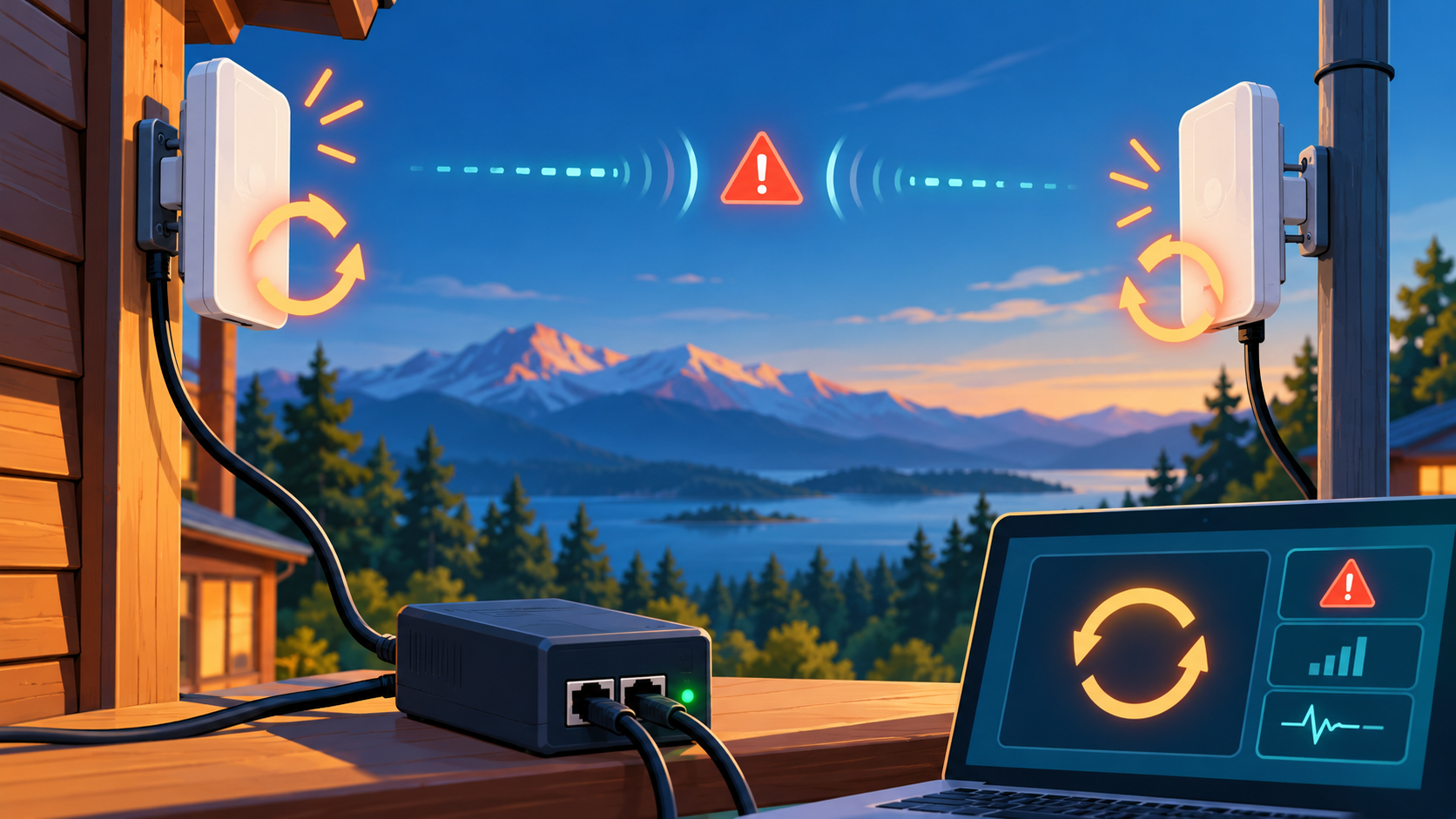
Thumbnail: original AI-generated conceptual illustration; not a fitting, wiring or measurement diagram. Reviewed 1 November 2026.