Schedule Large Game Updates Around a Starlink Data Allowance
Tips & Tricks
Large patches can consume a substantial part of a travel allowance before anyone plays. Plan update windows and storage space before leaving, rather than discovering an essential download at the campsite.
Work through the setup
Step 1
List the games and devices that must work on the trip. Open each launcher and check for pending updates while you still have suitable connectivity.
Step 2
Check the download size and available disk space. A patch's compressed download and required temporary storage are not necessarily the same figure.
Step 3
Review automatic-update and per-game controls in the launcher. Prioritise essential titles and defer optional downloads through supported settings.
Step 4
Compare the planned downloads with the remaining Starlink allowance, including other people's streaming and work needs.
Step 5
Finish essential updates and test launching the games. Offline modes may need preparation or account checks, so test the actual activity.
Step 6
After the trip, review any deferred queue and return to your preferred update policy. Keep account security updates separate from optional content.
Worked example
Suppose a game launches at home but demands a large mandatory patch on the first evening away. A per-game update preference did not guarantee that the current installation would remain playable offline. Test the intended account, mode and device before leaving. Keep enough local storage for updates and decide which games are genuinely essential. This avoids using a travel allowance for downloads that could have been completed earlier.
Interpret the result
- Required patch remains: Complete it before relying on the game.
- Offline launch fails: Resolve the publisher's requirements before departure.
- Allowance is tight: Prioritise essential content and defer optional downloads.
Checks and limitations
A scheduled window does not guarantee every launcher will obey it. Check each platform separately and verify completion. Avoid promising offline access to a game until it has been tested with the intended account and device.
Should I update games before taking Starlink Mini camping?
Yes, where practical: finish essential patches on a suitable connection and test the games before departure. Review each launcher's update controls and compare remaining downloads with the Roam allowance. Do not assume an offline mode works until you test it.
Sources and review
Official documentation for this guide
Reviewed: 11 November 2026. The practical sequence and worked example are Starlink Tips editorial guidance. Check current instructions for your hardware, software and country.
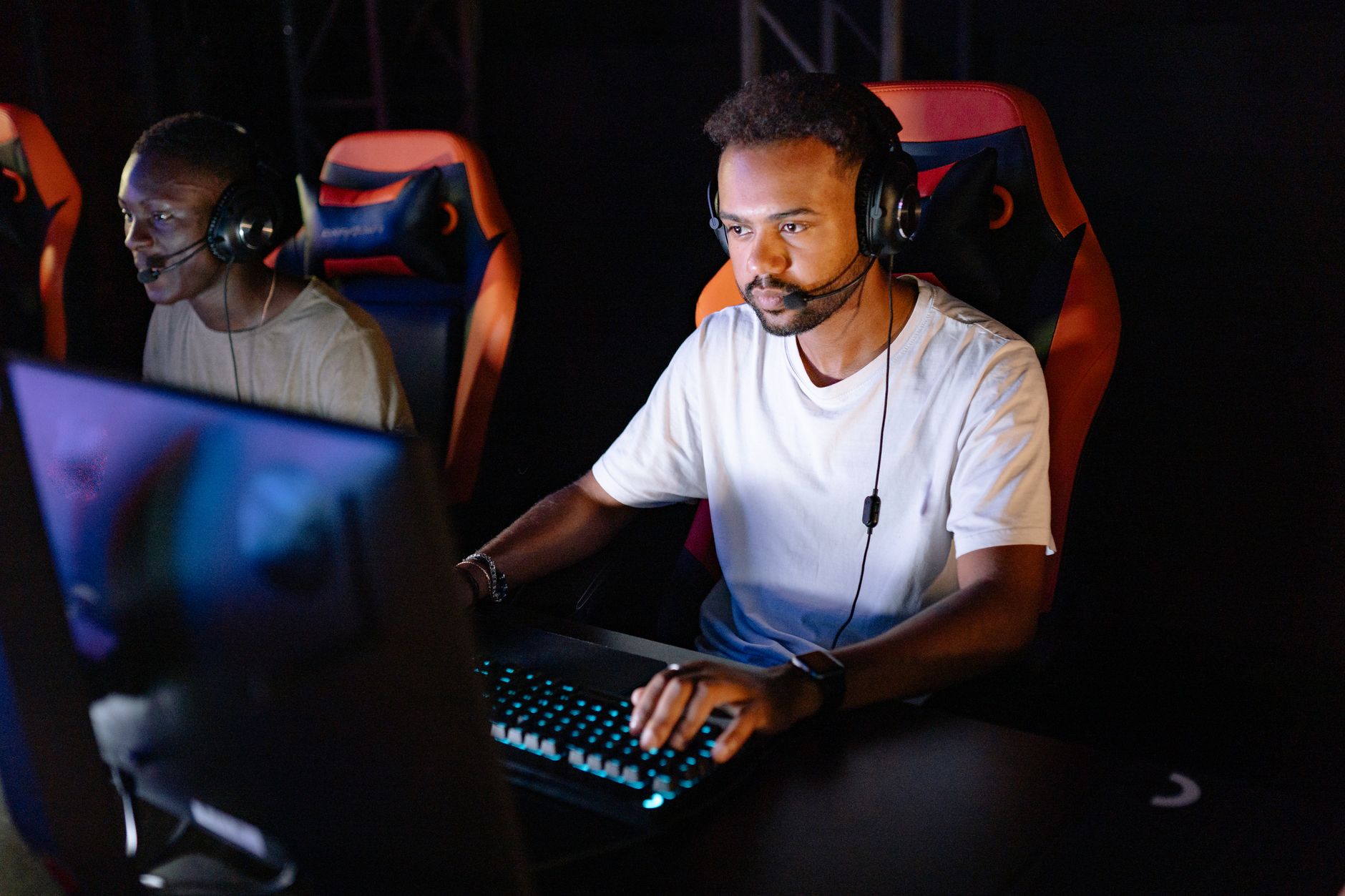
Illustrative photograph: Two young men engaged in an intense esports gaming session with headsets in a dark room. Credit: Yan Krukau.