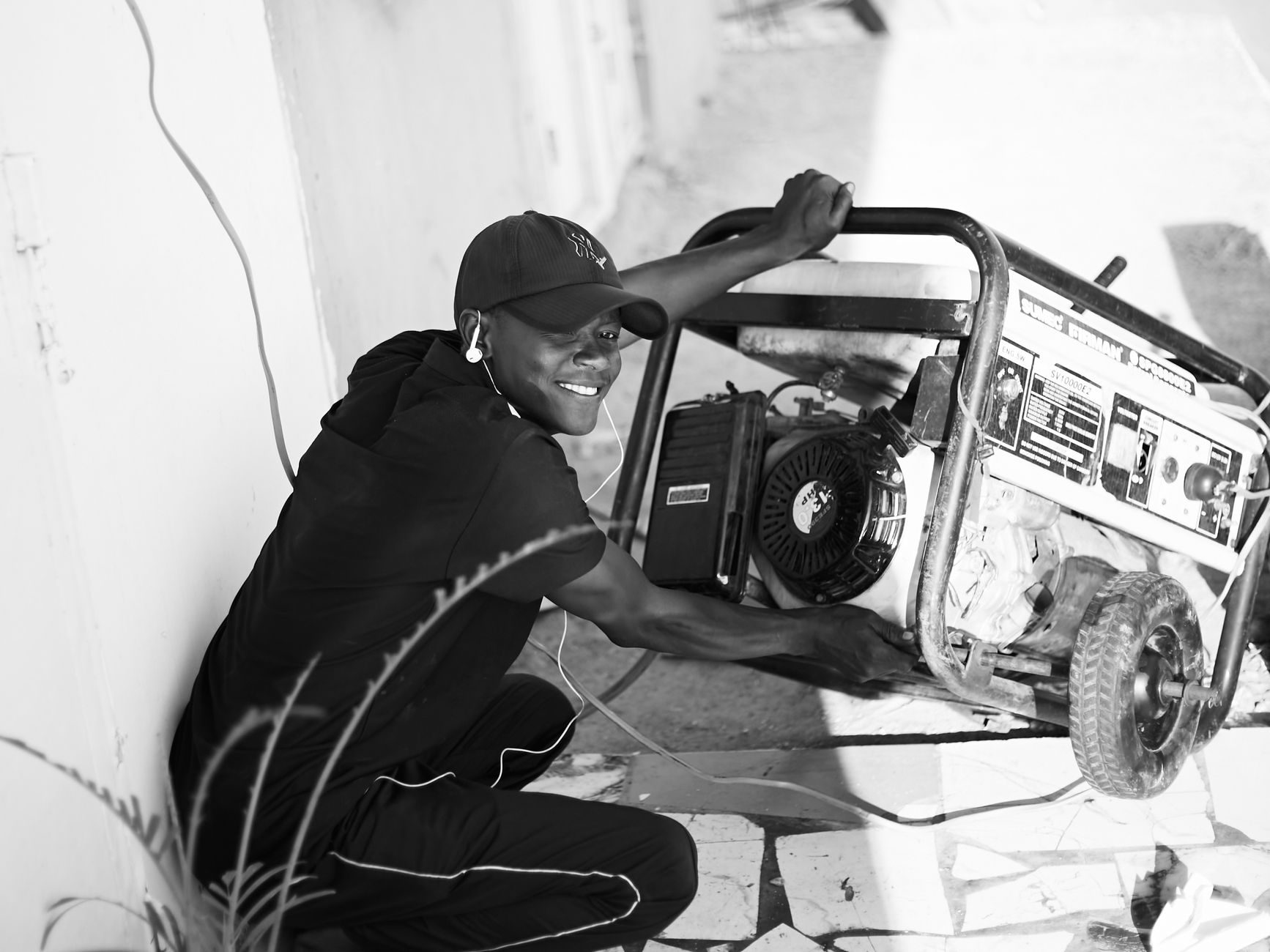
How to Run Starlink From a Generator Safely During a Power Cut
Equipment & Accessories
Starlink can keep working during a mains power cut if the generator, connection method and fuel plan are all suitable. The important detail is that a generator is not a substitute for safe electrical installation: portable generators must stay outdoors, and any connection to fixed household wiring needs the correct transfer equipment installed by a qualified electrician.
This guide is for a normal AC-powered Starlink setup. Exact power use, connectors and operating limits vary by dish and router generation, so check the instructions for your hardware before connecting it to backup power.
The short version
- Measure the complete Starlink load, including the power supply, router and any network equipment you need during an outage.
- Use a generator whose continuous rating comfortably covers that load, with headroom for starting and changing demand.
- Put the generator outdoors in a dry, well-ventilated position prescribed by its manufacturer, away from doors, windows and air intakes.
- Use an approved outdoor extension lead or a properly installed transfer switch. Never backfeed a house through a wall socket.
- Start the generator before connecting sensitive equipment, verify that its output is stable, and keep large appliances off the same circuit.
- Stop and isolate the setup if the generator is overloaded, unstable, wet, damaged or producing an alarm.
1. Decide whether you need a portable or standby setup
A portable generator normally powers selected equipment through its own outlets and a suitable extension lead. This is the simplest arrangement for keeping Starlink online in one room or at a temporary work area.
A standby generator can supply selected household circuits through a transfer switch. That switch prevents generator power and utility power from being connected in an unsafe way. Have fixed wiring, transfer equipment and any inlet installed or checked by a qualified electrician who follows local rules.
Do not connect a portable generator to a household wall socket to energise the building. That can send power back into the utility wiring, put people at risk and damage equipment. A cable with two male plugs is especially dangerous and must never be used.
2. Measure the load before choosing a generator
The generator label is only useful if you compare it with the equipment you will actually run.
Include:
- the Starlink dish and power supply;
- the Starlink router, or a third-party router if you use bypass mode;
- a mesh node, Ethernet switch or access point that must remain on;
- a laptop, monitor or other essential work equipment;
- any battery charger or UPS connected in the backup path.
A plug-in energy meter can show the normal watts and, on some models, the highest observed load. Measure the complete setup in its normal arrangement rather than relying on a generic Starlink number.
Compare the result with the generator's continuous output rating, not just its short-term or peak rating. Leave practical headroom for equipment starting, cold weather, dish heating and other loads that may be added later. Also check the generator's outlet voltage, frequency, current limit and any guidance about sensitive electronic equipment.
A generator that is large enough on paper can still be a poor choice if its output fluctuates, its overload protection trips often or its outlets cannot supply the connection method you plan to use.
3. Choose a safe connection path
Portable generator to Starlink
For a temporary setup, the usual path is:
Generator outlet -> approved outdoor extension lead -> suitable UPS or surge protection, if used -> Starlink power supply and router
Use a cable that is rated for the generator outlet, the expected current, the outdoor environment and the distance. Keep plugs and sockets dry, raised from puddles and protected exactly as the cable and generator manufacturers require.
A UPS may bridge short changes while the generator starts or a load changes, but it does not make an unsafe generator safe. Check that the UPS accepts the generator's output and that its capacity covers the connected equipment. Do not assume that every UPS behaves well with every generator.
Standby generator and household circuits
If Starlink is connected to a household circuit served by a standby generator, the transfer switch and installation need to be correct for the property. Do not improvise a second supply, remove covers or alter neutral and earth connections. Ask an electrician to verify the arrangement if anything is unclear.
4. Start the generator safely
Before starting:
- Read the generator instructions and confirm that the fuel, oil and maintenance checks are complete.
- Move the generator to a stable outdoor position where exhaust cannot collect near the building.
- Keep it away from doors, windows, vents, garages, sheds, covered porches and other enclosed or semi-enclosed spaces.
- Use a carbon-monoxide alarm inside the building, but do not treat an alarm as permission to place the generator closer.
- Check that the extension lead and every plug are dry, intact and fully compatible.
- Turn off or unplug non-essential loads.
Start the generator with the Starlink equipment disconnected or switched off where the manufacturer permits. Let the generator reach stable operation, then connect the essential load according to its instructions. Avoid adding a large appliance at the same moment as the Starlink power supply.
Never refuel a running or hot generator. Shut it down, allow it to cool as directed, and keep fuel away from ignition sources. Follow local storage rules.
5. Bring Starlink back online
Once generator power is stable:
- Connect the approved extension lead or transfer-supplied circuit.
- Power the Starlink router and dish using the normal Starlink equipment and cable arrangement.
- Leave time for the dish to boot and reacquire service. A power cut does not necessarily mean the dish or router has failed.
- Check the Starlink app for the current connection state, alerts and obstructions.
- Test one nearby device first, then add only the network equipment and work devices you actually need.
- Watch the generator for overload warnings, unusual noise, unstable output or repeated trips.
If the Starlink system repeatedly reboots when another appliance starts, remove that appliance from the circuit and check the generator's load. If the generator is hunting, alarming or unstable with the Starlink connected, shut the load down and follow the generator manufacturer's troubleshooting guidance. Do not keep reconnecting sensitive equipment to an output that is not stable.
6. Plan runtime instead of guessing
Use your measured load to estimate energy:
Energy in kilowatt-hours = watts x hours / 1,000
For example, a complete setup measured at 90 watts would use about 0.72 kWh over eight hours. That number describes the electricity used by the equipment; it does not tell you how much fuel the generator will burn. Fuel consumption depends on the generator, its efficiency, load, eco mode, weather and maintenance.
Keep a written plan for:
- the measured Starlink load and the other devices you will run;
- the generator's continuous and peak ratings;
- the fuel available and the expected refill schedule;
- where the generator, cables and carbon-monoxide alarms will be placed;
- which loads must remain off;
- how you will shut everything down before refuelling or ending the outage.
If you only need internet for short periods, a UPS or battery power station may be quieter and simpler. If you need longer runtime or want to supply household circuits, compare the complete installation cost and safety requirements rather than choosing by wattage alone.
Generator and Starlink safety checklist
- [ ] The complete Starlink load has been measured.
- [ ] The generator's continuous rating leaves headroom.
- [ ] The generator is outdoors and its exhaust cannot enter the building.
- [ ] A qualified electrician has installed any fixed wiring or transfer switch.
- [ ] No wall socket, improvised inlet or double-ended cable is being used.
- [ ] Outdoor leads and connections are dry, intact and correctly rated.
- [ ] The UPS, if used, is compatible with the generator output.
- [ ] Essential loads are separated from heaters, kettles and other heavy appliances.
- [ ] Fuel will only be added after the generator is shut down and cool.
- [ ] You know how to isolate the setup if it becomes wet, overloaded or unstable.
Bottom line
A generator can be a useful Starlink backup, but the safe arrangement is measured, outdoor, correctly connected and deliberately limited to essential loads. Treat the generator as an electrical installation with its own hazards, not just as a bigger battery. When fixed wiring, transfer equipment or the output quality is uncertain, stop and involve a qualified professional.
Get One Month of Starlink Free
Order through my referral link and activate your service. Your second month of Starlink service will be free.